








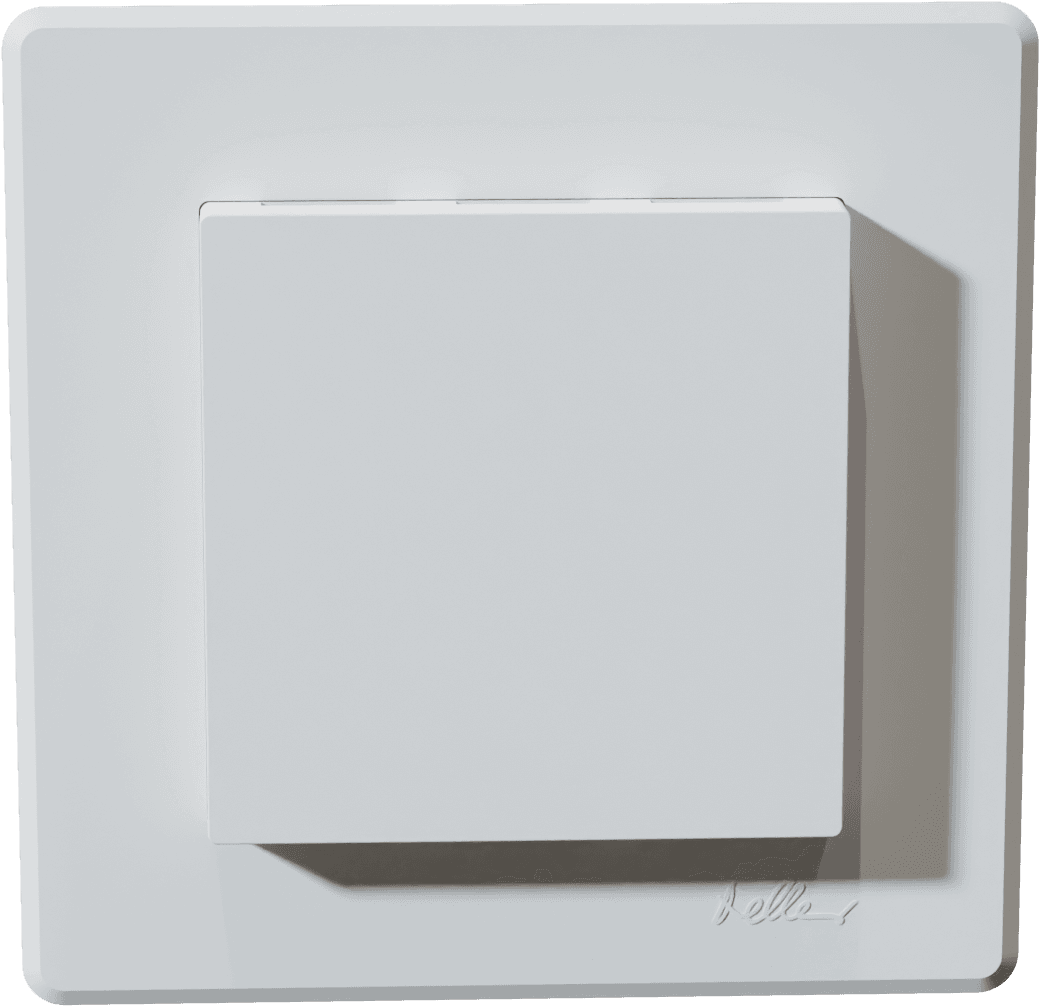
sensortec AG - Room Sensor EL-THCV-MB
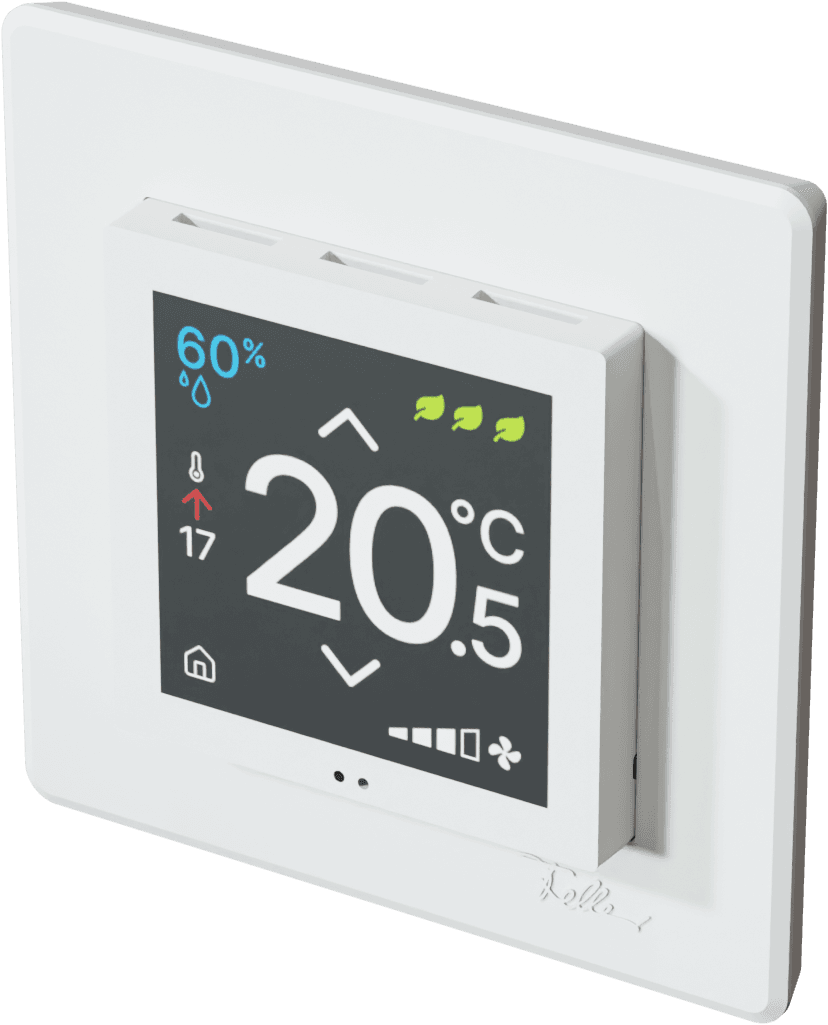
Measures room temperature, humidity, CO2, and VOC via Modbus RTU.
Template for the sensortec AG EL-THCV-MB flush-mount room sensor series. Reads temperature, relative humidity, CO2, and TVOC values over Modbus RTU at 38400 baud. Supports all TH, THC, THV, and THCV variants including models with optional operating elements.
- Protocol
- Modbus RTU
- Connection
- RS485, 38400 baud
- Registers
- 7, read and write
- Brand
- sensortec AG
- Key readings
- Temperature · Relative humidity · CO2 concentration · TVOC concentration
- Available commands
- Device base address · Temperature offset · Reset
- Compatible models
- EL-TH-MB-V2.1 · EL-THC-MB-V2.1 · EL-THV-MB-V2.1 · EL-THCV-MB-V2.1 · EL-TH-P-MB-V2.1 · EL-THC-P-MB-V2.1 · EL-THV-P-MB-V2.1 · EL-THCV-P-MB-V2.1 · EL-TH-PTL-MB-V2.1 · EL-THC-PTL-MB-V2.1 · EL-THV-PTL-MB-V2.1 · EL-THCV-PTL-MB-V2.1
- Last updated
Registers (7)
4 read, 3 write
| Name | Unit | Access | Address (Hidden until you enter your email) | Function (hidden) | Type (hidden) |
|---|---|---|---|---|---|
| Analogue sensor - temperature | °C | Read | |||
| Analogue sensor - Relative humidity | r.H. | Read | |||
| Analogue sensor - CO2 concentration | ppm | Read | |||
| Analogue sensor - TVOC concentration | ppb | Read | |||
| Device base address | Write | ||||
| Temperature Offset | K | Write | |||
| Reset | Write |
Loading registers…
Send your device list
If a device is not in the library yet, we build the template for free as soon as we have the register data.
Use cases
- Monitor room temperature and relative humidity on a live cloud dashboard for multiple zones in a building.
- Track CO2 concentration over time and create alerts when levels exceed recommended thresholds for occupied spaces.
- Log TVOC readings to identify indoor air quality issues and provide data reports to building owners.
- Compare indoor climate data across rooms to optimize HVAC setpoints and reduce energy consumption.
- Set up an alert when temperature drops below or rises above a configurable comfort range for more than 15 minutes.
- Remotely verify sensor health and adjust the temperature offset without visiting the site.
Installation
Wire the sensortec AG room sensor to a 24 VDC or 24 VAC power supply and connect the RS485 A and B lines to the ModbusCloud Gateway.
Set the Modbus base address on the sensor according to the sensortec AG documentation, ensuring no address conflicts with other devices on the bus.
Configure the Modbus gateway serial port to use Modbus RTU at 38400 baud with the correct parity and stop bit settings (refer to the sensor datasheet for defaults).
Import the sensortec AG EL-THCV-MB template from the ModbusCloud template library into your project.
Assign the template to the correct gateway port and enter the configured Modbus slave address.
Verify that live readings for temperature and humidity appear on the dashboard, then confirm CO2 and TVOC values if you are using a THC, THV, or THCV variant.
Things to watch for
Why do CO2 or TVOC readings show zero or no data?
Available registers depend on the product variant. TH models do not have CO2 or TVOC sensors. Verify your order number to confirm which measurements your specific model supports.
The gateway cannot communicate with the sensor. What should I check?
Confirm the baud rate is set to 38400 on both the sensor and the gateway. Check that the RS485 A and B wires are not swapped, and verify the configured Modbus slave address matches on both sides.
Can I connect multiple sensortec room sensors on one RS485 bus?
Yes. Each sensor must have a unique Modbus base address. Use the sensor configuration to assign distinct addresses before connecting them to the same bus.
How do I apply a temperature offset for calibration?
The template includes a writable register for temperature offset. You can adjust this value from the ModbusCloud platform or set it directly on the device during commissioning.

Want to see how it works?
