








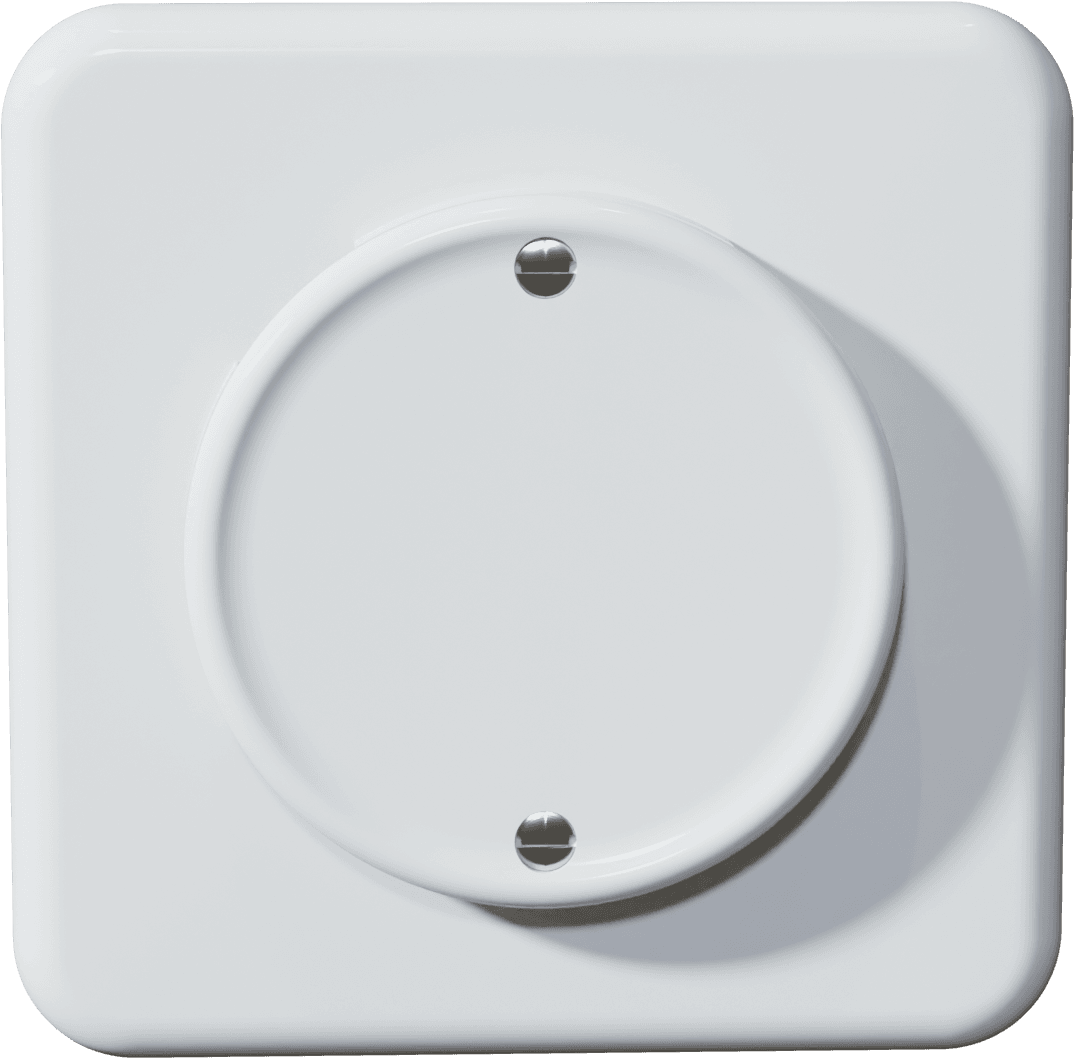
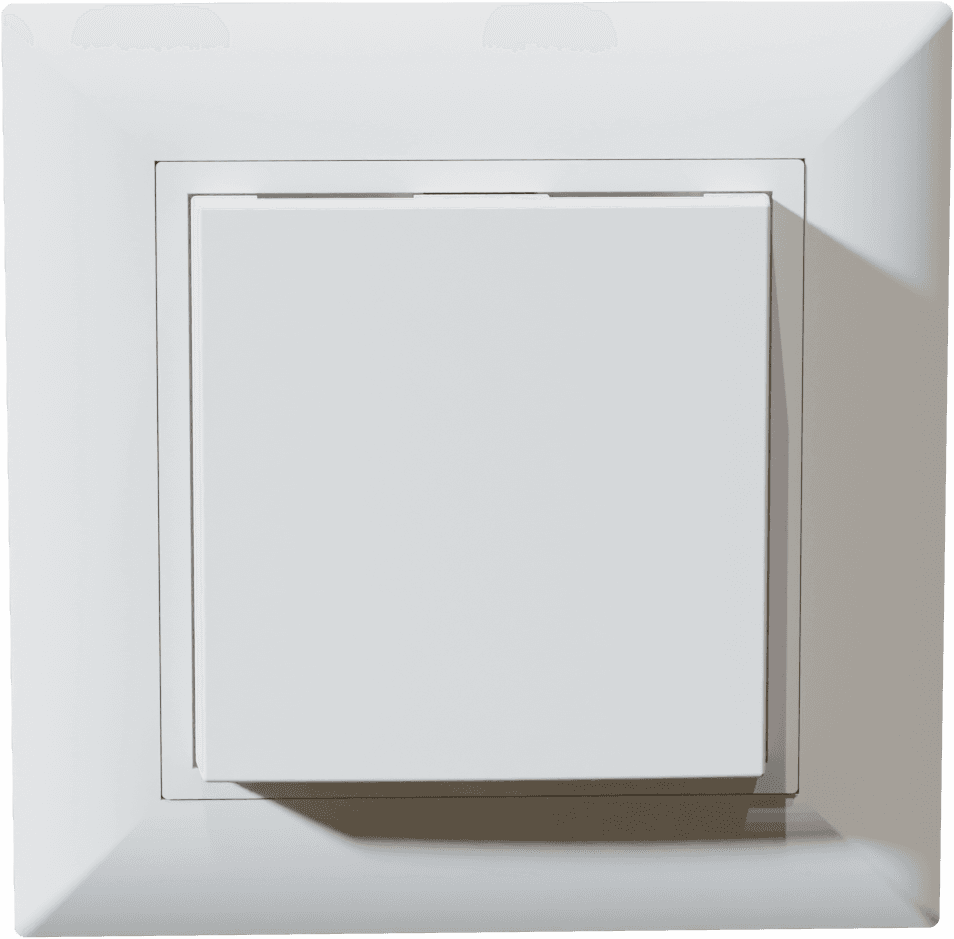
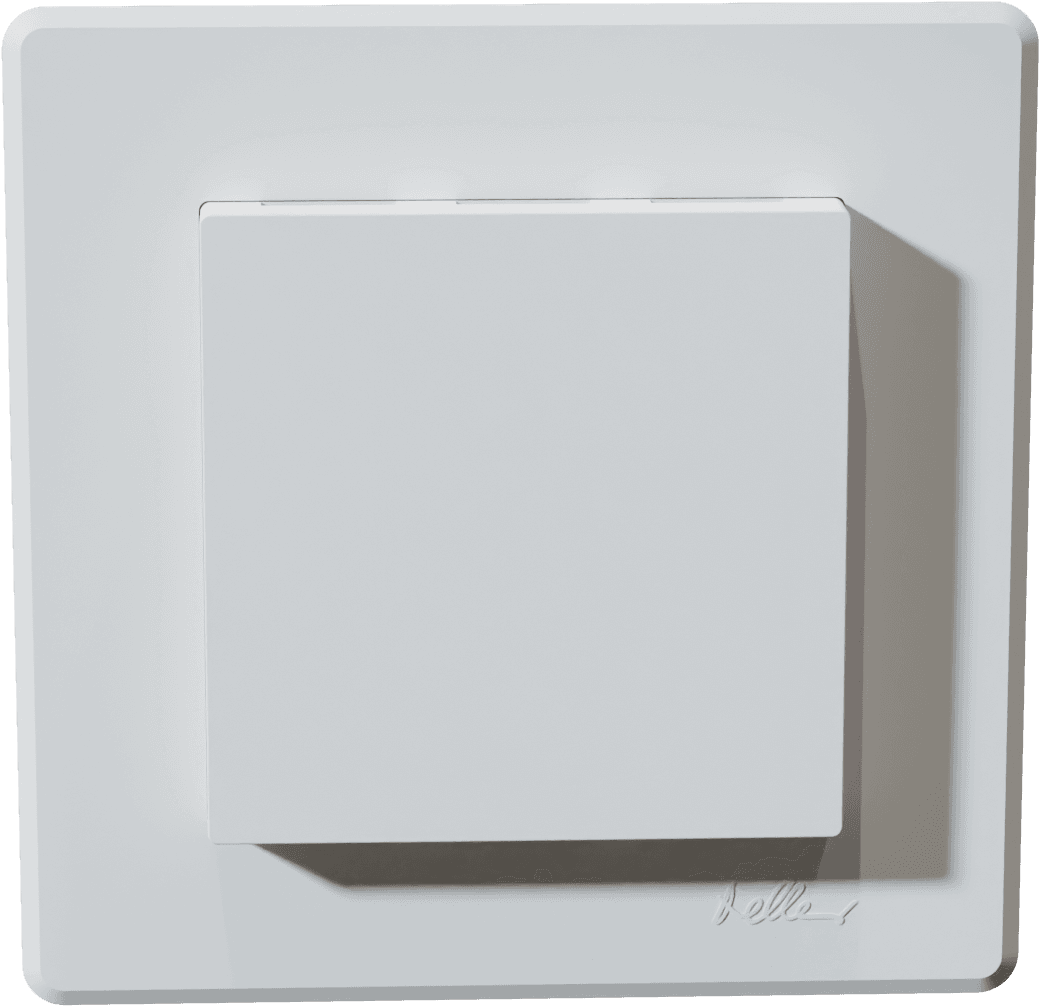
sensortec AG - Room Sensor SD-THCV-MB
Measures room temperature, humidity, CO2, and VOC via Modbus RTU.
Template for the sensortec AG SD-THCV-MB series flush-mount room sensors. Reads temperature, relative humidity, CO2, and TVOC values over Modbus RTU at 38400 baud. Also allows configuration of device base address, temperature offset, and reset.
- Protocol
- Modbus RTU
- Connection
- RS485, 38400 baud
- Registers
- 7, read and write
- Brand
- sensortec AG
- Key readings
- Temperature · Relative humidity · CO2 concentration · TVOC concentration
- Available commands
- Device base address · Temperature offset · Reset
- Compatible models
- SD-TH-MB-V2.1 · SD-THC-MB-V2.1 · SD-THV-MB-V2.1 · SD-THCV-MB-V2.1 · SD-TH-P-MB-V2.1 · SD-THC-P-MB-V2.1 · SD-THV-P-MB-V2.1 · SD-THCV-P-MB-V2.1 · SD-TH-PTL-MB-V2.1 · SD-THC-PTL-MB-V2.1 · SD-THV-PTL-MB-V2.1 · SD-THCV-PTL-MB-V2.1
- Last updated
Registers (7)
4 read, 3 write
| Name | Unit | Access | Address (Hidden until you enter your email) | Function (hidden) | Type (hidden) |
|---|---|---|---|---|---|
| Analogue sensor - temperature | °C | Read | |||
| Analogue sensor - Relative humidity | r.H. | Read | |||
| Analogue sensor - CO2 concentration | ppm | Read | |||
| Analogue sensor - TVOC concentration | ppb | Read | |||
| Device base address | Write | ||||
| Temperature Offset | K | Write | |||
| Reset | Write |
Loading registers…
Send your device list
If a device is not in the library yet, we build the template for free as soon as we have the register data.
Use cases
- Monitor room temperature and humidity on a live cloud dashboard to verify HVAC setpoints.
- Create an alert when CO2 concentration exceeds 1000 ppm to trigger ventilation adjustments.
- Log TVOC levels over time to document indoor air quality compliance for building certifications.
- Compare climate data across multiple rooms by connecting several SD-THCV-MB sensors on one RS-485 bus.
- Remotely adjust the temperature offset register to calibrate a sensor without a site visit.
- Generate weekly indoor air quality reports for facility managers using historical trend data.
Installation
Connect the sensor to 24 VDC or 24 VAC power and wire the RS-485 A and B terminals to the ModbusCloud gateway using shielded twisted-pair cable.
Set a unique Modbus base address on each sensor to avoid conflicts when multiple devices share the same bus.
Configure the ModbusCloud gateway serial port to Modbus RTU with a baud rate of 38400, matching the sensor default.
Import the sensortec AG SD-THCV-MB template from the ModbusCloud template library and assign the correct Modbus address to the device.
Verify that temperature, humidity, CO2, and TVOC readings appear on the ModbusCloud dashboard after the first poll cycle.
If needed, apply a temperature offset via the writable register in the template to calibrate the sensor reading.
Things to watch for
No data appears after connecting the sensor. What should I check?
Verify that the gateway serial port is set to 38400 baud, which is the fixed baud rate of the SD-THCV-MB. Also confirm that the RS-485 A and B wires are not swapped and that the configured Modbus address matches the sensor base address.
Why do I only see temperature and humidity but not CO2 or TVOC?
The available readings depend on the sensor variant. TH models only measure temperature and humidity. You need a THC, THV, or THCV variant to get CO2 or TVOC data. Check the order number printed on the device.
Can I change the baud rate on these sensors?
No. The sensortec SD-THCV-MB series uses a fixed baud rate of 38400. You must configure the Modbus gateway to match this setting.
How do I address multiple sensors on the same RS-485 bus?
Each sensor must have a unique Modbus base address. You can set the base address through the writable register exposed in the template or according to the sensor configuration instructions. Avoid address conflicts with other devices on the bus.
Want to see how it works?
