

SMA SHM20
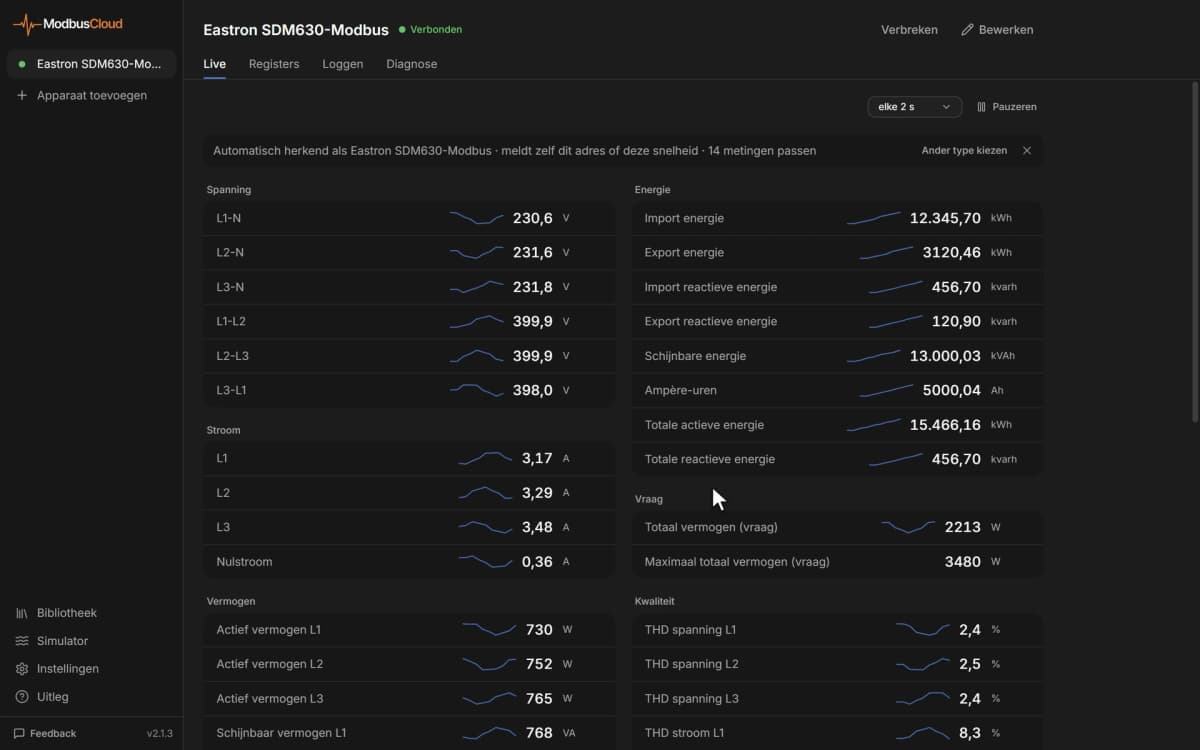
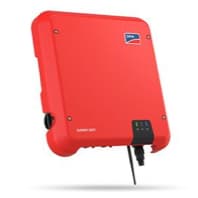
The SMA SHM 2.0 (Sunny Home Manager 2.0) is a home energy management gateway that sits at the grid connection point of PV installations and measures all power flows in real time. This Modbus TCP template reads per-phase voltages, currents, and frequency alongside per-phase and total active power for both grid consumption and grid export, plus reactive power across all three phases. Cumulative energy registers for consumption and production complete the picture, giving your ModbusCloud portal a full electrical portrait of the installation boundary. Installers gain immediate visibility into grid exchange without any additional metering hardware.
- Protocol
- Modbus TCP
- Connection
- Ethernet, Modbus TCP
- Registers
- 21, read only
- Brand
- SMA
- Last updated
Registers (21)
21 read, 0 write
| Name | Unit | Access | Address (Hidden until you enter your email) | Function (hidden) | Type (hidden) |
|---|---|---|---|---|---|
| voltage_l1 | V | Read | 31253 | FC03 | uint32 |
| voltage_l2 | V | Read | 31255 | FC03 | uint32 |
| voltage_l3 | V | Read | 31257 | FC03 | uint32 |
| reactive_power_l1 | W | Read | 31271 | FC03 | int32 |
| reactive_power_l2 | W | Read | 31273 | FC03 | int32 |
| reactive_power_l3 | W | Read | |||
| reactive_power | var | Read | |||
| current_l1 | A | Read | |||
| current_l2 | A | Read | |||
| current_l3 | A | Read | |||
| frequency | Hz | Read | |||
| active_consumption_energy | Wh | Read | |||
| active_production_energy | Wh | Read | |||
| active_consumption_power | W | Read | |||
| active_production_power | W | Read | |||
| active_production_power_l1 | W | Read | |||
| active_production_power_l2 | W | Read | |||
| active_production_power_l3 | W | Read | |||
| active_consumption_power_l1 | W | Read | |||
| active_consumption_power_l2 | W | Read | |||
| active_consumption_power_l3 | W | Read |
Loading registers…
Send your device list
If a device is not in the library yet, we build the template for free as soon as we have the register data.
Use cases
- Monitor per-phase active consumption and export power to detect load imbalances across L1, L2, and L3.
- Track cumulative grid consumption and production energy to verify monthly self-consumption ratios.
- Alert on unexpected drops in grid frequency to identify grid stability events at the connection point.
- Compare per-phase voltages over time to spot undervoltage or overvoltage conditions on individual phases.
- Report total active production power alongside consumption power to validate PV system net output daily.
Installation
Enable the Modbus TCP interface on the SMA SHM 2.0 by logging into Sunny Portal, navigating to the device configuration section, and activating the grid management services Modbus option on port 502; a Grid Guard Code is required for this step.
Connect the SMA SHM 2.0 to your local Ethernet network and confirm it has a static or DHCP-reserved IP address reachable from the ModbusCloud Gateway on the same LAN segment.
In your ModbusCloud portal, add the ModbusCloud Gateway, import the SMA SHM 2.0 template, enter the device IP address, set port to 502, and assign the correct unit ID (typically 3 for the SHM itself, confirm in Sunny Portal).
Verify the connection by spot-checking register 31447 (frequency) in the portal live view: a reading of approximately 50 Hz confirms Modbus polling is active and the unit ID is correct.
Things to watch for
The gateway connects but all register values show as zero or NaN.
The SMA SHM 2.0 Modbus interface must be explicitly activated in Sunny Portal under grid management services. If the interface has not been enabled, or a firmware update reset the setting, the device will accept the TCP connection but return NaN for all data registers. Re-enable Modbus and confirm with the Grid Guard Code.
Why do I receive error code 11 when polling the SHM 2.0?
Error code 11 indicates a unit ID mismatch. The SMA SHM 2.0 uses a unit ID separate from connected inverters, typically 3, but this can differ by installation. Check the unit ID assigned to the SHM in Sunny Portal's plant overview and update the value in your ModbusCloud portal template configuration to match.
Voltage and current readings look correct but reactive power values seem wrong.
Registers reactive_power_l1 through reactive_power_l3 use a signed int32 with a unit label of 'W' in this template, while the aggregate reactive_power register correctly reports in var. Cross-check the raw register value against the scaling applied in your portal; SMA 32-bit registers use big-endian word order (high word first).
The SHM stopped returning values after a firmware update.
SMA firmware updates can reset the Modbus TCP activation state. After any firmware upgrade, return to Sunny Portal and re-enable the Modbus interface under grid management services, re-entering the Grid Guard Code if prompted. Then confirm TCP connectivity on port 502 before resuming polling.


Knowledge base articles for this device
Want to see how it works?