

SMA Modbus: reading a Sunny Boy over Modbus TCP (installers)
SMA Modbus explained: enable the Modbus TCP server on port 502, choose between the SMA profile (unit ID 3) and SunSpec (unit ID 126), read the right registers, and handle the NaN values at night. Practical guide for installers.
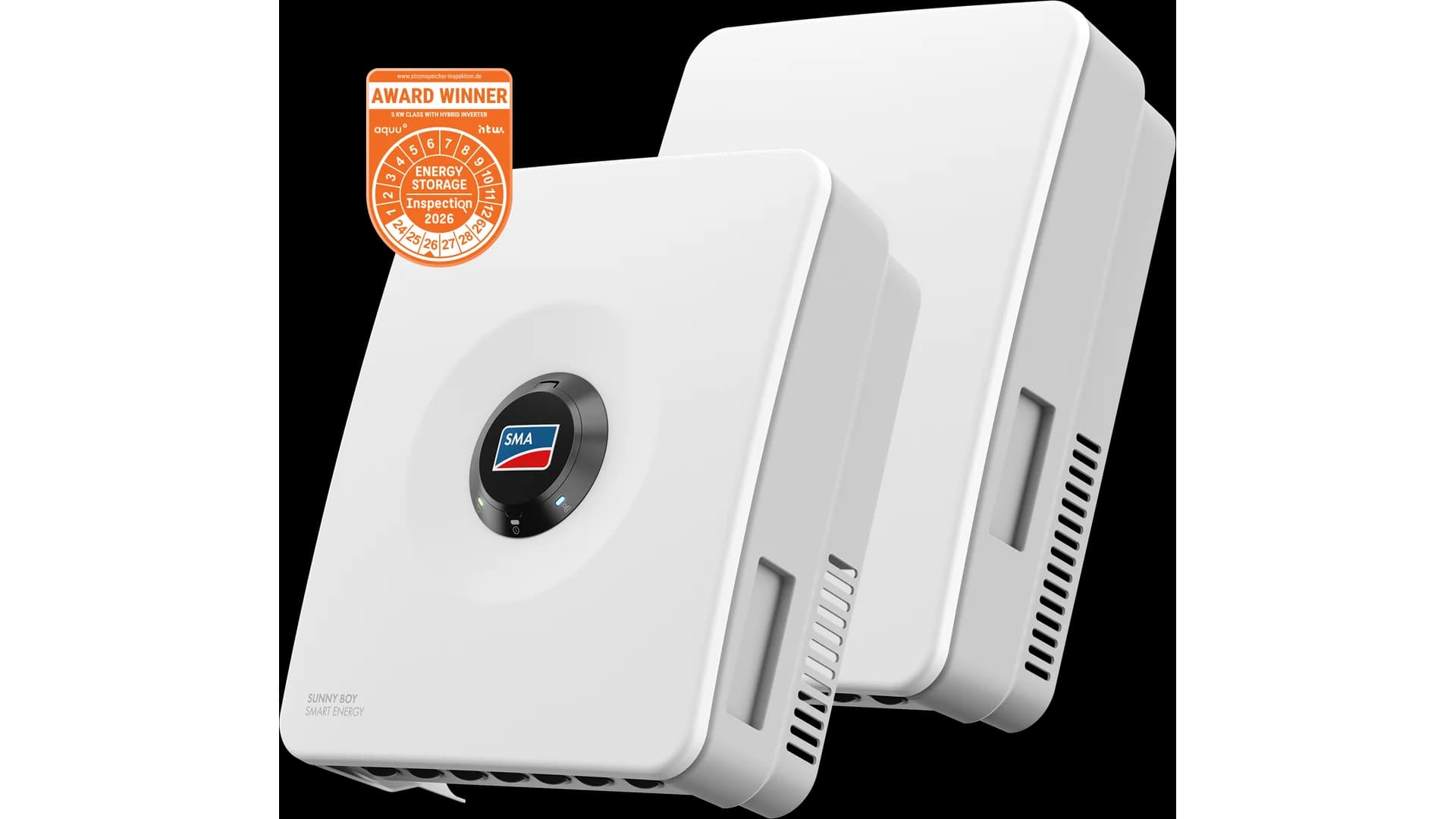
SMA Modbus means reading an SMA Sunny Boy inverter locally over Modbus TCP instead of through the manufacturer's Sunny Portal. You open a Modbus TCP connection to the inverter on port 502, pick one of the two Modbus profiles that SMA offers, and get AC power, total yield, grid voltage, temperature and the operating state directly. For an installer, that is the basis for your own monitoring, alerting and energy management, without depending on a manufacturer account. This guide explains how to enable the Modbus TCP server, the difference between the SMA profile (unit ID 3) and the SunSpec profile (unit ID 126), which registers matter, and why you read strangely large numbers at night.
Updated: July 2026.
What this guide covers
- Which SMA inverters speak Modbus and over which interface
- Enabling the Modbus TCP server through the inverter web UI
- SMA profile (unit ID 3) versus SunSpec profile (unit ID 126): when to pick which
- The registers you use in practice, with data types and scaling
- Why you read 2,147,483,648 at night and how to handle that NaN value
- Common problems and their causes
Free: RS485 and Modbus RTU installation checklist (PDF)
The pre-commissioning checklist for every RS485 bus. Print it and take it to site.
- Wiring order: A/B polarity, GND and shielding
- Termination and biasing, with the multimeter checks
- Communication settings crib sheet (baud rate, parity, stop bits)
- The 10 most common faults and how to spot them
What is Modbus TCP on an SMA Sunny Boy?
Modbus TCP on an SMA Sunny Boy is a local Modbus server that the inverter exposes over Ethernet or WiFi on port 502, the IANA default port for Modbus TCP. The server is disabled by default and sits in every Speedwire or Webconnect device, so in practically every Sunny Boy and Sunny Tripower installed in the last decade. You need no extra hardware to pull the production data, only a Modbus client or gateway on the same subnet.
The appeal of this route is independence. Where the Sunny Portal (and the newer ennexOS environment) requires a cloud account, internet and the SMA infrastructure, Modbus TCP talks directly on your own network. That enables local alerts, longer data retention and vendor-neutral consolidation. For the protocol basics it helps to keep what is Modbus at hand; this guide assumes you know what a holding register is.
What you need
Before you can read SMA Modbus, check four things. Without this baseline you will hit a timeout or an empty response on the first poll.
- An SMA inverter with Speedwire or Webconnect (any modern Sunny Boy and Sunny Tripower). Older models without a network interface speak Modbus only through a separate SMA Modbus data module.
- A network connection to the inverter, over the built-in Ethernet port or WiFi, on the same subnet as your Modbus client.
- The inverter IP address, plus access to the web UI with the installer account (SMA asks for the installer code before parameter changes).
- A Modbus client or gateway that can poll port 502, plus the register map further down this guide.
Enabling the Modbus TCP server
Modbus TCP is off by default. You enable it through the inverter's built-in web UI, reachable at the inverter IP address or through the internal WiFi access point. The procedure is short and identical for Sunny Boy and Sunny Tripower.
- 1
Log in to the inverter
Open the inverter web UI in a browser on the same network, or connect to the inverter's internal WiFi access point. Log in with the installer account, not the user account, otherwise the communication parameters are greyed out.
- 2
Go to External Communication
Navigate to Device Parameters and then External Communication. This holds the Modbus section with the TCP server and the unit ID setting.
- 3
Set the TCP server to On
Set TCP server to On. The port is fixed at 502. The inverter now starts a Modbus server on the network interface.
- 4
Note the unit ID
Note the configured unit ID (factory default 3). That 3 is the identity for the SMA profile; for the SunSpec profile you use the same inverter on unit ID 126 (see the next section).
- 5
Test the connection
From your client, poll register 30775 (AC power, SMA profile) on unit ID 3, or holding register 40000 on unit ID 126 for the SunSpec marker SunS. If you get a plausible value back, the server is running correctly.
Important: local Modbus reading runs alongside the Sunny Portal, not instead of it. The inverter keeps talking to the SMA cloud over HTTPS for warranty, firmware updates and remote monitoring, while you read the same device locally on port 502. You change nothing about the portal connection.
SMA profile or SunSpec profile: which do you pick?
This is the core of SMA Modbus and the reason SMA works differently from most brands. Every SMA inverter exposes two register profiles at once on port 502, distinguished by the unit ID.
The SMA Modbus profile is vendor specific. The inverter has factory unit ID 3 here. The registers sit in the 30000 block, use fixed data types with implicit decimals (SMA calls this FIX0 to FIX3) and have their own NaN values. This profile gives the most SMA-specific measurements.
The SunSpec Modbus profile follows the open SunSpec standard. The unit ID is the SMA unit ID plus 123, so 126 by default. The register map starts at 40001 with the ASCII marker SunS and is identical to other SunSpec brands like SolarEdge and Fronius. You switch nothing: you point the client at unit ID 126.
The SMA registers that matter
The registers below follow the SMA Modbus profile (unit ID 3) from the SMA-Modbus-general technical information. Addresses are stable across firmware revisions, but always verify with a test poll before you build dashboards. Read these registers with function code 03 (holding) or 04 (input), depending on your client.
| Adres | Naam | Type | Eenheid | R/RW | Beschrijving |
|---|---|---|---|---|---|
| 30201 | Condition | U32 | enum | R | Status: 35 = fault, 303 = off, 307 = ok, 455 = warning |
| 30231 | Nominal power | U32 | W | R | Rated AC power of the inverter |
| 30513 | Total yield | U64 | Wh | R | Total energy produced since installation |
| 30517 | Daily yield | U64 | Wh | R | Daily yield, resets at midnight |
| 30775 | AC power | S32 | W | R | Active AC power total, FIX0 (no decimals) |
| 30783 | Grid voltage L1 | U32 | V | R | Grid voltage phase L1, FIX2 (divide by 100) |
| 30803 | Grid frequency | U32 | Hz | R | Grid frequency, FIX2 (divide by 100) |
| 30953 | Internal temp | S32 | C | R | Internal temperature, FIX1 (divide by 10) |
Two things you must understand here, otherwise you read nonsense.
FIX data types instead of scale factors
Where SunSpec uses a separate scale-factor register, the SMA profile bakes the scaling into the data type. FIX0 means no decimals, FIX1 divide by 10, FIX2 divide by 100, FIX3 divide by 1000. Register 30803 (grid frequency) reads 5000 with FIX2, which is 50.00 Hz. Register 30775 (AC power) is FIX0, so the raw value is directly in watts. Work on the SunSpec profile instead, and the separate scale-factor registers apply as they do on SolarEdge; that approach is in the Modbus SolarEdge guide.
Why you read large numbers at night
This is the most reported SMA pitfall for DIY reading. The inverter CPU is powered from the PV voltage. At night, with no sunlight, the CPU is off and the registers return no real measurement but a NaN sentinel. For an S32 register like 30775 that is 0x80000000, which is 2,147,483,648 if you read it as unsigned by mistake. For U32 the sentinel is 0xFFFFFFFF and for U64 0xFFFFFFFFFFFFFFFF. You must catch these values in your client and interpret them as 0 W, otherwise your dashboard shows absurd spikes at night. This NaN handling is a known issue in open-source integrations such as evcc (issue #3030) and the Home Assistant Modbus integration.
For a usable monitoring set, four registers are enough: 30775 for real-time power, 30513 for total yield, 30201 for the operating state and 30953 for temperature (useful for derating detection in summer). To also measure export and consumption, add an SMA Energy Meter or Sunny Home Manager, which exposes its own Modbus measurements.
Solving common problems
Most SMA Modbus problems come down to a handful of causes. Work through this list if you get no connection or nonsense values.
- TCP server still off. The Modbus server is off by default. Check under External Communication whether the TCP server is On.
- Wrong unit ID. Polling the SMA profile? Use unit ID 3. Polling SunSpec? Use 126. A client on unit ID 1 (the default on many gateways) gets nothing back.
- NaN values not caught. Large numbers like 2,147,483,648 are not a measurement error but the night sentinel. Filter out 0x80000000, 0xFFFFFFFF and 0xFFFFFFFFFFFFFFFF.
- FIX scaling forgotten. A grid frequency of 5000 is 50.00 Hz (FIX2). Without dividing by 10, 100 or 1000 your values are wrong.
- Different subnet or firewall. The gateway sits on a different subnet than the inverter, or port 502 is blocked. Give the inverter a static IP or DHCP reservation so the address does not change.
Reading locally with a gateway
For a single inverter a Modbus client on a laptop or a Home Assistant instance is enough. Open-source integrations like pysma and the Home Assistant SMA link are widely used by prosumers reading their Sunny Boy locally. If you want to take that route yourself, Home Assistant Modbus integration gets you started.
For a growing fleet with multiple customers, a fixed gateway per site becomes more practical. A ModbusCloud Gateway (see the Gateway page) attaches to the local network, opens a Modbus TCP session to the inverter on port 502, polls the registers from the table above through the chosen profile, catches the NaN values and sends the values encrypted to a dashboard. The hardware is not tied to a specific model; the Gateway reads any SunSpec-compliant inverter the same way, so a mixed fleet of SMA, SolarEdge and Fronius consolidates into one overview.
The business hook is energy management. As self-consumption and dynamic tariffs grow across markets, local real-time production data becomes the basis for battery control, export limiting during grid congestion, and vendor-neutral reporting. The Sunny Portal remains for cloud and warranty monitoring, but for your own alerts and consolidation, local Modbus reading is essential. The open SunSpec profile keeps that data layer portable across brands, which is exactly what a multi-brand installer fleet needs.
Frequently asked questions
Does an SMA Sunny Boy support Modbus out of the box?
Yes, every SMA inverter with Speedwire or Webconnect has a built-in Modbus TCP server on port 502, but it is off by default. You enable it in the web UI under Device Parameters, External Communication, Modbus. No extra hardware is needed as long as the inverter has a network interface.
What port does SMA Modbus use?
SMA uses the IANA default port 502 for Modbus TCP. That differs from SolarEdge, which listens on 1502. A gateway with a default port of 502 works directly with SMA. Do make sure the Modbus TCP server in the inverter is On and that you use the right unit ID.
What is the difference between the SMA profile and SunSpec?
The SMA profile (unit ID 3) is vendor specific, with registers in the 30000 block, FIX data types and its own NaN values. The SunSpec profile (unit ID 126) follows the open standard from register 40001 with scale factors, identical to other brands. Both are available at once on port 502; you choose through the unit ID.
Why does my SMA read 2,147,483,648 at night?
That is not a measurement error but the NaN sentinel. The inverter CPU runs on PV voltage and is off at night, so S32 registers return 0x80000000 (2,147,483,648). Catch that value in your client and interpret it as 0 W. For U32 and U64 the sentinels are 0xFFFFFFFF and 0xFFFFFFFFFFFFFFFF.
What unit ID does an SMA inverter use?
For the SMA Modbus profile the factory default is unit ID 3. For the SunSpec profile you use the same inverter on unit ID 126, which is the SMA unit ID plus 123. If you poll on unit ID 1, you usually get nothing back, because SMA does not use that as a default.
Which registers should I read on an SMA Sunny Boy?
For usable monitoring, four registers from the SMA profile are enough: 30775 for current AC power, 30513 for total yield, 30201 for the operating state and 30953 for internal temperature. Mind the FIX scaling per register and catch the NaN values at night.
Can I read an SMA inverter in Home Assistant?
Yes. Enable the Modbus TCP server on the inverter and use the standard Home Assistant Modbus integration or a ready-made SMA integration like pysma. Point it at port 502 and the right unit ID (3 or 126). Do not forget to catch the NaN values, otherwise you see spikes in your graphs at night.
Reading SMA Modbus is, for the installer of 2026, less an extra and more a core skill. You enable the Modbus TCP server through the web UI, remember that the port is 502, choose between the SMA profile (unit ID 3) and SunSpec (unit ID 126), and catch the NaN values at night. Combine those, and you have a local, cloud-independent data layer that underpins your own alerts, energy management and response to grid congestion. The ModbusCloud Gateway reads an SMA Sunny Boy without register programming and consolidates multiple sites and brands into one dashboard, alongside (not instead of) the Sunny Portal.
Question about your setup?
Ask it here. We think along with your project, and building a free integration is part of that.