

Solarlog Solarlog
The Solarlog Solar-Log is a PV data logger and power management gateway that aggregates data from all inverters connected to a solar installation. This Modbus TCP template reads generation metrics, including active power, DC power and voltage, and yield totals covering yesterday, monthly, yearly, and lifetime figures. It also reads site consumption power and cumulative consumption energy. Three write registers allow remote power curtailment: p_limit_type selects the control mode, p_limit_perc_a issues the percentage setpoint, and watch_dog_tag maintains the remote-control session. Use this template in ModbusCloud to track PV production and site load from a single device.
- Protocol
- Modbus TCP
- Connection
- Ethernet, Modbus TCP
- Registers
- 22, read and write
- Brand
- Solarlog
- Last updated
Registers (22)
19 read, 3 write
| Name | Unit | Access | Address (Hidden until you enter your email) | Function (hidden) | Type (hidden) |
|---|---|---|---|---|---|
| last_update_time | Read | 3500 | FC04 | int32 | |
| active_power | W | Read | 3502 | FC04 | int32 |
| pdc | W | Read | 3504 | FC04 | int32 |
| voltage | V | Read | 3506 | FC04 | int16 |
| udc | V | Read | 3507 | FC04 | int16 |
| yesterday_yield | Wh | Read | |||
| monthly_yield | Wh | Read | |||
| yearly_yield | Wh | Read | |||
| total_yield | Wh | Read | |||
| pac_consumption | W | Read | |||
| active_consumption_energy | Wh | Read | |||
| yesterday_yield_cons | Wh | Read | |||
| monthly_yield_cons | Wh | Read | |||
| yearly_yield_cons | Wh | Read | |||
| total_yield_cons | Wh | Read | |||
| total_power | W | Read | |||
| p_limit_type | Write | ||||
| p_limit_perc_a | % | Write | |||
| watch_dog_tag | Write | ||||
| status | Read | ||||
| p_limit_perc_b | % | Read | |||
| p_limit | W | Read |
Loading registers…
Send your device list
If a device is not in the library yet, we build the template for free as soon as we have the register data.
Use cases
- Monitor real-time active power output to verify that all inverters are producing at expected levels.
- Track monthly and yearly yield totals to generate automated performance reports for site owners.
- Compare pac_consumption against active_power to calculate net self-consumption ratio over time.
- Alert on unexpected drops in total_power during daylight hours to detect inverter faults quickly.
- Verify that p_limit_perc_b reflects the commanded p_limit_perc_a setpoint after a curtailment command.
Installation
Enable the Modbus TCP interface on the Solar-Log by navigating to the Configuration menu under the Digital Interfaces or Communication section, then activate the free Modbus TCP data export on port 502.
Connect the Solar-Log to the same LAN segment as the ModbusCloud Gateway using its Ethernet port, and confirm the Solar-Log has a reachable static IP address or a reserved DHCP lease.
In the ModbusCloud portal, add a new device, import the Solarlog Solar-Log template, enter the Solar-Log IP address and port 502, and set the Modbus unit ID to 1 (the Solar-Log default).
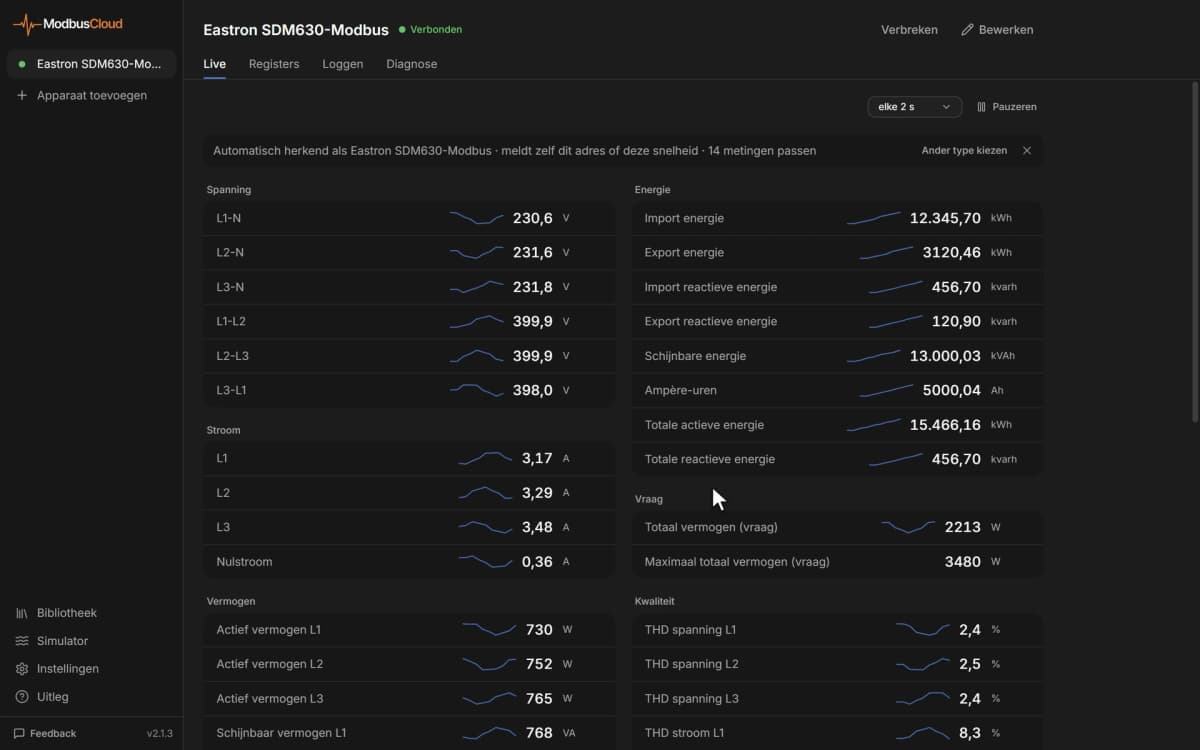
Spot-check the active_power register (address 3502) in the portal live-data view during daylight hours and confirm the value matches the generation figure shown in the Solar-Log web interface.
Things to watch for
32-bit register values look completely wrong or byte-swapped. Why?
Solar-Log uses a mixed word order for 32-bit registers: bytes follow big-endian order per the Modbus specification, but the two 16-bit words within a 32-bit value are in little-endian order, meaning the low word comes first. Configure your Modbus client to use big-endian bytes with little-endian (swapped) word order for all int32 and uint32 registers.
The gateway connects but all register values read as zero or null.
Check that the Solar-Log firmware is at least version 3.3.0 and that the free Modbus TCP interface is explicitly enabled under Configuration, Digital Interfaces. Also confirm no firewall is blocking port 502 between the Solar-Log and the ModbusCloud Gateway on the local network.
Remote power curtailment via p_limit_type or p_limit_perc_a has no effect.
The Modbus TCP PM power-control interface requires a separate paid license on the Solar-Log (item 255511) and must be activated in the Power Management area. The free data-export interface exposes read registers only. Verify the license is installed and the PM interface is configured before writing to the control registers.
Power curtailment worked initially but the Solar-Log reverted to full output.
The watch_dog_tag register (address 10404) must be written cyclically. If the Solar-Log does not receive a new watchdog write within the configured timeout window, it triggers a remote-control failure fallback and restores full output. Ensure your control application refreshes this register at a shorter interval than the configured watchdog timeout.
Want to see how it works?