

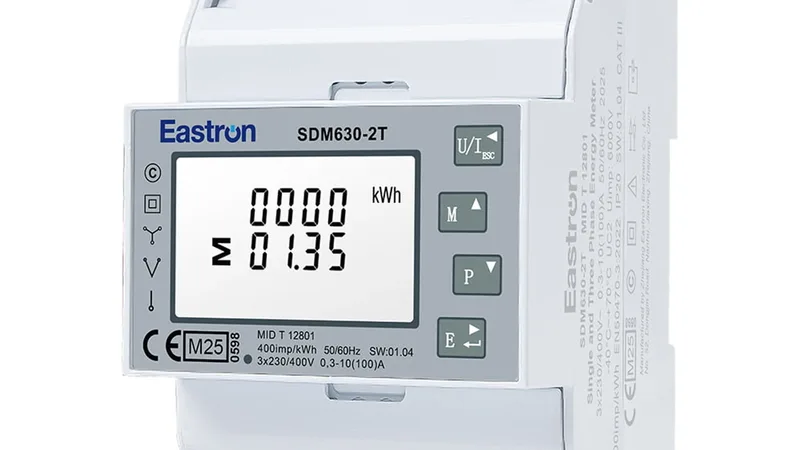

Solarlog Solarlog (grid)
The Solarlog is a PV system monitoring gateway that aggregates data from all connected inverters and meters into a single Modbus TCP interface. This template reads two key grid-side registers from the Solarlog (grid) profile: power_a, the total active generation power, and power_b, the total site consumption power. Both are read via function code 4 from the Solarlog free Modbus TCP interface, requiring no license. Connecting the ModbusCloud Gateway to the Solarlog gives installers and asset managers a live view of generation versus consumption in one dashboard.
- Protocol
- Modbus TCP
- Connection
- Ethernet, Modbus TCP
- Registers
- 2, read only
- Brand
- Solarlog
- Last updated
Registers (2)
2 read, 0 write
| Name | Unit | Access | Address (Hidden until you enter your email) | Function (hidden) | Type (hidden) |
|---|---|---|---|---|---|
| power_a | W | Read | 3502 | FC04 | uint32 |
| power_b | W | Read | 3518 | FC04 | uint32 |
Loading registers…
Send your device list
If a device is not in the library yet, we build the template for free as soon as we have the register data.
Use cases
- Monitor total PV generation power in real time to verify inverter fleet output against forecast.
- Track site consumption alongside generation to calculate net grid import or export at any moment.
- Alert on unexpected drops in generation power to detect inverter faults or shading events early.
- Compare generation and consumption trends over time to assess self-consumption ratios per site.
- Report daily generation and load data across multiple Solarlog sites from one ModbusCloud overview.
Installation
Enable the Modbus TCP free interface on the Solarlog device by navigating to Configuration, then Digital Interfaces, and activating Modbus TCP on port 502.
Connect the ModbusCloud Gateway to the same LAN as the Solarlog device and confirm IP reachability by pinging the Solarlog address from the network.
In the ModbusCloud portal, add the Gateway, import the Solarlog Solarlog (grid) template, and set the Modbus unit ID to match the Solarlog configuration (default is typically 1).
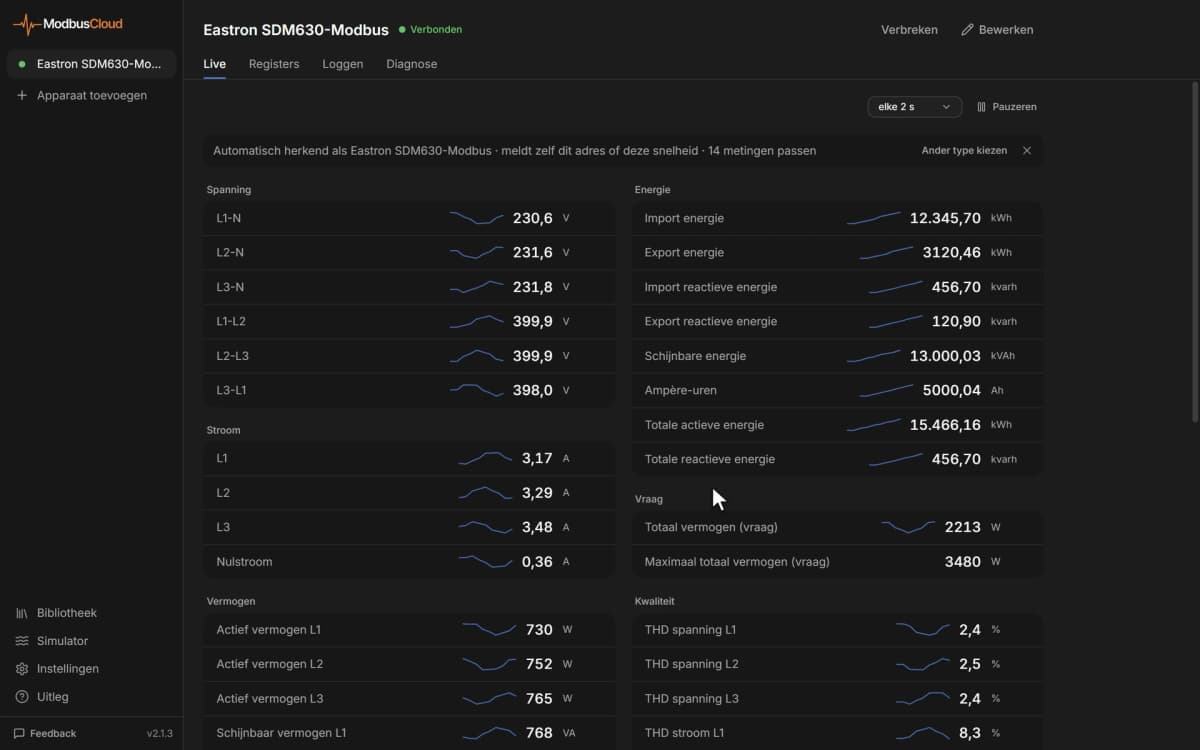
Spot-check register 3502 in the portal live-data view and confirm the watt value matches the figure shown on the Solarlog web interface under current generation.
Things to watch for
Why do power_a and power_b return obviously wrong or huge values?
The Solarlog uses a mixed byte order for 32-bit values: bytes within each 16-bit word are Big-Endian, but the two words of a 32-bit value are stored Little-Endian (low word first, high word second). If your client reads them as standard Big-Endian uint32, the result will be wrong. Ensure the ModbusCloud template applies the correct word-swap interpretation for both registers.
The gateway connects but both registers return zero constantly.
The Modbus TCP free interface on the Solarlog only reports non-zero values when at least one inverter is communicating with the logger. Verify that the Solarlog web interface shows live inverter data. Also confirm that the free Modbus TCP interface is enabled and not the licensed PM interface, which uses a different register map.
Readings update very slowly or appear frozen in the portal.
The Solarlog refreshes its internal data every 15 to 60 seconds depending on configuration. Modbus reads between refresh cycles return the last cached value, not a real-time sample. This is normal device behaviour. Adjust your polling interval in ModbusCloud to 60 seconds to stay in sync with the Solarlog update cycle.
Connection is refused on port 502. What should I check?
The Solarlog free Modbus TCP interface listens on port 502 only when explicitly enabled in the device configuration under Digital Interfaces. Verify the feature is active in the Solarlog web UI. Also check that no firewall on the local network blocks port 502 between the ModbusCloud Gateway and the Solarlog IP address.

Want to see how it works?