

SunSpec Model 705 — DER Volt-Var
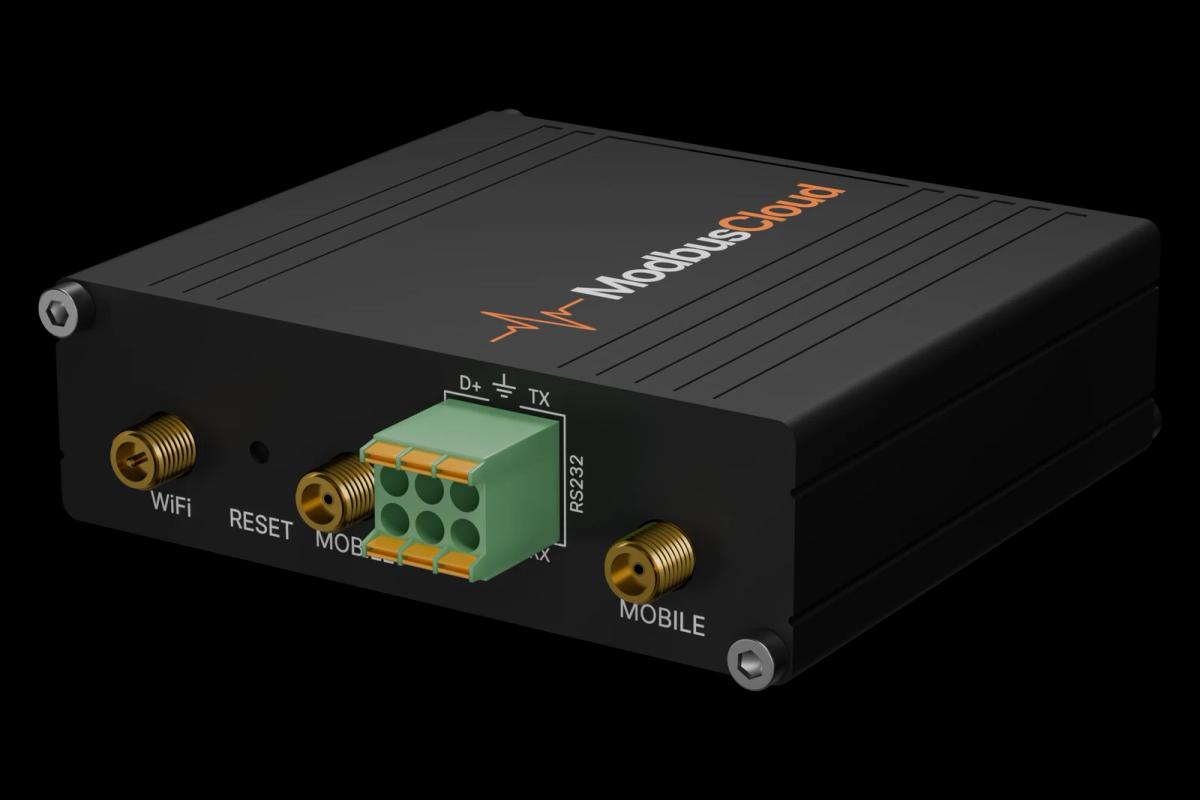
SunSpec Model 705 is the standard DER Volt-Var information model, part of the SunSpec 700-series designed to meet IEEE 1547-2018 interoperability requirements for distributed energy resources such as PV inverters and battery storage systems. The template reads the Volt-Var function state via the enable flag, curve adoption registers, and reversion timer fields, and writes control registers to activate or switch voltage-reactive-power curves. Using Modbus TCP, the ModbusCloud Gateway lets operators verify Volt-Var compliance, monitor reversion countdowns, and confirm successful curve changes across any SunSpec-certified device.
- Protocol
- Modbus TCP
- Connection
- Ethernet, Modbus TCP
- Registers
- 13, read and write
- Brand
- SunSpec
- Compatible models
- SunSpec Model 706 — DER Volt-Watt
- Last updated
Registers (13)
13 read, 4 write
| Name | Unit | Access | Address (Hidden until you enter your email) | Function (hidden) | Type (hidden) |
|---|---|---|---|---|---|
| id | Read | 0 | FC03 | uint16 | |
| l | Read | 1 | FC03 | uint16 | |
| ena | Read and write | 2 | FC03 / FC06 | uint16 | |
| adptcrvreq | Read and write | 3 | FC03 / FC06 | uint16 | |
| adptcrvrslt | Read | 4 | FC03 | uint16 | |
| npt | Read | ||||
| ncrv | Read | ||||
| rvrttms | Secs | Read and write | |||
| rvrtrem | Secs | Read | |||
| rvrtcrv | Read and write | ||||
| v_sf | Read | ||||
| deptref_sf | Read | ||||
| rsptms_sf | Read |
Loading registers…
Send your device list
If a device is not in the library yet, we build the template for free as soon as we have the register data.
Use cases
- Monitor the Volt-Var enable flag continuously to confirm the reactive-power function remains active after firmware updates.
- Track the reversion timer countdown to verify automatic curve fallback behaviour during unplanned communication gaps.
- Alert on an adopt-curve result value of 2 to detect failed curve-switch operations before they affect grid compliance.
- Compare the active curve index against the reversion curve index to spot unintended configuration drift across sites.
- Report the number of supported curve points and stored curves to verify device capability before commissioning a new Volt-Var profile.
Installation
Enable Modbus TCP on the DER device via its web interface or commissioning tool, typically under the communication or Modbus section, and note the assigned TCP port and unit ID.
Connect the device to the same LAN segment as the ModbusCloud Gateway, ensuring no firewall blocks Modbus TCP port 502 between Gateway and device.
In the ModbusCloud portal, add the Gateway, then import the SunSpec Model 705 template and assign the correct unit ID and IP address of the DER device.
Verify communication by reading the id register and confirming the returned value is 705, then spot-check the ena register to confirm the Volt-Var function state.
Things to watch for
The id register returns an unexpected value. What is wrong?
SunSpec models are not at fixed absolute addresses. The actual Modbus address of Model 705 depends on which models precede it in the device's dynamic SunSpec map. Perform a SunSpec discovery scan first to locate the correct base address, then apply the offsets from this template.
All registers read as zero even though the device is online.
Check that the ena register is set to 1. If Volt-Var is disabled, many devices return zeroed data for all dependent fields. Also confirm the unit ID matches exactly: SunSpec devices commonly use unit ID 126, but some vendors assign different values.
Writing adptcrvreq has no effect and adptcrvrslt stays at 0.
The adopt-curve request index must be greater than 1, because index 1 is the read-only active curve. Write a value of 2 or higher pointing to a pre-loaded stored curve. Confirm NCrv is greater than 1 before attempting a curve switch, as devices with only one stored curve will reject the request.
Is it safe to write the ena or adptcrvreq registers remotely?
Use caution. Disabling Volt-Var via the ena register or switching curves remotely can affect grid-code compliance and may violate utility interconnection requirements. Always set an appropriate rvrttms reversion timeout so the device reverts to a safe default curve if the Modbus connection drops unexpectedly.
Knowledge base articles for this device
SunSpec Modbus: one register map for many inverters
SunSpec Modbus is the open register map SMA, Fronius, SolarEdge and Kostal share. The layout, int+SF vs float, the TCP port per brand and reading a mixed fleet.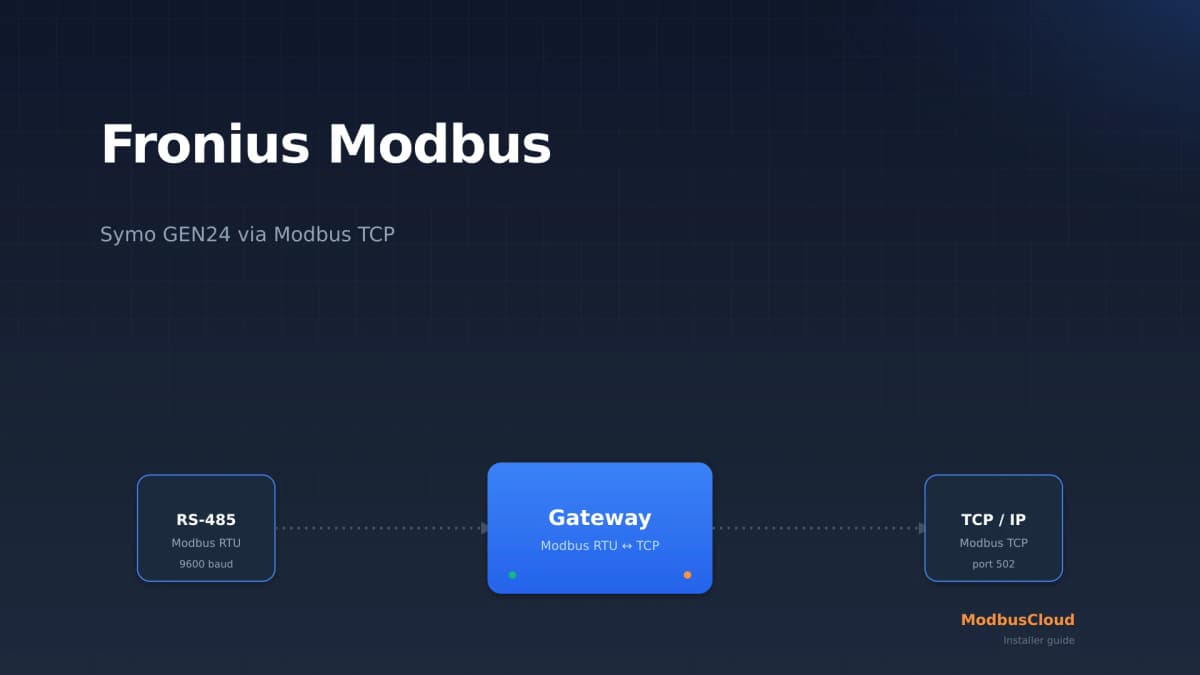
Fronius Modbus: read a Symo GEN24 over Modbus TCP
Fronius Modbus explained: enable Modbus TCP on the Symo GEN24 on port 502, choose between int+SF and float, read the right SunSpec registers and scale them correctly. Practical guide for solar installers.
SMA Modbus: reading a Sunny Boy over Modbus TCP (installers)
SMA Modbus explained: enable the Modbus TCP server on port 502, choose between the SMA profile (unit ID 3) and SunSpec (unit ID 126), read the right registers, and handle the NaN values at night. Practical guide for installers.
Want to see how it works?