








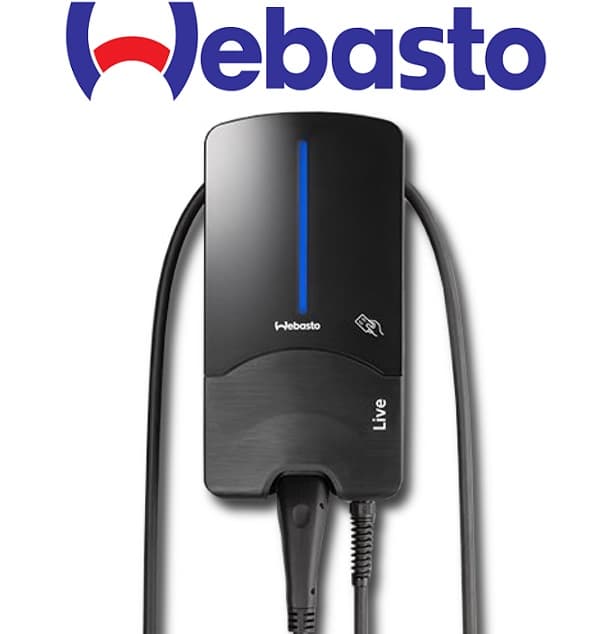
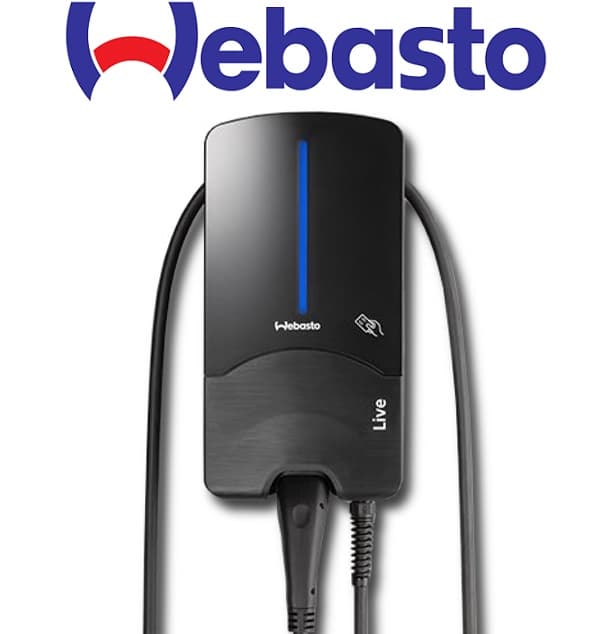
Webasto Live Wallbox
Controls and monitors Webasto Live EV wallbox charging via Modbus TCP.
This template connects the Webasto Live wallbox to ModbusCloud via Modbus TCP. It reads charging state, phase currents, active power, energy data, and EV battery status. It also allows setting charge power and charge current limits through writable registers.
- Protocol
- Modbus TCP
- Connection
- Ethernet, Modbus TCP
- Registers
- 30, read and write
- Brand
- Webasto
- Key readings
- Charge Point / EVSE State · Current L1 to L3 · Active Power · Energy Meter · EV Battery State / Capacity · Charged Energy / Charging Time
- Available commands
- Charge Power · Charge Current
- Compatible models
- Webasto Live 11kW · Webasto Live 22kW
- Last updated
Registers (30)
28 read, 2 write
| Name | Unit | Access | Address (Hidden until you enter your email) | Function (hidden) | Type (hidden) |
|---|---|---|---|---|---|
| Charge Point State | Read | ||||
| Charge State | Read | ||||
| EVSE State | Read | ||||
| Cable State | Read | ||||
| EVSE Error Code | Read | ||||
| Current L1 | mA | Read | |||
| Current L2 | mA | Read | |||
| Current L3 | mA | Read | |||
| Active Power | W | Read | |||
| Energy Meter | Wh | Read | |||
| Max current | A | Read | |||
| Minimum current limit | A | Read | |||
| Max. current from EVSE | A | Read | |||
| Max. current from Cable | A | Read | |||
| Max. current from EV | A | Read | |||
| User priority | Read | ||||
| EV battery State | % | Read | |||
| EV battery capacity (Wh) | Wh | Read | |||
| Schedule type | Read | ||||
| Required Eneregy (Wh) | Wh | Read | |||
| Required battery State | % | Read | |||
| Schedule Time (hhmmss) | Read | ||||
| Schedule Date (yymm) | Read | ||||
| Charged Energy | Wh | Read | |||
| Start Time (hhmmss) | Read | ||||
| Charging Time (s) | s | Read | |||
| End Time (hhmmss) | Read | ||||
| Smart Vehicle detected | Read | ||||
| Charge Power | W | Write | |||
| Charge Current | A | Write |
Loading registers…
Send your device list
If a device is not in the library yet, we build the template for free as soon as we have the register data.
Use cases
- Monitor real-time charging power and per-phase currents on a live dashboard for each Webasto Live wallbox.
- Set charge current limits remotely to implement dynamic load management across multiple EV chargers.
- Create an alert when the EVSE state indicates a fault or unexpected disconnect during a charging session.
- Track total energy consumption per wallbox to generate monthly usage reports for billing or energy audits.
- Log session data including charged energy and charging time to verify service level agreements with tenants.
- Adjust charge power via the dashboard to balance EV charging with on-site solar production.
Installation
Connect the Webasto Live wallbox to the same local network as the ModbusCloud Gateway using an Ethernet cable.
Ensure Modbus TCP is enabled on the Webasto Live wallbox through its configuration interface and note the IP address assigned to the unit.
Assign a unique Modbus TCP address to each wallbox if multiple units are installed on the same network.
In the ModbusCloud portal, add a new device, select the Webasto Live template, and enter the wallbox IP address and port.
Verify communication by checking that live values such as Charge Point State and Active Power appear on the dashboard.
Do not connect the ModbusCloud gateway to the RTU port on the wallbox, as that port is reserved for external energy meters only.
Things to watch for
Can I use the Modbus RTU port on the Webasto Live to connect my gateway?
No. The Modbus RTU port on the Webasto Live is intended for external energy meters only. Use Modbus TCP over Ethernet for all gateway communication.
Why are current readings showing very large numbers on the dashboard?
Current values are transmitted in milliamps (mA). Make sure the template scaling is applied correctly so that values are converted to amps for display. The preconfigured template handles this automatically.
What data format does the Charge Power register use?
The Charge Power register at address 5000 is a uint32 value expressed in watts. The Charge Current register at address 5004 is a uint16 value in amps. Both are writable.
Do I need to configure each wallbox separately in a multi-unit installation?
Yes. Each Webasto Live wallbox must be addressed individually. Add a separate device entry in ModbusCloud for each unit with its own IP address.


Want to see how it works?
