









Webasto Unite
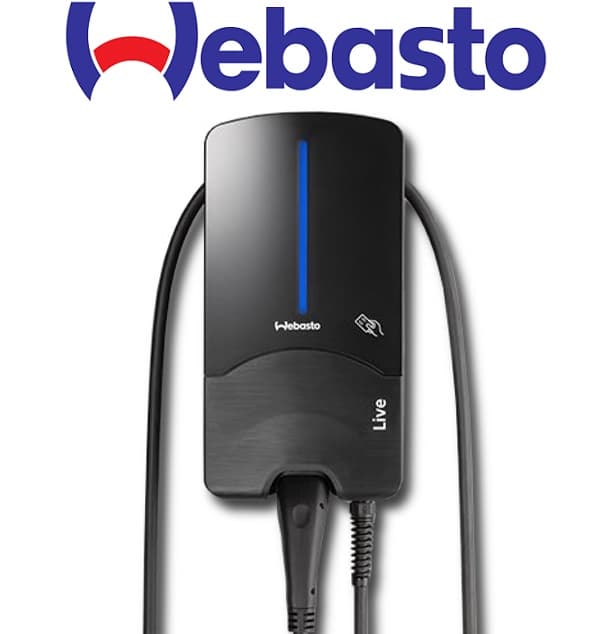
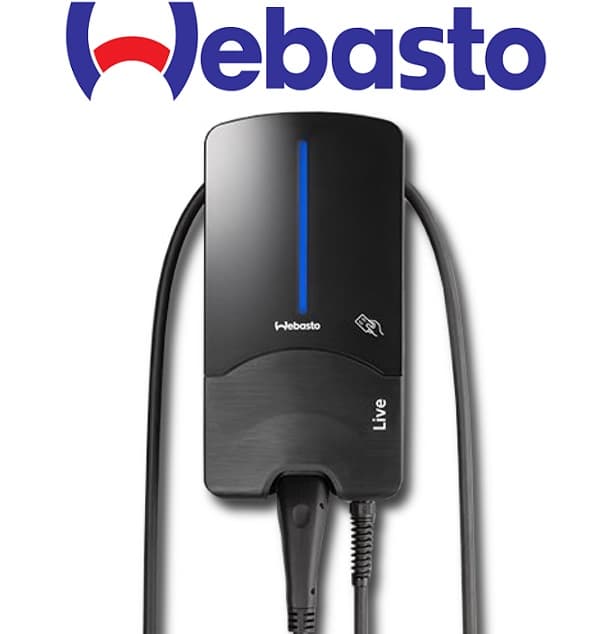
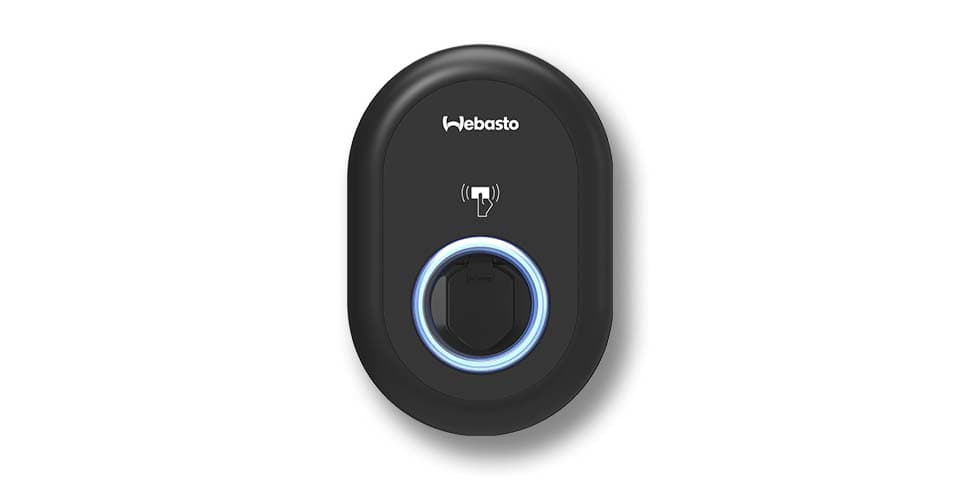
The Webasto Unite is an AC EV wallbox delivering up to 22 kW over one or three phases, designed for residential, fleet, and commercial charging installations. This ModbusCloud template connects via Modbus TCP and reads charge point state, cable state, per-phase current and voltage, active power on all three phases, session energy, and session timestamps. Write registers let your energy management system set the charging current and keepalive in real time. The template gives installers and facility managers live visibility and dynamic load control without additional hardware.
- Protocol
- Modbus TCP
- Connection
- Ethernet, Modbus TCP
- Registers
- 41, read and write
- Brand
- Webasto
- Last updated
Registers (41)
37 read, 4 write
| Name | Unit | Access | Address (Hidden until you enter your email) | Function (hidden) | Type (hidden) |
|---|---|---|---|---|---|
| serial_number | Read | ||||
| charge_point_id | Read | ||||
| brand | Read | ||||
| model | Read | ||||
| firmware_version | Read | ||||
| date | Read | ||||
| time | Read | ||||
| charge_point_power | W | Read | |||
| number_of_phases | count | Read | |||
| charge_point_state | Read | ||||
| charging_state | Read | ||||
| equipment_state | Read | ||||
| cable_state | Read | ||||
| evse_fault_code | Read | ||||
| current_l1 | A | Read | |||
| current_l2 | A | Read | |||
| current_l3 | A | Read | |||
| voltage_l1 | V | Read | |||
| voltage_l2 | V | Read | |||
| voltage_l3 | V | Read | |||
| active_power | W | Read | |||
| active_power_l1 | W | Read | |||
| active_power_l2 | W | Read | |||
| active_power_l3 | W | Read | |||
| meter_reading | kWh | Read | |||
| session_max_current | A | Read | |||
| evse_min_current | A | Read | |||
| evse_max_current | A | Read | |||
| cable_max_current | A | Read | |||
| energy_session | kWh | Read | |||
| session_start_time | Read | ||||
| session_duration | s | Read | |||
| session_end_time | Read | ||||
| failsafe_current_a | A | Read | |||
| failsafe_timeout_a | s | Read | |||
| charging_current_a | A | Read | |||
| alive_register_a | Read | ||||
| failsafe_current_b | A | Write | |||
| failsafe_timeout_b | s | Write | |||
| charging_current_b | A | Write | |||
| alive_register_b | Write |
Loading registers…
Send your device list
If a device is not in the library yet, we build the template for free as soon as we have the register data.
Use cases
- Monitor per-phase current and voltage on the Webasto Unite to verify balanced three-phase load distribution across a site.
- Track session energy and session duration per charge event to generate accurate cost-reimbursement reports for fleet drivers.
- Alert on non-zero evse_fault_code values to detect wallbox faults before drivers report failed charging attempts.
- Compare active_power against site capacity limits to verify the dynamic load management setpoint is respected.
- Verify charge_point_state and cable_state transitions to confirm a vehicle has connected and charging has started correctly.
Installation
Enable Modbus TCP on the Webasto Unite using the Webasto Charger Setup App or the built-in web configuration interface under the communication or Modbus section; confirm port 502 is active.
Connect the wallbox to the same LAN segment as the ModbusCloud Gateway using a standard Ethernet cable, then assign the wallbox a static IP address or DHCP reservation.
In your ModbusCloud portal, add the Gateway, then import the Webasto Unite template and assign the wallbox IP address, port 502, and unit ID 255.
Spot-check live values by reading charge_point_state and active_power in the portal dashboard; both should update within one polling cycle when a vehicle is connected.
Things to watch for
All registers read zero even though the wallbox is powered.
Confirm Modbus TCP is explicitly enabled in the wallbox communication settings. The factory default may have Modbus disabled. Also verify unit ID is set to 255, which is the standard unit identifier for this device family. A mismatch will return no data.
The gateway connects but string registers show garbled characters.
String registers such as serial_number and firmware_version are encoded as multi-register ASCII blocks. Ensure the template is reading the correct number of consecutive registers for each string field and that your client is assembling them in big-endian byte order, as used by this device.
The wallbox drops to its failsafe current after a few minutes.
The Webasto Unite requires the Modbus master to periodically write to the alive_register_b (address 6000) to signal the connection is still live. If that keepalive write stops, the device falls back to the failsafe_current value after the failsafe_timeout expires. ModbusCloud writes registers at most once per minute, so control through ModbusCloud needs a failsafe_timeout well above one minute. With a shorter timeout it is not possible, while reading values works.
Is it safe to write any value to charging_current_b at any time?
No. Writing a charging current value outside the range bounded by evse_min_current and evse_max_current can cause the session to abort or the EVSE protection to trip. Always read the current limits first and clamp your setpoint within them. Uncontrolled writes may also affect warranty coverage, so test changes carefully in a controlled environment.

Want to see how it works?
