









Webasto Next
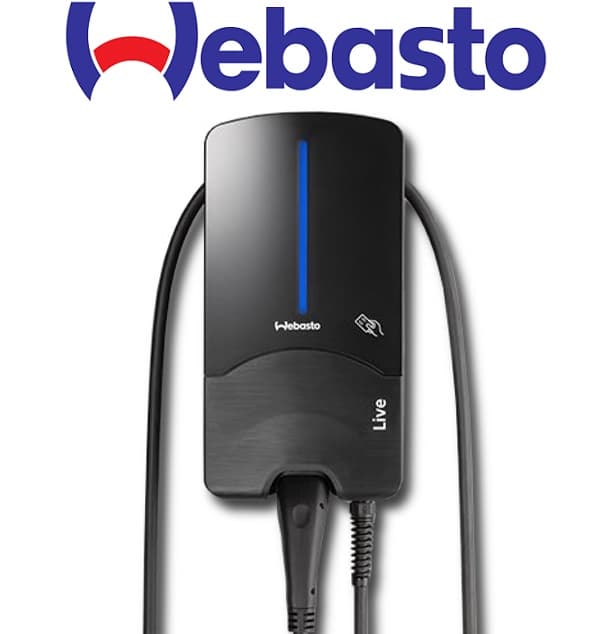
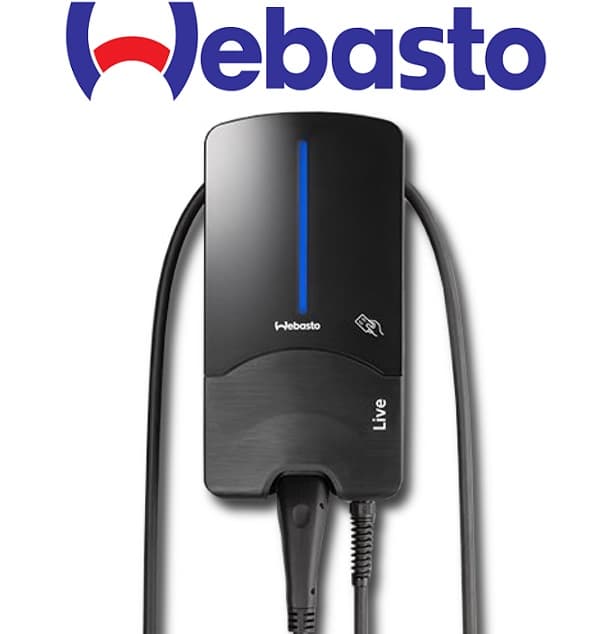
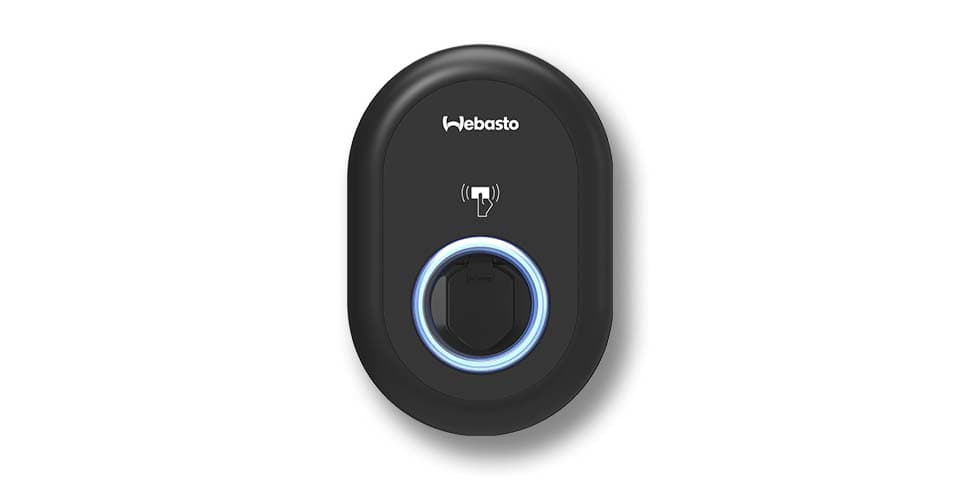
The Webasto Next is an AC EV wallbox available in 11 kW and 22 kW variants, designed for residential and light-commercial charging with built-in dynamic load management. This ModbusCloud template connects to the Webasto Next over Modbus TCP on port 502 and reads charge-point state, EVSE and cable status, per-phase current and power, cumulative energy, and per-session timestamps. Write registers let an energy management system control the charge current, set a power limit, and start or stop sessions. The life-bit heartbeat pair keeps EMS control active and prevents automatic fallback to the configured safe current.
- Protocol
- Modbus TCP
- Connection
- Ethernet, Modbus TCP
- Registers
- 29, read and write
- Brand
- Webasto
- Last updated
Registers (29)
25 read, 4 write
| Name | Unit | Access | Address (Hidden until you enter your email) | Function (hidden) | Type (hidden) |
|---|---|---|---|---|---|
| charge_point_state | Read | ||||
| evse_state | Read | ||||
| cable_state | Read | ||||
| evse_error_code | Read | ||||
| current_l1 | A | Read | |||
| current_l2 | A | Read | |||
| current_l3 | A | Read | |||
| active_power | W | Read | |||
| active_power_l1 | W | Read | |||
| active_power_l2 | W | Read | |||
| active_power_l3 | W | Read | |||
| active_production_energy | Wh | Read | |||
| max_hw_current | A | Read | |||
| min_hw_current | A | Read | |||
| max_evse_current | A | Read | |||
| max_cable_current | A | Read | |||
| max_ev_current | A | Read | |||
| last_energy_session | Wh | Read | |||
| start_time | Read | ||||
| charge_session_time | s | Read | |||
| end_time | Read | ||||
| smart_vehicle_detected | Read | ||||
| safe_current | A | Read | |||
| com_timeout | s | Read | |||
| ev_set_charge_power_limit | W | Write | |||
| charge_current | A | Write | |||
| start_cancel_charging_session | Write | ||||
| life_bit_a | Read | ||||
| life_bit_b | Write |
Loading registers…
Send your device list
If a device is not in the library yet, we build the template for free as soon as we have the register data.
Use cases
- Monitor per-phase current and active power in real time to verify balanced three-phase loading during a session.
- Track cumulative energy from active_production_energy across multiple sites to compile monthly EV charging reports.
- Alert on a non-zero evse_error_code to detect faults before a driver notices a failed session.
- Compare charge_session_time and last_energy_session values to calculate average session efficiency over time.
- Verify that the charge_current setpoint written by your EMS does not exceed max_cable_current or max_ev_current limits.
Installation
Enable HEMS mode on the Webasto Next via the device web interface under the communication or Modbus section, and confirm the default Modbus TCP port is set to 502.
Connect the Webasto Next to the same LAN segment as the ModbusCloud Gateway using a wired Ethernet connection for reliable polling.
In your ModbusCloud portal, add the Gateway, import the Webasto Next template, and set the unit ID to 255, which is the default slave address used by the wallbox.
Spot-check the connection by confirming that charge_point_state and evse_state return non-zero values in the live register view, then verify active_power rises when a vehicle begins charging.
Things to watch for
Modbus connection is refused or times out. What should I check?
The Webasto Next accepts only one simultaneous Modbus TCP connection. If another client such as a home-automation system is already polling the wallbox, the Gateway will receive a connection-refused or i/o-timeout error. Disconnect all other Modbus clients and retry with only the ModbusCloud Gateway connected.
All registers return exception code 2 (illegal data address). Why?
HEMS mode must be explicitly activated in the Webasto Next web interface before any Modbus registers become readable. If HEMS is enabled but the error persists, confirm the unit ID is 255. Some firmware versions also require a reboot of the wallbox after enabling HEMS.
The wallbox falls back to a fixed current and ignores my EMS setpoint. What is happening?
The Webasto Next uses a life-bit heartbeat mechanism. The EMS must regularly write a toggled value to the life_bit_b register at address 6000. If writes stop, the wallbox applies the safe_current fallback value after the com_timeout period expires. Ensure the ModbusCloud Gateway polling interval stays within the configured timeout.
Is it safe to write charge_current and start_cancel_charging_session in production?
Use write registers with care. Writing a charge_current value above max_cable_current or max_ev_current will be clamped by the wallbox, but sending an out-of-range power limit via ev_set_charge_power_limit or issuing start_cancel_charging_session at the wrong moment can interrupt an active session unexpectedly. Test setpoint writes during a controlled session before deploying to live sites.

Want to see how it works?
