

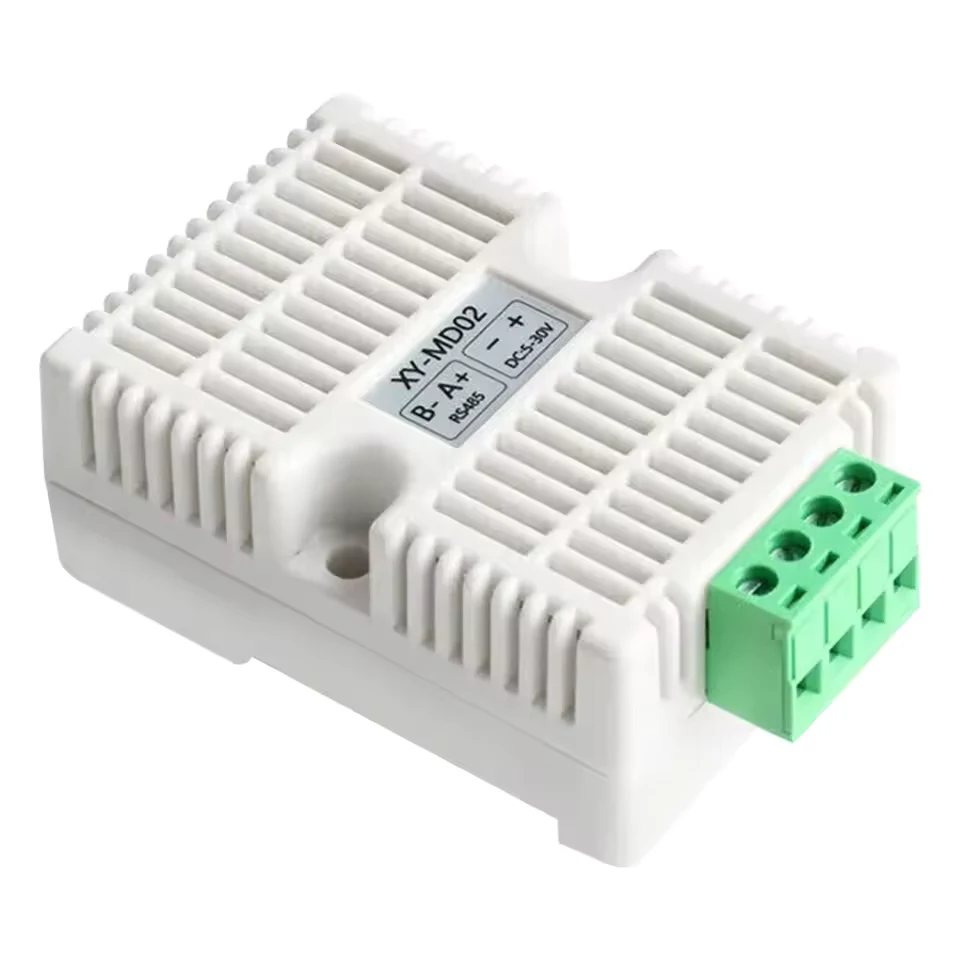
Generic XY-MD02 RS485 Temperature and Humidity Sensor
Generic
XY-MD02 RS485 sensor: temperature, humidity, address, baud rate and correction over Modbus RTU.
Overview
Key readings
- Temperature in °C (0.1 resolution, negative values supported)
- Relative humidity in %RH (0.1 resolution)
- Device address (default 1)
- Baud rate (default 9600)
- Temperature and humidity correction (-10.0 to 10.0)
Available commands
- Device address (FC 06 to 0x0101)
- Baud rate (FC 06 to 0x0102)
- Temperature correction (-10.0 to 10.0 °C)
- Humidity correction (-10.0 to 10.0 %RH)
Use cases
- Log Temperature and Humidity in a server room, cold store or warehouse and keep 365 days of history per sensor.
- Set a threshold alarm on Humidity for a greenhouse, archive or crawl space so you get an email when it passes your limit.
- Watch Temperature below 0 °C in an outdoor cabinet or freezer room; the signed register reads frost correctly.
- Align a sensor that reads off against a reference by writing Temperature Correction or Humidity Correction.
- Check Device Address and Baud Rate remotely before you add more sensors to the same RS485 line.
Installation
- 1Wire the sensor: A+ to RS485 A and B- to RS485 B of the ModbusCloud Gateway, plus and minus to a 5 to 30 V DC supply. Fit a 120 ohm terminating resistor at the end of a long line.
- 2Give every sensor on the bus its own address before you connect them together. The default is 1; write a new value to Device Address with FC 06.
- 3In ModbusCloud, add a Modbus device (RTU) with address 1, 9600 baud, 8 data bits, no parity and 1 stop bit, and import this template.
- 4Check the readings: Temperature and Humidity should match the room, and Device Address should read the address you set.
- 5Read Baud Rate once before you change it: 0 means the code table applies, 9600 means the register holds the baud rate itself.
Things to watch for
- The sensor does not answer. What should I check?
- Check the wiring first: A+ to A and B- to B; swapped lines are the most common cause. Then the settings: address 1, 9600 baud, 8N1 out of the box. Temperature and Humidity are input registers, so read them with FC 04; reading 0x0001 with FC 03 is not documented and may return an error.
- Below freezing the temperature shows over 6500 °C.
- Temperature is a signed 16-bit value with scale 0.1. Read as unsigned, -20.5 °C (0xFF33) becomes 6533.1. This template already uses int16; check that a custom copy did not change it to uint16.
- Does the Baud Rate register hold a code or the baud rate itself?
- The listing shows both. The register table says 0 = 9600, 1 = 14400 and 2 = 19200, while the FC 16 example writes 0x2580 (9600) into the same register. Read Baud Rate while the sensor runs at 9600: 0 means it uses codes, 9600 means it holds the rate. Write the new value in that same form, then switch the bus to the new speed.
- How do I write the address or a correction value?
- Write with FC 06 to one register, or with FC 16 to several. The example 01 06 01 01 00 08 from the listing sets the address to 8; the sensor then answers on address 8 only. Temperature Correction and Humidity Correction are tenths from -10.0 to 10.0, so a raw value of 20 sets 2.0 °C and -51 sets -5.1 %RH.
- Readings drop out with several sensors on one cable.
- Every sensor needs its own address; two sensors on address 1 corrupt each other's answers. On a long line, terminate both ends of the bus with 120 ohm and keep the supply close to the sensors. ModbusCloud reads every 5 minutes by default and at most once a minute, so the bus load from these sensors stays low.
Registers (6)
6 read / 4 write
| Name | Address | Function | Type | Unit | Access |
|---|---|---|---|---|---|
| Temperature | ••• | ••• | ••• | °C | R |
| Humidity | ••• | ••• | ••• | %RH | R |
| Device Address | ••• | ••• | ••• | R/W | |
| Baud Rate | ••• | ••• | ••• | R/W | |
| Temperature Correction | ••• | ••• | ••• | °C | R/W |
| Humidity Correction | ••• | ••• | ••• | %RH | R/W |
Loading registers…
Read the Generic XY-MD02 RS485 Temperature and Humidity Sensor remotely
We load the templates onto the gateway and set up your portal, you connect it at your customer's site. Tell us briefly what you need and we'll send a proposal.
From €295 + €149/year.
Prefer to configure it yourself? Order the gateway in the shop·Or see the live demo first
More RTU templates

Alnor HRU
Alnor Systemy Wentylacji Sp. z o. o.
Controls and monitors Alnor heat recovery ventilation units via Modbus RTU.

connecdoor.controller
connecdoor
Controls and monitors smart door access points via RS485
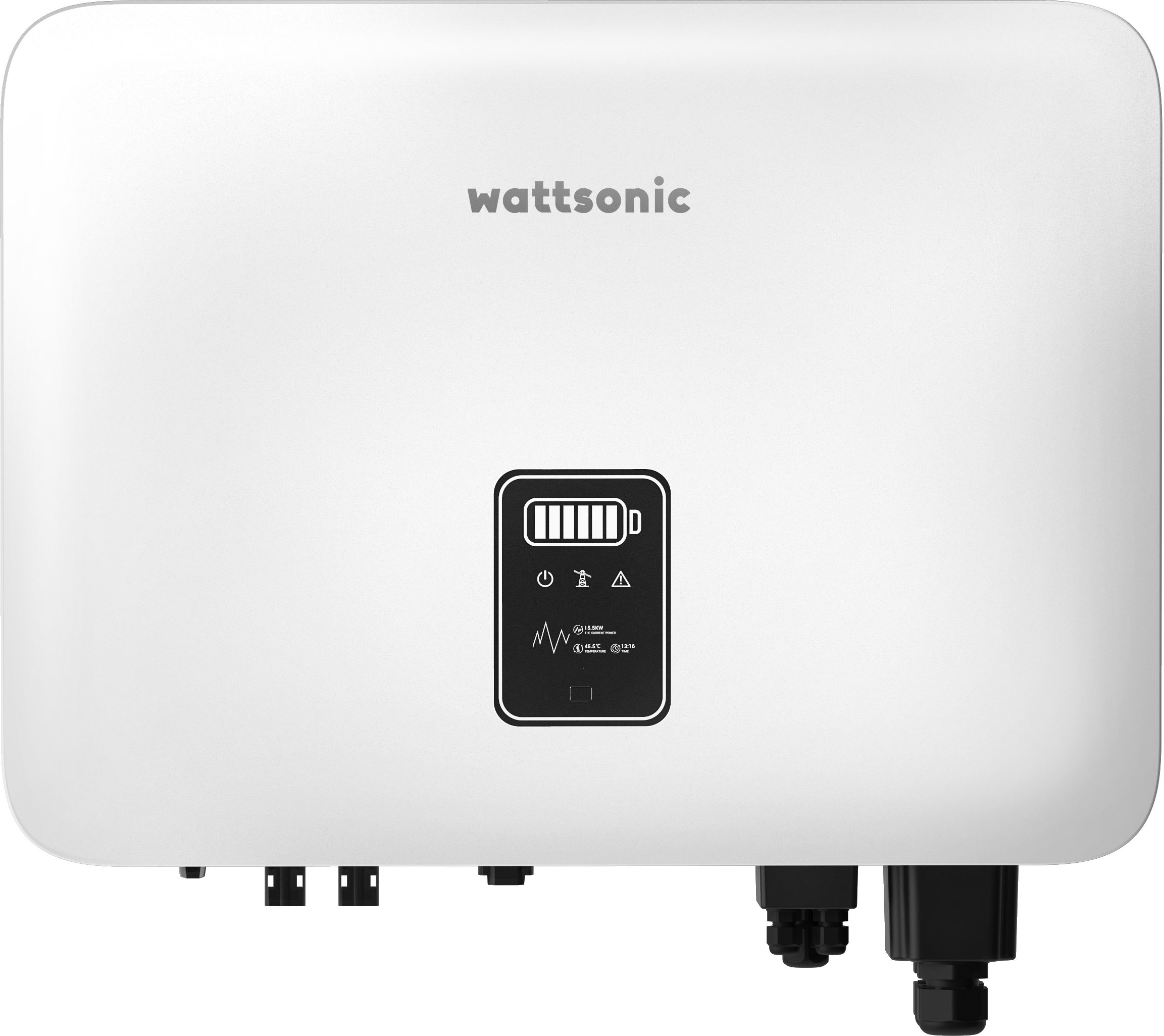
Wattsonic - Schmachtl Sun Energy Box
Wattsonic
Monitors Schmachtl Wattsonic hybrid inverter via Modbus RTU

Alnor HRU-P
Alnor Systemy Wentylacji Sp. z o. o.
Controls Alnor HRU-P heat recovery ventilation units via Modbus RTU.

Heidelberg Wallbox Energy Control
AMPERFIED GmbH
Controls and monitors Heidelberg Wallbox Energy Control EV charger via Modbus RTU.
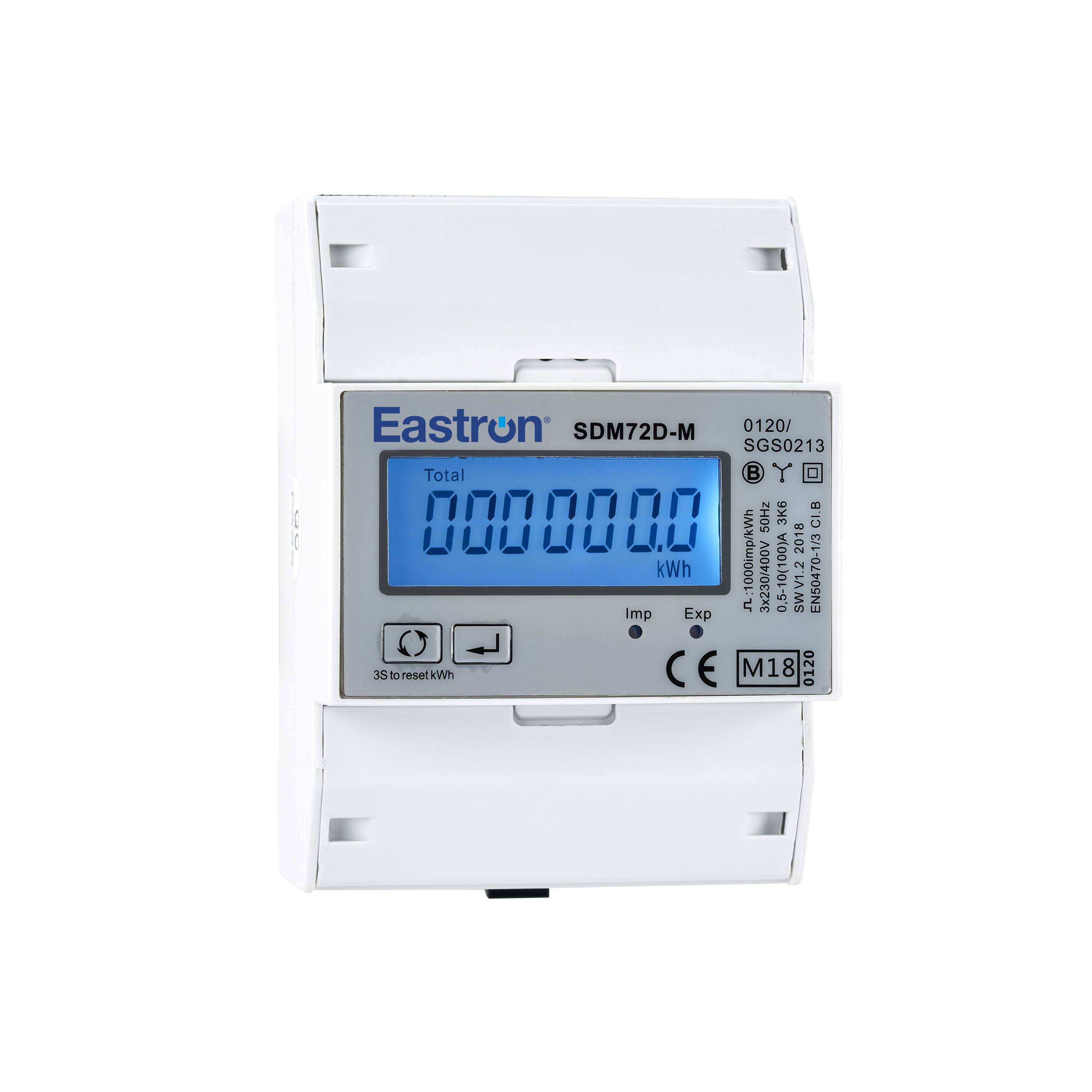
Eastron SDM72D-M
Eastron
Reads energy metering values from an Eastron SDM72D-M three-phase meter.