On this page
You get an SMA PUK free of charge and at once in the SMA Online Service Center. Log in, open "PUK - Personal Unblocking Key" from the top menu and enter the inverter's serial number. That route is for inverters with firmware below 4.00; from firmware 4.00 there is no PUK any more, and you reset the password with PUK2.0 on the login page itself. With the new installer password you then switch on the Modbus TCP server, and the inverter answers on port 502 under unit ID 3.
The old request form (PUK-ANTRAG) had to be filled in, signed and sent by email, fax or post to the SMA Service Line. SMA still describes that route in the German Sunny Explorer manual (Explorer-BA-de-19, section 8.4), but the form is offline and the Online Service Center has replaced it.
The firmware version decides the route
The inverter's firmware decides whether you need a PUK or reset the password on the device. SMA's manual page "SMA PUK2.0" puts it in one line: below 4.xx.xx.R through the Online Service Center, from 4.xx.xx.R with PUK2.0 through the user interface.
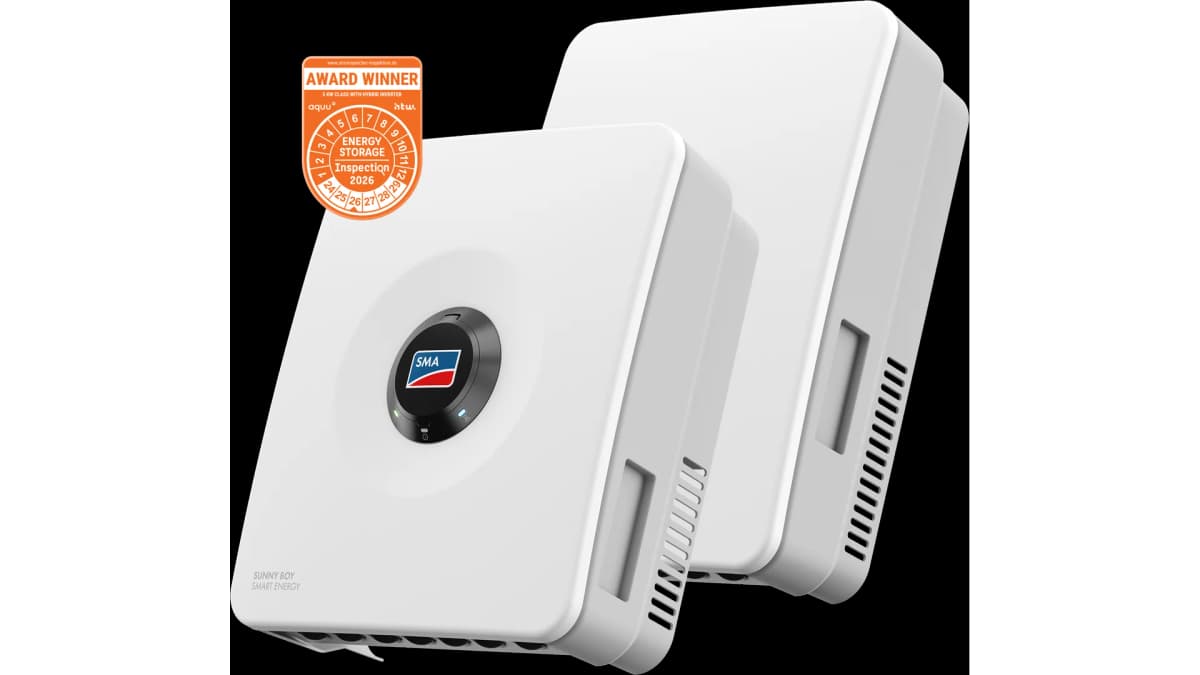
The firmware version sits in the status bar of the user interface, next to the serial number, the IP address and the user group you are logged in as. SMA documents this for the Sunny Boy 3.0 to 6.0-1AV-41 from firmware 4.00. If only the installer password is lost, log in as User and read the version there.
| Firmware below 4.00 | Firmware 4.00 or later (PUK2.0) | |
|---|---|---|
| Where | SMA Online Service Center | Inverter login page or Sunny Explorer |
| What you need | Service Center account, serial number | Product key or device secret (for example the WLAN PSK on the type label) |
| Cost | free | free |
| Time | PUK shown at once | at once, no request |
| More than 25 devices a day | Service request in the Service Center | no request needed |
| Password and key both lost | a PUK is enough | tap the lid or switch off AC on site (see below) |
Sources: SMA PUK-en-28 (July 2024), Infopaper PUK2.0 INFOPAPERPUK2-ADE2202 (February 2022), SMA eManual "SMA PUK2.0".
Requesting an SMA PUK in the Online Service Center
A PUK for firmware below 4.00 costs nothing and is available around the clock. SMA says so in the sheet PUK-en-28 from July 2024, which replaced the old form. The same sheet asks you to install the latest firmware first.
- 1
Log in
Log in to the SMA Online Service Center, or create an account. - 2
Open the menu
Select Self Help in the top menu (the German sheet calls it Hilfe & Wissen), then PUK - Personal Unblocking Key in the drop-down. - 3
Choose role and level
State whether you ask as a system operator or as a solar installation company, and choose the PUK level User or Installer. - 4
Enter the serial number
Enter the inverter's serial number and send the PUK request. The PUK appears straight away.
Each inverter has one PUK per user group. According to the SMA blog from July 2024, an installer-level PUK resets both the User and the Installer password. Installers can request up to 25 PUKs a day; for more, open a service request in the Service Center.
PUK-en-28 also lets plant owners use the same procedure for their own devices. SMA does not say publicly which PUK level an operator account receives. SMA does say that changes to communication and operating parameters are for qualified staff.
The fee that haus-automatisierung.com mentioned in 2020 no longer applies. In the Infopaper PUK2.0, SMA writes that the fees previously charged for providing a PUK are dropped completely.
Setting a new installer password with the PUK
The PUK replaces the password at login, and you set a new password straight after. In the user interface it works as SMA describes in the eManual for the Sunny Highpower PEAK3 (firmware 3.00.00.R and later):
- 1
Open the login page
Open the inverter's user interface in a browser and select the user group Installer. - 2
PUK instead of password
Enter the PUK in the field Password and select Login. - 3
Change the password
Menu Device Parameters, Edit parameters, parameter group User Rights > Access Control, enter the new password for the user group. - 4
Save
Select Save all.
On older inverters with a Speedwire/Webconnect or Bluetooth interface you enter the PUK in Sunny Explorer (version 2.02 and later, manual Explorer-BA-de-19, section 8.4). Select the user group the PUK was issued for, type the PUK into the system password field and continue. The inverter then shows in the plant tree without a padlock. You set the new password in the inverter's settings under User Rights > Access Control.
The same manual sets two conditions. Each PUK is valid for exactly one inverter and one user group, so with several inverters you enter each PUK separately. And never enter the PUK while the inverter is in night mode, only while Sunny Explorer has a connection to it.
Resetting the password with PUK2.0 from firmware 4.00
PUK2.0 resets the password on the device itself, without a request to SMA. SMA has rolled it out step by step since January 2022 (Infopaper PUK2.0). It has two levels. Basic security, active on every device, uses a secret from the type label as the key, such as the WLAN PSK or the RID. High security uses a product key that you generated per user group.
- Open the login page and select the user group Installer.
- Select Forgot your password?. The page shows which device secret applies.
- Enter the product key or the device secret, log in and set a new password.
When both the password and the product key are lost, SMA asks for proof on site. Select Forgot your password? and then Product key lost?; if nobody ever generated a product key, the button carries the name of the device secret. After Next you have 20 minutes, according to the Infopaper, for one of two actions:
- tap the enclosure lid twice in quick succession if the device has a tap sensor; the blue LED then flashes rapidly,
- disconnect the inverter on the AC side for 10 s to 30 s, for example with the miniature circuit breaker.
The new product key is shown once. The eManuals for the Sunny Boy 1AV-41 and the Sunny Tripower 3AV-40 state that it cannot be displayed again after you leave the page. Store it at once, for example in a password manager. For a device mounted in a publicly accessible place, SMA recommends high security and a changed WLAN PSK.
Switching on Modbus TCP on the SMA inverter
Modbus TCP and Modbus UDP are off at the factory, and SMA describes switching them on after logging in as Installer. The steps are in the technical information SMA and SunSpec Modbus Interface (SMA-Modbus-general-TI-en-10, version 1.0) and in the newer German SMA-Modbus-TI-de-10 of 10 February 2023.
- 1
Log in as Installer
Open the user interface and log in with the new installer password. - 2
Open the parameters
Device Parameters tab, Edit parameters, parameter group External Communication. - 3
Activate the TCP server
In the group Modbus > TCP Server, set the drop-down list Activated to Yes. Change the port only if needed; the default is 502. - 4
Save
Select Save all.
Sunny Explorer follows the same path. Open the Speedwire system, log in as Installer, select the inverter in the plant tree, then the Settings tab, parameter group External Communication, and set Modbus > TCP Server to Yes.
Once it is on, anyone on the network can read every data point. They can also write every data point that the SMA Grid Guard code does not protect, without another password (SMA-Modbus-TI-de-10, section 2.2). SMA therefore asks for a firewall, no port forwarding to port 502, and remote access through a VPN only. The Grid Guard code for grid parameters is a separate code you order from SMA; a PUK does not replace it.
A reset to factory settings switches Modbus off again. The eManuals give exactly that as one way to deactivate the interface.
Checking that the inverter answers on Modbus
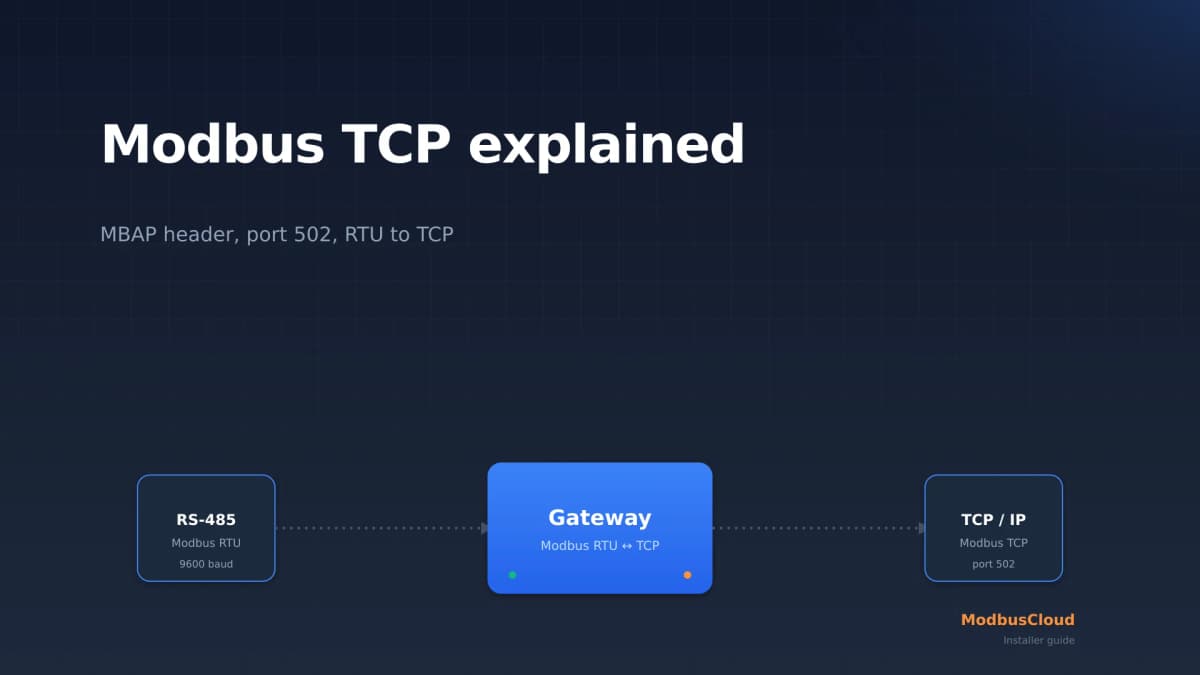
The quickest test is a request for register 30775, the AC active power, with function code 04 to unit ID 3. SMA supports both 0x03 and 0x04 for reading, 1 to 125 registers per request, big endian (SMA-Modbus-TI-de-10, section 3.5). The frame layout itself is explained in Modbus TCP explained.
No CRC: Modbus TCP relies on the TCP checksum.
At 4000 W the response is 00 01 00 00 00 07 03 04 04 00 00 0F A0. The last four bytes are the S32 value 0x00000FA0, which is 4000. SMA addresses go into the request unchanged; SMA describes an offset of 1 only for SunSpec addresses (40001 becomes 40000).
The registers from the haus-automatisierung.com article mean the following in the SMA Modbus profile. The table shows the assignment SMA publishes for that profile.
| Address | Name | Type | Unit | R/RW | Description |
|---|---|---|---|---|---|
| 30513 | Total yield | U64, FIX0 | Wh | R | Read all four in one request |
| 30769 | DC current input | S32, FIX3 | A | R | Divide the raw value by 1000 |
| 30771 | DC voltage input | S32, FIX2 | V | R | Divide the raw value by 100 |
| 30773 | DC power input | S32, FIX0 | W | R | Whole watts |
| 30775 | AC active power across all phases | S32, FIX0 | W | R | NaN = 0x8000 0000, common at night |
Sources: SMA SC-COM-MODBUS-TB-de-22 (2016) and SUNNY WEBBOX Modbus Interface (WEBBOX-MODBUS-TB-US-en-19, 2014), assignment tables for the SMA Modbus profile; NaN values from SMA-Modbus-TI-de-10, section 3.5.6. Which of these registers your device carries with its firmware is listed in the device-specific register HTML that SMA offers as a zip under "Parameter / Modbus" on the product page. The freely available SMA documents do not state the assignment from 30957 onwards (second DC input) unambiguously; check it in that register HTML.
One set of raw values, converted
Raw values from one read cycle show what FIX2 and FIX3 do. The numbers are an example; the arithmetic has been checked:
| Register | Raw bytes | Integer | Value |
|---|---|---|---|
| 30513 | 00 00 00 00 00 BC 61 4E | 12 345 678 | 12 345.678 kWh |
| 30769 | 00 00 1F BB | 8123 | 8.123 A |
| 30771 | 00 00 EF 32 | 61234 | 612.34 V |
| 30773 | 00 00 13 6E | 4974 | 4974 W |
The cross-check: 8.123 A times 612.34 V gives 4974 W. If the product of 30769 and 30771 is not close to 30773, a scaling factor is usually wrong.
Test script in Python, no extra packages
The script opens a TCP connection, reads the five registers with function code 04 and prints NaN instead of a number where SMA sends one. It needs only the Python 3 standard library.
import socket, struct, sys

HOST = sys.argv[1] if len(sys.argv) > 1 else "192.168.1.50"  # inverter IP
PORT, UNIT = 502, 3

# register, register count, type, divisor, unit (SMA Modbus profile)
REGS = [
    (30513, 4, "U64", 1000, "kWh"),
    (30775, 2, "S32", 1, "W"),
    (30769, 2, "S32", 1000, "A"),
    (30771, 2, "S32", 100, "V"),
    (30773, 2, "S32", 1, "W"),
]
NAN = {"U64": 0xFFFFFFFFFFFFFFFF, "S32": -0x80000000}

def recv_exact(sock, n):
    buf = b""
    while len(buf) < n:
        chunk = sock.recv(n - len(buf))
        if not chunk:
            raise ConnectionError("connection closed")
        buf += chunk
    return buf

def read_input(sock, tid, addr, count):
    sock.sendall(struct.pack(">HHHBBHH", tid, 0, 6, UNIT, 0x04, addr, count))
    head = recv_exact(sock, 9)
    if head[7] & 0x80:
        raise RuntimeError(f"exception {head[8]} at register {addr}")
    return recv_exact(sock, head[8])

with socket.create_connection((HOST, PORT), timeout=5) as s:
    for tid, (addr, count, typ, div, unit) in enumerate(REGS, start=1):
        raw = read_input(s, tid, addr, count)
        val = struct.unpack(">Q" if typ == "U64" else ">i", raw)[0]
        text = "NaN" if val == NAN[typ] else f"{val / div:g} {unit}"
        print(addr, raw.hex(" ").upper(), text)
Run it with python3 sma_check.py 192.168.1.50. If it reports exception 11, the unit ID is wrong. If the connection drops at once, the TCP server is still off or set to a different port.
The same values in ioBroker
In the ioBroker Modbus adapter (version 9.5.0) enter the IP as Partner IP, port 502 and Device ID 3, type Master. The registers go under input registers: 30513 with type uint64be, the others with int32be, and Factor 0.001 for 30769 and 0.01 for 30771. For Home Assistant the same values apply; see Home Assistant and Modbus.
Faults after the reset and their causes
Most problems after a PUK reset are a wrong unit ID, too many connections or NaN values at night. SMA lists the causes in its Modbus interface FAQ on sma.de.
| What you see | Cause | Fix |
|---|---|---|
| Exception code 11 | Request to a unit ID other than the one set | Unit ID 3 (SMA) or 126 (SunSpec); with a changed ID the SunSpec ID is the SMA ID plus 123 |
| Modbus stops answering after a few days | More than four TCP connections, including ones not closed cleanly | Count your clients, reuse connections |
| -2147483648 or 2147483648 on 30775 at night | NaN 0x80000000, the CPU is off without PV power | Treat it as 0 W |
| Sunny Portal or Data Manager no longer sees the inverter | Installer password differs from the system password | Set the new password as the system password too |
| Modbus off again after a reset | Factory settings switch the TCP server off | Switch the TCP server on again |
| Sunny Explorer rejects the PUK | Inverter in night mode, or PUK for another user group | Retry in daytime, pick the right user group |
To find the unit ID a device really uses, read holding register 42109 with unit ID 1; it returns the serial number, SusyID and unit ID (SMA-Modbus-TI-de-10, section 3.5.2). SMA also recommends at least 1 second between two requests and no more than five values at a time.
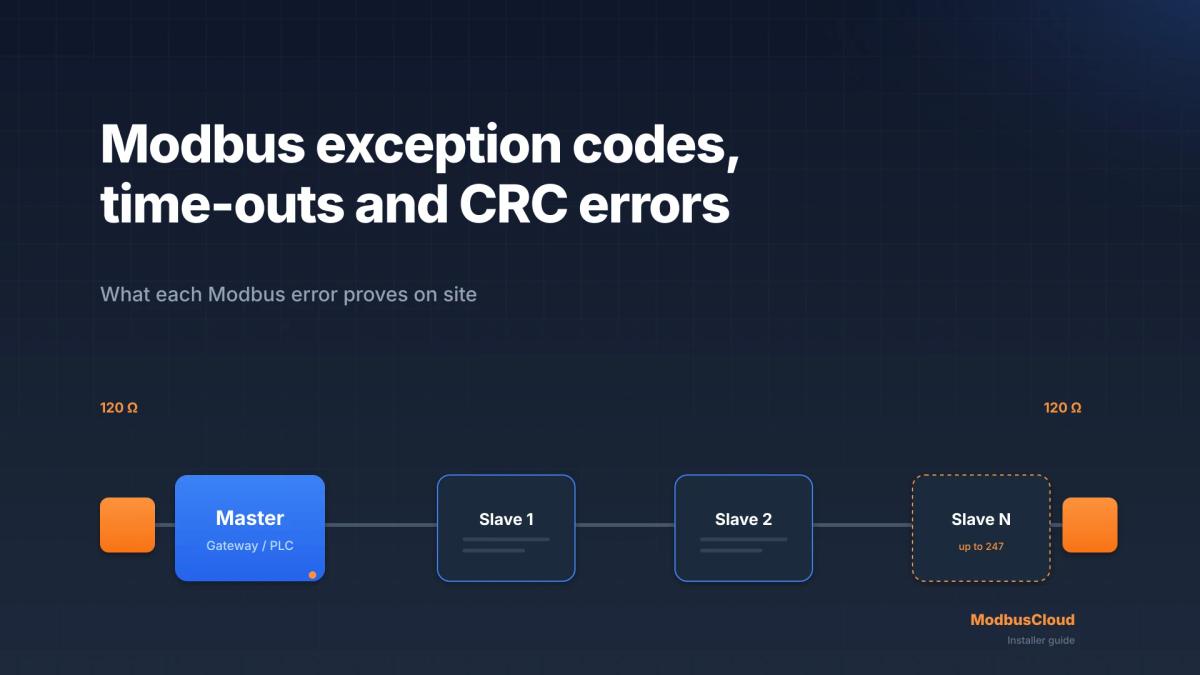
Exception codes and timeouts are covered in Modbus exception codes. The choice between the SMA profile and SunSpec is in SMA Sunny Boy Modbus and SunSpec Modbus.
Reading SMA inverters at customer sites
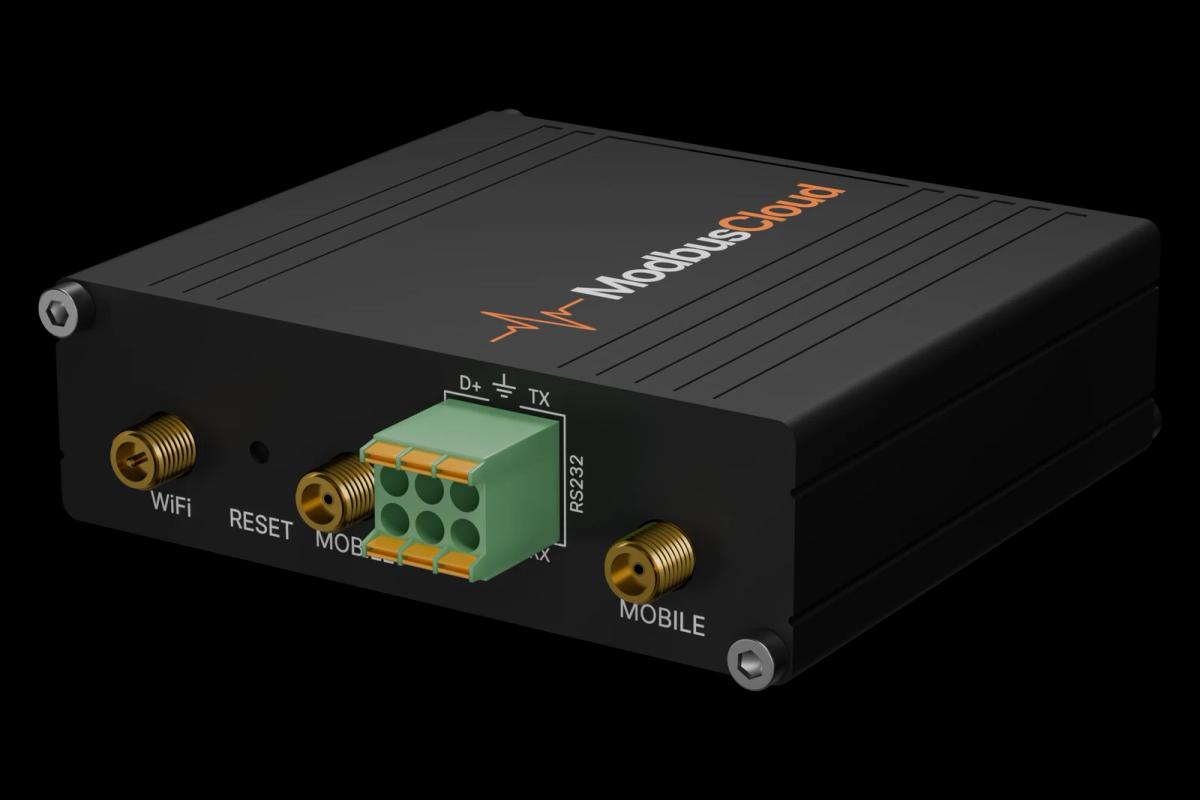
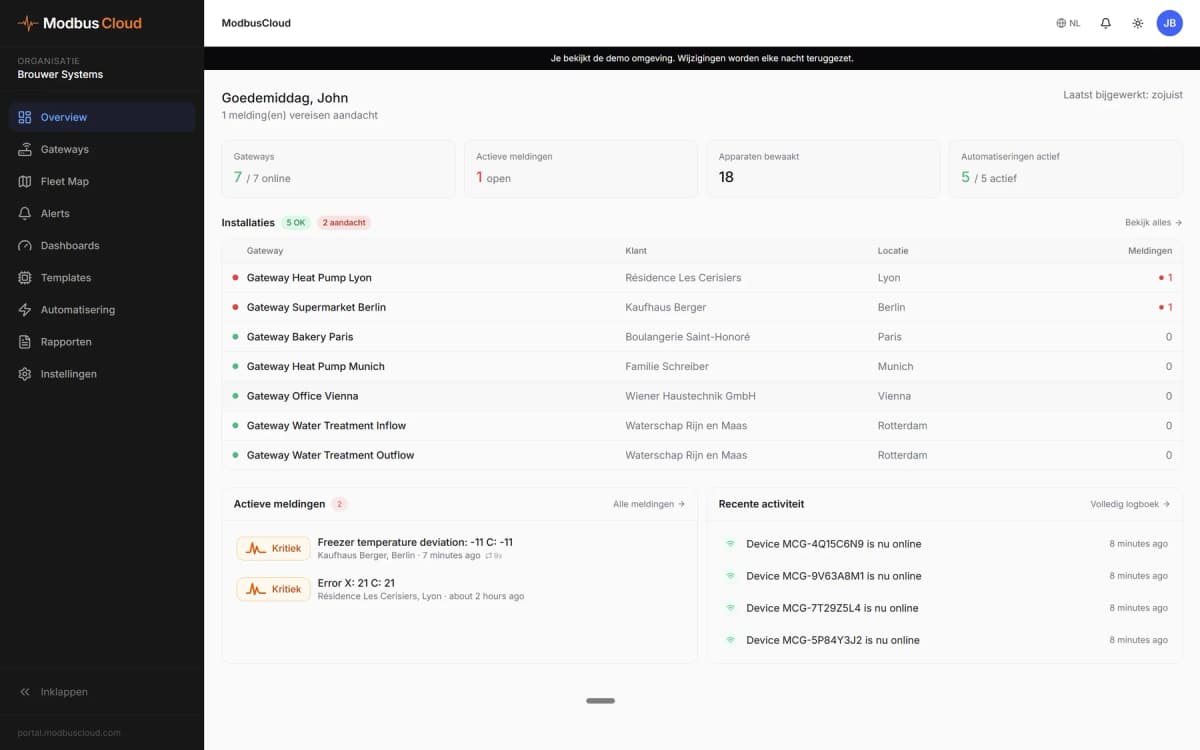
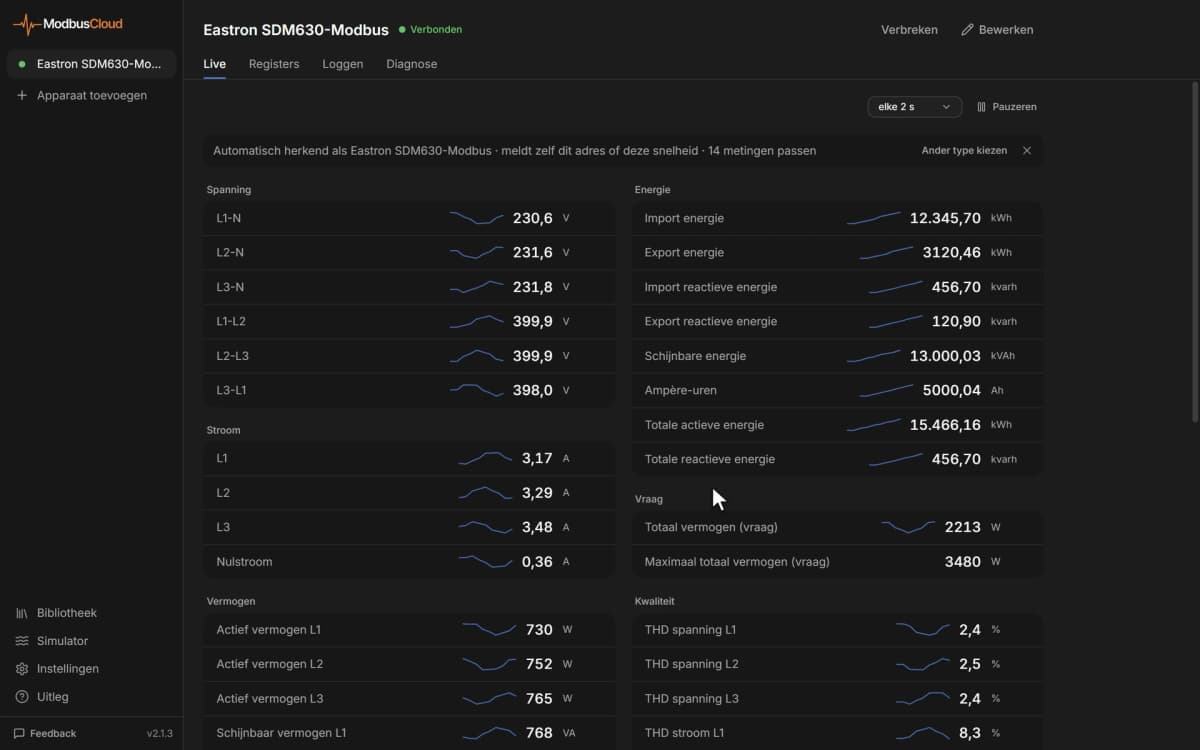
If you read inverters at customer sites, you can place a ModbusCloud Gateway on the same network. The Gateway searches its subnet for devices on port 502, tries the common unit IDs and carries a template for the SMA Sunny Boy and Sunny Tripower. It opens the connection to the cloud itself, from the inside out, so no port forwarding to the inverter is needed. The Gateway takes one of the four Modbus TCP connections, and ioBroker or Home Assistant can keep reading in parallel.
Frequently asked questions
Does an SMA PUK cost anything?
No. For inverters with firmware below 4.00, SMA issues the PUK free of charge and around the clock in the Online Service Center, according to the sheet PUK-en-28 from July 2024. From firmware 4.00 you need no PUK, because PUK2.0 resets the password on the device. The Infopaper PUK2.0 says the old fees are dropped completely.
Where is the SMA PUK request form?
It no longer exists. SMA replaced the PUK-ANTRAG form, which went to the SMA Service Line by email, fax or post, with the Online Service Center. There you open PUK - Personal Unblocking Key from the top menu and enter the serial number. The PUK appears on screen straight away.
Can I request a PUK myself as the plant owner?
Yes. SMA states in the sheet PUK-en-28 that installation owners can request a PUK for their home devices through the same procedure. In the request you state whether you ask as a system operator or as an installation company. SMA reserves changes in the installer menu for qualified staff.
How do I find the firmware version of my SMA inverter?
The status bar of the user interface shows it, next to the serial number, the IP address and the logged-in user group. If only the installer password is lost, log in as User. Below version 4.00 you request a PUK in the Service Center; from 4.00 you use Forgot your password on the login page.
Why do I need the installer password to enable Modbus?
SMA describes enabling Modbus in the External Communication parameter group for the user group Installer. Once Modbus is on, anyone on the network can write every data point the Grid Guard code does not protect, without a password. That is why SMA ties it to the installer password and advises against port forwarding to port 502.
Which unit ID does an SMA inverter use?
Unit ID 3 in the SMA Modbus profile and 126 in the SunSpec profile, both as factory defaults. The SMA ID can be set from 3 to 123, and the SunSpec ID is always the SMA ID plus 123. A request to the wrong unit ID gets exception code 11 in return.