


ABB Emax 2 Ekip min-max power and serial numbers
Absolute power and voltage extremes with timestamps, read from the breaker trip unit.
The ABB Emax 2 with Ekip Touch trip unit is an air circuit breaker that also measures power and voltage at the incomer. This Modbus RTU template reads the absolute lowest and highest power and voltage values the trip unit has recorded, each with a timestamp, and the IEC 61557-12 serial numbers of the measuring chain.
- Protocol
- Modbus RTU
- Connection
- RS485, 19200 baud
- Registers
- 105, read only
- Brand
- ABB
- Key readings
- Min and max active power · Min and max reactive power · Min and max apparent power · Min and max phase and line voltage · Maximum current and phase · Sensor serial numbers
- Compatible models
- Ekip Touch · Ekip Hi-Touch · Ekip G Touch · ABB SACE Emax 2 E1.2, E2.2, E4.2 and E6.2 with Ekip Com Modbus RTU, trip unit firmware 3.00 or later, with an Ekip Measuring module
- Last updated
Registers (105)
105 read, 0 write
| Name | Unit | Access | Address (Hidden until you enter your email) | Function (hidden) | Type (hidden) |
|---|---|---|---|---|---|
| Active Tot Min (Standard) | W | Read | 12000 | FC04 | float32 |
| Active Tot min Timestamp | s | Read | 12002 | FC04 | uint32 |
| Active Tot Max (Standard) | W | Read | 12004 | FC04 | float32 |
| Active Tot max Timestamp | s | Read | 12006 | FC04 | uint32 |
| Reactive Tot Min (Standard) | var | Read | 12008 | FC04 | float32 |
| Reactive Tot min Timestamp | s | Read | |||
| Reactive Tot Max (Standard) | var | Read | |||
| Reactive Tot max Timestamp | s | Read | |||
| Apparent Tot Min (Standard) | VA | Read | |||
| Apparent Tot min Timestamp | s | Read | |||
| Apparent Tot Max (Standard) | VA | Read | |||
| Apparent Tot max Timestamp | s | Read | |||
| Active L1 Min (Standard) | W | Read | |||
| Active L1 Min timestamp | s | Read | |||
| Active L1 Max (Standard) | W | Read | |||
| Active L1 Max timestamp | s | Read | |||
| Active L2 Min (Standard) | W | Read | |||
| Active L2 Min timestamp | s | Read | |||
| Active L2 Max (Standard) | W | Read | |||
| Active L2 Max timestamp | s | Read | |||
| Active L3 Min (Standard) | W | Read | |||
| Active L3 min Timestamp | s | Read | |||
| Active L3 Max (Standard) | W | Read | |||
| Active L3 max Timestamp | s | Read | |||
| Reactive L1 Min (Standard) | var | Read | |||
| Reactive L1 min Timestamp | s | Read | |||
| Reactive L1 Max (Standard) | var | Read | |||
| Reactive L1 max Timestamp | s | Read | |||
| Reactive L2 Min (Standard) | var | Read | |||
| Reactive L2 min Timestamp | s | Read | |||
| Reactive L2 Max (Standard) | var | Read | |||
| Reactive L2 max Timestamp | s | Read | |||
| Reactive L3 Min (Standard) | var | Read | |||
| Reactive L3 min Timestamp | s | Read | |||
| Reactive L3 Max (Standard) | var | Read | |||
| Reactive L3 max Timestamp | s | Read | |||
| Apparent L1 Min (Standard) | VA | Read | |||
| Apparent L1 min Timestamp | s | Read | |||
| Apparent L1 Max (Standard) | VA | Read | |||
| Apparent L1 max Timestamp | s | Read | |||
| Apparent L2 Min (Standard) | VA | Read | |||
| Apparent L2 min Timestamp | s | Read | |||
| Apparent L2 Max (Standard) | VA | Read | |||
| Apparent L2 max Timestamp | s | Read | |||
| Apparent L3 Min (Standard) | VA | Read | |||
| Apparent L3 min Timestamp | s | Read | |||
| Apparent L3 Max (Standard) | VA | Read | |||
| Apparent L3 max Timestamp | s | Read | |||
| V1 Min (Standard) | V | Read | |||
| V1 min Timestamp | s | Read | |||
| V1 Max (Standard) | V | Read | |||
| V1 max Timestamp | s | Read | |||
| V2 Min (Standard) | V | Read | |||
| V2 min Timestamp | s | Read | |||
| V2 Max (Standard) | V | Read | |||
| V2 max Timestamp | s | Read | |||
| V3 Min (Standard) | V | Read | |||
| V3 min Timestamp | s | Read | |||
| V3 Max (Standard) | V | Read | |||
| V3 max Timestamp | s | Read | |||
| V12 Min (Standard) | V | Read | |||
| V12 Min timestamp | s | Read | |||
| V12 Max (Standard) | V | Read | |||
| V12 Max timestamp | s | Read | |||
| V23 Min (Standard) | V | Read | |||
| V23 min Timestamp | s | Read | |||
| V23 Max (Standard) | V | Read | |||
| V23 max Timestamp | s | Read | |||
| V31 Min (Standard) | V | Read | |||
| V31 min Timestamp | s | Read | |||
| V31 Max (Standard) | V | Read | |||
| V31 max Timestamp | s | Read | |||
| Maximum current (Standard) | A | Read | |||
| Maximum current phase | Read | ||||
| Vxy Maximum voltage (Standard) | V | Read | |||
| Vxy Maximum voltage phase | Read | ||||
| Secure Event Log 1 (newest) timestamp | s | Read | |||
| Secure Event Log 1 event type | Read | ||||
| Secure Event Log 2 timestamp | s | Read | |||
| Secure Event Log 2 event type | Read | ||||
| Secure Event Log 3 timestamp | s | Read | |||
| Secure Event Log 3 event type | Read | ||||
| Secure Event Log 4 timestamp | s | Read | |||
| Secure Event Log 4 event type | Read | ||||
| Secure Event Log 5 timestamp | s | Read | |||
| Secure Event Log 5 event type | Read | ||||
| Secure Event Log 6 timestamp | s | Read | |||
| Secure Event Log 6 event type | Read | ||||
| Secure Event Log 7 timestamp | s | Read | |||
| Secure Event Log 7 event type | Read | ||||
| Secure Event Log 8 timestamp | s | Read | |||
| Secure Event Log 8 event type | Read | ||||
| Secure Event Log 9 timestamp | s | Read | |||
| Secure Event Log 9 event type | Read | ||||
| Secure Event Log 10 timestamp | s | Read | |||
| Secure Event Log 10 event type | Read | ||||
| Mainbord and Measuring Group serial number | Read | ||||
| CS-L1 Serial Number | Read | ||||
| CS-L2 Serial Number | Read | ||||
| CS-L3 Serial Number | Read | ||||
| CS-Ne Serial Number | Read | ||||
| CS-L1-B Serial Number | Read | ||||
| CS-L2-B Serial Number | Read | ||||
| CS-L3-B Serial Number | Read | ||||
| CS-Ne-B Serial Number | Read |
Loading registers…
Send your device list
If a device is not in the library yet, we build the template for free as soon as we have the register data.
Use cases
- Show the highest active power of the incomer and the moment it occurred on a ModbusCloud dashboard for the main distribution board.
- Send an email alert when the maximum line voltage rises above a limit you set for the site.
- Keep 365 days of history to see when a new peak in apparent power was set.
- Export the extremes and serial numbers as CSV for a measurement report to the site owner.
Installation
Fit the Ekip Com Modbus RTU module in the Emax 2 terminal box and give the trip unit and module auxiliary supply.
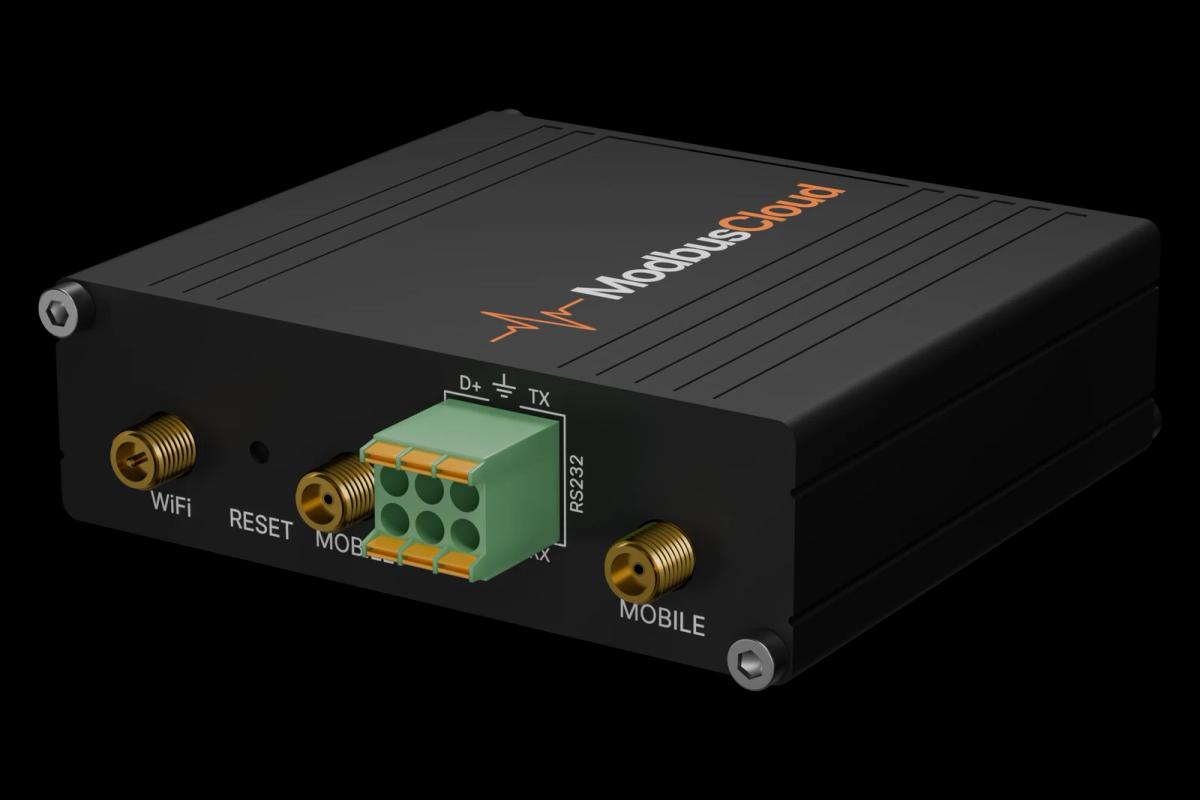
Wire the RS485 pair of the module to RS485 A and B of the ModbusCloud Gateway and terminate the bus with 120 ohm at both ends.
Note address, baud rate and parity on the Ekip Touch display (default 247, 19200, even).
In ModbusCloud, use the Modbus device of the core Emax 2 template, or add one with the same settings, and import this template.
Compare a maximum power and its timestamp with the values on the trip unit display.
Things to watch for
Why do the power and voltage values show NaN or zero?
Without an Ekip Measuring module, or with the current sensors disconnected, the trip unit returns not available (0x7FC00000) or zero, depending on a setting in register 626. Check that the measuring module is fitted and that voltage and current are present.
The values look wrong or very large. What should I check?
The trip unit sends 32-bit values with the low word first. This template reads them that way. If the values still look wrong, swap the word order of the register in your Modbus device in ModbusCloud and compare with the display.
How do I turn the timestamp into a date?
The timestamp counts seconds from 00:00:00 on 31 December 1999. Add the value to that date to get the moment the minimum or maximum was recorded.



Want to see how it works?