

Danfoss AK-CC55 Compact
Case and cold room controller with electronic expansion valve, read and set over Modbus RTU.
The Danfoss AK-CC55 Compact is a refrigeration controller that runs a display case or cold room with an electronic expansion valve. This Modbus RTU template reads air, evaporator and food temperatures, superheat and alarms, and lets you write the main switch, cutout temperature, defrost and alarm limits from ModbusCloud.
- Protocol
- Modbus RTU
- Connection
- RS485, 19200 baud
- Registers
- 46, read and write
- Brand
- Danfoss
- Key readings
- Thermostat air temperature · Evaporating temperature · Food temperature · Superheat · Control state · Sum alarm
- Available commands
- Main switch · Cutout temperature · Differential · Defrost start · Air alarm limits
- Compatible models
- AK-CC55 Compact (084B4081)
- Last updated
Registers (46)
46 read, 8 write
| Name | Unit | Access | Address (Hidden until you enter your email) | Function (hidden) | Type (hidden) |
|---|---|---|---|---|---|
| Sum Alarm | Read | 2540 | FC03 | uint16 | |
| Control State | Read | 2006 | FC03 | uint16 | |
| Thermostat Air Temperature | °C | Read | 2531 | FC03 | int16 |
| Evaporating Temperature | °C | Read | 2543 | FC03 | int16 |
| S2 Temperature | °C | Read | 2536 | FC03 | int16 |
| S3 Air Temperature | °C | Read | |||
| S4 Air Temperature | °C | Read | |||
| S5 Temperature | °C | Read | |||
| Food Temperature | °C | Read | |||
| Expansion Valve Opening | % | Read | |||
| Brine Valve Opening | % | Read | |||
| Defrost Stop Temperature Actual | °C | Read | |||
| Alarm Air Temperature | °C | Read | |||
| Night Condition | Read | ||||
| Cut In Temperature | °C | Read | |||
| Cut Out Temperature | °C | Read | |||
| Superheat | °C | Read | |||
| Superheat Reference | °C | Read | |||
| Main Switch | Read and write | ||||
| Cutout Setpoint | °C | Read and write | |||
| Differential | °C | Read and write | |||
| Defrost Start | Read and write | ||||
| Defrost Stop Temperature | °C | Read and write | |||
| Alarm Delay | min | Read and write | |||
| High Air Temperature Limit | °C | Read and write | |||
| Low Air Temperature Limit | °C | Read and write | |||
| Controller Error | Read | ||||
| RTC Error | Read | ||||
| Pe Error | Read | ||||
| S2 Error | Read | ||||
| S3 Error | Read | ||||
| S4 Error | Read | ||||
| S5 Error | Read | ||||
| High Temperature Alarm | Read | ||||
| Low Temperature Alarm | Read | ||||
| Door Alarm | Read | ||||
| Max Hold Time Alarm | Read | ||||
| No Refrigerant Selected | Read | ||||
| DI1 Alarm | Read | ||||
| DI2 Alarm | Read | ||||
| Standby Mode | Read | ||||
| Case Cleaning | Read | ||||
| CO2 Alarm | Read | ||||
| Refrigerant Leak Alarm | Read | ||||
| Wrong IO Configuration | Read | ||||
| Max Defrost Time Alarm | Read |
Loading registers…
Send your device list
If a device is not in the library yet, we build the template for free as soon as we have the register data.
Use cases
- Get an alert when the sum alarm or the high temperature alarm goes to 1, so you act before food gets too warm.
- Log the food and air temperature of every case as temperature history for food safety checks.
- Compare evaporating temperature and superheat between cases to find a valve or sensor that drifts.
- Raise the cutout temperature or start a defrost from ModbusCloud without going to the store.
- Watch door and refrigerant leak alarms of cold rooms on one dashboard per site.
Installation
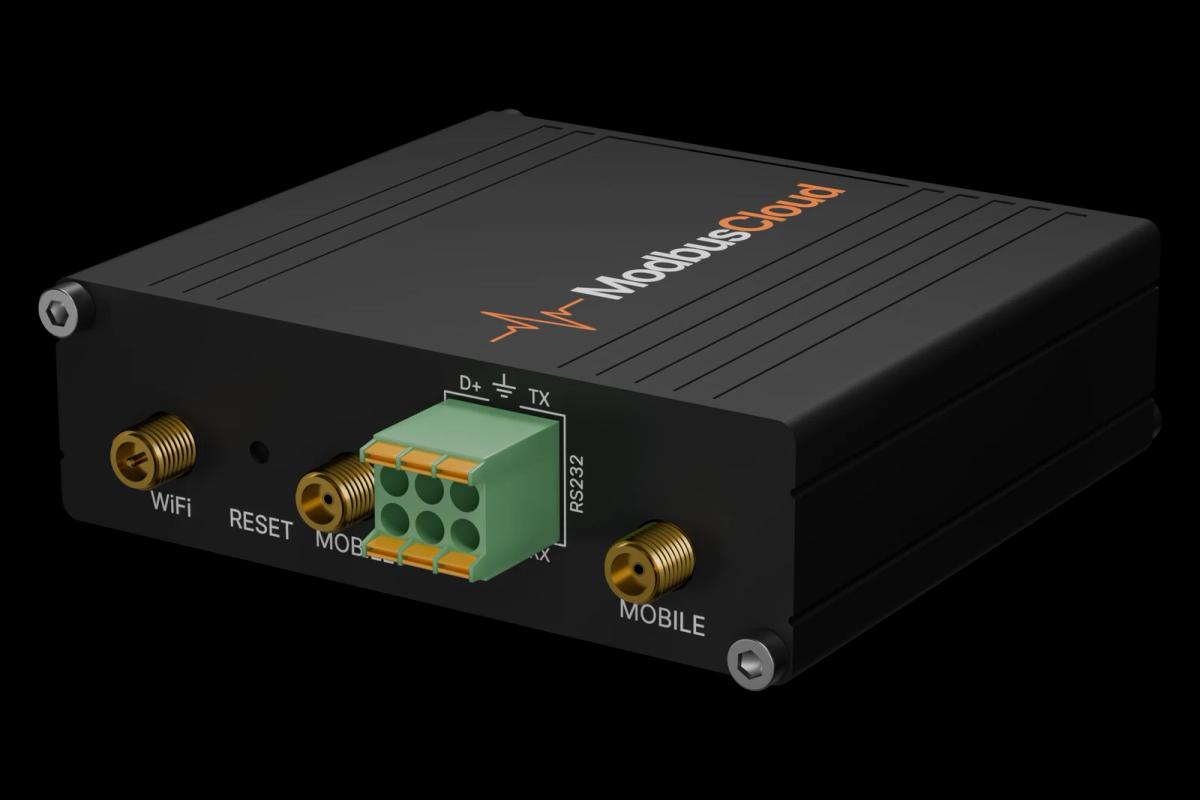
Connect terminal 83 (B-) and 84 (A+) of the controller to the RS485 port of the ModbusCloud Gateway, with the screen on 85, and terminate the ends of the line.
Give every controller a unique network address with the AK-UI55 display or the AK-CC55 Connect app.
In ModbusCloud, add a Modbus device (RTU) with that address, 19200 baud, 8 data bits, even parity and 1 stop bit, and import this template.
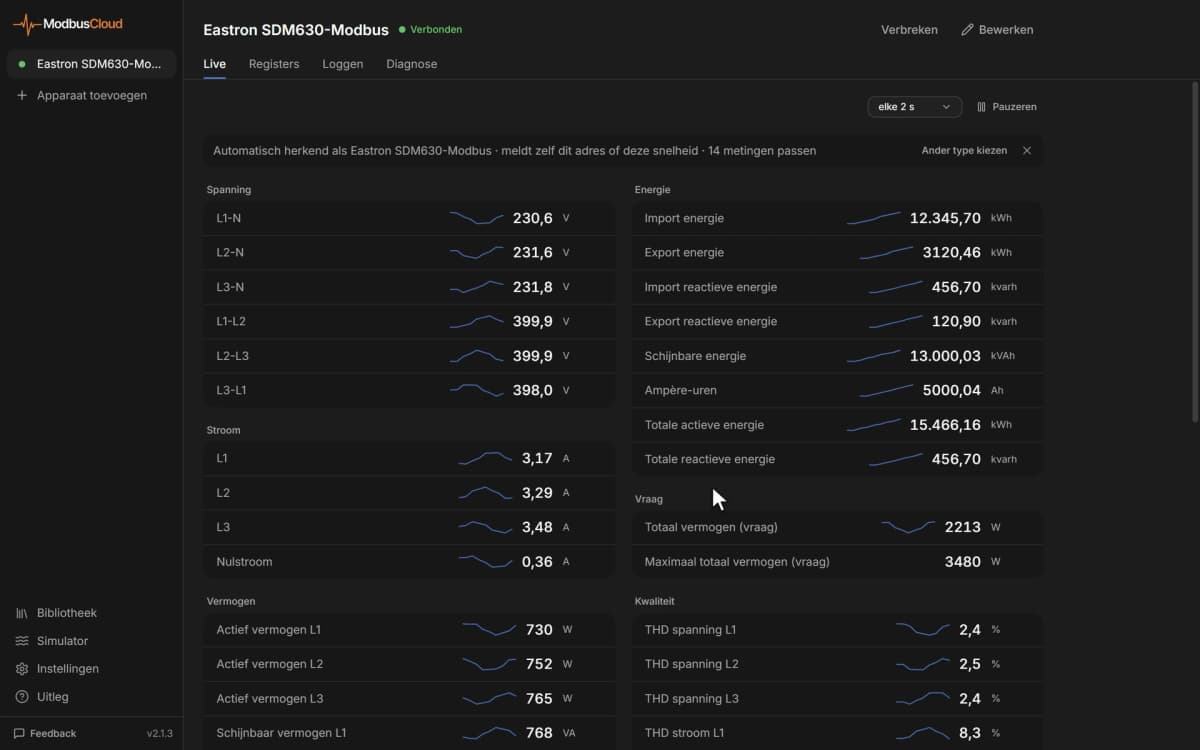
Check that the thermostat air temperature and the control state show plausible values.
Things to watch for
The controller does not answer.
The controller detects the baud rate itself but expects even parity and 1 stop bit by default. Check the network address, swap A+ and B- if needed and make sure no two controllers share an address.
Some values stay at 0.
Not every readout exists in every application mode. The expansion valve opening, brine valve opening, S5 temperature and superheat only appear in the application modes that use them.
My new cutout value is not accepted.
Several settings can only be changed while the main switch is on stop, and the cutout must stay between the minimum and maximum cutout limits set on the controller. Stop regulation, write the value and set the main switch back to start.
Temperatures look ten times too high.
Temperatures are sent in tenths of a degree. The template already applies the factor 0.1. If the controller is set to Fahrenheit, all temperatures arrive in °F.


Want to see how it works?