








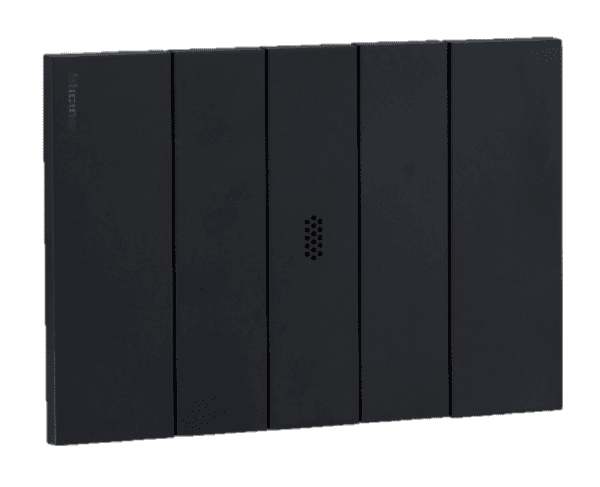
Flush-mounting microprocessor sensors for ambient temperature and humidity measurement baud rate 19200
Measures ambient temperature and humidity via flush-mounted microprocessor sensor.
This template connects SETECNA EPC MB-TH-SXX flush-mount sensors to ModbusCloud via Modbus RTU at 19200 baud. It reads ambient temperature and relative humidity, and allows calibration offset adjustments for both measurements.
- Protocol
- Modbus RTU
- Connection
- RS485, 19200 baud
- Registers
- 4, read and write
- Brand
- SETECNA EPC S.r.l.
- Key readings
- Actual Temperature · Actual Relative Humidity · Temperature Calibration Offset · Humidity Calibration Offset
- Available commands
- Temperature Calibration Offset · Humidity Calibration Offset
- Compatible models
- MB-TH-SXX
- Last updated
Registers (4)
4 read, 2 write
| Name | Unit | Access | Address (Hidden until you enter your email) | Function (hidden) | Type (hidden) |
|---|---|---|---|---|---|
| Actual Temperature | °C | Read | |||
| Actual Relative Humidity | % | Read | |||
| Temperatura Calibration Offset | °C | Read and write | |||
| Humidity Calibration Offset | % | Read and write |
Loading registers…
Send your device list
If a device is not in the library yet, we build the template for free as soon as we have the register data.
Use cases
- Monitor room temperature and humidity on a live cloud dashboard for residential or commercial buildings.
- Set up alerts when humidity exceeds a threshold, helping prevent mold or condensation issues.
- Remotely adjust calibration offsets for temperature and humidity without an on-site visit.
- Log historical temperature and humidity data per room to verify HVAC system performance over time.
- Compare climate conditions across multiple zones by deploying several MB-TH-SXX sensors on one RS-485 bus.
Installation
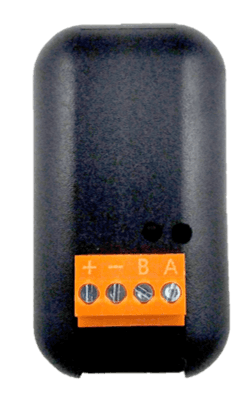
Wire the MB-TH-SXX sensor to the RS-485 port (A and B terminals) of your ModbusCloud Gateway, observing correct polarity.
Set a unique Modbus slave address on each MB-TH-SXX sensor, choosing a value between 1 and 255 that does not conflict with other devices on the bus.
Configure the gateway RS-485 port to match the sensor communication parameters: 19200 baud, no parity, 8 data bits, 1 stop bit.
Import the SETECNA EPC MB-TH-SXX template from the ModbusCloud library and assign it to the correct slave address in your project.
Verify that actual temperature and actual relative humidity readings appear on the ModbusCloud dashboard, and check that values are plausible for the current room conditions.
If readings require fine-tuning, use the temperature calibration offset and humidity calibration offset controls in the template to apply corrections.
Things to watch for
No data appears after connecting the sensor. What should I check?
Verify that the RS-485 wiring polarity (A and B) is correct and that the gateway port is set to 19200 baud, no parity, 8 data bits, 1 stop bit. Also confirm the slave address in the template matches the address configured on the sensor.
Can I mix MB-TH-SXX sensors with other Modbus RTU devices on the same bus?
Yes, as long as all devices share the same baud rate (19200) and communication settings (N, 8, 1), and each device has a unique slave address.
How do the calibration offset registers work?
Writing a value to the temperature or humidity calibration offset register shifts the reported reading by that amount. This allows you to compensate for minor measurement deviations without physical access to the sensor.
What is the maximum number of sensors I can connect on one RS-485 bus?
The slave address range is 1 to 255. The practical limit depends on the RS-485 driver capability of your gateway and total cable length. Using a bus termination resistor at both ends is recommended for longer runs.
More SETECNA EPC S.r.l. templates
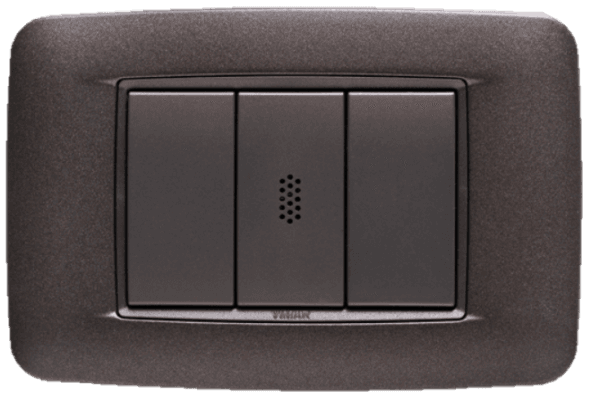 Flush-mounting microprocessor sensors for ambient temperature and humidity measurement baud rate 9600
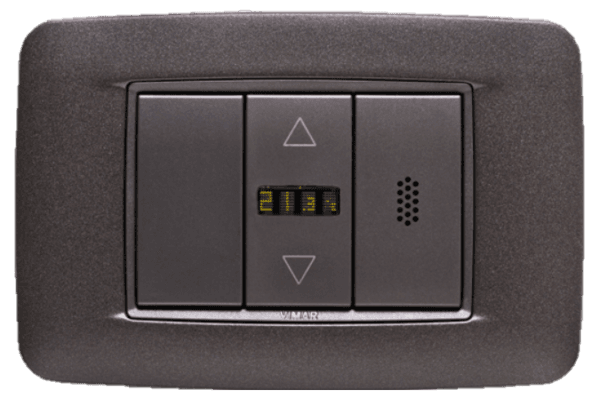 Flush-mounting microprocessor sensors for ambient temperature and humidity measurement with display baud rate 19200
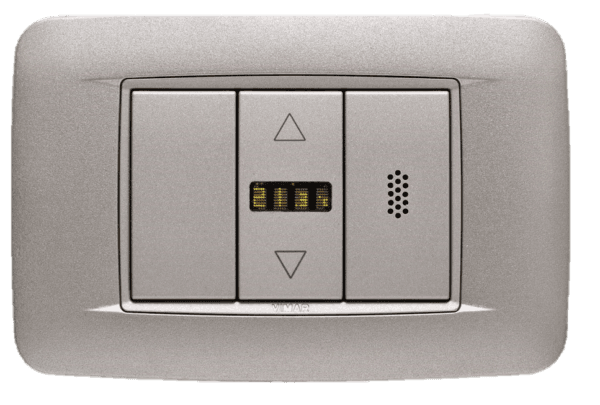 Flush-mounting microprocessor sensors for ambient temperature and humidity measurement with display baud rate 9600
 MB-OTG 1-Channel Modbus-to-OpenTherm Gateway
Want to see how it works?
