








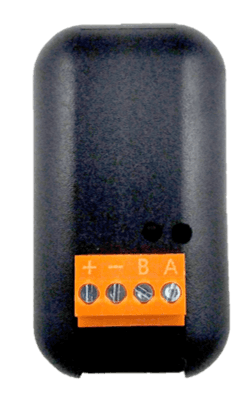
MB-OTG 1-Channel Modbus-to-OpenTherm Gateway
Bridges Modbus RTU to OpenTherm for boiler monitoring and control
The SETECNA MB-OTG is a 1-channel Modbus RTU to OpenTherm gateway that bridges an RS-485 supervision system to a single OpenTherm heat generator. This template reads boiler temperatures, modulation levels, and alarm states, and allows writing heating and DHW setpoints as well as enable controls.
- Protocol
- Modbus RTU
- Connection
- RS485, 9600 baud
- Registers
- 23, read and write
- Brand
- SETECNA EPC S.r.l.
- Key readings
- Water Outlet Temperature · Water Inlet Temperature · DHW Temperature · Relative Modulation Level · Alarm Present · OpenTherm Communication Status
- Available commands
- Heating Set Point · DHW Set Point · Modulation Power Limit · Heating / DHW Enable
- Compatible models
- MB-OTG
- Last updated
Registers (23)
21 read, 5 write
| Name | Unit | Access | Address (Hidden until you enter your email) | Function (hidden) | Type (hidden) |
|---|---|---|---|---|---|
| Slave Configuration | Read | ||||
| OEM Fault code | Read | ||||
| RBP Flags | Read | ||||
| Boiler maximum capacity (kW) | kW | Read | |||
| Relative modulation level | % | Read | |||
| Water Outlet Temperature | °C | Read | |||
| DHW Temperature | °C | Read | |||
| Water Inlet Temperature | °C | Read | |||
| Boiler Working time | h | Read | |||
| Heating set point limit | °C | Read | |||
| DHW set point limit | °C | Read | |||
| Exhaust fumes Temperature | °C | Read | |||
| Water Pump working time | h | Read | |||
| Opentherm communication Status | Read | ||||
| Heating Set point | °C | Read and write | |||
| DHW Set point | °C | Read and write | |||
| Modulation Power limit | % | Read and write | |||
| Alarm present | Read | ||||
| Heat mode ON | Read | ||||
| DHW mode ON | Read | ||||
| Flame ON | Read | ||||
| Heating Enable | Write | ||||
| DHW Enable | Write |
Loading registers…
Send your device list
If a device is not in the library yet, we build the template for free as soon as we have the register data.
Use cases
- Monitor water outlet and inlet temperatures on a live cloud dashboard to verify boiler performance remotely.
- Create an alert when the alarm present register activates, so you can respond to boiler faults without a site visit.
- Log relative modulation level over time to assess boiler efficiency and identify potential maintenance needs.
- Adjust heating and DHW setpoints remotely through the ModbusCloud platform to match seasonal demand.
- Track OpenTherm communication status to detect connectivity issues between the gateway and the boiler.
- Set modulation power limits remotely to comply with energy management or demand response requirements.
Installation
Power the MB-OTG with a 12 Vdc supply and mount it in the electrical panel box or inside the generator chassis.
Connect the RS-485 (A and B) wires from the ModbusCloud Gateway to the removable terminals on the MB-OTG.
Connect the OpenTherm cable from the MB-OTG to the OpenTherm port on the heat generator.
Set the MB-OTG slave address to a value between 16 and 23 using the device's configuration method, and note the chosen address.
Configure the ModbusCloud gateway serial port to match the MB-OTG settings: baud rate 9600 (or 19200), parity even or none, and the correct slave address.
Import the SETECNA MB-OTG template in the ModbusCloud platform and verify that register values appear on the dashboard.
Things to watch for
Which Modbus slave addresses can I use for the MB-OTG?
The MB-OTG supports configurable slave addresses from 16 to 23. Make sure the address set on the device matches the address configured in the ModbusCloud gateway.
What baud rate and parity settings should I use?
The MB-OTG supports 9600 or 19200 baud, with parity set to even or none. The default baud rate is 9600. Both the MB-OTG and the ModbusCloud gateway must use identical serial settings.
Is the OpenTherm connection electrically isolated from the Modbus side?
Yes. The MB-OTG features opto-isolation on the OpenTherm connection towards the generator, providing electrical separation between the supervision bus and the boiler.
I see no data on the dashboard after importing the template. What should I check?
Verify that the RS-485 wiring polarity (A and B) is correct, the slave address matches, and the baud rate and parity settings are identical on both the MB-OTG and the ModbusCloud gateway. Also confirm that the 12 Vdc power supply to the MB-OTG is active.
More SETECNA EPC S.r.l. templates
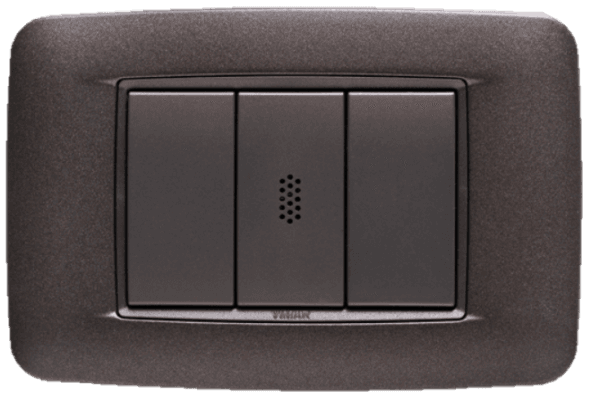 Flush-mounting microprocessor sensors for ambient temperature and humidity measurement baud rate 9600
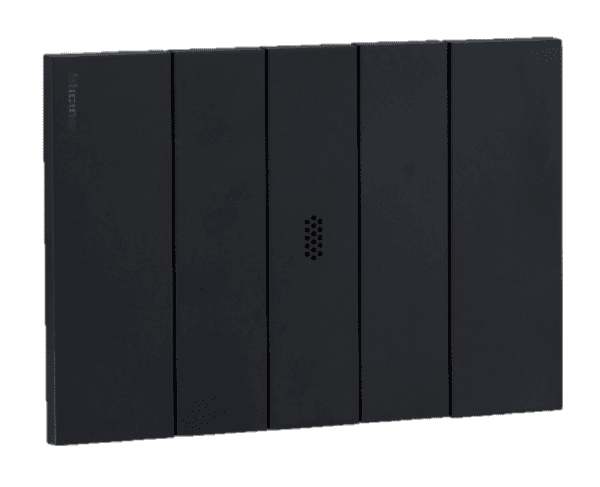 Flush-mounting microprocessor sensors for ambient temperature and humidity measurement baud rate 19200
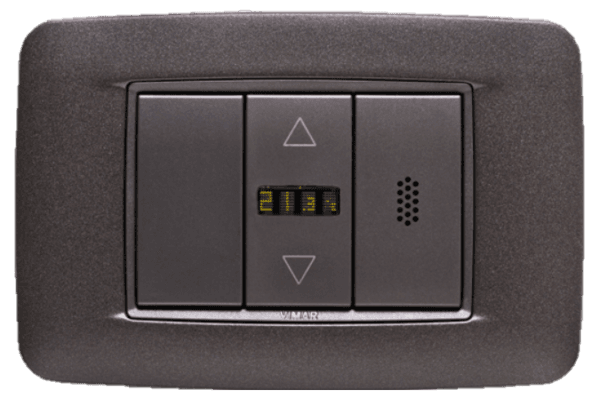 Flush-mounting microprocessor sensors for ambient temperature and humidity measurement with display baud rate 19200
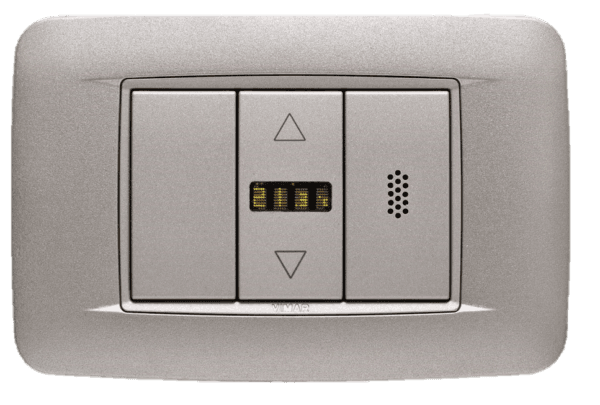 Flush-mounting microprocessor sensors for ambient temperature and humidity measurement with display baud rate 9600
Want to see how it works?
