









Huawei EMMA (battery)
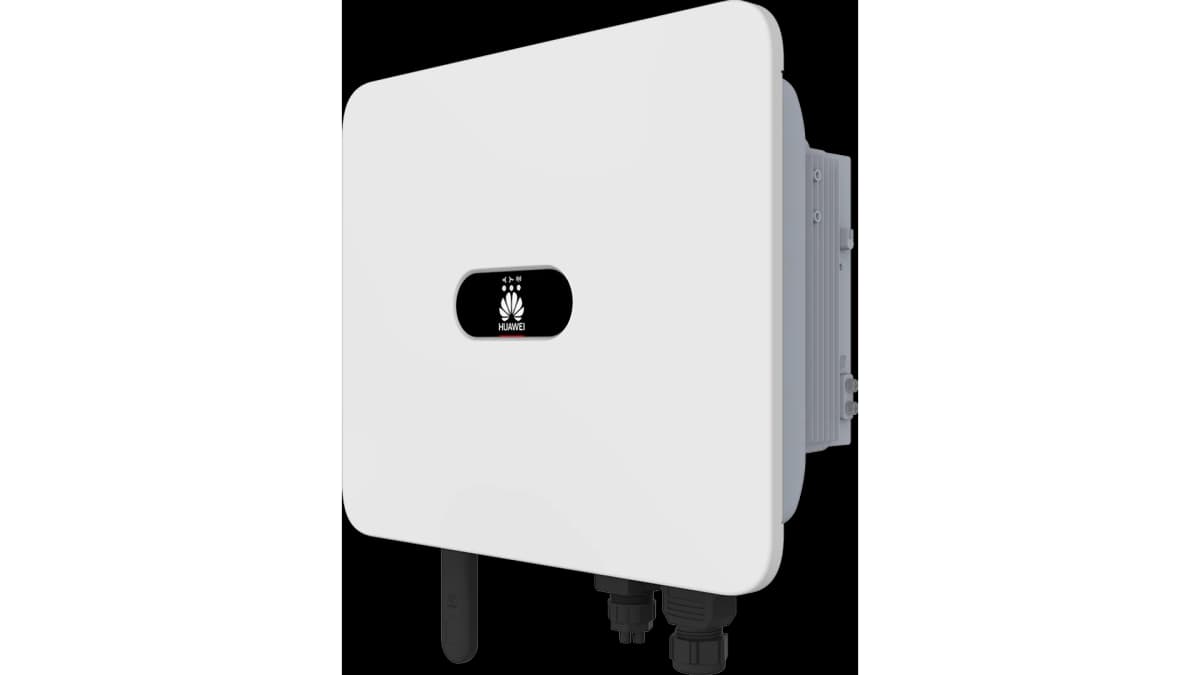
The Huawei EMMA (Energy Management Assistant) is a DIN-rail energy management controller for residential and small-commercial PV installations. It integrates metering, communication, and load coordination for Huawei SUN2000 inverters and LUNA2000 battery storage. This Modbus TCP template reads the battery charge/discharge power, cumulative energy, and state of charge directly from the EMMA over its LAN interface. With these three registers available in ModbusCloud, installers can track battery behaviour, build SOC alerts, and verify ESS performance without accessing the FusionSolar cloud.
- Protocol
- Modbus TCP
- Connection
- Ethernet, Modbus TCP
- Registers
- 3, read only
- Brand
- Huawei
- Last updated
Registers (3)
3 read, 0 write
| Name | Unit | Access | Address (Hidden until you enter your email) | Function (hidden) | Type (hidden) |
|---|---|---|---|---|---|
| power | W | Read | |||
| energy | Wh | Read | |||
| soc | % | Read |
Loading registers…
Send your device list
If a device is not in the library yet, we build the template for free as soon as we have the register data.
Use cases
- Monitor battery state of charge in real time to detect unexpected overnight discharge below acceptable thresholds.
- Track cumulative battery energy over weeks to verify ESS round-trip performance against commissioning baselines.
- Alert on sustained high discharge power values that may indicate grid-supply issues or load imbalance.
- Compare battery charge/discharge power patterns across multiple sites from the ModbusCloud multi-site overview.
- Verify that the LUNA2000 battery is charging during expected solar generation windows by correlating SOC with time of day.
Installation
Enable Modbus TCP on the EMMA: open the FusionSolar app with installer credentials, navigate to Services, then Commission the device, then Communication Settings, and enable Modbus TCP.
Connect the EMMA to the same LAN segment as the ModbusCloud Gateway using the EMMA's FE (Ethernet) port, or confirm the Gateway can reach the EMMA's IP address over the local network.
In the ModbusCloud portal, add a new device, select the Huawei EMMA (battery) template, enter the EMMA's IP address and port 502, and assign the correct Modbus unit ID as configured in the EMMA communication settings.
Spot-check the connection by reading the SOC register (address 30368) in the portal's live data view and confirming the value matches the FusionSolar app battery display.
Things to watch for
The gateway connects to port 502 but all registers return errors.
Modbus TCP on the EMMA must be explicitly enabled by an installer account in the FusionSolar app under Communication Settings. The feature is disabled by default and the port remains closed until activated. Verify the EMMA firmware is a recent SmartHEMS release, as early firmware versions had Modbus TCP unavailable even after enabling.
The SOC register reads a value 100 times larger than expected.
The EMMA applies a gain of 100 to the SOC register. The raw uint16 value must be divided by 100 to obtain the percentage. Check your ModbusCloud template scaling configuration and confirm the gain factor is set to 100 for register 30368.
Power register 30360 shows unexpected large positive or negative spikes.
Register 30360 is a signed int32 representing battery charge/discharge power. The EMMA applies a gain of 1000 to this register, so the raw value is in watts multiplied by 1000. Confirm big-endian byte order is configured in your Modbus client, as the EMMA uses big-endian representation for all multi-byte values per the official SmartHEMS specification.
Modbus TCP was working, but readings stopped after an EMMA firmware update.
Huawei SmartHEMS firmware updates can reset communication parameters, including the Modbus TCP enable flag and unit ID assignment. After any firmware update, log in to the FusionSolar app with installer credentials, re-verify the Modbus TCP setting under Communication Settings, and re-confirm the unit ID matches what is configured in the ModbusCloud portal.


Want to see how it works?
