









Huawei SmartLogger (grid)
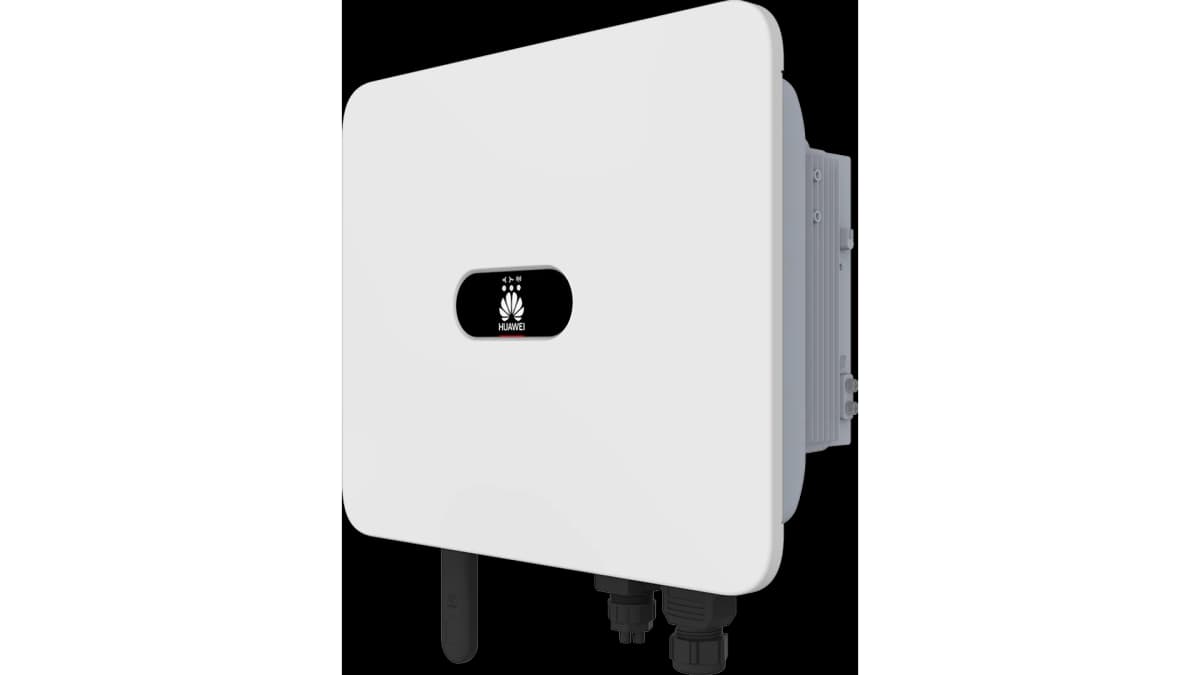
The Huawei SmartLogger is a data concentrator and monitoring gateway for PV systems and energy storage installations. This ModbusCloud template connects over Modbus TCP to the SmartLogger's built-in power meter interface and reads grid-side measurements: active power at the point of common coupling, cumulative energy, and per-phase currents across all three phases. Together these registers give your portal a complete real-time picture of grid import and export, enabling accurate energy balancing and threshold alerts without additional hardware.
- Protocol
- Modbus TCP
- Connection
- Ethernet, Modbus TCP
- Registers
- 5, read only
- Brand
- Huawei
- Last updated
Registers (5)
5 read, 0 write
| Name | Unit | Access | Address (Hidden until you enter your email) | Function (hidden) | Type (hidden) |
|---|---|---|---|---|---|
| power | W | Read | |||
| energy | Wh | Read | |||
| currents_a | A | Read | |||
| currents_b | A | Read | |||
| currents_c | A | Read |
Loading registers…
Send your device list
If a device is not in the library yet, we build the template for free as soon as we have the register data.
Use cases
- Monitor grid active power in real time to verify feed-in limits set on the SmartLogger are being respected.
- Track cumulative grid energy to reconcile portal totals against the utility bill at the end of each billing period.
- Alert on sustained negative power values to confirm solar surplus is being exported as expected.
- Compare phase A, B, and C currents to detect load imbalances across the three-phase installation.
- Report daily grid import and export profiles to building owners as part of a scheduled energy performance review.
Installation
Enable Modbus TCP on the SmartLogger by logging in as Advanced User, then navigating to Settings, Comm. Param., Modbus-TCP, and setting the link to Enable(Limited) or Enable(Unlimited) with port 502.
Connect the ModbusCloud Gateway to the same LAN segment as the SmartLogger, ensuring both devices share the same IP subnet so TCP port 502 is reachable.
In the ModbusCloud portal, add a new device, import the Huawei SmartLogger (grid) template, and set the unit ID to the logical address shown for the grid meter in the SmartLogger device list.
Spot-check the power register (address 32278) in the portal's live register view and confirm the value matches the active power displayed on the SmartLogger WebUI.
Things to watch for
Modbus TCP is enabled but the gateway cannot connect. Why?
By default, the SmartLogger restricts Modbus TCP access to a whitelist of up to five IP addresses. Open Settings, Modbus-TCP on the SmartLogger WebUI, add the ModbusCloud Gateway's IP address to the permitted list, and save. Also confirm firmware is at least V300R023C10SPC551.
The power register reads zero even though solar is generating. What is wrong?
The unit ID in the portal must match the logical address of the grid meter in the SmartLogger device list, not the inverter address. Open the SmartLogger WebUI, locate the meter under the device list, and copy its logical address into the ModbusCloud template unit ID field.
Phase current values look ten times too large. Is the scaling wrong?
The Huawei Modbus interface transmits current values with a gain factor of 10, meaning the raw register value must be divided by 10 to obtain amperes. Verify that the ModbusCloud template applies the correct scaling before displaying or logging the value.
The energy register returns an exception error code 3 on some firmware. Why?
Exception code 3 (illegal data value) on the int64 energy register at address 32349 is a known issue on older SmartLogger firmware. Upgrade to at least V300R023C10SPC551. If the error persists, check that the grid meter is named correctly, starting with Meter, in the SmartLogger device list.


Want to see how it works?
