









Huawei SmartLogger (battery)
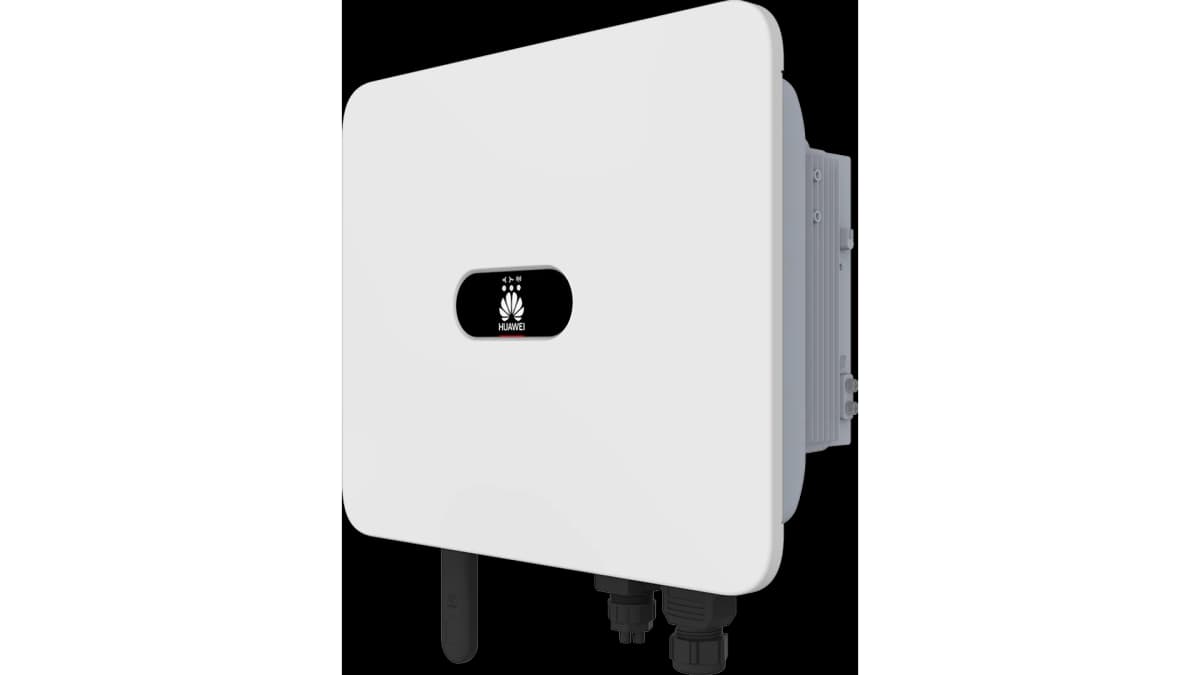
The Huawei SmartLogger is a data collection and energy management gateway for PV and battery storage plants, connecting inverters, energy storage systems, and meters over Ethernet. This template targets the battery control interface of the Huawei SmartLogger via Modbus TCP, exposing six write registers that govern the battery operating mode, charge and discharge power setpoints, dispatch enable flag, charge target SOC, and minimum reserve SOC. Installers can use these registers to implement remote battery dispatch from the ModbusCloud Gateway without operating the SmartLogger web interface directly.
- Protocol
- Modbus TCP
- Connection
- Ethernet, Modbus TCP
- Registers
- 6, read and write
- Brand
- Huawei
- Last updated
Registers (6)
0 read, 6 write
| Name | Unit | Access | Address (Hidden until you enter your email) | Function (hidden) | Type (hidden) |
|---|---|---|---|---|---|
| batterymode_a | Write | ||||
| batterymode_c | W | Write | |||
| batterymode_d | Write | ||||
| batterymode_e | W | Write | |||
| batterymode_i | % | Write | |||
| batterymode_j | % | Write |
Loading registers…
Send your device list
If a device is not in the library yet, we build the template for free as soon as we have the register data.
Use cases
- Set the battery working mode remotely to switch between self-consumption and grid-dispatch strategies via batterymode_a.
- Limit maximum charge power through batterymode_c to protect battery longevity during peak PV production periods.
- Activate or deactivate remote dispatch control using batterymode_d to hand scheduling back to the SmartLogger EMS.
- Cap discharge power via batterymode_e to stay within contracted grid-export limits at commercial sites.
- Configure a minimum reserve SOC using batterymode_j to ensure backup capacity is always available during grid outages.
Installation
Enable Modbus TCP on the SmartLogger by logging in as Advanced User and navigating to Settings, then Comm. Param., then Modbus-TCP, and setting the link to Enable(Limited) or Enable(Unlimited).
Connect the ModbusCloud Gateway to the same LAN subnet as the SmartLogger, ensuring TCP port 502 is reachable from the Gateway's IP address.
In the ModbusCloud portal, add a new device, import the Huawei SmartLogger (battery) template, and assign the correct Modbus unit ID matching the SmartLogger's configured logical address.
Verify the connection by writing a known-safe value to batterymode_d in the portal console and confirming the SmartLogger WebUI reflects the updated dispatch control state.
Things to watch for
Modbus TCP connection times out. What should I check?
Confirm that Modbus TCP is explicitly enabled in the SmartLogger under Settings, Comm. Param., Modbus-TCP. By default, the function is disabled. Also verify that the Gateway's IP address is listed in the allowed-client list if Enable(Limited) mode is active, and that no firewall blocks port 502.
Writes to battery mode registers return exception code 3. Why?
Exception code 3 (illegal data value) typically means the SmartLogger has not been configured for remote dispatch mode. Navigate to Settings, Battery Control on the SmartLogger WebUI and set the working mode to Charge/Discharge based on grid dispatch before writing to these registers over Modbus TCP.
Values written via Modbus revert after a timeout. What causes this?
The SmartLogger applies a scheduling timeout: if no updated setpoint is received within the configured interval, it falls back to a safe default. Ensure your ModbusCloud automation job writes setpoints at a frequency shorter than the SmartLogger's active power scheduling timeout, and set a sensible fallback power value in the SmartLogger EMS settings.
Is it safe to write arbitrary values to the battery setpoint registers?
Use caution with all write registers in this template. Sending out-of-range charge or discharge power values, or setting the reserve SOC below the battery's minimum, can trigger protection faults, reduce cell lifespan, or invalidate the battery warranty. Always verify permitted setpoint ranges in the Huawei SmartLogger Modbus interface documentation before writing values.


Want to see how it works?
