








my-PV AC THOR, AC THOR 9s
Power manager that heats water with surplus solar power: heating power, temperatures, state and power setpoint.
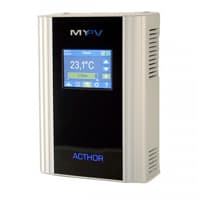
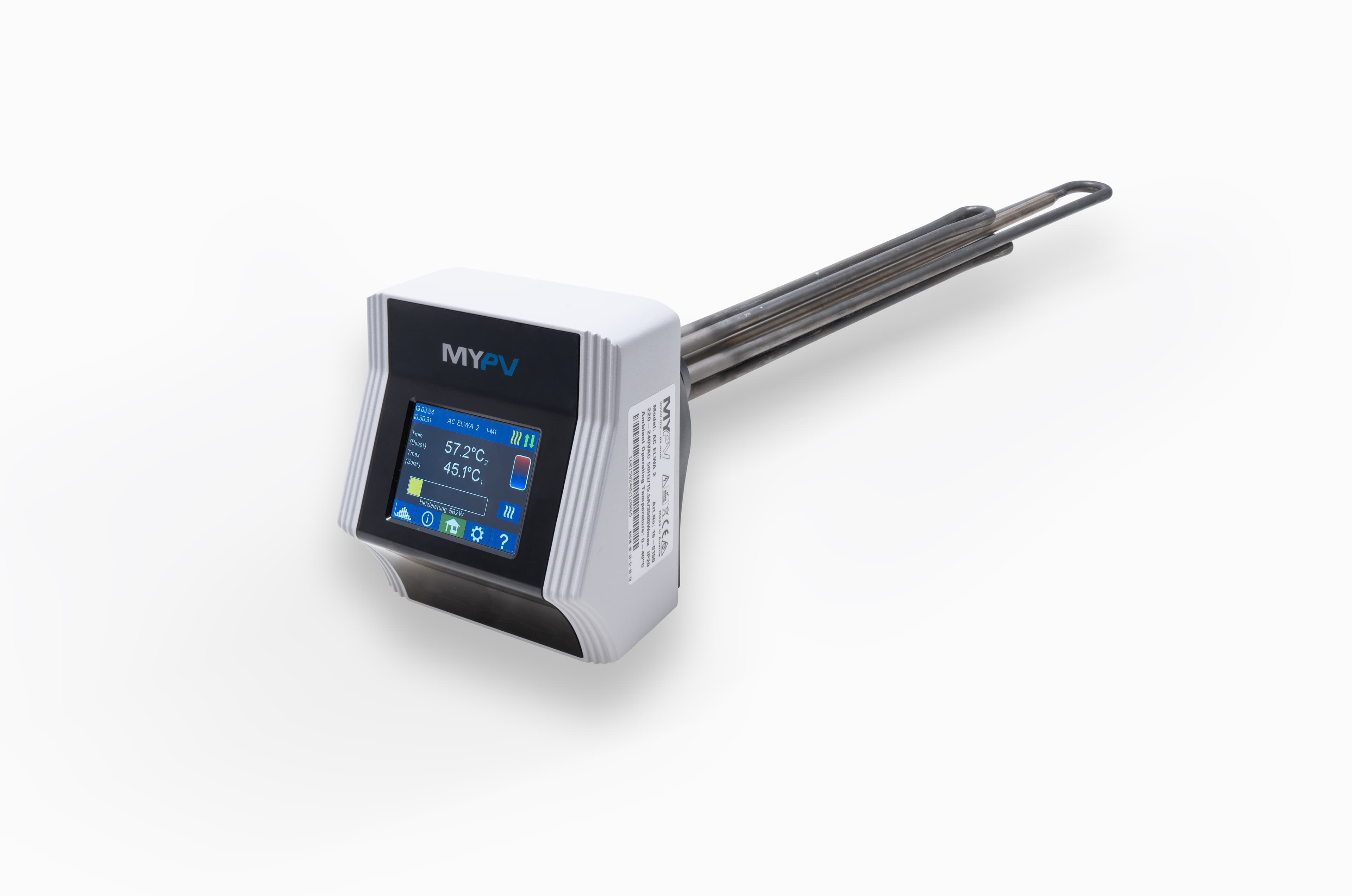
The my-PV AC THOR and AC THOR 9s are photovoltaic power managers that send surplus solar power to electric heating elements for hot water and space heating. This Modbus TCP template reads heating power, the solar and grid share, temperatures, voltage and current per phase and the operating state, and lets you write the power setpoint, temperature limits, boost times and legionella settings from ModbusCloud.
- Protocol
- Modbus TCP
- Connection
- Ethernet, Modbus TCP
- Registers
- 79, read and write
- Brand
- my-PV
- Key readings
- Heating power · Solar and grid share · Hot water temperature · Voltage and current per phase · Power per output · Operating state · Meter power
- Available commands
- Power setpoint · Hot water temperature limits · Room heating temperatures · Boost mode and boost times · Legionella protection · Control type
- Compatible models
- AC THOR · AC THOR 9s · my-PV AC THOR · my-PV AC THOR 9s
- Last updated
Registers (79)
79 read, 39 write
| Name | Unit | Access | Address (Hidden until you enter your email) | Function (hidden) | Type (hidden) |
|---|---|---|---|---|---|
| Power | W | Read and write | |||
| Power of Queried Device | W | Read | |||
| Solar Part of Device Power | W | Read | |||
| Grid Part of Device Power | W | Read | |||
| Temperature 1 | °C | Read | |||
| Temperature 2 | °C | Read | |||
| Temperature 3 | °C | Read | |||
| Temperature 4 | °C | Read | |||
| Temperature 5 | °C | Read | |||
| Temperature 6 | °C | Read | |||
| Temperature 7 | °C | Read | |||
| Temperature 8 | °C | Read | |||
| Status | Read | ||||
| Operation State | Read | ||||
| 9s State | Read | ||||
| Load State | Read | ||||
| Relay 1 Status | Read | ||||
| Meter Power | W | Read | |||
| Meter Measurement Value | W | Read | |||
| Voltage L1 | V | Read | |||
| Current L1 | A | Read | |||
| Voltage L2 | V | Read | |||
| Current L2 | A | Read | |||
| Voltage L3 | V | Read | |||
| Current L3 | A | Read | |||
| Output Voltage | V | Read | |||
| Frequency | Hz | Read | |||
| Power Out 1 | W | Read | |||
| Power Out 2 | W | Read | |||
| Power Out 3 | W | Read | |||
| Load Nominal Power | W | Read | |||
| Max Power Currently Possible | W | Read | |||
| PWM Out | Read | ||||
| Chip Temperature | °C | Read | |||
| Night Flag | Read | ||||
| Stratification Flag | Read | ||||
| Power 32-bit | W | Read and write | |||
| Power and Relays | Read and write | ||||
| Device State | Read and write | ||||
| Control Type | Read and write | ||||
| Operation Mode | Read and write | ||||
| Boost Mode | Read and write | ||||
| Boost Activate | Read and write | ||||
| Power Timeout | s | Read and write | |||
| Max Power | W | Read and write | |||
| Hot Water 1 Max | °C | Read and write | |||
| Hot Water 1 Min | °C | Read and write | |||
| Hot Water 2 Max | °C | Read and write | |||
| Hot Water 3 Max | °C | Read and write | |||
| Hot Water 2 Min | °C | Read and write | |||
| Hot Water 3 Min | °C | Read and write | |||
| Room Heating 1 Max | °C | Read and write | |||
| Room Heating 2 Max | °C | Read and write | |||
| Room Heating 3 Max | °C | Read and write | |||
| Room Heating 1 Day Min | °C | Read and write | |||
| Room Heating 2 Day Min | °C | Read and write | |||
| Room Heating 3 Day Min | °C | Read and write | |||
| Room Heating 1 Night Min | °C | Read and write | |||
| Room Heating 2 Night Min | °C | Read and write | |||
| Room Heating 3 Night Min | °C | Read and write | |||
| Boost Time 1 Start | h | Read and write | |||
| Boost Time 1 Stop | h | Read and write | |||
| Boost Time 2 Start | h | Read and write | |||
| Boost Time 2 Stop | h | Read and write | |||
| Legionella Interval | d | Read and write | |||
| Legionella Start | h | Read and write | |||
| Legionella Temperature | °C | Read and write | |||
| Legionella Mode | Read and write | ||||
| Hour | Read and write | ||||
| Minute | Read and write | ||||
| Second | Read and write | ||||
| UTC Correction | Read and write | ||||
| DST Correction | Read and write | ||||
| AC THOR Number | Read and write | ||||
| Control Firmware Version | Read | ||||
| Control Firmware Sub Version | Read | ||||
| Power Stage Firmware Version | Read | ||||
| Firmware Update Available | Read | ||||
| Serial Number | Read |
Loading registers…
Send your device list
If a device is not in the library yet, we build the template for free as soon as we have the register data.
Use cases
- Show heating power, solar share and tank temperature next to the PV system, heat pump and energy meter on one dashboard.
- Get an email when the status reports an error of the power stage or the device has no control signal.
- Keep a year of history of heating power and grid share to show a customer how much solar surplus went into hot water.
- Start a boost from the portal when a customer needs hot water outside the boost times.
- Check and change the legionella interval and temperature remotely instead of during a visit.
- Compare up to four temperatures to spot a tank that no longer reaches its maximum temperature.
Installation
Connect the AC THOR to the local network with a network cable and give it a fixed IP address in its web interface or in the router.
If ModbusCloud should set the power, choose Modbus TCP as control type in the control settings of the AC THOR.
Connect the ModbusCloud Gateway to the same network.
In ModbusCloud, add a Modbus device with Modbus TCP, the IP address of the AC THOR, port 502 and unit ID 1, and import this template.
Check that heating power and temperature 1 match the display of the AC THOR.
Things to watch for
The Gateway gets no answer from the AC THOR. What should I check?
Check that the AC THOR and the Gateway are on the same network and that the IP address is right. The AC THOR answers on port 502 with unit ID 1. Give it a fixed IP address so it does not change after a restart of the router.
The AC THOR ignores the power I write. Why?
It only accepts power commands when the control type is Modbus TCP. Without a new value within the power timeout of 10 to 600 seconds, the setpoint expires. Continuous control belongs in an energy management system; use ModbusCloud to read the device and to change its settings.
Can I change the settings from ModbusCloud?
Yes. Temperature limits, boost, legionella protection, operation mode and control type can be written. Writing is off per gateway until you request it in the portal. Write these settings at most once a day, because the AC THOR stores them in memory with a limited number of write cycles. Power, boost start and the clock may be written more often.
Why do some temperature registers give no useful value?
Temperatures 5 to 8 and the hot water limits for tanks 2 and 3 are not available on the AC THOR and AC THOR 9s. Use temperatures 1 to 4 on your dashboard.
Why are voltage, current and output power on L2, L3 and the outputs zero?
Those values exist on the AC THOR 9s only. The AC THOR answers 0 for voltage and current on L2 and L3 and for the power per output.

Want to see how it works?
