








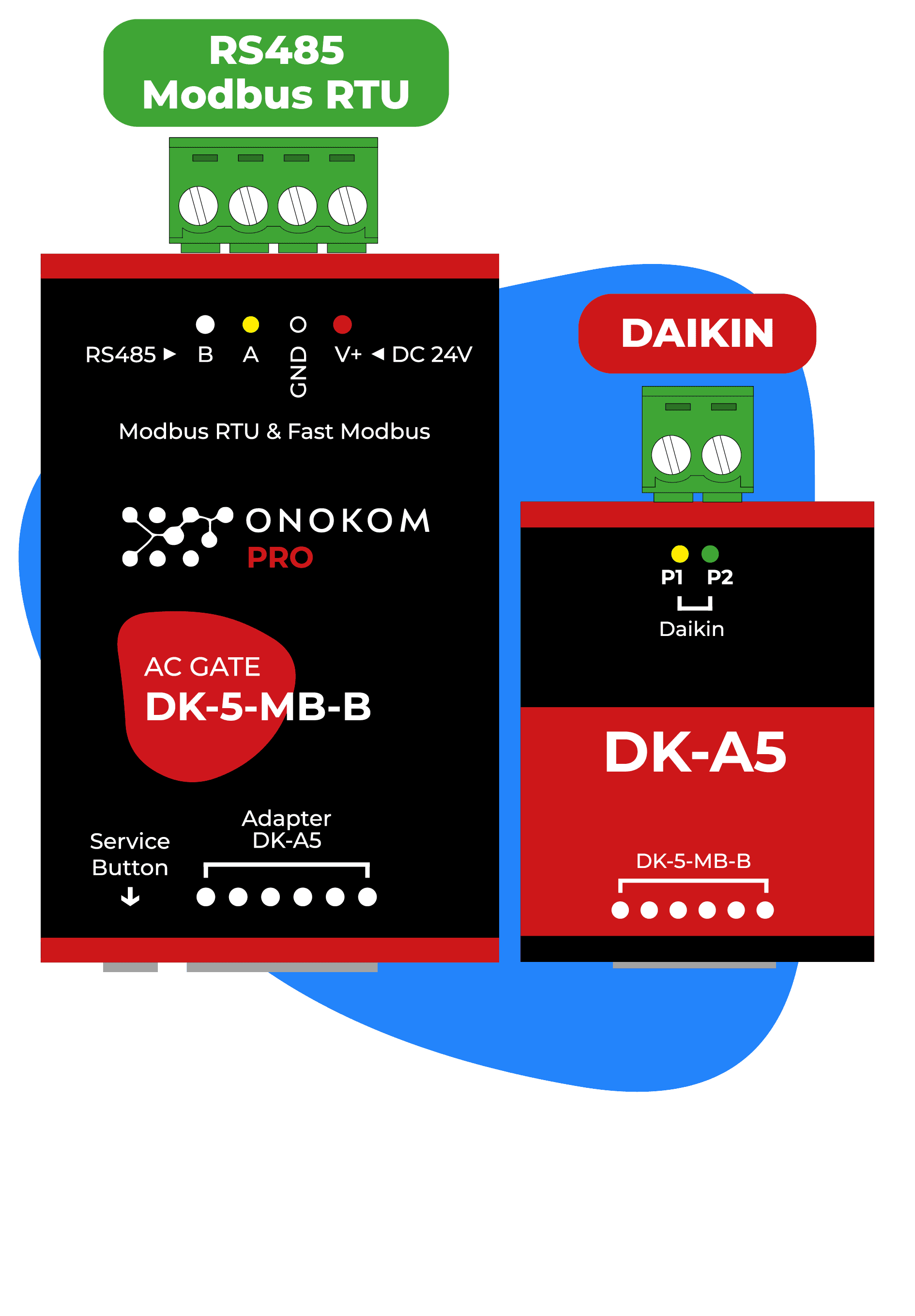
ONOKOM AIR DK-5-MB-B
Controls Daikin air conditioners via the ONOKOM DK-5-MB-B Modbus gateway.
This template connects Daikin air conditioners via the ONOKOM DK-5-MB-B Modbus RTU gateway to the ModbusCloud platform. It provides temperature readings, error monitoring, and full HVAC control including mode selection, fan speed, vane positioning, and target temperature.
- Protocol
- Modbus RTU
- Connection
- RS485, 9600 baud
- Registers
- 12, read and write
- Brand
- Onokom
- Key readings
- Indoor air temperature · Outdoor air temperature · AC connected status · Hex error code · Error count · Horizontal vanes position
- Available commands
- Target temperature · modes · Smart fan speed · Vanes swing
- Compatible models
- ONOKOM DK-5-MB-B
- Last updated
Registers (12)
6 read, 7 write
| Name | Unit | Access | Address (Hidden until you enter your email) | Function (hidden) | Type (hidden) |
|---|---|---|---|---|---|
| Indoor air temperature | °C | Read | |||
| Outdoor air temperature | °C | Read | |||
| AC connected | Read | ||||
| Hex error code | Read | ||||
| Error count | count | Read | |||
| Horizontal vanes | Read and write | ||||
| Active (Control) | Write | ||||
| Loxone modes (Control) | Write | ||||
| Smart fan speed | Write | ||||
| Target temperature | °C | Write | |||
| Vanes swing | Write | ||||
| Modbus address (Service) | Write |
Loading registers…
Send your device list
If a device is not in the library yet, we build the template for free as soon as we have the register data.
Use cases
- Monitor indoor and outdoor air temperatures on a live dashboard for each Daikin unit in a building.
- Set target temperatures remotely for multiple Daikin air conditioners from a single ModbusCloud account.
- Create an alert when an error code appears on a Daikin unit so the installer can respond quickly.
- Switch operating modes and fan speeds based on scheduled rules or occupancy patterns.
- Track cumulative error counts per unit to identify equipment that may need preventive maintenance.
- Verify AC connection status across all units to detect communication failures early.
Installation
Connect the ONOKOM DK-5-MB-B gateway to the Daikin indoor unit following the ONOKOM wiring documentation.
Wire the RS-485 terminals (A, B, GND) of the ONOKOM DK-5-MB-B to the ModbusCloud Gateway.
Set the baud rate on the ModbusCloud gateway serial port to 9600, matching the ONOKOM default.
If multiple ONOKOM gateways share the same RS-485 bus, assign each a unique Modbus address using the service register at address 128.
Import the ONOKOM DK-5-MB-B template in the ModbusCloud portal and assign the correct Modbus slave address.
Verify communication by checking that indoor air temperature and AC connected status appear on the dashboard.
Things to watch for
Can I connect multiple ONOKOM DK-5-MB-B gateways on the same RS-485 bus?
Yes. Each gateway must have a unique Modbus slave address. You can change the address by writing to the service register at address 128. Make sure to update the address in the ModbusCloud template accordingly.
What baud rate should I use?
The default baud rate for the ONOKOM DK-5-MB-B is 9600. Configure the same value on the serial port of your ModbusCloud gateway. Mismatched baud rates will result in communication timeouts.
The horizontal vanes position does not update after I write a new value. What is wrong?
Register address 9 is used for both reading and writing horizontal vanes position. Ensure you are writing to the correct register type (holding register). Some Daikin models may not support horizontal vane control, so verify compatibility with the ONOKOM documentation.
I see an error code in hex format. How do I interpret it?
The hex error code corresponds to Daikin fault codes. Refer to the Daikin service manual for your specific indoor unit model to decode the value. The error count register tracks the total number of errors since the last reset.
Want to see how it works?
