








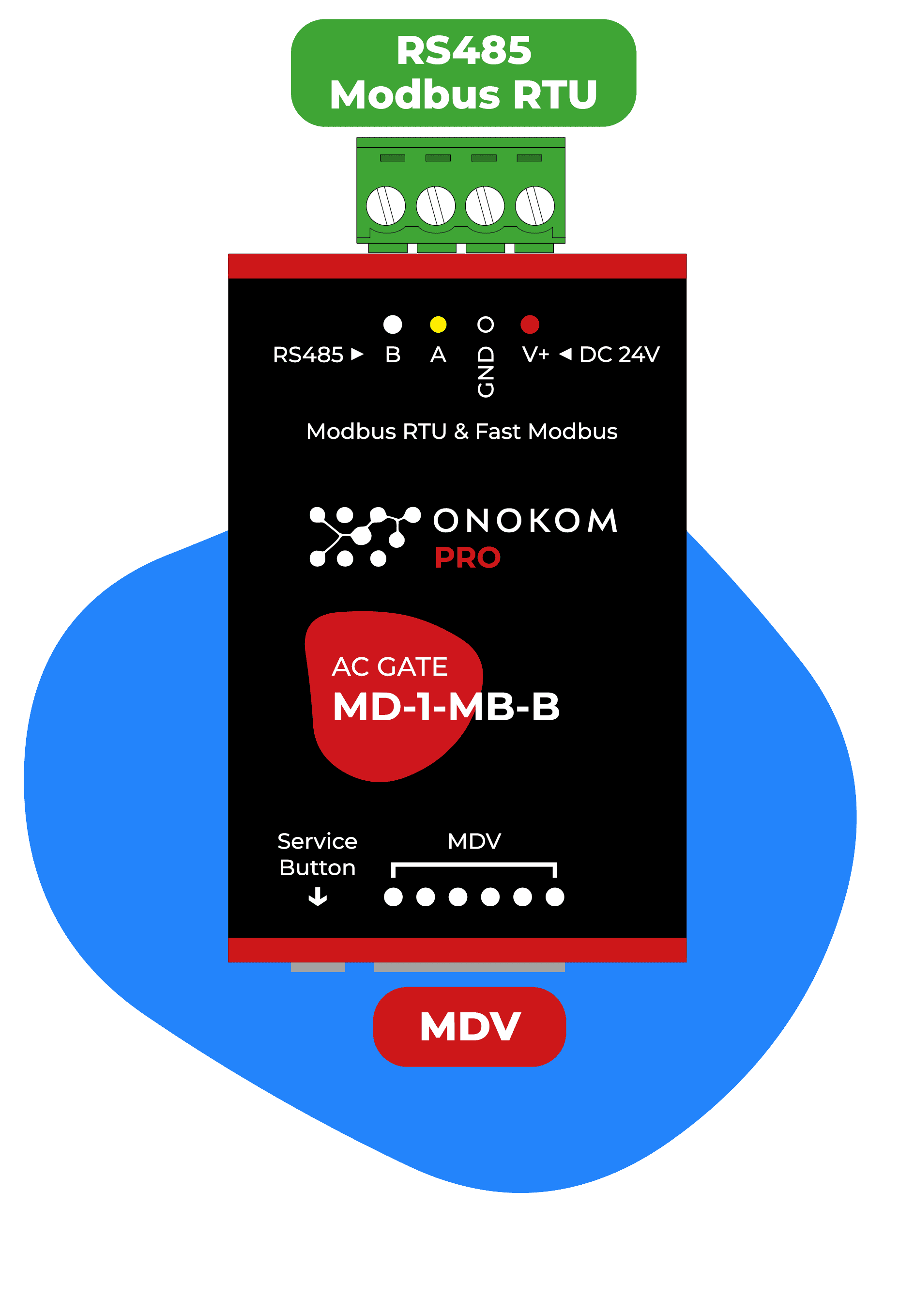
ONOKOM AIR MD-1-MB-B
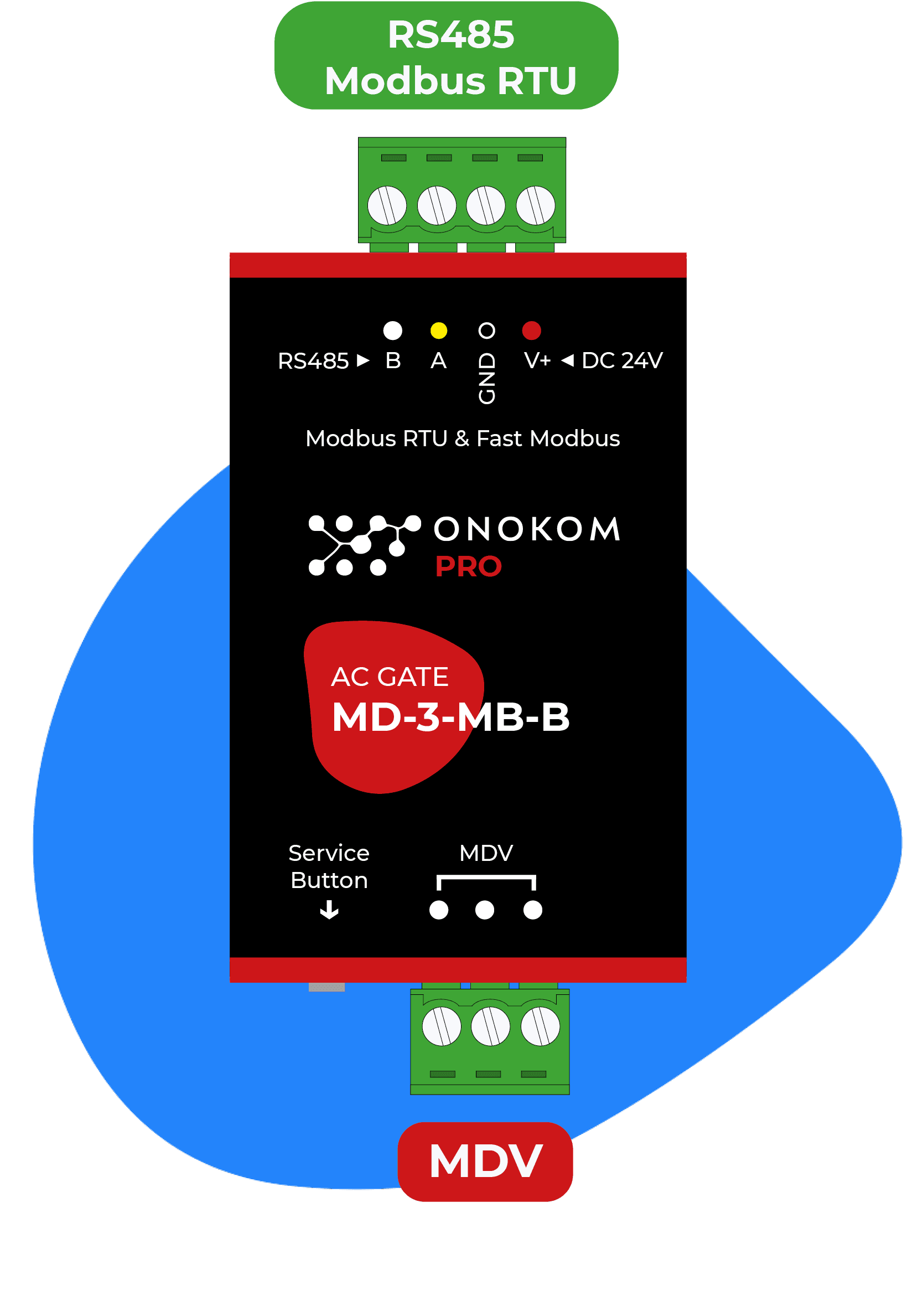
Controls Midea air conditioners via the ONOKOM MD-1-MB-B Modbus gateway.
This template connects Midea air conditioners via the ONOKOM MD-1-MB-B Modbus RTU gateway to ModbusCloud. It provides indoor temperature readings, operating mode control, fan speed adjustment, and vane position management.
- Protocol
- Modbus RTU
- Connection
- RS485, 9600 baud
- Registers
- 11, read and write
- Brand
- Onokom
- Key readings
- Indoor air temperature · AC connected · Vertical vanes status · Horizontal vanes status · Target fan speed
- Available commands
- Active on/off · Target temperature · Smart fan speed · Vanes swing
- Compatible models
- ONOKOM MD-1-MB-B
- Last updated
Registers (11)
5 read, 8 write
| Name | Unit | Access | Address (Hidden until you enter your email) | Function (hidden) | Type (hidden) |
|---|---|---|---|---|---|
| Indoor air temperature | °C | Read | |||
| AC connected | Read | ||||
| Vertical vanes (Status) | Read and write | ||||
| Target fan speed (Status) | % | Read | |||
| Horizontal vanes (Status) | Read and write | ||||
| Active (Control) | Write | ||||
| Loxone modes (Control) | Write | ||||
| Smart fan speed | Write | ||||
| Target temperature | °C | Write | |||
| Vanes swing | Write | ||||
| Modbus address (Service) | Write |
Loading registers…
Send your device list
If a device is not in the library yet, we build the template for free as soon as we have the register data.
Use cases
- Monitor indoor air temperature and AC connection status on a live cloud dashboard for each zone.
- Control target temperature and on/off state of Midea air conditioners remotely from the ModbusCloud portal.
- Create an alert when indoor temperature exceeds a defined threshold for more than 15 minutes.
- Schedule fan speed and vane swing modes per room to optimize comfort during occupied hours.
- Track operating hours and energy usage patterns across multiple Midea units in a building.
- Adjust vertical and horizontal vane positions remotely to fine-tune airflow distribution.
Installation
Wire the ONOKOM MD-1-MB-B gateway to the Midea indoor unit following the manufacturer's connection diagram, then connect the RS-485 A and B terminals to the ModbusCloud Gateway.
Set the baud rate on the ModbusCloud gateway to 9600 to match the ONOKOM MD-1-MB-B default configuration.
Verify or change the Modbus slave address of the ONOKOM gateway using service register 128 if multiple units share the same RS-485 bus.
Import the ONOKOM AIR MD-1-MB-B template from the ModbusCloud template library and assign it to the correct Modbus address.
Confirm communication by checking that indoor air temperature and AC connection status appear on the ModbusCloud dashboard.
Repeat wiring and address assignment for each additional Midea unit and ONOKOM gateway on the bus.
Things to watch for
The gateway does not respond on the RS-485 bus. What should I check?
Verify that the A and B wires are not swapped between the ONOKOM gateway and the ModbusCloud gateway. Confirm that the baud rate is set to 9600 and that the correct slave address is configured. A 120 ohm termination resistor may be needed at the end of the bus.
Can I connect multiple ONOKOM MD-1-MB-B gateways on one RS-485 line?
Yes. Each gateway must have a unique Modbus slave address. You can change the address by writing to service register 128 on each unit before connecting them to the same bus.
Vertical or horizontal vane control does not seem to work. Why?
Ensure you are writing to the correct register. Horizontal vanes use address 9 and vertical vanes use address 10. Some Midea models may not support motorized horizontal vane control, in which case the register write will have no visible effect.
What Midea models are compatible with this template?
The template works with any Midea air conditioner supported by the ONOKOM MD-1-MB-B gateway. Refer to the ONOKOM product documentation for the full list of compatible Midea indoor units.
Want to see how it works?
