








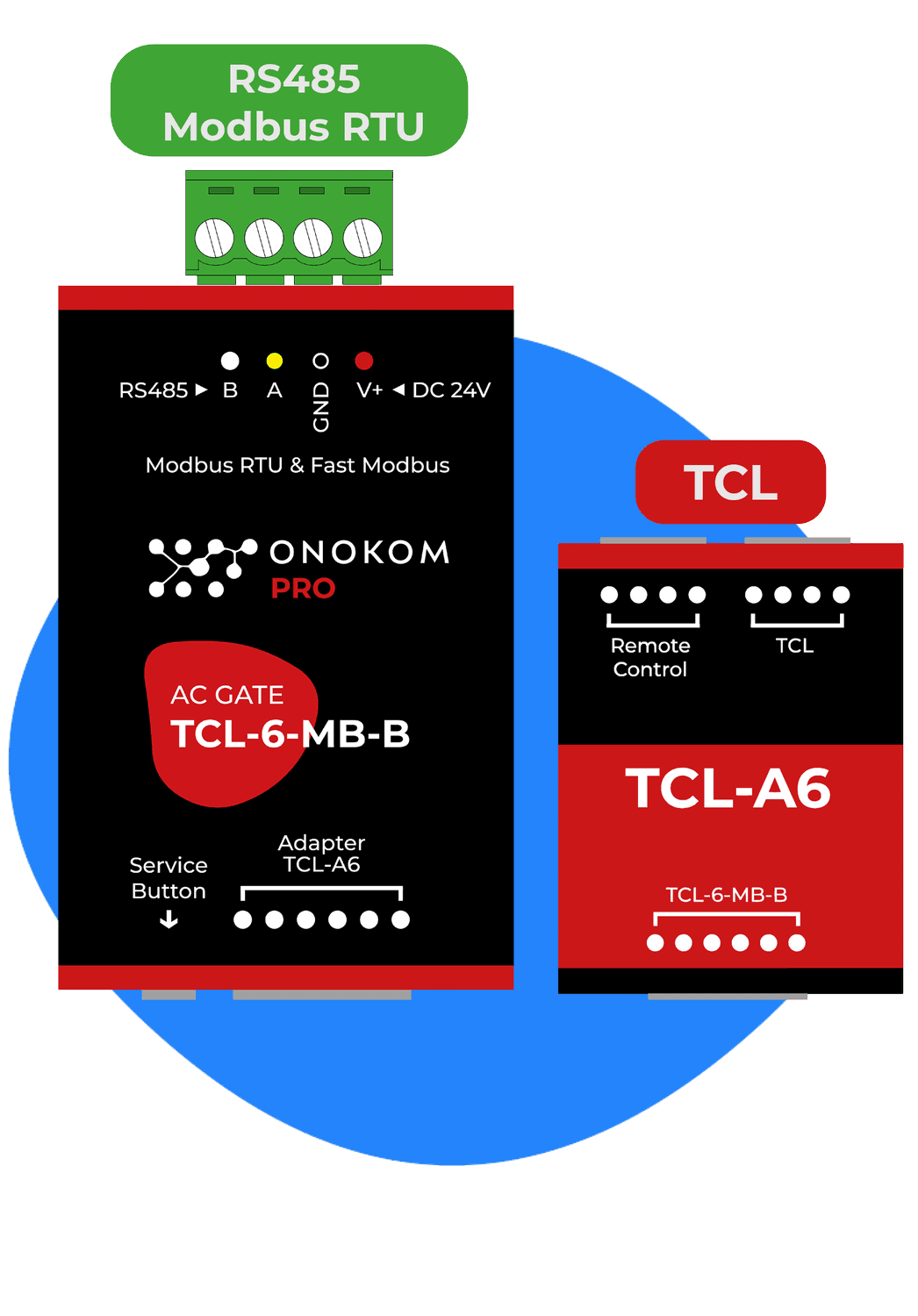
ONOKOM AIR TCL-6-MB-B
Controls TCL air conditioners via the ONOKOM TCL-6-MB-B Modbus gateway.
This template connects TCL air conditioners via the ONOKOM TCL-6-MB-B Modbus RTU gateway to the ModbusCloud platform. It provides indoor temperature readings, operating status monitoring, and full control over modes, fan speed, vanes, and target temperature.
- Protocol
- Modbus RTU
- Connection
- RS485, 9600 baud
- Registers
- 14, read and write
- Brand
- Onokom
- Key readings
- Indoor air temperature · Indoor heat exchanger temperature · AC connected status · Defrosting status · Turbo mode status · Eco mode status
- Available commands
- Target temperature · Active on/off · Operating mode · Smart fan speed
- Compatible models
- TCL-6-MB-B
- Last updated
Registers (14)
9 read, 11 write
| Name | Unit | Access | Address (Hidden until you enter your email) | Function (hidden) | Type (hidden) |
|---|---|---|---|---|---|
| Indoor air temperature | °C | Read | |||
| AC connected (Status) | Read | ||||
| Defrosting (Status) | Read and write | ||||
| Turbo mode (Status) | Read and write | ||||
| Eco mode (Status) | Read and write | ||||
| Vertical vanes (Status) | Read and write | ||||
| Indoor heat exchanger temperature (Status) | °C | Read | |||
| Horizontal vanes | Read and write | ||||
| Vertical vanes | Read and write | ||||
| Active (Control) | Write | ||||
| Loxone modes (Control) | Write | ||||
| Smart fan speed | Write | ||||
| Target temperature | °C | Write | |||
| Modbus address (Service) | Write |
Loading registers…
Send your device list
If a device is not in the library yet, we build the template for free as soon as we have the register data.
Use cases
- Monitor indoor air temperature and heat exchanger temperature on a live cloud dashboard for each connected TCL unit.
- Create alerts when a TCL air conditioner goes offline or enters an unexpected defrosting cycle.
- Remotely adjust target temperature and operating mode across multiple TCL units in a commercial building.
- Track turbo and eco mode usage over time to identify energy optimization opportunities.
- Verify AC connected status after installation to confirm communication between the ONOKOM gateway and each indoor unit.
- Log historical temperature data for compliance reporting or tenant comfort audits.
Installation
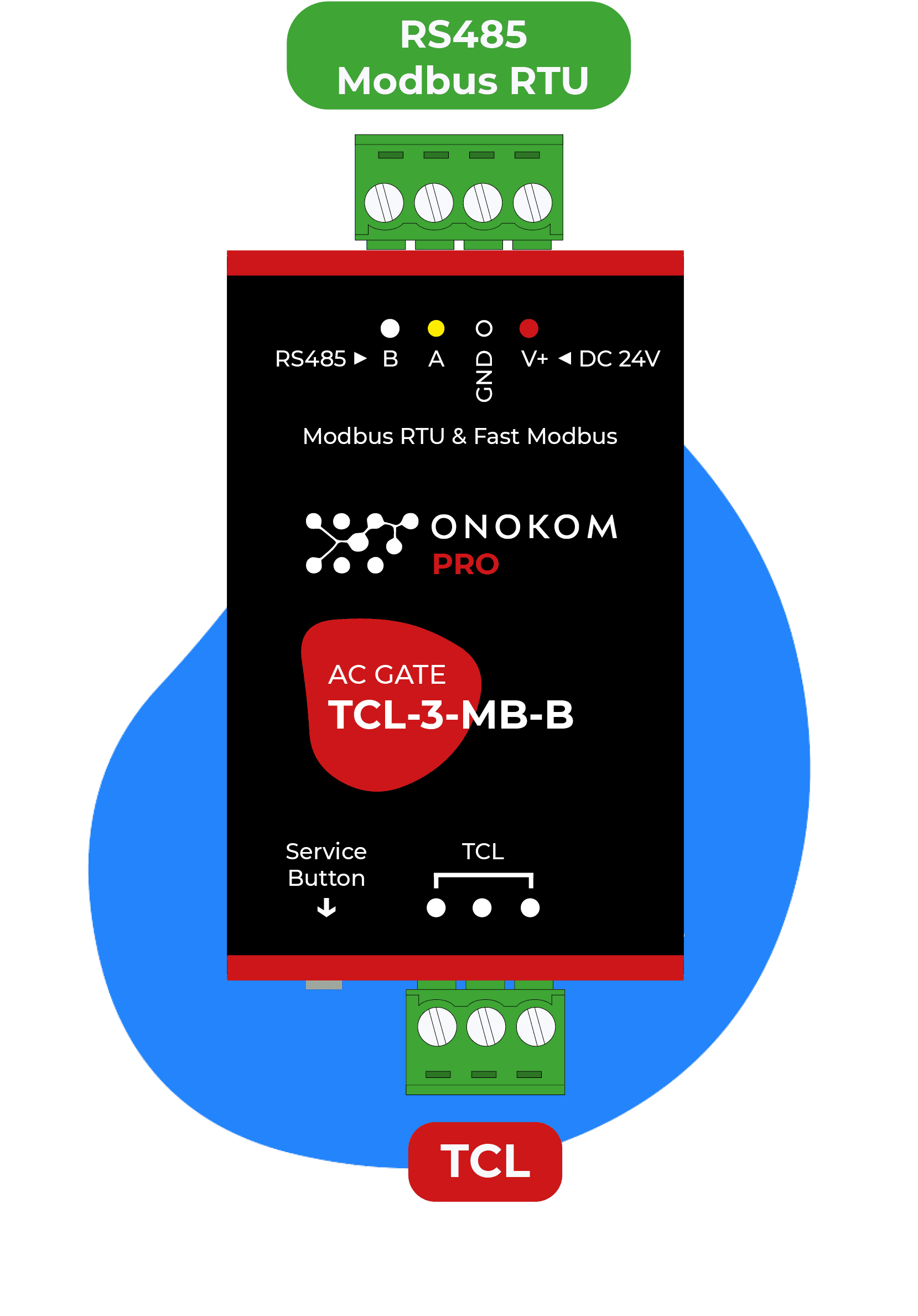
Connect the ONOKOM TCL-6-MB-B gateway to the TCL air conditioner following the wiring instructions in the ONOKOM manual.
Wire the Modbus RTU A and B lines from the ONOKOM gateway to the RS-485 port on the ModbusCloud Gateway.
Set the Modbus slave address on the ONOKOM gateway and ensure the baud rate is configured to 9600, 8N1.
Import the ONOKOM AIR TCL-6-MB-B template in the ModbusCloud platform and assign it to the correct gateway and slave address.
Verify communication by checking that indoor air temperature and AC connected status values appear on the ModbusCloud dashboard.
Things to watch for
Why do I see unexpected values when reading horizontal vane position or defrosting status?
Horizontal vane control and defrosting status share the same Modbus register address (9). Ensure your polling logic accounts for this overlap. Avoid writing to this address while simultaneously reading defrosting status.
What baud rate and serial settings should I use?
The default configuration is 9600 baud, 8 data bits, no parity, 1 stop bit (8N1). Both the ONOKOM gateway and the ModbusCloud gateway must use identical serial settings.
The AC connected status shows the unit as offline even though it is running. What should I check?
Verify the wiring between the ONOKOM TCL-6-MB-B and the TCL indoor unit. Also confirm that the Modbus slave address configured on the ONOKOM gateway matches the address set in the ModbusCloud template.
Can I control multiple TCL units with one ONOKOM gateway?
Each ONOKOM TCL-6-MB-B gateway typically interfaces with one TCL indoor unit. For multiple units, install one gateway per unit, assign unique Modbus slave addresses, and add a separate template instance in ModbusCloud for each.
Want to see how it works?
