








ONOKOM AIR MD-VRF-MB-B
Controls Midea air conditioners via the ONOKOM MD-VRF-MB-B gateway
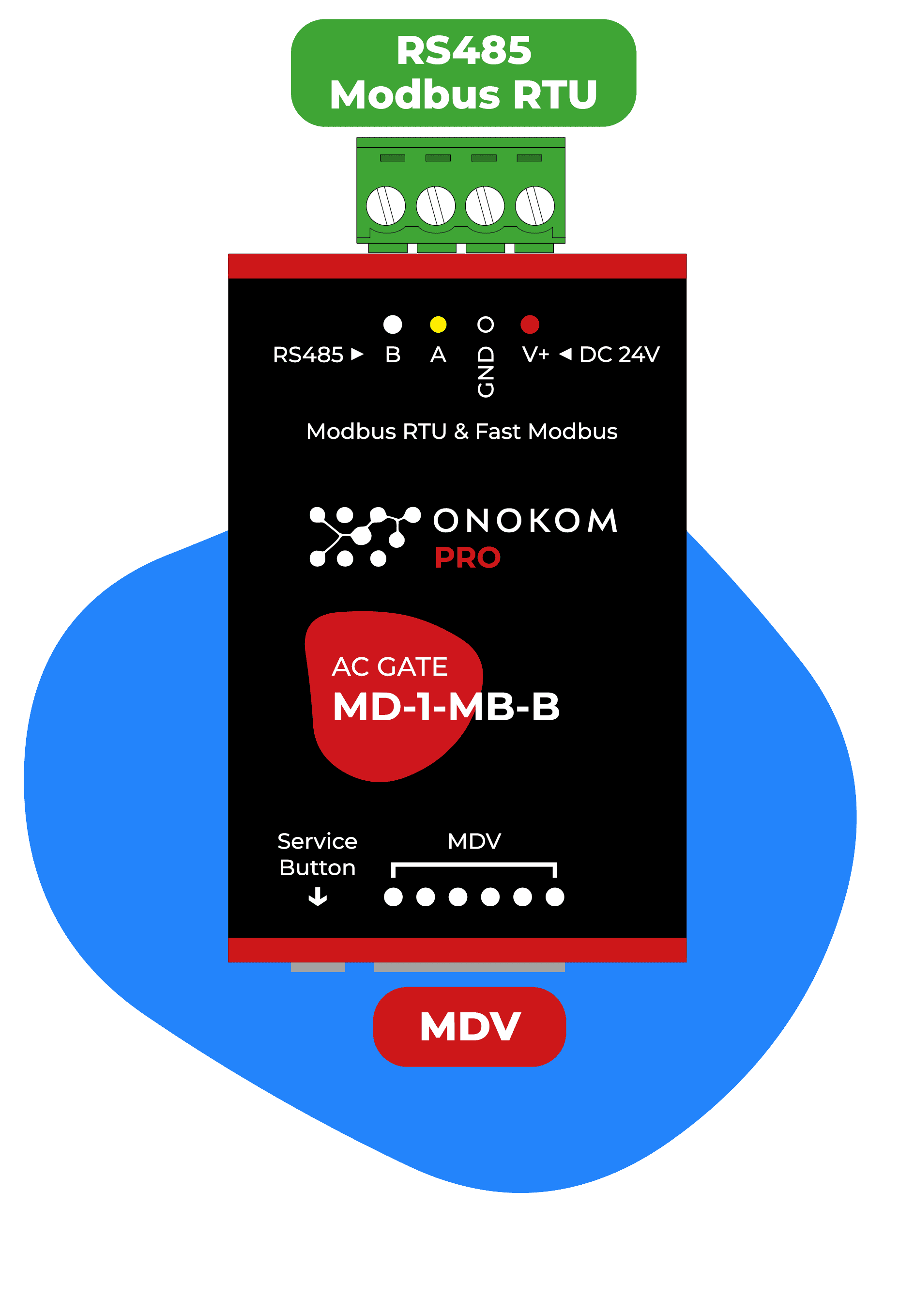
This template integrates Midea air conditioners via the ONOKOM MD-VRF-MB-B gateway into ModbusCloud. It enables remote monitoring and control of VRF and split air conditioning units over Modbus TCP.
- Protocol
- Modbus RTU
- Connection
- RS485
- Registers
- 0, read only
- Brand
- Onokom
- Compatible models
- MD-VRF-MB-B
- Last updated
Send your device list
If a device is not in the library yet, we build the template for free as soon as we have the register data.
Use cases
- Monitor the operating status of Midea VRF indoor units on a centralized cloud dashboard.
- Adjust temperature setpoints remotely for individual air conditioning zones from the ModbusCloud interface.
- Create alerts when a Midea indoor unit reports a fault code or goes offline unexpectedly.
- Log historical runtime data for Midea air conditioners to support preventive maintenance scheduling.
- Control fan speed and operating mode across multiple VRF units in a commercial building.
Installation
Connect the ONOKOM MD-VRF-MB-B gateway to the Midea VRF communication bus following the wiring instructions in the ONOKOM documentation.
Configure the MD-VRF-MB-B gateway with a unique Modbus slave address and set the communication protocol to Modbus TCP.
Connect the ONOKOM gateway to the same local network as the ModbusCloud Gateway via Ethernet.
In the ModbusCloud platform, import the ONOKOM AIR MD-VRF-MB-B template and assign the correct IP address and Modbus slave address.
Verify communication by reading a known register value from the gateway and confirming it matches the expected unit status.
Refer to the official ONOKOM MD-VRF-MB-B register map documentation to customize or extend the template for your specific project requirements.
Things to watch for
Where can I find the register map for the ONOKOM MD-VRF-MB-B?
The register map is not included in the template source material. Contact ONOKOM directly or download the MD-VRF-MB-B technical documentation from their website for a full list of supported registers.
Can I control multiple Midea indoor units through a single MD-VRF-MB-B gateway?
Yes, the gateway supports multiple indoor units on the Midea communication bus. Each unit is typically assigned a unique sub-address within the gateway configuration. Consult the ONOKOM documentation for addressing details.
The ModbusCloud gateway cannot connect to the ONOKOM device. What should I check?
Verify that both devices are on the same network and that the IP address and TCP port are configured correctly. Ensure Modbus TCP is enabled on the MD-VRF-MB-B gateway and that no firewall rules block the connection.
What baud rate and communication settings should I use?
Since this template uses Modbus TCP, serial baud rate settings do not apply to the connection between the ModbusCloud gateway and the ONOKOM device. However, the MD-VRF-MB-B internal connection to the Midea bus has its own settings, which should be left at the ONOKOM factory defaults unless specified otherwise.
Want to see how it works?
