








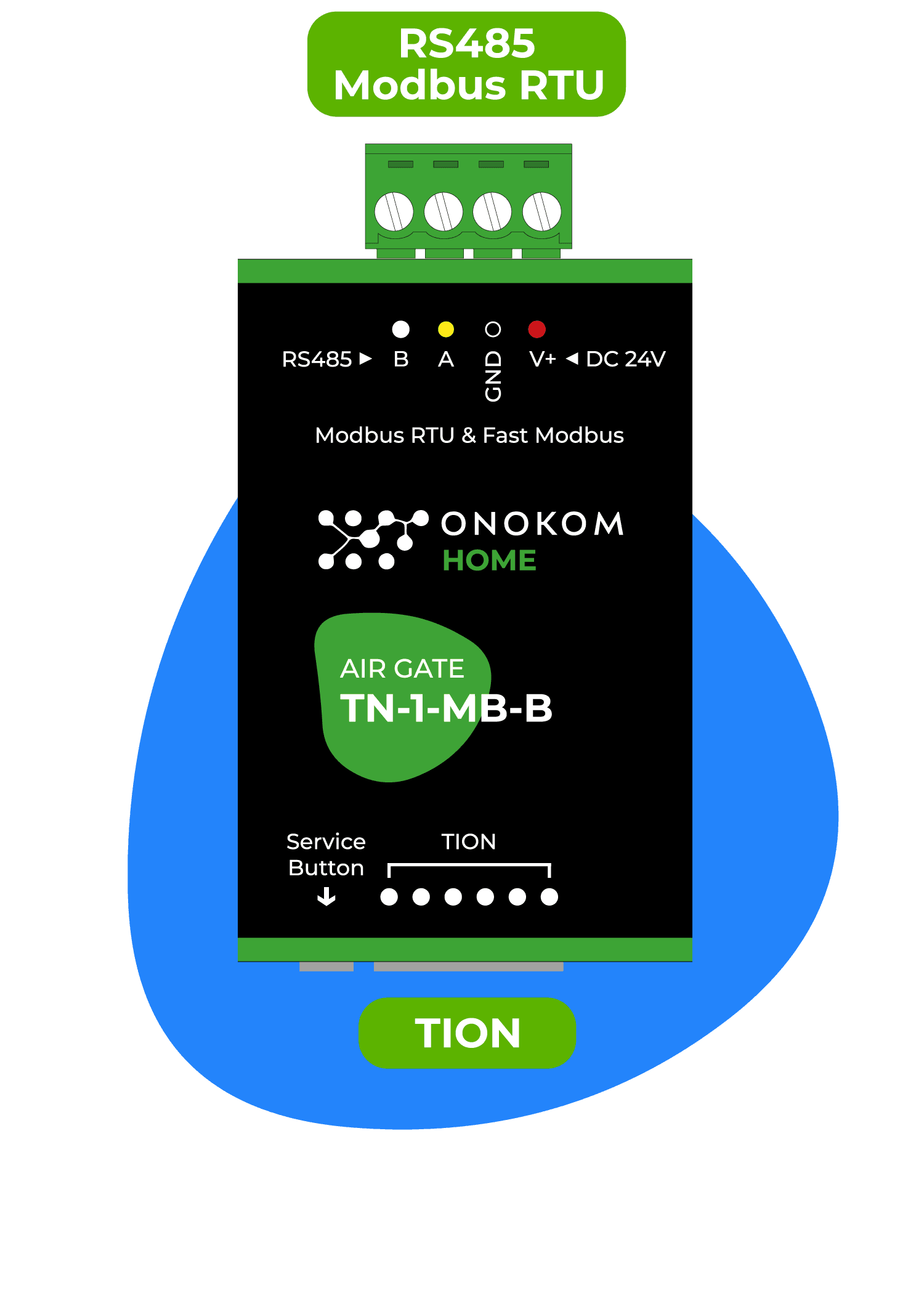
ONOKOM AIR TN-1-MB-B
Controls a Tion 4S breezer via ONOKOM TN-1-MB-B Modbus gateway
Template for the ONOKOM TN-1-MB-B Modbus RTU gateway paired with the Tion 4S breezer. It provides monitoring of air temperatures, filter status, and board temperatures, as well as control of fan speed, target temperature, air heating, and outdoor air supply.
- Protocol
- Modbus RTU
- Connection
- RS485, 9600 baud
- Registers
- 19, read and write
- Brand
- Onokom
- Key readings
- Outlet air temperature · Inlet air temperature · Control board temperature · Power board temperature · Days to filter replace · Filter replacement needed
- Available commands
- Target temperature · Fan speed · Air heating · Outdoor air supply
- Compatible models
- ONOKOM TN-1-MB-B · Tion 4S
- Last updated
Registers (19)
16 read, 12 write
| Name | Unit | Access | Address (Hidden until you enter your email) | Function (hidden) | Type (hidden) |
|---|---|---|---|---|---|
| Breezer status | Read and write | ||||
| Screen light | Read and write | ||||
| Air heating | Read and write | ||||
| Outdoor air supply | Read and write | ||||
| Breezer is on the line | Read | ||||
| Mode | Read and write | ||||
| Air temperature at the breezer outlet | °C | Read | |||
| Breezer inlet air temperature | °C | Read | |||
| Fan speed | Read and write | ||||
| Control board temperature | °C | Read | |||
| Power board temperature | °C | Read | |||
| Days to filter replace | count | Read | |||
| Set days to next filter replace | count | Read and write | |||
| Filter needs to be replaced | Read | ||||
| Target temperature | °C | Read and write | |||
| Beeper | Read and write | ||||
| Reset filter counter | Write | ||||
| Baud rate | Write | ||||
| Modbus address | Write |
Loading registers…
Send your device list
If a device is not in the library yet, we build the template for free as soon as we have the register data.
Use cases
- Monitor inlet and outlet air temperatures on a live dashboard for each room equipped with a Tion 4S breezer.
- Create an alert when the filter replacement flag activates so you can schedule maintenance before air quality degrades.
- Remotely adjust target temperature and fan speed for seasonal changes without an on-site visit.
- Track days remaining until filter replacement across multiple breezers in a single building overview.
- Set up an automated notification when control board or power board temperature exceeds a safe threshold.
Installation
Connect the ONOKOM TN-1-MB-B gateway to the ModbusCloud Gateway using a shielded RS-485 cable, wiring A to A and B to B, and ensure proper bus termination.
Verify that the Tion 4S breezer is physically connected to the ONOKOM TN-1-MB-B gateway according to the ONOKOM wiring guide.
Confirm the ONOKOM gateway is set to 9600 baud and note its current Modbus slave address before proceeding.
Import the ONOKOM TN-1-MB-B template in the ModbusCloud portal and assign the correct slave address to match the gateway.
Power on all devices and check the ModbusCloud dashboard to verify that temperature readings and control registers respond as expected.
Avoid writing to the baud rate or Modbus address registers unless you intentionally need to change the communication settings.
Things to watch for
Why do I see unexpected values when reading address 1 or address 5?
Some registers share the same address but differ by function code or context. Address 1 maps to both Mode and Breezer status, and address 5 maps to both Target temperature and Beeper. The template handles this distinction, but manual polling with the wrong function code will return incorrect data.
What baud rate should I use for the ONOKOM TN-1-MB-B?
The default baud rate is 9600. Make sure your ModbusCloud gateway serial port is also configured to 9600 baud, 8 data bits, no parity, and 1 stop bit unless the ONOKOM documentation specifies otherwise.
Can I accidentally lock myself out by writing to the wrong register?
Yes. The baud rate and Modbus slave address registers are writable. If you change them unintentionally, you will lose communication until you reconfigure either the gateway or your bus settings to match. Double check register addresses before issuing write commands.
Is RS-485 termination required?
If the ONOKOM gateway is at the end of the RS-485 bus, enable a 120 ohm termination resistor on that segment. Unterminated buses can cause CRC errors and intermittent read failures, especially on longer cable runs.




Want to see how it works?
