








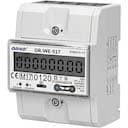
Orno OR-WE-417 3-pahse power meter
Monitors bidirectional 3-phase power consumption via Modbus TCP.
Modbus TCP template for the Orno OR-WE-417 and OR-WE-517 bidirectional 3-phase power meters. Reads voltage, current, active power, reactive power, power factor, and total energy registers per phase. No writable control registers are included.
- Protocol
- Modbus TCP
- Connection
- Ethernet, Modbus TCP
- Registers
- 15, read only
- Brand
- ORNO
- Key readings
- Voltage L1 to L3 · Current L1 to L3 · Active Power · Reactive Power · Power Factor · Total Energy IN/Total Active Energy
- Compatible models
- OR-WE-417 · OR-WE-517
- Last updated
Registers (15)
15 read, 0 write
| Name | Unit | Access | Address (Hidden until you enter your email) | Function (hidden) | Type (hidden) |
|---|---|---|---|---|---|
| S0 output rate | imp/kWh | Read | |||
| L1 Voltage | V | Read | |||
| L1 Current | A | Read | |||
| Total active energy (kWh) | kWh | Read | |||
| L2 Current | A | Read | |||
| L3 Current | A | Read | |||
| L2 Voltage | V | Read | |||
| L3 Voltage | V | Read | |||
| Active Power (kW) | kW | Read | |||
| Reactive Power (VA) | VA | Read | |||
| Power Factor | PF | Read | |||
| Total Energy IN | kWh | Read | |||
| Baud Rate | Read | ||||
| A3 | A | Read | |||
| Modbus ID 715 | Read |
Loading registers…
Send your device list
If a device is not in the library yet, we build the template for free as soon as we have the register data.
Use cases
- Monitor real-time voltage, current, and power per phase on a live ModbusCloud dashboard.
- Track total energy import and export to verify solar self-consumption ratios over time.
- Create an alert when power factor on any phase drops below a defined threshold.
- Compare energy consumption across multiple 3-phase circuits by deploying several meters.
- Generate monthly energy reports for billing verification or sustainability audits.
Installation
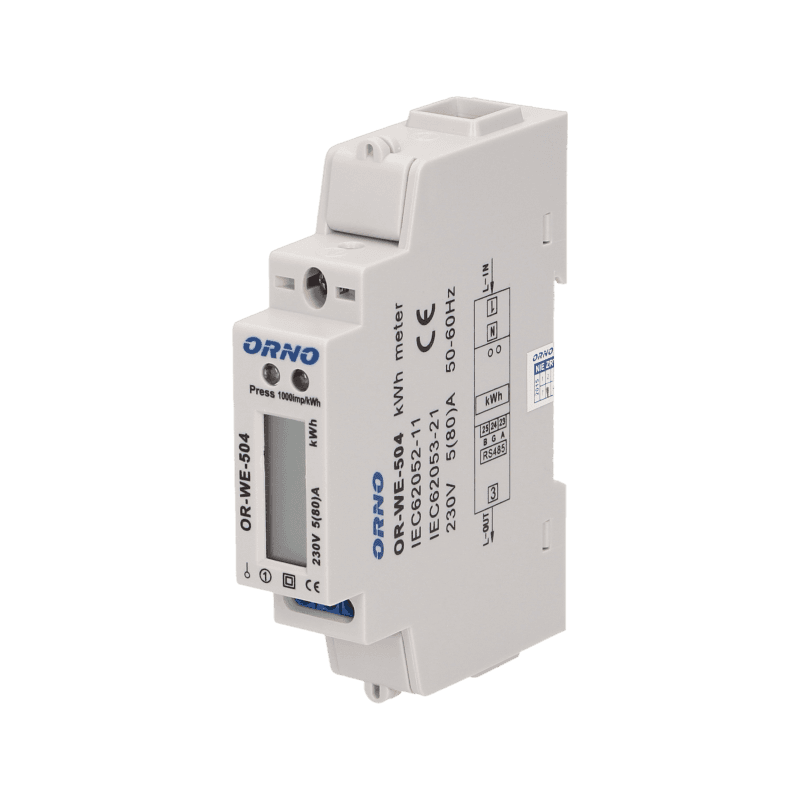
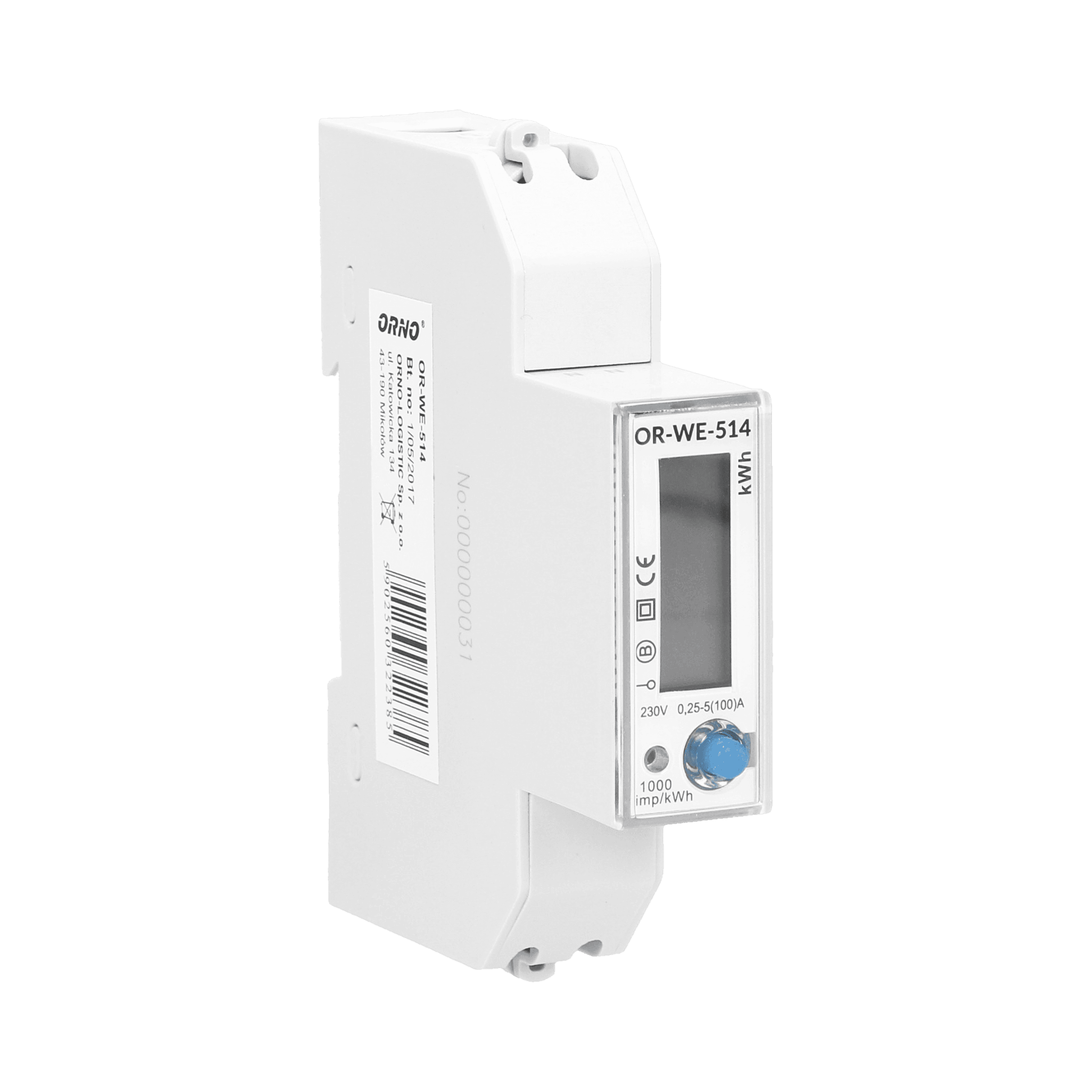
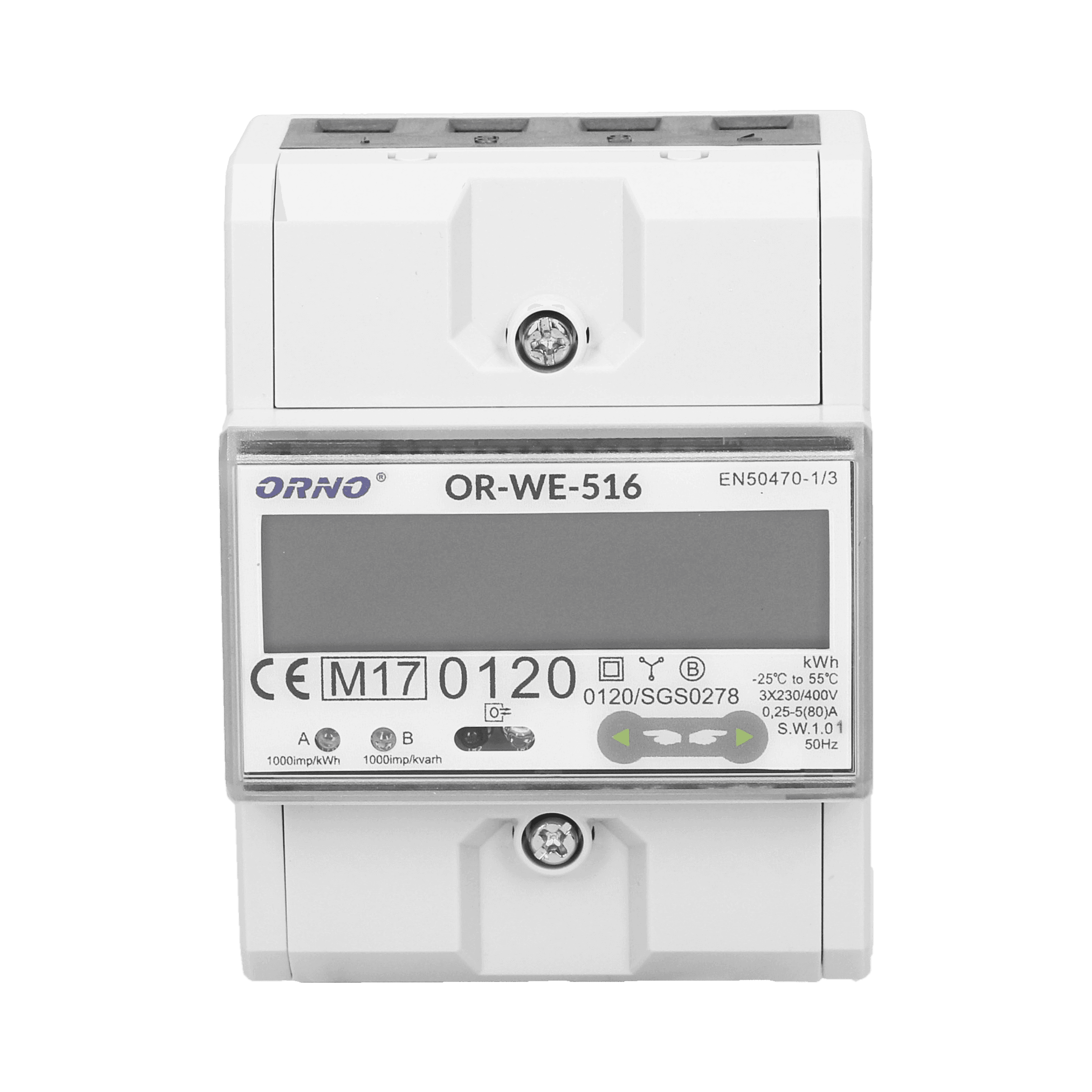
Mount the Orno OR-WE-417 or OR-WE-517 on the DIN rail and wire the phase conductors and neutral according to the meter manual.
Connect the meter to your local network via its Ethernet port or an RS-485 to Modbus TCP converter, and note the assigned IP address.
If multiple Modbus devices share the same bus, use the Orno configuration software to assign a unique Modbus address to each meter before proceeding.
Connect your ModbusCloud Gateway to the same local network as the meter and power it on.
Import the Orno OR-WE-417 template in the ModbusCloud platform, enter the meter IP address and Modbus address, and verify that live readings appear on the dashboard.
Things to watch for
I see zero values for all registers after importing the template. What should I check?
Confirm that the meter IP address and Modbus unit ID in ModbusCloud match the actual device settings. Also verify that the meter is powered and that Modbus TCP communication is enabled on the meter.
Can I use multiple Orno meters on the same network?
Yes. Each meter must have a unique Modbus address. Use the Orno configuration software to change the default address (1) before adding a second device. Then create a separate device entry in ModbusCloud for each meter.
Why do some register values look incorrect or out of range?
Most measurement registers use float32 (two consecutive 16-bit registers). Make sure the byte order and word order in your gateway match the meter specification. The Orno meters typically use big-endian byte order.
Does this template support writing configuration registers like baud rate or S0 output rate?
No. This template is read-only. To change configuration registers such as baud rate, Modbus ID, or S0 output rate, use the Orno configuration software directly.

Want to see how it works?
