








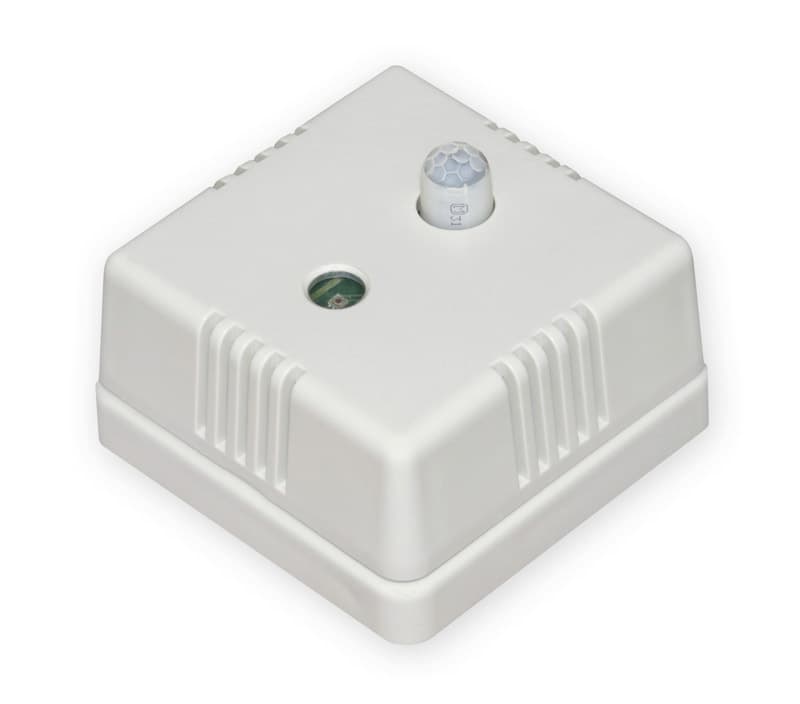
Regmet PALNM - Light intensity sensor
Measures light intensity and detects motion via PIR sensor over RS485
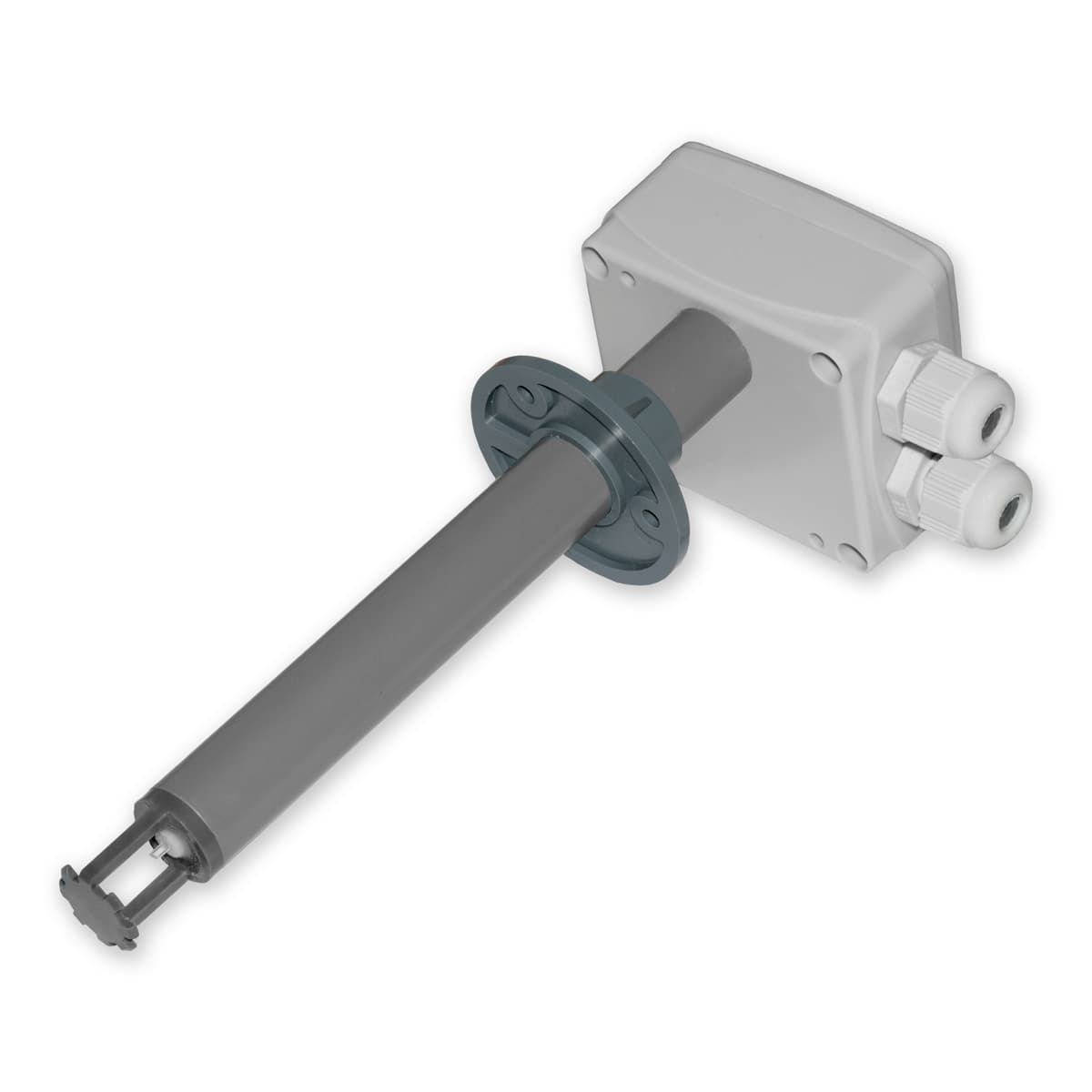
The Regmet PALNM is a light intensity sensor with optional PIR motion detection. This Modbus RTU template reads lux values and occupancy status over RS485. It is suitable for both interior and outdoor lighting control applications.
- Protocol
- Modbus RTU
- Connection
- RS485, 19200 baud
- Registers
- 2, read only
- Brand
- Regmet
- Key readings
- Light intensity · PIR detector
- Compatible models
- PALNM · PALNV111
- Last updated
Registers (2)
2 read, 0 write
| Name | Unit | Access | Address (Hidden until you enter your email) | Function (hidden) | Type (hidden) |
|---|---|---|---|---|---|
| 2: 0x03 Light intensity | lux | Read | |||
| 21: 0x22 PIR detector | Read |
Loading registers…
Send your device list
If a device is not in the library yet, we build the template for free as soon as we have the register data.
Use cases
- Monitor real-time light intensity levels on a cloud dashboard across multiple building zones.
- Detect occupancy via the PIR sensor and log motion events for energy auditing purposes.
- Create an alert when ambient light drops below a defined threshold during working hours.
- Compare indoor and outdoor lux readings across sites to optimise blinds or lighting schedules.
- Track PIR motion patterns over time to identify underused areas and reduce energy consumption.
Installation
Connect the Regmet PALNM to the RS485 terminals (A and B) on the ModbusCloud gateway, observing correct polarity.
Use a USB mini B cable and the free Regmet USB_SET application on a Windows PC to set the Modbus slave address, baud rate (19200), and parity (odd) on the sensor.
Ensure the ModbusCloud gateway serial port is configured to 19200 baud, odd parity, and 8 data bits to match the sensor settings.
Import the Regmet PALNM template from the ModbusCloud template library and assign it to the correct gateway and slave address.
Verify that light intensity and PIR readings appear on the ModbusCloud dashboard before closing the installation.
Things to watch for
I am not getting any response from the PALNM sensor on the RS485 bus. What should I check?
Confirm that the baud rate is set to 19200 and parity is set to odd (1 stop bit) on both the gateway and the sensor. Also verify the A and B wiring polarity and check that the correct Modbus slave address is configured.
Can I use this template with the PALNV111 variant?
The PALNV111 is primarily designed for 0 to 10V analogue output. It may support Modbus RTU as well, but verify with the Regmet documentation whether the RS485 interface is active on your specific PALNV111 unit before using this template.
How do I change the Modbus slave address on the PALNM?
Connect a USB mini B cable from the sensor to a Windows PC and open the free USB_SET application from Regmet. The slave address and other communication parameters can be adjusted there.
The PIR reading always shows zero. Is the sensor faulty?
The PIR detector is an optional feature. Not every PALNM unit ships with the PIR module installed. Check your order specification to confirm whether PIR detection is included in your sensor variant.
Want to see how it works?
