








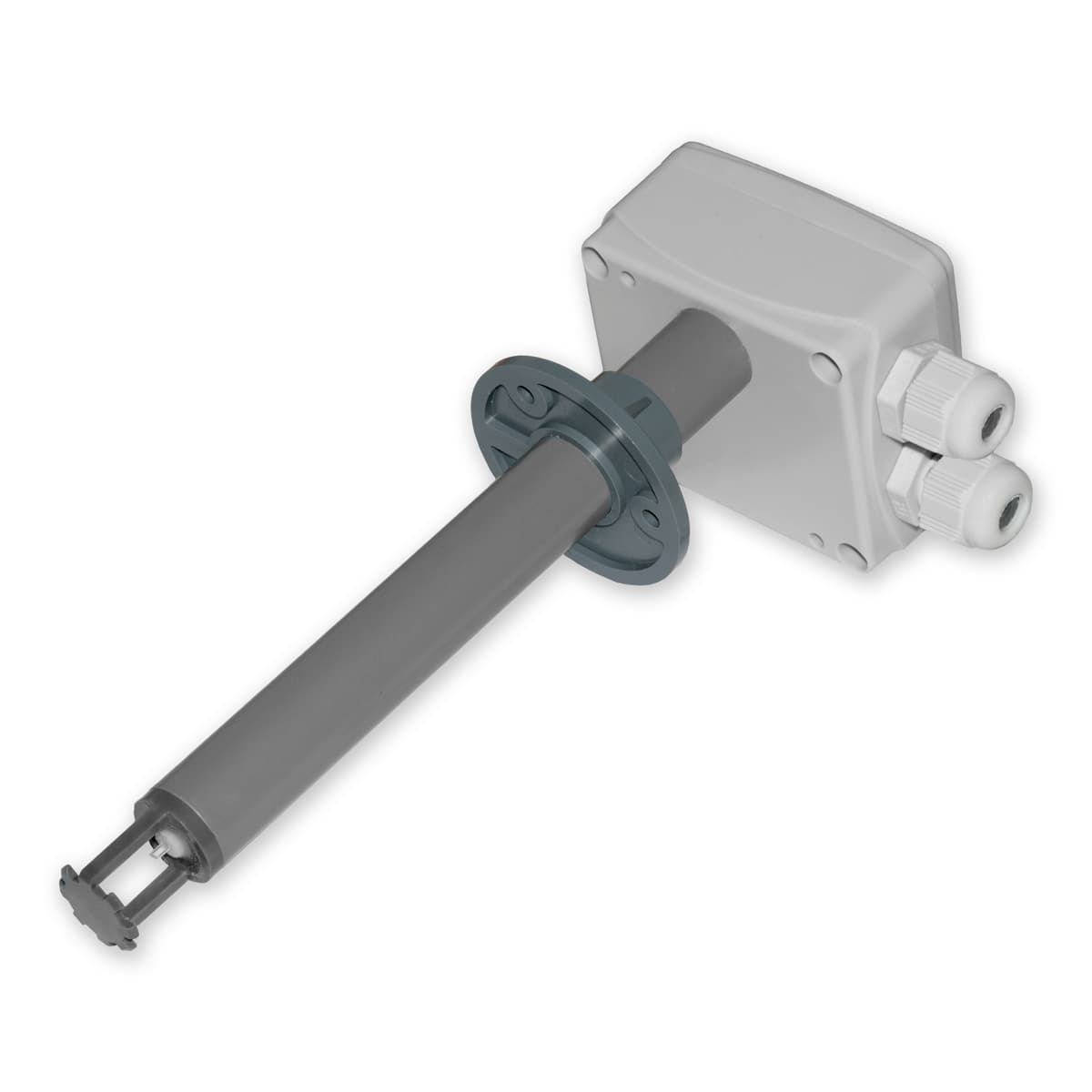
Regmet PFLM - Air velocity sensor
Measures air velocity in ducts or outdoor facade applications.
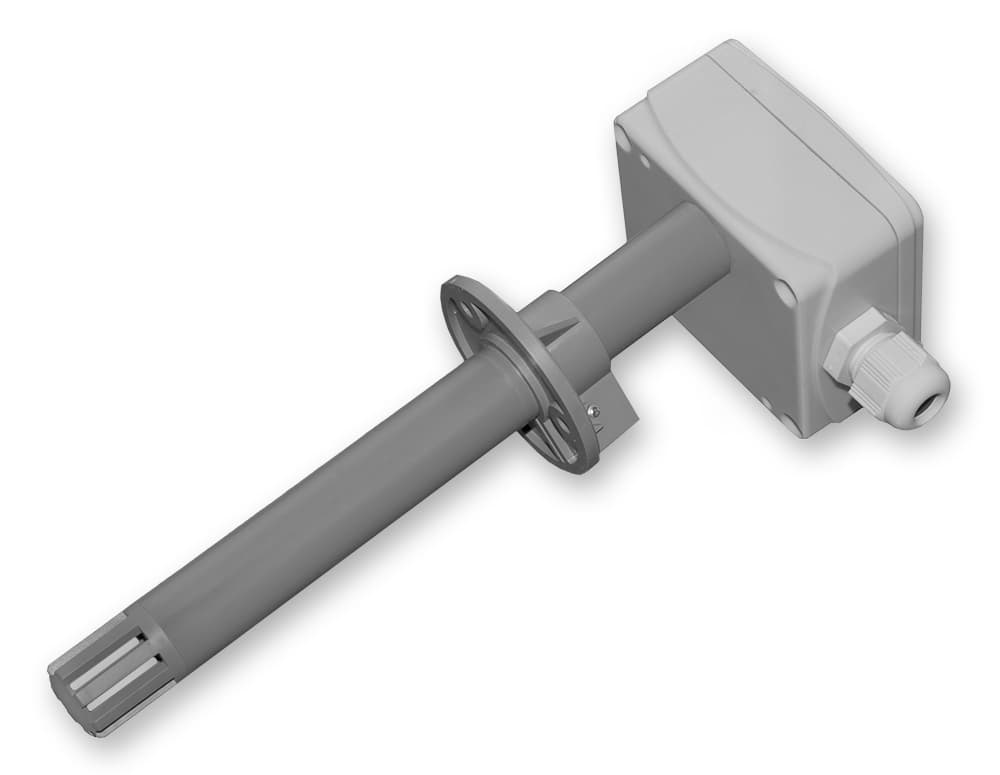
The Regmet PFLM is an air velocity sensor for duct-mounted (PFLM12) and facade-mounted (PFLM111) applications. This Modbus RTU template reads air velocity values and allows calibration via an air velocity offset register over RS485.
- Protocol
- Modbus RTU
- Connection
- RS485, 19200 baud
- Registers
- 2, read and write
- Brand
- Regmet
- Key readings
- Air Velocity
- Available commands
- Air Velocity Offset
- Compatible models
- PFLM12 · PFLM111
- Last updated
Registers (2)
1 read, 1 write
| Name | Unit | Access | Address (Hidden until you enter your email) | Function (hidden) | Type (hidden) |
|---|---|---|---|---|---|
| 6: 0x07 Air Velocity | Read | ||||
| 82: 0x83 Air Velocity Offset_ | Write |
Loading registers…
Send your device list
If a device is not in the library yet, we build the template for free as soon as we have the register data.
Use cases
- Monitor real-time air velocity in HVAC ducts and log historical trends on the cloud dashboard.
- Create an alert when measured duct air velocity drops below a minimum threshold for a specified duration.
- Verify ventilation system performance remotely after commissioning without a site visit.
- Track facade wind speed on the windward side of a building for environmental or safety monitoring.
- Apply an air velocity offset remotely to fine-tune sensor calibration after installation.
Installation
Mount the PFLM12 in the air conditioning duct or the PFLM111 on the building facade according to the Regmet installation manual.
Wire the RS485 A and B terminals of the sensor to the corresponding terminals on the ModbusCloud Gateway, observing correct polarity and using a twisted-pair cable with optional termination resistor.
Set a unique Modbus slave address on the PFLM sensor using the configuration method described in the Regmet documentation, ensuring no address conflicts on the RS485 bus.
Configure the gateway serial port for Modbus RTU at 19200 baud with odd parity (parity setting 1).
Import the Regmet PFLM template in the ModbusCloud platform and assign it to the corresponding gateway and slave address.
Verify that air velocity readings appear on the ModbusCloud dashboard and confirm values are plausible for current conditions.
Things to watch for
I see no data from the sensor. What should I check first?
Verify that the RS485 wiring polarity (A and B) is correct and that the baud rate is set to 19200 with odd parity on both the gateway and the sensor. Also confirm the Modbus slave address on the sensor matches the address configured in the template.
Can I use this template for the PFLV series with 0 to 10V output?
No. The PFLV variants use analog voltage output, not Modbus RTU communication. This template only works with the PFLM12 and PFLM111 models that communicate over RS485.
What data type are the register values?
Register values are int16. The template is preconfigured for this data type, so no manual byte order or scaling adjustment is needed.
Can I connect multiple PFLM sensors on one RS485 bus?
Yes. Assign each sensor a unique Modbus slave address and daisy-chain them on the same RS485 bus segment. Add a separate template instance in ModbusCloud for each sensor with its respective address.
Want to see how it works?
