








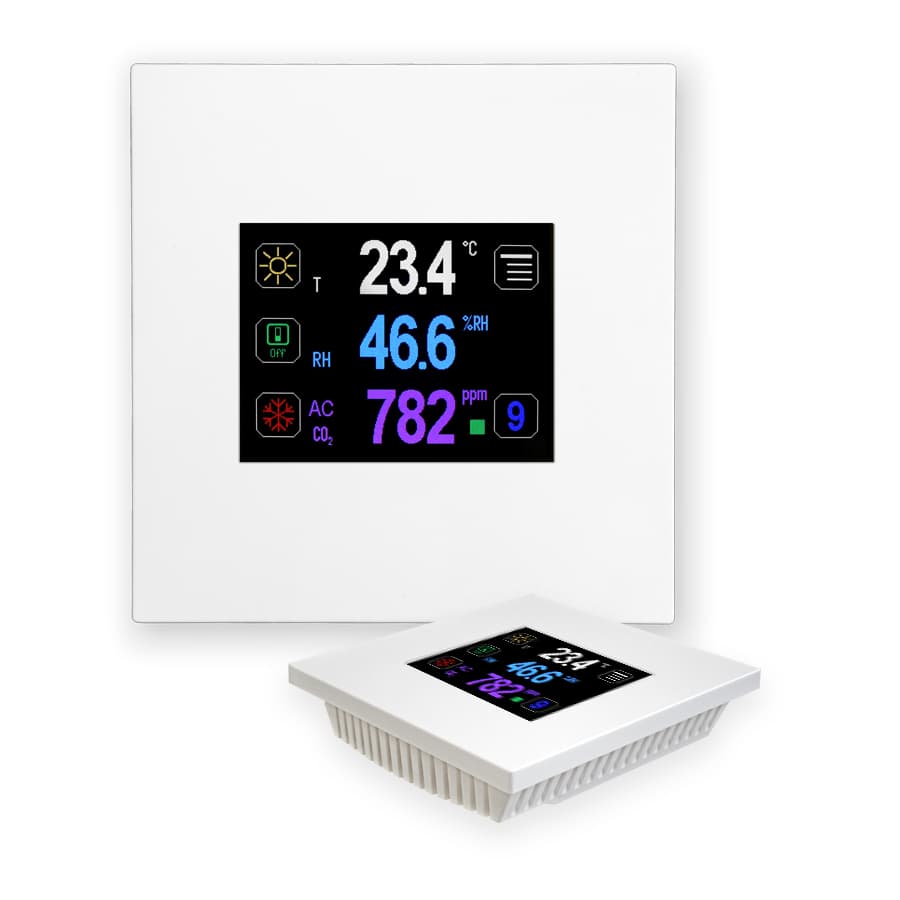
Regmet RK-CHM-D ... TFT touch screen controller
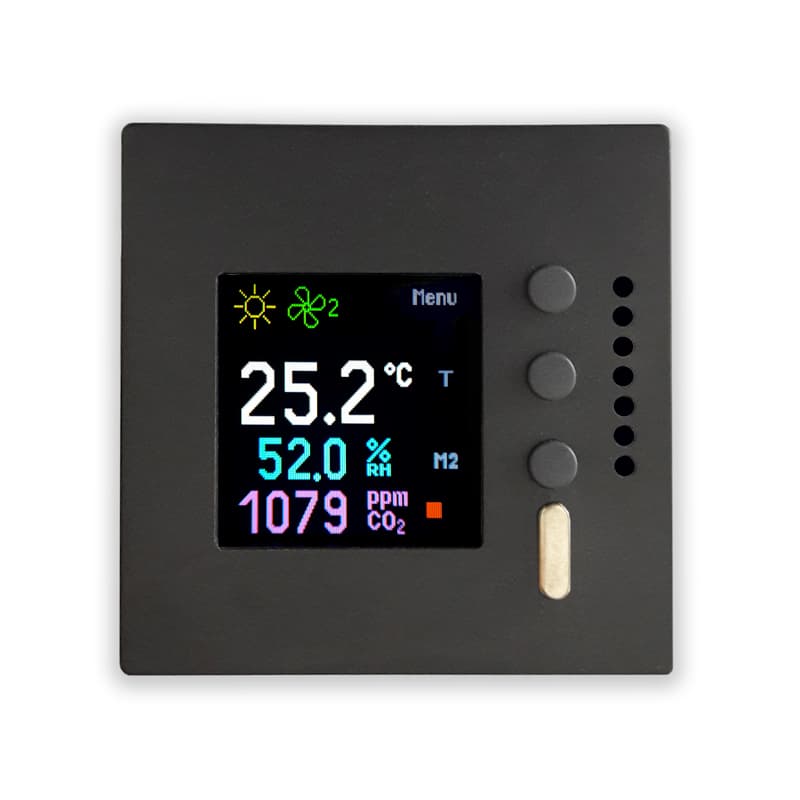
Measures and controls CO2, humidity, and temperature via a TFT touch screen controller.
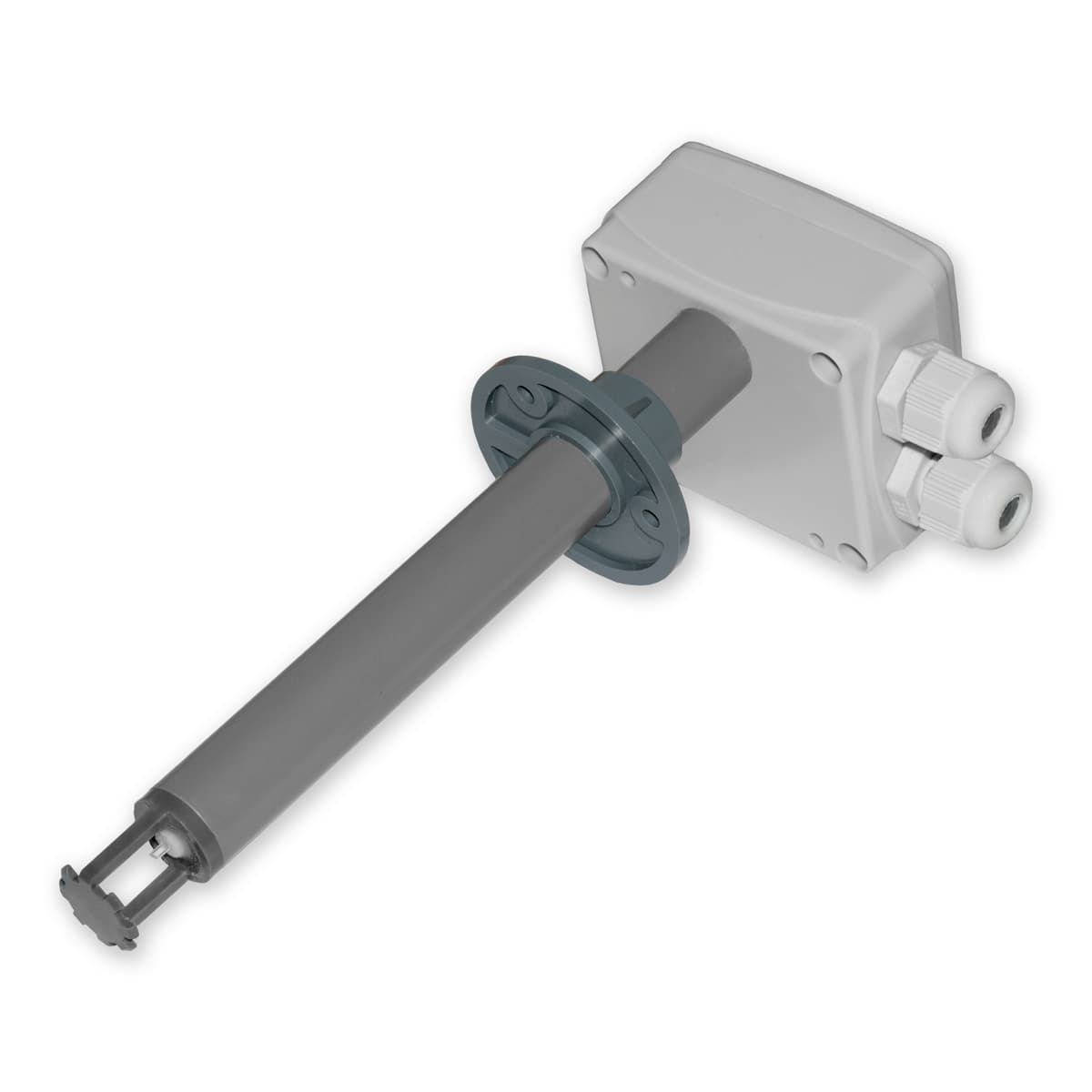
The Regmet RK-CHM-D is a TFT touch screen controller that measures CO2 concentration, relative humidity, and temperature in interior spaces. This Modbus RTU template reads all sensor values and allows you to write setpoints, mode selections, and LCD display settings from the ModbusCloud platform.
- Protocol
- Modbus RTU
- Connection
- RS485, 19200 baud
- Registers
- 23, read and write
- Brand
- Regmet
- Key readings
- Temperature · Relative humidity · CO2 concentration
- Available commands
- Required temperature · Required humidity · Required CO2 · Required mode 1 to 4
- Compatible models
- RK-CHM-D
- Last updated
Registers (23)
3 read, 20 write
| Name | Unit | Access | Address (Hidden until you enter your email) | Function (hidden) | Type (hidden) |
|---|---|---|---|---|---|
| 1: 0x02 Relative humidity | % | Read | |||
| 0: 0x01 Temperature | °C | Read | |||
| 5: 0x06 CO2 concentration | ppm | Read | |||
| 9: 0x10 Required humidity | % | Write | |||
| 8: 0x09 Required temperature | °C | Write | |||
| 16: 0x17 Required mode 1 | Write | ||||
| 17: 0x18 Required mode 2 | Write | ||||
| 76: 0x77 Offset temperature | °C | Write | |||
| 28: 0x29 Status register | Write | ||||
| 34: 0x35 LCD backlight day | Write | ||||
| 18: 0x19 Required mode 3 | Write | ||||
| 24: 0x25 Symbol at position 1 | Write | ||||
| 25: 0x26 Symbol at position 2 | Write | ||||
| 26: 0x27 Symbol at position 3 | Write | ||||
| 37: 0x38 LCD symbol color | Write | ||||
| 36: 0x37 LCD value color | Write | ||||
| 39: 0x40 Bit Field (external values) | Write | ||||
| 35: 0x36 LCD backlight time | Write | ||||
| 13: 0x14 Required CO2 | ppm | Write | |||
| 19: 0x20 Required mode 4 | Write | ||||
| 27: 0x28 Symbol at position 4 | Write | ||||
| 38: 0x39 LCD Backlight night | Write | ||||
| 77: 0x78 Offset relative humidity | % | Write |
Loading registers…
Send your device list
If a device is not in the library yet, we build the template for free as soon as we have the register data.
Use cases
- Monitor CO2 concentration, humidity, and temperature on a live cloud dashboard for each controlled zone.
- Adjust required temperature, humidity, and CO2 setpoints remotely without visiting the installation site.
- Create an alert when CO2 concentration exceeds a defined threshold for more than 5 minutes.
- Log indoor air quality data over time to generate reports for building management or compliance audits.
- Switch between operating modes remotely to adapt ventilation strategies to occupancy schedules.
- Calibrate temperature and humidity offsets from the cloud to correct sensor drift after commissioning.
Installation
Wire the Regmet RK-CHM-D RS485 terminals (A and B) to the corresponding RS485 port on your ModbusCloud Gateway.
Set the Modbus slave address on the RK-CHM-D using the device menu or DIP switches, and ensure it does not conflict with other devices on the bus.
Configure the gateway serial port to 19200 baud, 8 data bits, odd parity (1), and 1 stop bit to match the RK-CHM-D communication settings.
Import the Regmet RK-CHM-D template from the ModbusCloud template library and assign it to the correct gateway and slave address.
Verify the connection by checking that live temperature, humidity, and CO2 readings appear on the ModbusCloud dashboard.
If sensor readings show a consistent offset, use the calibration registers (address 76 for temperature, address 77 for humidity) to apply corrections.
Things to watch for
No data appears on the dashboard after connecting the RK-CHM-D. What should I check?
Verify that the baud rate is set to 19200 with odd parity on both the gateway and the controller. Also confirm that the RS485 A and B wires are not swapped and that the correct Modbus slave address is configured in the template.
Temperature or humidity readings seem slightly off compared to a reference instrument. How do I correct this?
Use the calibration offset registers provided in the template. Register 76 adjusts the temperature offset and register 77 adjusts the relative humidity offset. Write the correction value to bring readings in line with your reference.
Can I control all 68 operating modes through the template?
The template supports writing to the mode selection registers for modes 1 through 4. These four mode slots can each be assigned one of the 68 possible modes defined in the RK-CHM-D configuration.
Do I need a termination resistor on the RS485 bus?
If the RK-CHM-D is at the end of the RS485 bus, enable or install a 120 ohm termination resistor at that point. Proper termination reduces communication errors, especially on longer cable runs.
Want to see how it works?
