








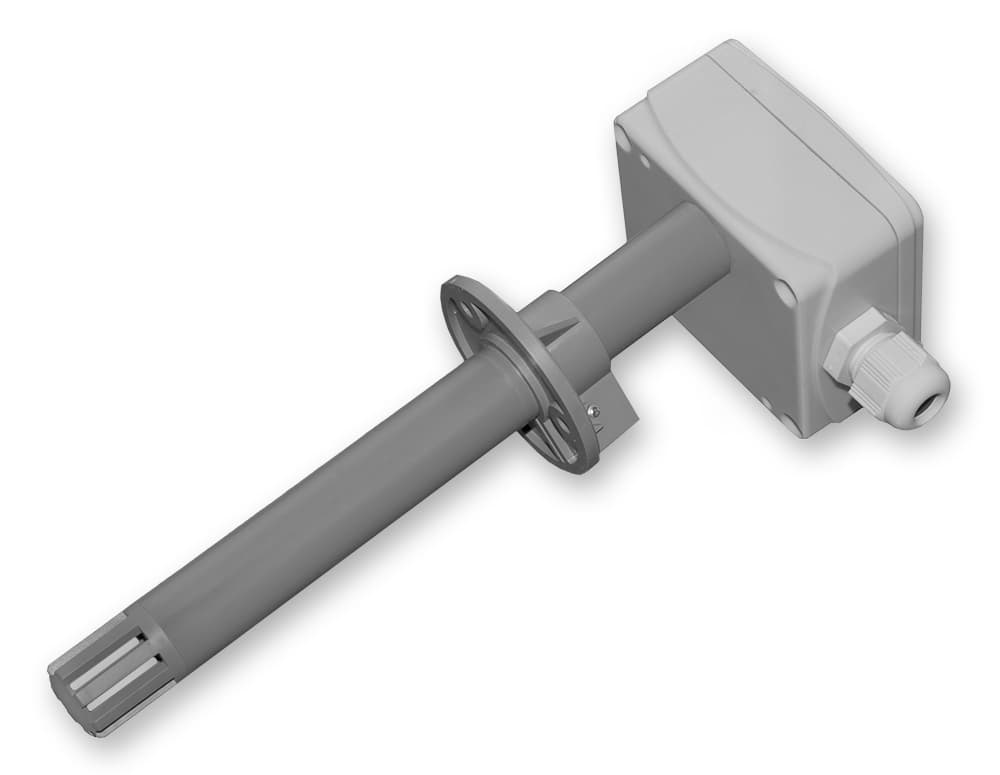
Regmet PHM
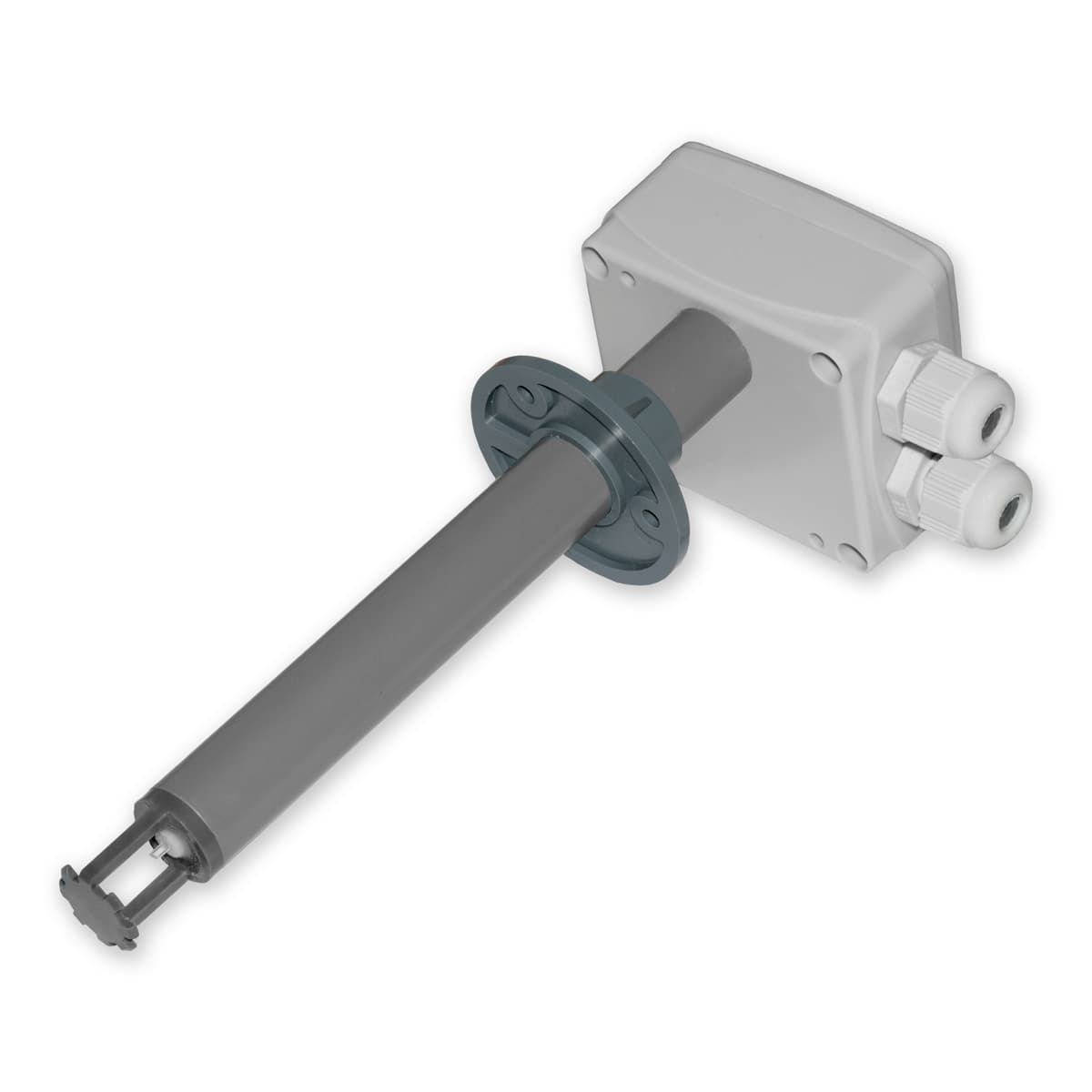
Measures temperature and humidity in duct or outside air applications.
The Regmet PHM is a temperature and relative humidity sensor designed for duct or outside air applications. This Modbus RTU template reads temperature and humidity values over RS485 and allows offset calibration for both measurements.
- Protocol
- Modbus RTU
- Connection
- RS485, 19200 baud
- Registers
- 4, read and write
- Brand
- Regmet
- Key readings
- Temperature · Relative humidity
- Available commands
- Offset temperature · Offset relative humidity
- Compatible models
- Regmet PHM
- Last updated
Registers (4)
2 read, 2 write
| Name | Unit | Access | Address (Hidden until you enter your email) | Function (hidden) | Type (hidden) |
|---|---|---|---|---|---|
| 1: 0x02 Relative humidity | % | Read | |||
| 0: 0x01 Temperature | °C | Read | |||
| 76: 0x77 Offset temperature | °C | Write | |||
| 77: 0x78 Offset relative humidity | % | Write |
Loading registers…
Send your device list
If a device is not in the library yet, we build the template for free as soon as we have the register data.
Use cases
- Monitor duct air temperature and humidity on a live cloud dashboard for remote HVAC supervision.
- Create an alert when relative humidity exceeds a threshold, indicating potential condensation risk in ventilation ducts.
- Log outside air temperature and humidity trends over time to verify ventilation system performance.
- Apply offset calibration remotely to correct sensor drift without visiting the site.
- Combine PHM readings with other Modbus sensors on the same RS485 bus for a complete air handling unit overview.
Installation
Connect the Regmet PHM sensor to a Windows PC via USB and use the USB_SET application to set the Modbus slave address, baud rate (19200), and parity (odd).
Wire the PHM sensor to the RS485 port of the ModbusCloud Gateway, ensuring correct A/B polarity and proper bus termination.
Configure the serial port on the ModbusCloud gateway to match the sensor settings: 19200 baud, odd parity, Modbus RTU mode.
Import the Regmet PHM template from the ModbusCloud template library and assign the correct slave address.
Verify communication by checking that temperature and relative humidity values appear on the ModbusCloud dashboard.
Things to watch for
The gateway cannot communicate with the PHM sensor. What should I check?
Verify that the baud rate is set to 19200 and parity is set to odd on both the sensor and the gateway. Also confirm correct RS485 A/B wiring polarity and that the Modbus slave address matches the template configuration.
How do I change the Modbus slave address on the Regmet PHM?
Connect the sensor to a Windows PC using a standard USB cable and open the USB_SET freeware application from Regmet. You can change the slave address and other communication parameters there.
The temperature or humidity reading seems slightly off. How can I correct it?
Use the offset calibration registers available in this template. You can write a positive or negative offset value for temperature and humidity to compensate for sensor drift or installation-related deviations.
Can I connect multiple PHM sensors on the same RS485 bus?
Yes. Assign a unique Modbus slave address to each sensor using the USB_SET application. Ensure all devices share the same baud rate and parity settings, and use proper daisy-chain wiring with termination at both ends of the bus.
Want to see how it works?
