


Siemens SENTRON PAC4200
Siemens
Power monitoring device: voltage, current, power, power factor, THD and tariff energy over Modbus TCP.
Overview
Key readings
- Voltage per phase and line to line
- Current per phase and neutral
- Active, reactive and apparent power
- Power factor and frequency
- Voltage and current unbalance
- Voltage and current THD per phase
- Active and reactive energy per tariff
- Operating hours
Use cases
- Track Active Power Total per feeder and see which group causes the peak.
- Alert when Current N rises above a set level, a sign of unbalanced single-phase loads or harmonics.
- Alert when Voltage L1-N, L2-N or L3-N drops below a limit to catch a failing supply.
- Report consumption per tariff from Active Energy Import T1 and T2, and feed-in from Active Energy Export T1.
- Watch THD Current and Voltage Unbalance to find harmonic load and badly distributed single-phase loads.
Installation
- 1Connect the RJ45 port of the PAC4200 to the same network as your ModbusCloud Gateway with a grounded CAT5 cable.
- 2On the device, open SETTINGS, COMMUNICATION, set IP address, subnet mask and gateway, and choose MODBUS TCP as protocol. Restart the device so the TCP/IP settings take effect.
- 3In ModbusCloud, add a Modbus device (TCP) with the IP address of the PAC4200, port 502 and unit ID 1, and import this template.
- 4Check the link: Voltage L1-N must show the mains voltage and Frequency about 50 Hz. If nothing answers, check the IP address, the protocol setting and whether the device is reachable in the network.
Things to watch for
- The PAC4200 does not answer over Modbus TCP. What should I check?
- Check that PROTOCOL under SETTINGS, COMMUNICATION is MODBUS TCP and that the IP address, subnet and gateway fit the network of the ModbusCloud Gateway. After a reset of the communication parameters the address is 0.0.0.0. TCP/IP changes take effect only after the device has restarted.
- Why do I get an error or odd values after shifting an address?
- Each measured value is a float in two registers, starting at an odd offset such as 1, 3 or 65. A read that starts in the second register of a value returns an error. Use the offsets from the Siemens table unchanged; do not subtract or add one.
- Where are the main energy counters?
- The energy counters from offset 801 are 64-bit doubles, which the gateway cannot read. The template reads the float copies from offset 2801 instead: active energy import and export per tariff and reactive energy for tariff 1, in Wh and varh.
- Can I use the PAC4200 on RS485 instead?
- Yes, with the SENTRON PAC RS485 expansion module in one of the slots. The offsets stay the same. Add the device in ModbusCloud as Modbus RTU with the address, baud rate and data frame set in the module parameters, and import this template.
- Several PAC4200 devices are on the same network. Anything special?
- Give each device its own IP address and add each one as a separate Modbus TCP device in ModbusCloud with that IP, port 502 and unit ID 1. The Gateway reaches them over its Ethernet port, so they must be in the same network.
Registers (45)
45 read / 0 write
| Name | Address | Function | Type | Unit | Access |
|---|---|---|---|---|---|
Voltage L1-N Phase voltage L1 to neutral in V, float. Siemens name Voltage a-n. | ••• | ••• | ••• | V | R |
Voltage L2-N Phase voltage L2 to neutral in V, float. Siemens name Voltage b-n. | ••• | ••• | ••• | V | R |
Voltage L3-N Phase voltage L3 to neutral in V, float. Siemens name Voltage c-n. | ••• | ••• | ••• | V | R |
Voltage L1-L2 Line voltage L1-L2 in V, float. Siemens name Voltage a-b. | ••• | ••• | ••• | V | R |
Voltage L2-L3 Line voltage L2-L3 in V, float. Siemens name Voltage b-c. | ••• | ••• | ••• | V | R |
Voltage L3-L1 Line voltage L3-L1 in V, float. Siemens name Voltage c-a. | ••• | ••• | ••• | V | R |
Current L1 Current L1 in A, float. Siemens name Current a. | ••• | ••• | ••• | A | R |
Current L2 Current L2 in A, float. Siemens name Current b. | ••• | ••• | ••• | A | R |
Current L3 Current L3 in A, float. Siemens name Current c. | ••• | ••• | ••• | A | R |
Current N Neutral current in A, float. Siemens name Neutral Current. | ••• | ••• | ••• | A | R |
Apparent Power L1 Apparent power L1 in VA, float. Siemens name Apparent Power a. | ••• | ••• | ••• | VA | R |
Apparent Power L2 Apparent power L2 in VA, float. Siemens name Apparent Power b. | ••• | ••• | ••• | VA | R |
Apparent Power L3 Apparent power L3 in VA, float. Siemens name Apparent Power c. | ••• | ••• | ••• | VA | R |
Active Power L1 Active power L1 in W, float. Siemens name Active Power a. | ••• | ••• | ••• | W | R |
Active Power L2 Active power L2 in W, float. Siemens name Active Power b. | ••• | ••• | ••• | W | R |
Active Power L3 Active power L3 in W, float. Siemens name Active Power c. | ••• | ••• | ••• | W | R |
Reactive Power L1 Reactive power L1 (VARn) in var, float. Siemens name Reactive Power a (VARn). | ••• | ••• | ••• | var | R |
Reactive Power L2 Reactive power L2 (VARn) in var, float. Siemens name Reactive Power b (VARn). | ••• | ••• | ••• | var | R |
Reactive Power L3 Reactive power L3 (VARn) in var, float. Siemens name Reactive Power c (VARn). | ••• | ••• | ••• | var | R |
Power Factor L1 Power factor L1, float, 0 to 1. Siemens name Power Factor a. | ••• | ••• | ••• | R | |
Power Factor L2 Power factor L2, float, 0 to 1. Siemens name Power Factor b. | ••• | ••• | ••• | R | |
Power Factor L3 Power factor L3, float, 0 to 1. Siemens name Power Factor c. | ••• | ••• | ••• | R | |
Frequency Line frequency in Hz, float, 45 to 65 Hz. Siemens name Line Frequency. | ••• | ••• | ••• | Hz | R |
Average Voltage L-N 3-phase average phase-to-neutral voltage in V, float. | ••• | ••• | ••• | V | R |
Average Voltage L-L 3-phase average phase-to-phase voltage in V, float. | ••• | ••• | ••• | V | R |
Average Current 3-phase average current in A, float. | ••• | ••• | ••• | A | R |
Apparent Power Total Total apparent power in VA, float. | ••• | ••• | ••• | VA | R |
Active Power Total Total active power in W, float. | ••• | ••• | ••• | W | R |
Reactive Power Total Total reactive power (VARn) in var, float. | ••• | ••• | ••• | var | R |
Power Factor Total Total power factor, float. | ••• | ••• | ••• | R | |
Voltage Unbalance Amplitude unbalance of voltage in %, float, 0 to 100. | ••• | ••• | ••• | % | R |
Current Unbalance Amplitude unbalance of current in %, float, 0 to 100. | ••• | ••• | ••• | % | R |
THD Voltage L1 THD of voltage L1 in %, float, 0 to 100. Siemens name THD Voltage a. | ••• | ••• | ••• | % | R |
THD Voltage L2 THD of voltage L2 in %, float, 0 to 100. Siemens name THD Voltage b. | ••• | ••• | ••• | % | R |
THD Voltage L3 THD of voltage L3 in %, float, 0 to 100. Siemens name THD Voltage c. | ••• | ••• | ••• | % | R |
THD Current L1 THD of current L1 in %, float, 0 to 100. Siemens name THD Current a. | ••• | ••• | ••• | % | R |
THD Current L2 THD of current L2 in %, float, 0 to 100. Siemens name THD Current b. | ••• | ••• | ••• | % | R |
THD Current L3 THD of current L3 in %, float, 0 to 100. Siemens name THD Current c. | ••• | ••• | ••• | % | R |
Operating Hours Operating hours counter in seconds, unsigned 32-bit, 0 to 999999999. Resettable on the device. Siemens name Operating Hours Counter. | ••• | ••• | ••• | s | R |
Active Energy Import T1 Active energy import tariff 1 in Wh, float (section A.3.7). Overflow at 1.0e+12. | ••• | ••• | ••• | Wh | R |
Active Energy Import T2 Active energy import tariff 2 in Wh, float (section A.3.7). Overflow at 1.0e+12. | ••• | ••• | ••• | Wh | R |
Active Energy Export T1 Active energy export tariff 1 in Wh, float (section A.3.7). Overflow at 1.0e+12. | ••• | ••• | ••• | Wh | R |
Active Energy Export T2 Active energy export tariff 2 in Wh, float (section A.3.7). Overflow at 1.0e+12. | ••• | ••• | ••• | Wh | R |
Reactive Energy Import T1 Reactive energy import tariff 1 in varh, float (section A.3.7). Overflow at 1.0e+12. | ••• | ••• | ••• | varh | R |
Reactive Energy Export T1 Reactive energy export tariff 1 in varh, float (section A.3.7). Overflow at 1.0e+12. | ••• | ••• | ••• | varh | R |
Loading registers…
Read the Siemens SENTRON PAC4200 remotely
We load the templates onto the gateway and set up your portal, you connect it at your customer's site. Tell us briefly what you need and we'll send a proposal.
From €295 + €149/year.
Prefer to configure it yourself? Order the gateway in the shop·Or see the live demo first
More Siemens templates
Siemens Junelight Smart Battery (battery)
Siemens
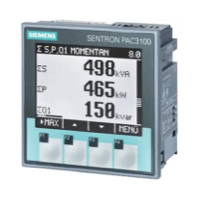
Siemens Sentron PAC3100 Power meter 3 phase
Siemens
Reads 3-phase power metering data from a Siemens Sentron PAC3100.
Siemens 7KT1665 (grid)
Siemens
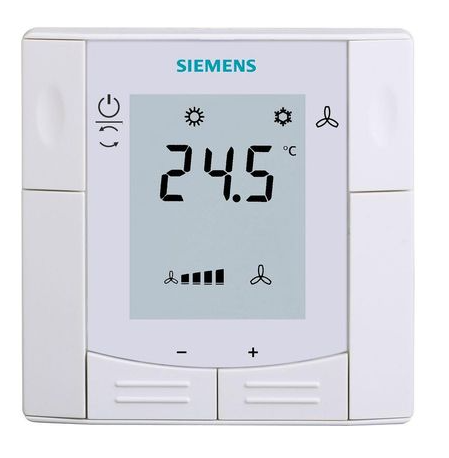
Siemens RDF660MB
Siemens
Controls a Siemens room thermostat via Modbus RTU
Siemens Sentron PAC 2200
Siemens
Monitors three-phase energy metering via Modbus TCP on Siemens Sentron PAC 2200.
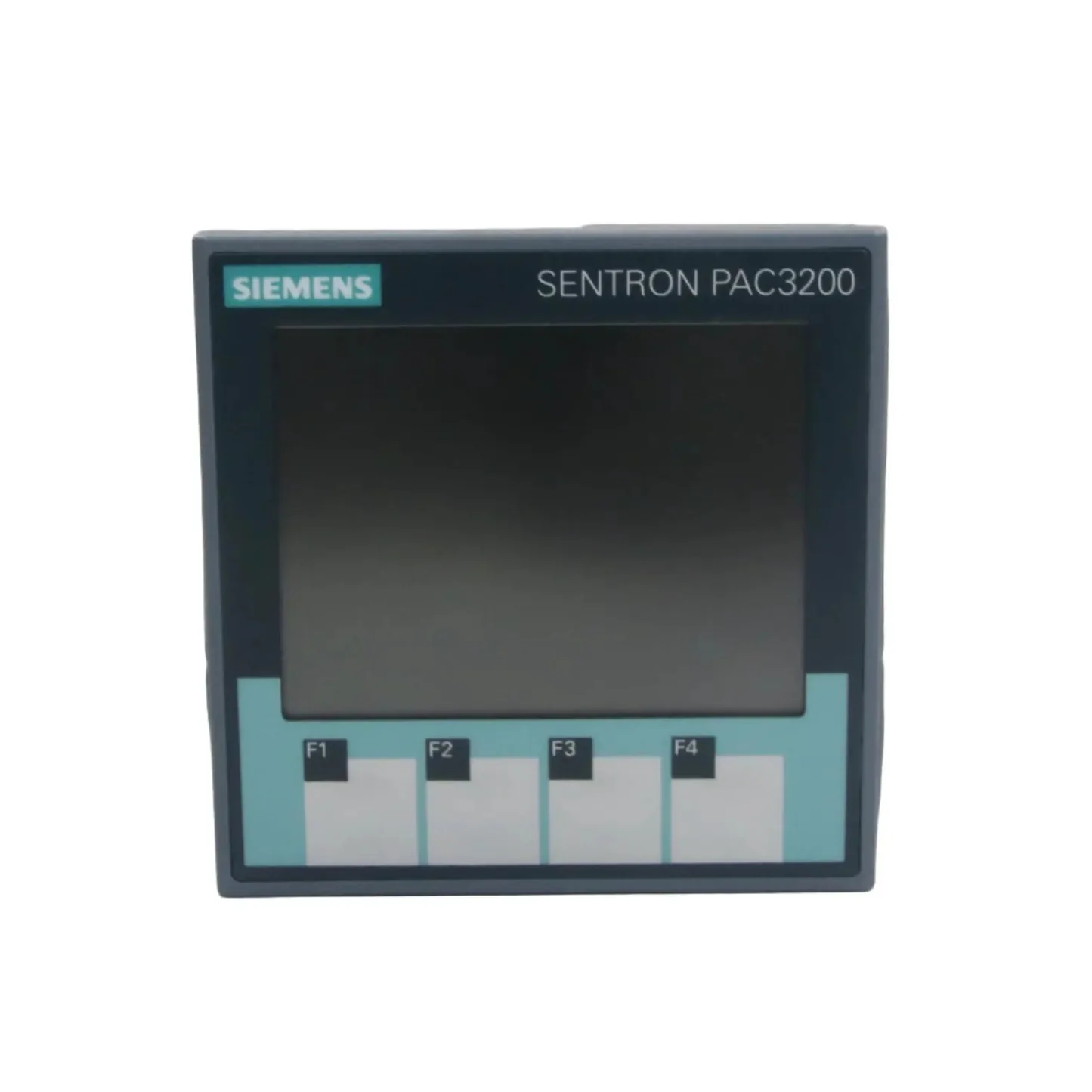
Siemens SENTRON PAC3200
Siemens
Three-phase power monitoring device: voltages, currents, power, power factor, THD, demand and status over Modbus RTU or TCP.
More TCP templates

SunSpec Model 111 — Inverter (Single Phase) FLOAT
SunSpec

HUAWEI SUN2000 Inverter & LUNA2000 battery
Huawei
Monitors HUAWEI SUN2000 inverter, LUNA2000 battery, and Smart Power Sensor via Modbus TCP.
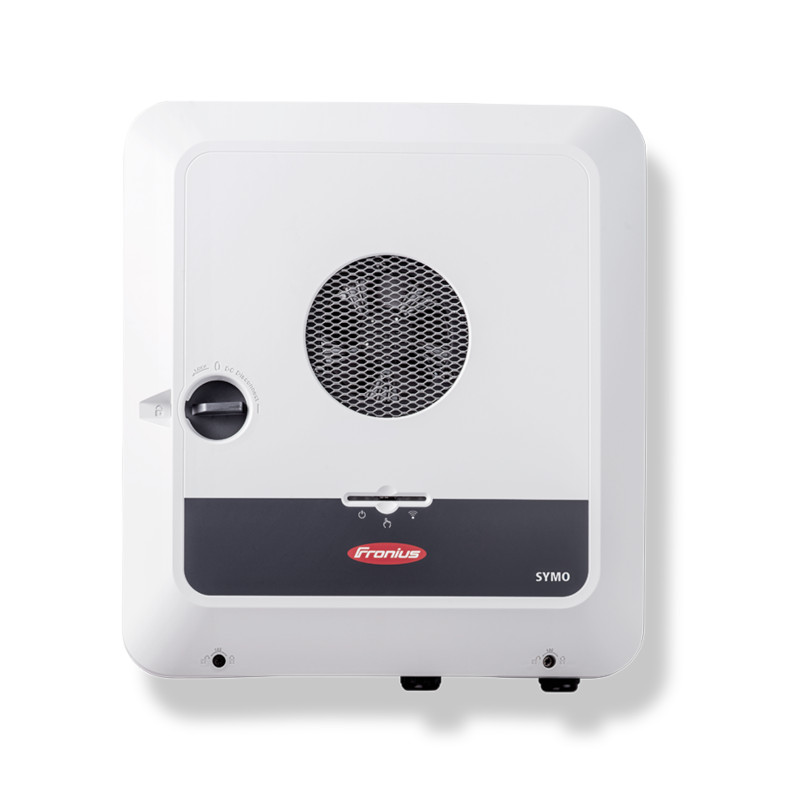
Fronius GEN24
Fronius
Monitors and controls Fronius GEN24 inverters and PV batteries via SunSpec Modbus TCP

NIBE Nibe S-Series (SG Ready)
NIBE

Sigenergy SigenStore EC (grid)
Sigenergy

Fronius - Modbus TCP
Fronius
Monitors Fronius Symo and Primo inverters via Modbus TCP