

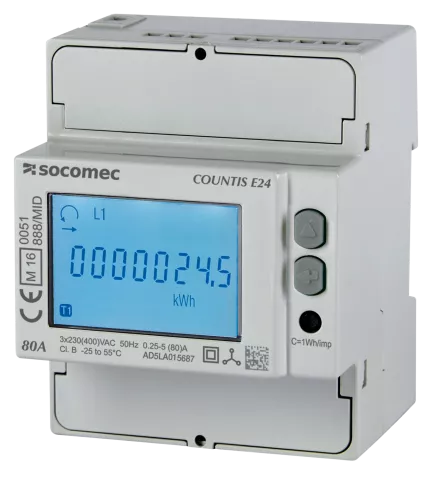
Socomec Singlephase
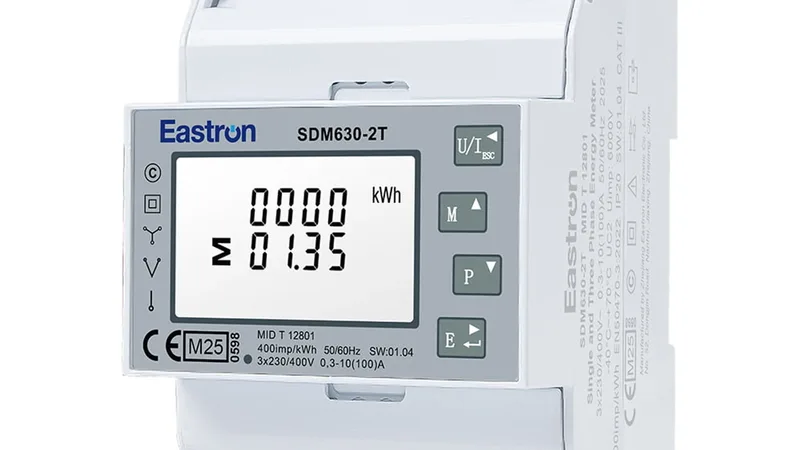
The Socomec Singlephase is a DIN-rail active energy meter from Socomec designed for single-phase electrical networks in residential, commercial, and light-industrial applications. This Modbus TCP template reads three registers from the meter: grid frequency, cumulative consumed energy, and cumulative exported energy. Connected via the ModbusCloud Gateway, the portal gives installers and building owners a continuous record of import and export totals alongside grid frequency, enabling reliable energy accounting without additional hardware.
- Protocol
- Modbus TCP
- Connection
- Ethernet, Modbus TCP
- Registers
- 3, read only
- Brand
- Socomec
- Last updated
Registers (3)
3 read, 0 write
| Name | Unit | Access | Address (Hidden until you enter your email) | Function (hidden) | Type (hidden) |
|---|---|---|---|---|---|
| frequency | Hz | Read | 50526 | FC03 | uint32 |
| active_consumption_energy | Wh | Read | 50946 | FC03 | uint32 |
| active_production_energy | Wh | Read | 50952 | FC03 | uint32 |
Loading registers…
Send your device list
If a device is not in the library yet, we build the template for free as soon as we have the register data.
Use cases
- Monitor cumulative active consumption energy to verify billing accuracy against utility invoices.
- Track active production energy exports over time to validate feed-in tariff settlements.
- Alert on grid frequency deviations to detect grid instability or local islanding conditions.
- Compare daily import and export totals to identify unexpected overnight consumption.
- Report monthly energy balance across multiple single-phase circuits from one portal overview.
Installation
Enable Modbus TCP communication on the Socomec Singlephase meter by navigating to the communication or Modbus section in the device setup menu, and note the assigned IP address and unit ID.
Connect the meter's Ethernet port to the same LAN segment as the ModbusCloud Gateway using a standard RJ45 patch cable, ensuring the meter is reachable from the Gateway's network.
In the ModbusCloud portal, add a new Gateway, then import the Socomec Singlephase template, enter the meter's IP address, and set the Modbus unit ID (default is 1).
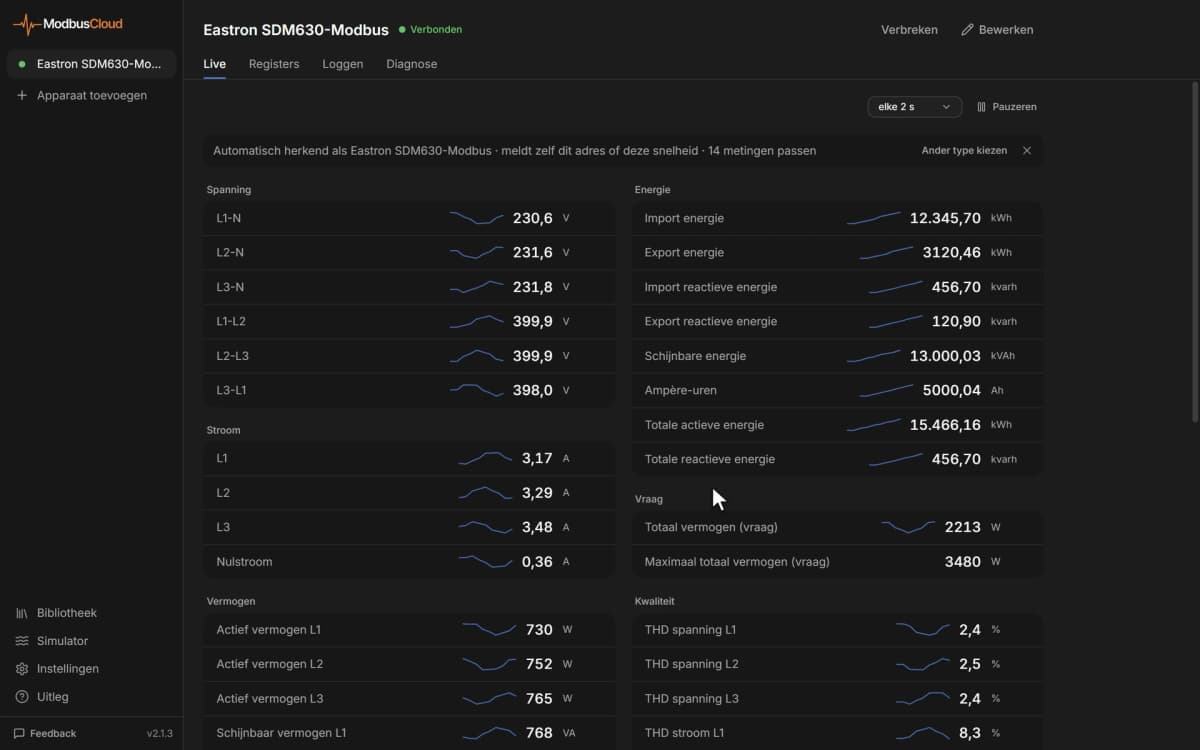
Verify the connection by checking live readings for the frequency register (address 50526): a stable value around 50 Hz confirms the Gateway is polling the meter correctly.
Things to watch for
All three registers return zero or no value. What is wrong?
Confirm the meter's Modbus TCP service is active in its communication settings. Socomec Countis E-series meters require Ethernet to be enabled and a valid IP address assigned. Also verify the unit ID in the portal matches the value configured on the meter, which defaults to 1.
The frequency register reads an implausible value. How do I fix this?
Socomec meters encode 32-bit registers in big-endian word order. If your polling tool or gateway is configured for little-endian 32-bit word order, the two 16-bit words will be swapped and produce a nonsense value. Set your Modbus client to big-endian (high word first) for all uint32 registers on this device.
Energy counters appear stuck even though the meter is live.
The active consumption and production energy registers (50946 and 50952) are cumulative counters. If the meter was recently reset or replaced, the counters restart from zero and will only show movement once new energy flows occur. Cross-check the meter display to confirm the local counter is incrementing.
The gateway connects but drops readings every few minutes. Why?
This typically indicates a network issue: duplicate IP addresses on the LAN, a switch port with STP delay, or the meter's TCP connection timeout being too short. Assign a static IP to the meter, ensure no DHCP conflicts exist, and reduce the polling interval in the portal to keep the TCP session alive.


Want to see how it works?