








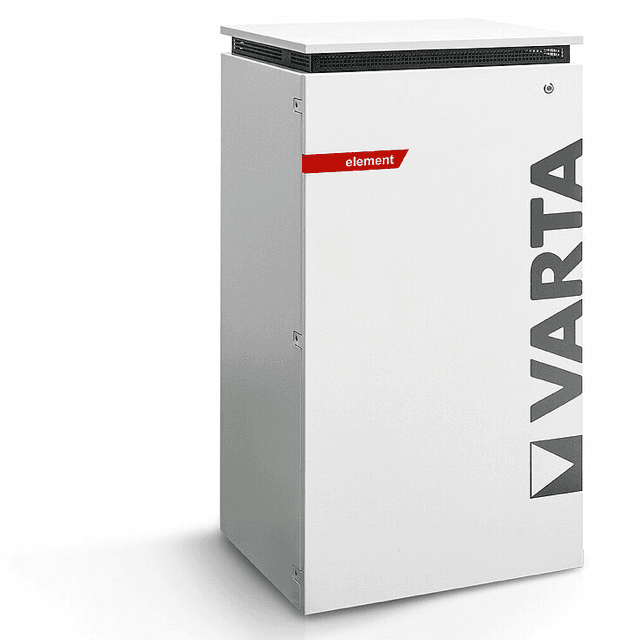
VARTA Energy Storage
Monitors VARTA energy storage systems via Modbus TCP.
This template reads real-time data from VARTA energy storage systems (pulse, pulse neo, element) via Modbus TCP. It provides state of charge, active power, grid power, frequency, and energy totals. All registers are read-only.
- Protocol
- Modbus TCP
- Connection
- Ethernet, Modbus TCP
- Registers
- 9, read only
- Brand
- VARTA
- Key readings
- State · State of Charge (SOC) · Active Power · Total Charge Energy (AC to DC) · Grid Power and Frequency · Available AC Charging/Discharging Power
- Compatible models
- Varta pulse · Varta pulse neo · Varta element
- Last updated
Registers (9)
9 read, 0 write
| Name | Unit | Access | Address (Hidden until you enter your email) | Function (hidden) | Type (hidden) |
|---|---|---|---|---|---|
| State | Read | ||||
| State of Charge (SOC, Ss) | % | Read | |||
| Active Power (Ps) | kW | Read | |||
| Total Charge Energy (AC->DC) | kWh | Read | |||
| Error code | Read | ||||
| Grid Power | kW | Read | |||
| Grid frequency | Hz | Read | |||
| Available AC discharging power | kW | Read | |||
| Available AC charging power | kW | Read |
Loading registers…
Send your device list
If a device is not in the library yet, we build the template for free as soon as we have the register data.
Use cases
- Monitor state of charge and active power of VARTA battery storage on a live cloud dashboard.
- Log total charged energy over time to generate monthly self-consumption reports for customers.
- Create an alert when the state of charge drops below a configurable threshold during peak hours.
- Track grid power and frequency to detect abnormal grid conditions affecting the storage system.
- Monitor error codes remotely to schedule maintenance visits before the customer notices an issue.
- Compare available charging and discharging power to verify the system operates within expected limits.
Installation
Connect the ModbusCloud Gateway to the same local network as the VARTA energy storage system.
Ensure Modbus TCP is enabled on the VARTA storage unit and note its IP address and port (default Modbus TCP port is 502).
In the ModbusCloud platform, add a new device and import the VARTA Energy Storage template from the template library.
Enter the IP address of the VARTA unit and confirm the Modbus TCP port in the gateway configuration.
Verify that the firmware version on the VARTA system matches the register map used in this template, as addresses may differ between versions.
Check the live data view in ModbusCloud to confirm that SOC, active power, and grid power values are updating correctly.
Things to watch for
All register values show zero or null after connecting. What is wrong?
VARTA has changed register addresses across firmware versions. Verify that your unit's firmware matches the register map starting at address 1065. Update the firmware or adjust register offsets if needed.
What Modbus TCP port does the VARTA storage system use?
The default Modbus TCP port is 502. Check the network settings on the VARTA unit to confirm the port has not been changed.
Can I control charging or discharging schedules through this template?
No. All nine registers in this template are read-only input registers. The template is designed for monitoring only and does not include write commands.
Which VARTA models are compatible with this template?
The template supports the VARTA pulse, VARTA pulse neo, and VARTA element. Other VARTA models may use a different register layout and are not guaranteed to work.

Want to see how it works?
