









VARTA pulse (pv)
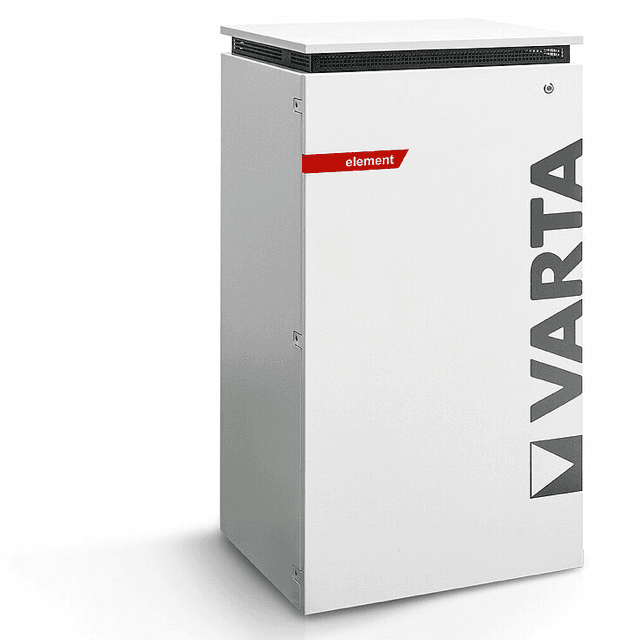
The VARTA pulse (pv) template reads PV generation power from VARTA residential battery storage systems that use the optional physical PV current sensor. These AC-coupled storage units, including the pulse, pulse neo, element, and element backup, expose their Modbus TCP server on port 502. This template reads register 1102, the PV sensor AC power output, giving you a live watt reading of solar generation as measured directly by the VARTA hardware sensor. It is the practical choice when your PV inverter has no independent Modbus interface.
- Protocol
- Modbus TCP
- Connection
- Ethernet, Modbus TCP
- Registers
- 1, read only
- Brand
- VARTA
- Compatible models
- pulse · pulse neo · element · element backup
- Last updated
Registers (1)
1 read, 0 write
| Name | Unit | Access | Address (Hidden until you enter your email) | Function (hidden) | Type (hidden) |
|---|---|---|---|---|---|
| power | W | Read |
Loading registers…
Send your device list
If a device is not in the library yet, we build the template for free as soon as we have the register data.
Use cases
- Monitor live PV generation from the VARTA sensor to track solar yield independently of the inverter.
- Alert on unexpected drops in PV sensor power during daylight hours to detect sensor disconnection or shading issues.
- Compare PV sensor readings against total household consumption to verify self-consumption ratios over time.
- Track daily PV generation trends in the ModbusCloud portal to identify seasonal output degradation.
- Verify that the VARTA physical PV sensor is reporting correctly after installation or firmware updates.
Installation
Confirm the physical VARTA PV current sensor is installed and wired to the second sensor input on your pulse, pulse neo, or element unit, as register 1102 only returns data when this sensor is present and active.
Connect the VARTA storage unit to your local network via Ethernet, then note its IP address. The ModbusCloud Gateway must be on the same LAN segment and able to reach port 502 on the storage unit.
In the ModbusCloud portal, add the ModbusCloud Gateway, import the VARTA pulse (pv) template, and set the unit ID to 255, which is the value recommended in VARTA's Modbus documentation.
Spot-check register 1102 in the portal's live register view during daylight hours. A non-zero watt value confirms the PV sensor is active and the connection is working correctly.
Things to watch for
Register 1102 always returns zero or an error. Why?
Register 1102 only contains data when PV generation is measured via the physical second sensor input on the VARTA unit. If your inverter feeds PV data to the VARTA system via SunSpec, register 1102 remains empty. Verify the VARTA PV current sensor is physically installed and active.
Why does the element backup return an illegal data address error for register 1102?
Register 1102 is not supported on the element backup model in current firmware. The element backup can receive PV data via SunSpec from a connected inverter, but that data path is not exposed on Modbus register 1102. No workaround exists within the VARTA Modbus server for this model.
The gateway connects to port 502 but then drops the connection intermittently. What should I check?
VARTA's Modbus TCP server is sensitive to polling rate. VARTA documentation recommends polling no faster than once per second. If the connection drops, reduce your poll interval to one second or longer, and ensure no other device is simultaneously holding a Modbus TCP session to the same storage unit, as concurrent connections can cause exceptions.
Which unit ID should I use when configuring the template?
VARTA's official Modbus documentation states that the server accepts any unit ID, but specifically recommends unit ID 255. Use 255 in the ModbusCloud portal template configuration. If you see no response, also try unit ID 1, as some firmware versions respond to both.
Want to see how it works?
