









VARTA pulse (grid)
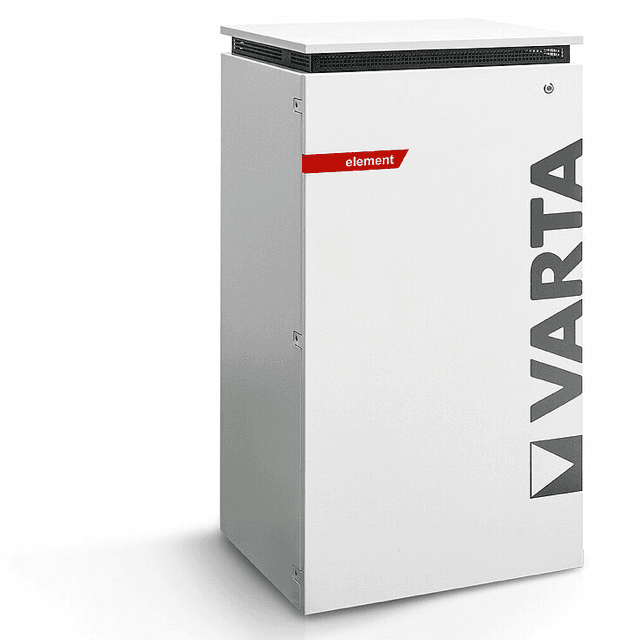
The VARTA pulse (grid) is a residential AC battery storage system, covering the pulse, pulse neo, element, and element backup product lines. It connects to the home grid connection point and exposes real-time power flow data over Modbus TCP. This template reads the grid power register (address 1078), which shows instantaneous import or export at the household meter point as a signed watt value. Use it in the ModbusCloud portal to track net grid exchange for any VARTA pulse or element installation without additional metering hardware.
- Protocol
- Modbus TCP
- Connection
- Ethernet, Modbus TCP
- Registers
- 1, read only
- Brand
- VARTA
- Compatible models
- pulse · pulse neo · element · element backup
- Last updated
Registers (1)
1 read, 0 write
| Name | Unit | Access | Address (Hidden until you enter your email) | Function (hidden) | Type (hidden) |
|---|---|---|---|---|---|
| power | W | Read |
Loading registers…
Send your device list
If a device is not in the library yet, we build the template for free as soon as we have the register data.
Use cases
- Monitor real-time grid import and export at the household meter point to verify self-consumption behavior.
- Alert on unexpected grid import during daylight hours when the battery should be covering the load.
- Track grid power over time to compare daily net exchange profiles across multiple VARTA installations.
- Verify that a VARTA element backup site remains in net-zero or export mode after a tariff change.
- Report monthly grid import totals to building owners as part of a PV-plus-storage performance summary.
Installation
Confirm the VARTA pulse or element unit has an active LAN connection via its RJ45 Ethernet port, and note its IP address from the device web interface or your router's DHCP table.
Connect the ModbusCloud Gateway to the same local network as the VARTA unit. No RS485 wiring is needed: the interface is Modbus TCP on port 502.
In the ModbusCloud portal, add a new device, import the VARTA pulse (grid) template, enter the unit's IP address, set port to 502, and use Modbus unit ID 1.
Trigger a manual poll in the portal and confirm that the power register (address 1078) returns a plausible signed watt value matching the current grid meter reading.
Things to watch for
The gateway connects but register 1078 always returns zero or an error.
Some VARTA firmware versions respond on port 502 only while the internal EMS service is fully running. Wait two to three minutes after the unit powers on before polling. Also confirm you are using function code 3 (Read Holding Registers) and not function code 4, as the VARTA Modbus server does not respond to FC4 on these addresses.
Why does the grid power value appear one address off from published documentation?
Some integration tools and community sources report addresses with a leading offset of 40000 (e.g. 41078 instead of 1078). The VARTA Modbus documentation uses zero-based or protocol-based numbering interchangeably. The address in this template (1078) is the correct zero-based holding register address. If your tool uses 1-based addressing, add 1: use 1079.
I get exception code 2 (illegal data address) on register 1078. What is wrong?
Exception 2 on this register typically means the Modbus server is reachable but the register block has not yet been initialised, or the device variant does not expose this address. Verify the unit is one of the supported models (pulse, pulse neo, element, element backup) and that the EMS firmware is fully booted. A device reboot followed by a 60-second wait before polling usually resolves this.
The grid power value sign looks inverted. Is positive import or export?
According to the VARTA Modbus register documentation, register 1078 is a signed int16 where a positive value represents power drawn from the grid (import) and a negative value represents power fed into the grid (export). If your readings appear inverted, check whether your integration layer is misinterpreting the int16 as uint16, which would wrap negative values to large positive numbers.
Want to see how it works?
