









VARTA pulse neo (grid)
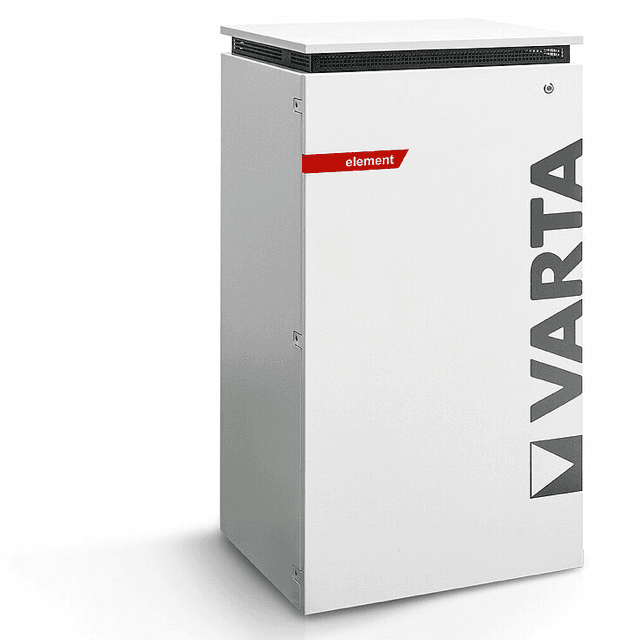
The VARTA pulse neo is a residential AC-coupled battery storage system designed for self-consumption maximization in grid-connected households. This template covers the pulse, pulse neo, element, and element backup models and reads grid power at the household connection point via Modbus TCP at register 1078. The signed int16 value at that address indicates whether the installation is drawing from or feeding into the grid, giving installers and building owners a single real-time figure for grid exchange. Connecting the ModbusCloud Gateway to the same local network as the VARTA system makes this reading immediately available in your portal.
- Protocol
- Modbus TCP
- Connection
- Ethernet, Modbus TCP
- Registers
- 1, read only
- Brand
- VARTA
- Compatible models
- pulse · pulse neo · element · element backup
- Last updated
Registers (1)
1 read, 0 write
| Name | Unit | Access | Address (Hidden until you enter your email) | Function (hidden) | Type (hidden) |
|---|---|---|---|---|---|
| power | W | Read |
Loading registers…
Send your device list
If a device is not in the library yet, we build the template for free as soon as we have the register data.
Use cases
- Monitor real-time grid power flow to verify the battery is offsetting household consumption as expected.
- Track sign changes on the grid power register to detect unplanned export or unexpected grid draw events.
- Alert on sustained positive grid power values during peak-tariff hours to flag undersized storage capacity.
- Compare grid power readings across multiple VARTA sites in the multi-site overview to benchmark self-sufficiency.
- Verify grid power returns to near zero after battery charging cycles complete, confirming correct system operation.
Installation
Confirm Modbus TCP is active on the VARTA unit: open the device web interface, navigate to the communication or Modbus section, and verify that the Modbus TCP server is enabled on port 502.
Connect the ModbusCloud Gateway to the same LAN segment as the VARTA storage system, ensuring no VLAN or firewall rule blocks TCP port 502 between the two devices.
In your ModbusCloud portal, add the Gateway, import the VARTA pulse neo (grid) template, and set the target IP address to the VARTA unit's local IP with unit ID 255.
Spot-check register 1078 in the live register view: with grid import active you should see a positive watt value; with export active the value should be negative.
Things to watch for
Why does register 1078 always return zero or garbage?
Register 1078 requires that the VARTA internal grid sensor (clamp or split-core current transformer) is physically installed and correctly calibrated. If the sensor is missing, disconnected, or wired on the wrong phase, the register will report zero or implausible values. Verify sensor wiring at the distribution board before concluding the Modbus read itself is faulty.
The gateway connects but no values appear after importing the template.
The VARTA Modbus server is sensitive to polling rate. Per VARTA documentation, a request interval of around one second keeps the TCP connection stable. If the ModbusCloud Gateway polls too infrequently, the VARTA server may drop the connection between polls. ModbusCloud polls at most once per minute, every 5 minutes by default, so a poll interval of 5 seconds or less is not possible.
I get an 'illegal data address' error on function code 4. What is wrong?
The VARTA pulse neo register table uses function code 3 (read holding registers), not function code 4 (read input registers). The template is already configured for FC3. If you are testing manually, ensure you use FC3. Also confirm unit ID is 255, which is the standard for direct VARTA TCP connections.
My firmware reports addresses one higher than documented. Is something broken?
Some VARTA pulse neo firmware versions report all register addresses offset by one compared to the published Modbus documentation. This is a known firmware behaviour. If register 1078 returns an illegal data address error, try address 1079. The template targets 1078 per the authoritative VARTA register table; adjust only if your specific firmware requires it.
Want to see how it works?
