
Wilo Helix VE
Multistage pump with frequency converter: pressure, speed, power, status and error codes.
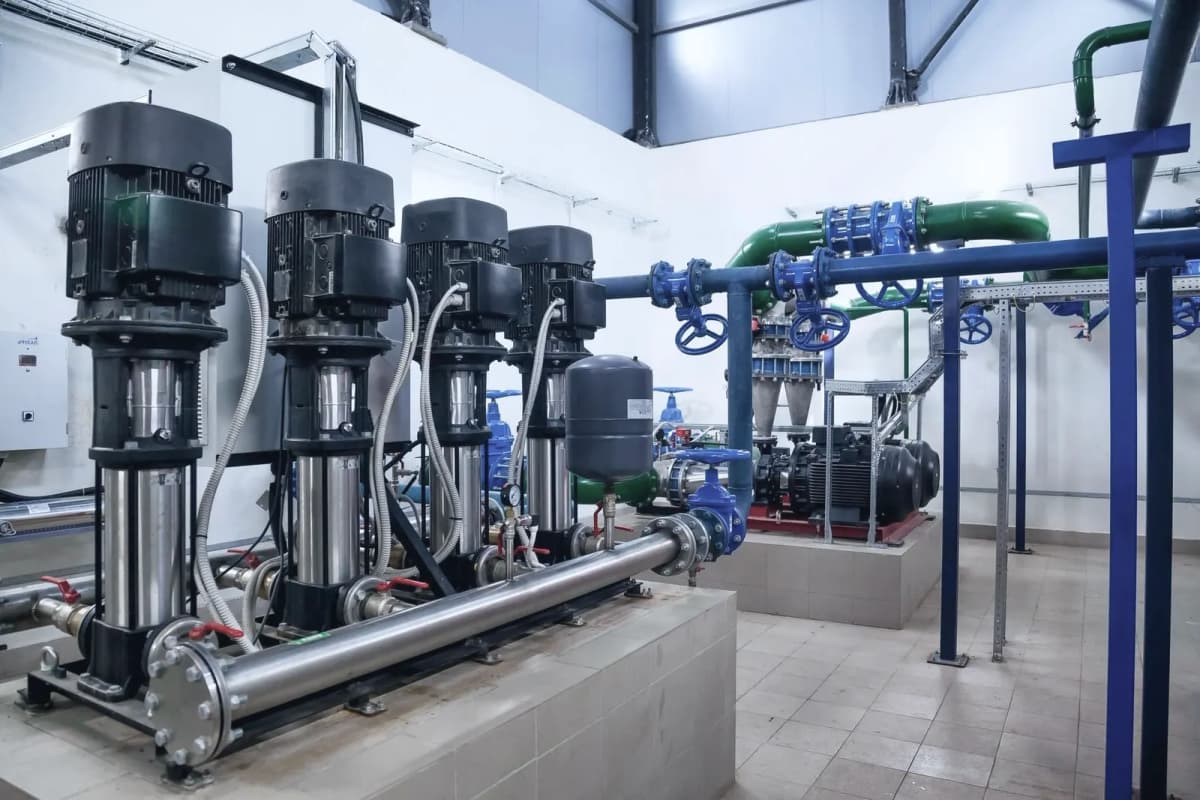
The Wilo Helix VE is a vertical multistage pump with a built-in frequency converter that boosts pressure in water supply, building services and industrial processes. This Modbus RTU template reads pressure, speed, power, current, energy, operating hours and error codes, and lets you switch the pump and set its control mode, setpoint and PID parameters from ModbusCloud.
- Protocol
- Modbus RTU
- Connection
- RS485, 9600 baud
- Registers
- 59, read and write
- Brand
- Wilo
- Key readings
- Pressure · Speed · Power input · Electrical current · Energy consumption · Operating hours · Error code
- Available commands
- Pump on and off · Control mode · Setpoint · Preset values · PID parameters
- Compatible models
- Helix VE (1.1 to 7.5 kW) · MVIE · MVISE · MHIE · Wilo MVIE · Wilo MVISE · Wilo MHIE
- Last updated
Registers (59)
59 read, 17 write
| Name | Unit | Access | Address (Hidden until you enter your email) | Function (hidden) | Type (hidden) |
|---|---|---|---|---|---|
| Pressure | Read | 1 | FC04 | uint16 | |
| Speed | rpm | Read | 7 | FC04 | uint16 |
| Power Input | W | Read | 4 | FC04 | uint16 |
| Electrical Current | A | Read | 6 | FC04 | uint16 |
| Energy Consumption | kWh | Read | 3 | FC04 | uint16 |
| Operation Time | h | Read | |||
| Operating Hours DP | h | Read | |||
| Duty Point Actual | % | Read | |||
| Control Function Actual | Read | ||||
| Setpoint Signal Source | Read and write | ||||
| Operation Status | Read | ||||
| Pump Status | Read | ||||
| State Diagnostics | Read | ||||
| Error Type | Read | ||||
| Error Message | Read | ||||
| Service Message | Read | ||||
| Warning/Error Code | Read | ||||
| Effective Pump Command | Read | ||||
| Supported Errors | Read | ||||
| Supported Service Messages | Read | ||||
| Pump Command | Read and write | ||||
| Duty Point Setpoint | % | Read and write | |||
| Control Function | Read and write | ||||
| Bus Command Timer | Read and write | ||||
| Bus Command Timer Timeout | s | Read and write | |||
| Duty Point Preset | % | Read and write | |||
| Control Function Preset | Read and write | ||||
| Pump Command Preset | Read and write | ||||
| Setpoint Source Preset | Read and write | ||||
| PID Kp | Read and write | ||||
| PID Ti | s | Read and write | |||
| PID Td | s | Read and write | |||
| Temperature Mode Tmin | K | Read and write | |||
| Temperature Mode Tmax | K | Read and write | |||
| Temperature Mode Pressure at Tmin | Read and write | ||||
| Temperature Mode Pressure at Tmax | Read and write | ||||
| Speed Max | rpm | Read | |||
| Speed Min | rpm | Read | |||
| Pressure Max | Read | ||||
| Pressure Min | Read | ||||
| Power Input Max | W | Read | |||
| Slave Pressure | Read | ||||
| Slave Energy Consumption | kWh | Read | |||
| Slave Power Input | W | Read | |||
| Slave Operation Time | h | Read | |||
| Slave Electrical Current | A | Read | |||
| Slave Speed | rpm | Read | |||
| Slave Error Type | Read | ||||
| Slave Pump Status | Read | ||||
| Slave Warning/Error Code | Read | ||||
| Pump Module | Read | ||||
| Pump Type | Read | ||||
| Pump Type CAN | Read | ||||
| Slave Pump Module | Read | ||||
| Slave Pump Type | Read | ||||
| Slave Pump Type CAN | Read | ||||
| Heartbeat Count | Read | ||||
| Application Version | Read | ||||
| Vendor ID | Read |
Loading registers…
Send your device list
If a device is not in the library yet, we build the template for free as soon as we have the register data.
Use cases
- Show discharge pressure, speed and power of every booster pump on one dashboard.
- Get an email when the error code is no longer 0 or the operation status reports a final error.
- Track energy use and operating hours per pump in the history to plan maintenance.
- Change the pressure setpoint or switch a pump to constant speed remotely during commissioning.
- Alert when the pump runs at its upper regulation limit and cannot reach the setpoint.
Installation
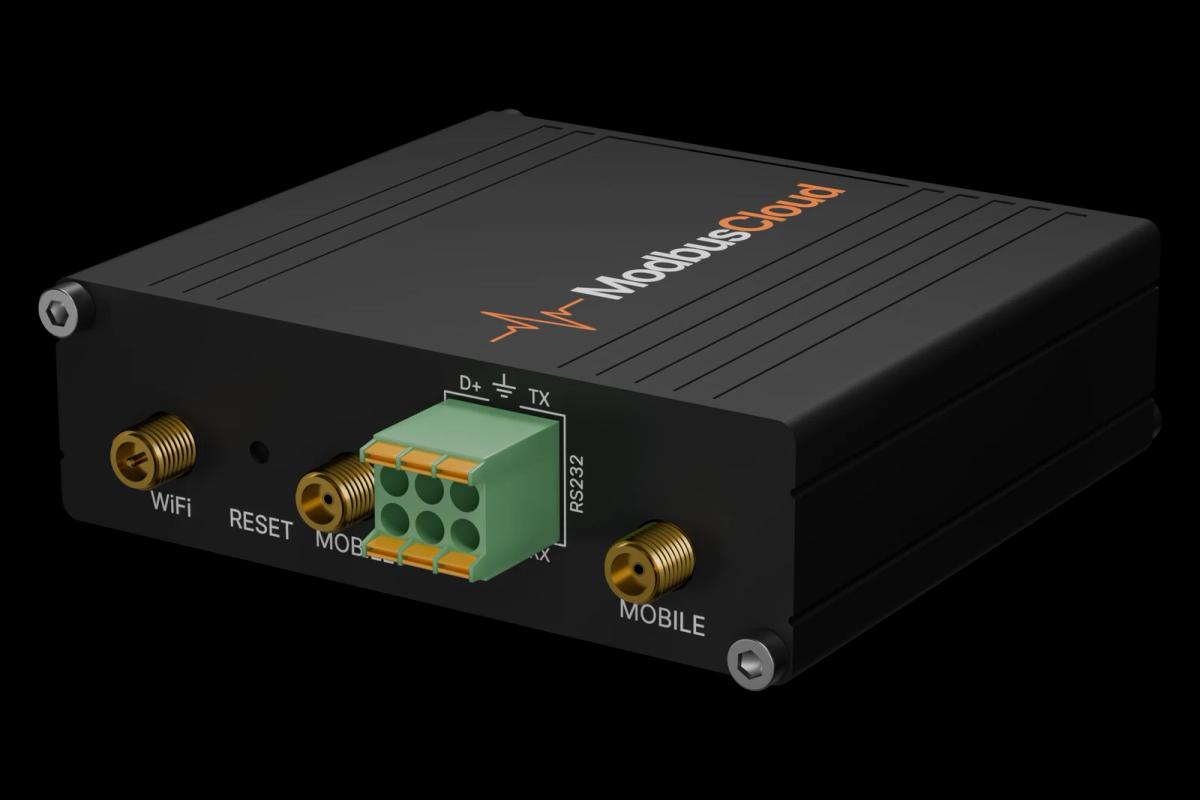
Fit the Wilo IF-Module Modbus in the pump and connect its RS485 terminals A and B to the ModbusCloud Gateway. Terminate the bus at both ends.
In the pump menu set the Modbus address (5.2.3.0), the baud rate code 5 for 9600 (5.2.4.0) and the frame code 2 for 8N1 (5.2.5.0).
In ModbusCloud, add a Modbus device (RTU) with address 1, 9600 baud, 8 data bits, no parity and 1 stop bit, then import this template.
Check that Application Version shows a value such as 512 (firmware 2.00) and that pressure and speed come in.
Things to watch for
The pump does not answer. What should I check?
Check that the IF-Module Modbus sits in the pump and that address, baud rate and frame code in the pump menu match the device in ModbusCloud. Swap A and B if nothing answers, and terminate the bus only at both ends. If Application Version is not found, the master may use an address offset of one.
Why are some values 65535 or 32767?
Those are the error values of the pump: the value is not available at the moment, for example a current reading on a model that does not report it. A pressure of 65535 often means the pressure sensor is missing or faulty.
In which unit is the pressure?
The pump reports pressure in steps of 10 cm water column. After scaling the value is in cm H2O; divide by 100 for metres of head, or by about 1020 for bar.
What should I watch out for when I write to the pump?
With the factory setting the pump follows the bus only. Write the bus command timer first, then control mode, setpoint and pump command, and read the effective values back. Do not overwrite a building management system that also drives the pump, and keep in mind that writing must be enabled for the gateway.


Want to see how it works?