








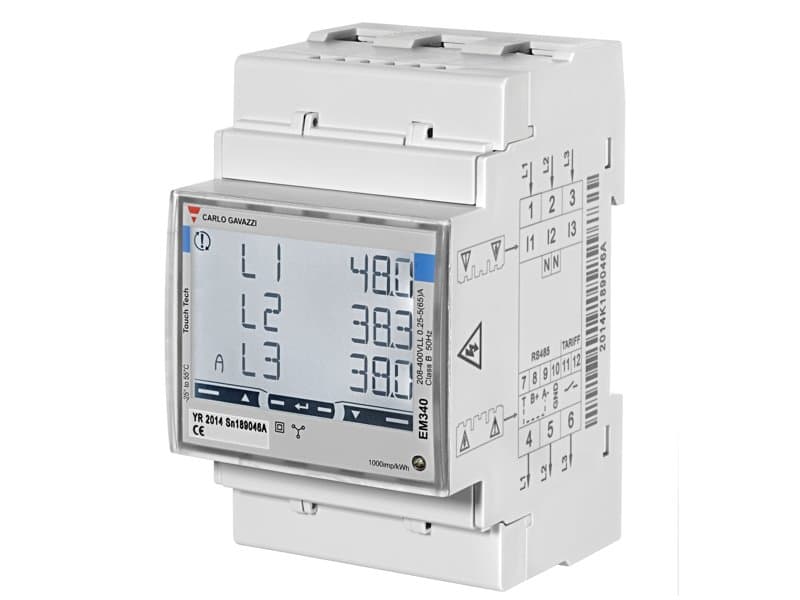
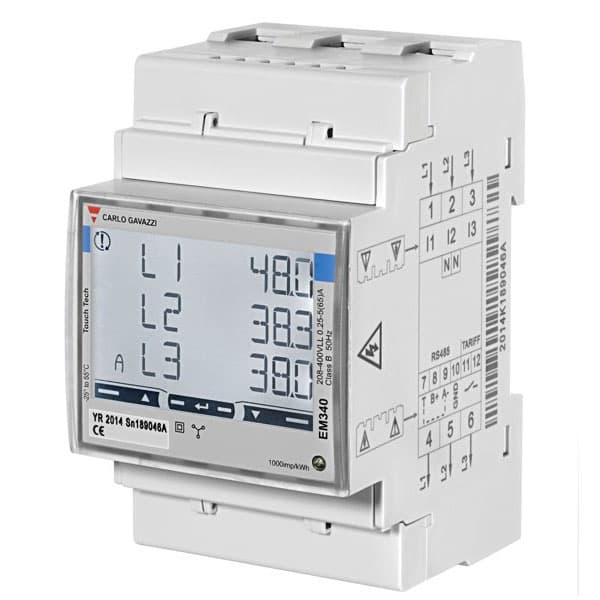
Carlo Gavazzi EM340
Reads 3-phase energy and power values from Carlo Gavazzi EM340 meters.
This template reads 3-phase voltage, current, power, energy, power factor, and frequency values from a Carlo Gavazzi EM340 energy meter over Modbus RTU. It also supports resetting partial and total energy counters and configuring the demand integration time.
- Protocol
- Modbus RTU
- Connection
- RS485, 19200 baud
- Registers
- 21, read and write
- Brand
- Carlo Gavazzi
- Key readings
- Frequency · Total Energy · L1/L2/L3 Energy · Total Active Power · L1/L2/L3 Active Power · L1 Voltage and L1/L2/L3 Current
- Available commands
- Dmd Integration Time · Partial Reset · Total Reset
- Compatible models
- EM340 · EM300 Series · ET300 Series
- Last updated
Registers (21)
19 read, 3 write
| Name | Unit | Access | Address (Hidden until you enter your email) | Function (hidden) | Type (hidden) |
|---|---|---|---|---|---|
| Hz | Hz | Read | |||
| Total Energy | kWh | Read | |||
| Total T1 Energy | kWh | Read | |||
| Total T2 Energy | kWh | Read | |||
| L1 Energy | kWh | Read | |||
| Total Active Power | kW | Read | |||
| Dmd Peak | W | Read | |||
| L2 Energy | kWh | Read | |||
| L3 Energy | kWh | Read | |||
| Dmd | W | Read | |||
| L1 Active Power | kW | Read | |||
| L2 Active Power | kW | Read | |||
| L3 Active Power | kW | Read | |||
| L1 Volt | V | Read | |||
| PF | Read | ||||
| L1 Ampere | A | Read | |||
| L2 Ampere | A | Read | |||
| L3 Ampere | A | Read | |||
| Dmd Integration Time | min | Read and write | |||
| Partial Reset | Write | ||||
| Total Reset | Write |
Loading registers…
Send your device list
If a device is not in the library yet, we build the template for free as soon as we have the register data.
Use cases
- Monitor real-time 3-phase power consumption on a cloud dashboard for commercial buildings.
- Track total and per-phase energy usage over time to identify load imbalances between phases.
- Create an alert when total active power exceeds a predefined threshold to prevent demand charges.
- Generate periodic energy reports per tariff (T1, T2) for billing verification or tenant sub-metering.
- Reset partial energy counters remotely at the start of each billing period via the ModbusCloud platform.
- Compare demand peak values across multiple EM340 meters installed at different distribution boards.
Installation
Wire the RS-485 A and B terminals of the Carlo Gavazzi EM340 to the corresponding terminals on your ModbusCloud Gateway, and add a 120 ohm termination resistor if the meter is at the end of the bus.
On the EM340, configure the Modbus slave address to a unique value (default is 1) and set the baud rate to 19200 with odd parity (8N1 is not used; the default is 19200, 8, 1 stop bit, odd parity).
In the ModbusCloud portal, add a new Modbus RTU device, enter the slave address matching the meter, and select 19200 baud with odd parity.
Import the Carlo Gavazzi EM340 template from the ModbusCloud template library and assign it to the device.
Verify that live readings such as voltage, current, and frequency appear on the dashboard, confirming correct communication.
If you need to reset energy counters or adjust the demand integration time, use the corresponding write registers exposed by the template.
Things to watch for
I see zero or incorrect values for energy registers. What could be wrong?
Energy registers on the EM340 use int32, meaning each value spans two consecutive 16-bit registers. Make sure your gateway is configured to read 32-bit integers with the correct byte order (big-endian). Also verify the scaling factor: active power is in kW while demand values are in W.
Communication fails even though wiring looks correct. What should I check?
Confirm the baud rate is set to 19200 and parity is set to odd on both the EM340 and the ModbusCloud gateway. A mismatch in baud rate or parity is the most common cause of communication failure. Also verify the slave address matches on both sides.
Can I use this template with an EM300 or ET300 Series meter?
Yes. The EM300 Series and ET300 Series share a similar Modbus register map. Import the template and verify that the register addresses and data types match your specific model by consulting its datasheet.
How do I reset the partial energy counter remotely?
The template includes a writable register for partial reset. Send the appropriate value to that register through the ModbusCloud platform. Refer to the Carlo Gavazzi EM340 documentation for the exact reset command value.


Want to see how it works?
