








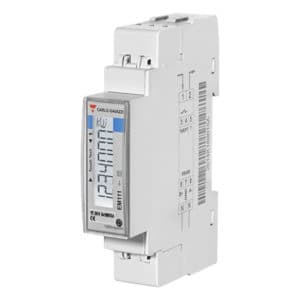
Carlo Gavazzi EM111
Reads single-phase energy metering data from Carlo Gavazzi EM111 meters.
This template reads single-phase energy metering data from the Carlo Gavazzi EM111 via Modbus RTU. It captures voltage, current, active/reactive/apparent power, power factor, frequency, and total or tariff-based energy consumption (kWh and kvarh).
- Protocol
- Modbus RTU
- Connection
- RS485, 9600 baud
- Registers
- 11, read only
- Brand
- Carlo Gavazzi
- Key readings
- Voltage · Current · Power (active, reactive, apparent) · Power factor · Frequency · Total and tariff energy (kWh)
- Compatible models
- EM111 · EM 100 Series · ET 100 Series
- Last updated
Registers (11)
11 read, 0 write
| Name | Unit | Access | Address (Hidden until you enter your email) | Function (hidden) | Type (hidden) |
|---|---|---|---|---|---|
| Voltage | V | Read | |||
| Current | A | Read | |||
| Power | kW | Read | |||
| Frequency | Hz | Read | |||
| Total power | kWh | Read | |||
| Reactive power | var | Read | |||
| Apparent power | VA | Read | |||
| Power factor | Read | ||||
| Power tarif 1 | kWh | Read | |||
| Power tarif 2 | kWh | Read | |||
| Export power | kWh | Read |
Loading registers…
Send your device list
If a device is not in the library yet, we build the template for free as soon as we have the register data.
Use cases
- Monitor real-time voltage, current, and power consumption of a single-phase circuit on a remote dashboard.
- Track imported and exported energy (kWh) over time to verify solar self-consumption at a residential site.
- Create an alert when power factor drops below a defined threshold to detect reactive power issues.
- Log dual-tariff energy readings to compare peak and off-peak consumption for cost optimization.
- Generate monthly energy reports for tenants or end customers using historical kWh data from the EM111.
Installation
Wire the Carlo Gavazzi EM111 in series with the single-phase line conductor, ensuring the current does not exceed 45A AC.
Connect the RS485 A and B terminals of the EM111 to the corresponding terminals on your ModbusCloud Gateway, and add a 120 ohm termination resistor at the end of the bus if needed.
Set the Modbus slave address on the EM111 using its front keypad, and confirm the baud rate is set to 9600 (factory default).
In the ModbusCloud platform, add a new device and select the Carlo Gavazzi EM111 template from the template library.
Enter the configured slave address in the device settings and verify that live readings appear on the dashboard.
Things to watch for
The gateway cannot communicate with the EM111. What should I check?
Verify that the RS485 wiring is correct (A to A, B to B) and that the slave address configured on the meter matches the address entered in ModbusCloud. Also confirm the baud rate is set to 9600 on both the meter and the gateway.
Do I need an external current transformer for the EM111?
No. The EM111 supports direct current measurement up to 45A AC. If your load exceeds 45A, consider a different meter model with CT support.
Can I use this template for other Carlo Gavazzi meters?
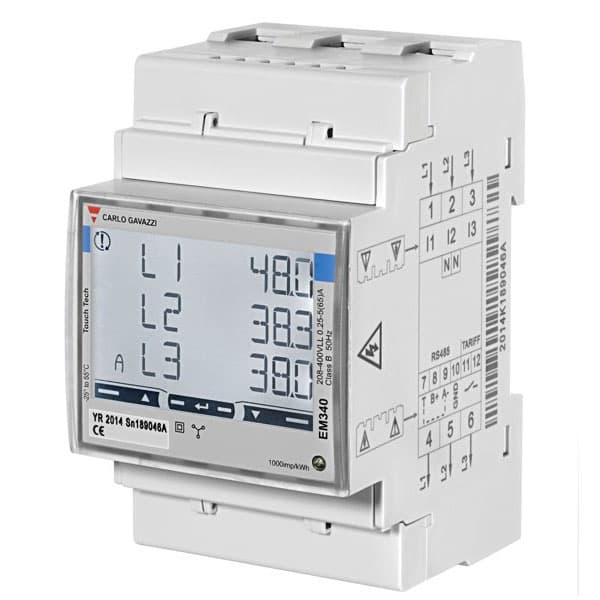
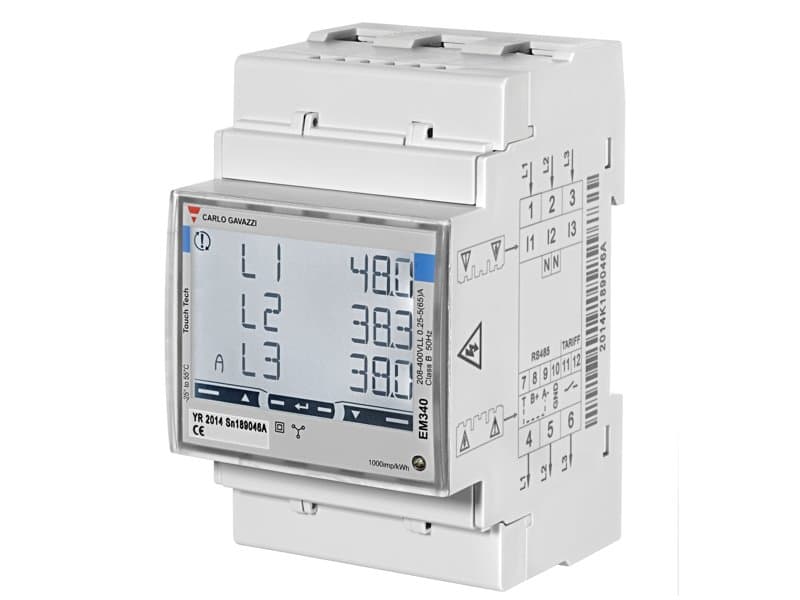
Yes. This template is compatible with meters in the EM 100 Series and ET 100 Series that share the same Modbus register map. Verify the register layout in the device documentation before applying.
How do I enable dual-tariff energy readings?
Connect a tariff switching signal to the digital input on the EM111. The meter will then record kWh separately for tariff 1 and tariff 2, and both values will appear in the ModbusCloud dashboard.


Want to see how it works?
