

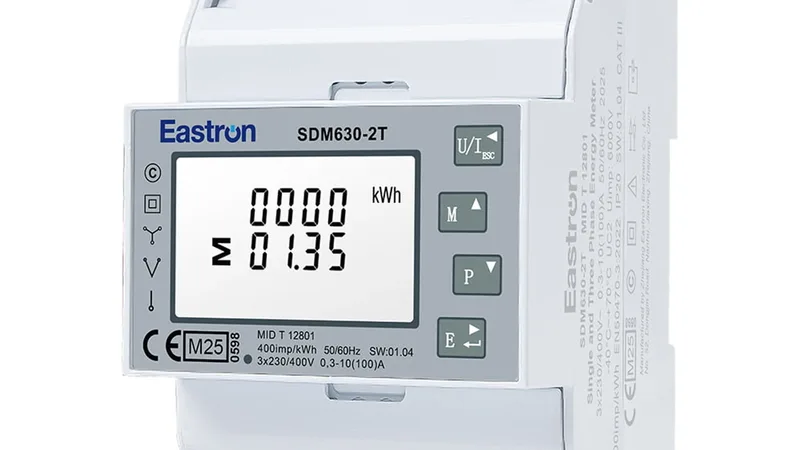

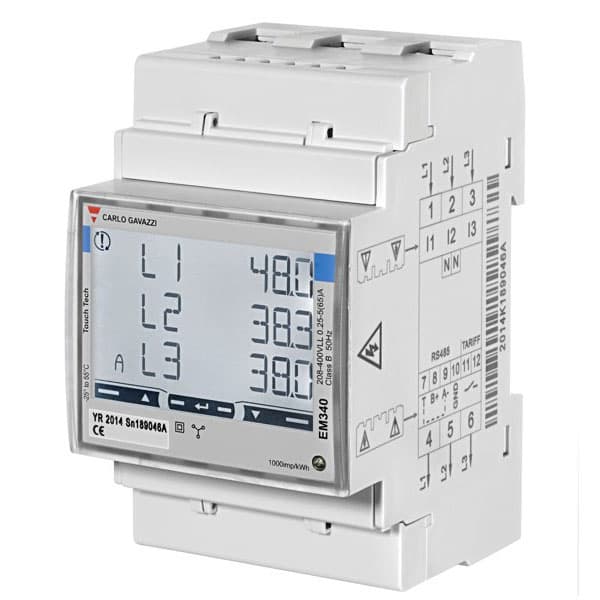
Carlo Gavazzi EM210
Three-phase energy meter via CTs: voltage, current, power, energy and THD.
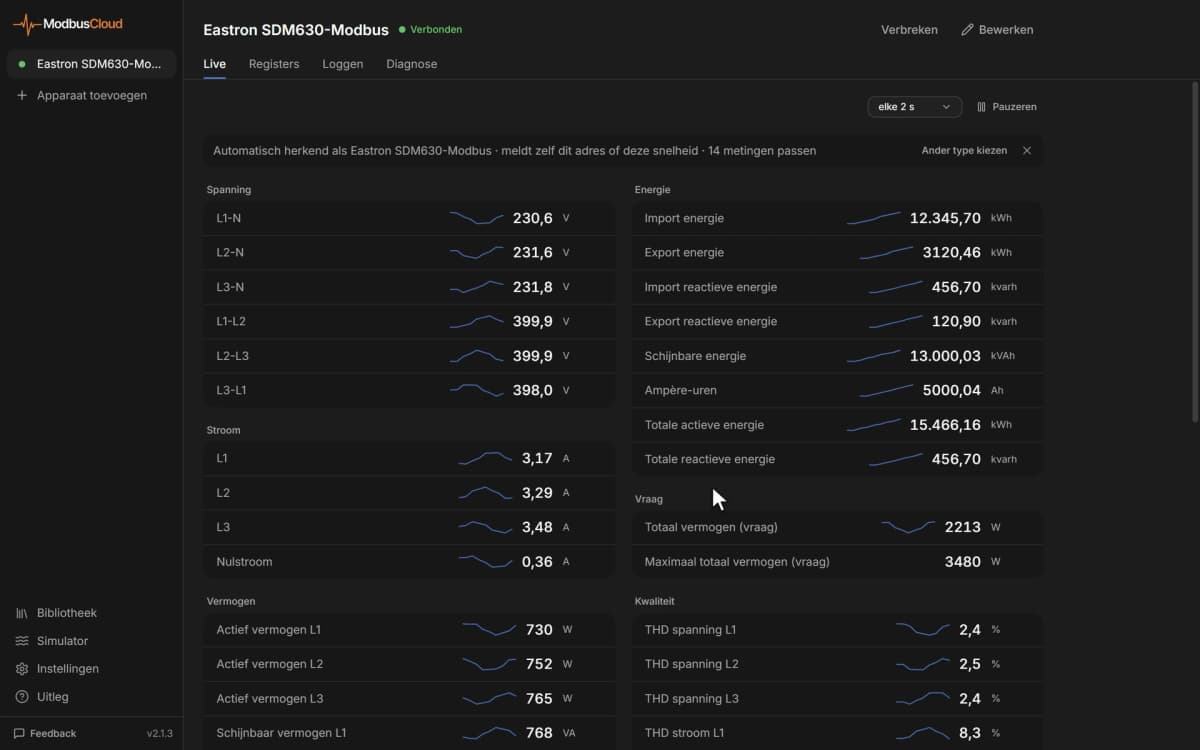
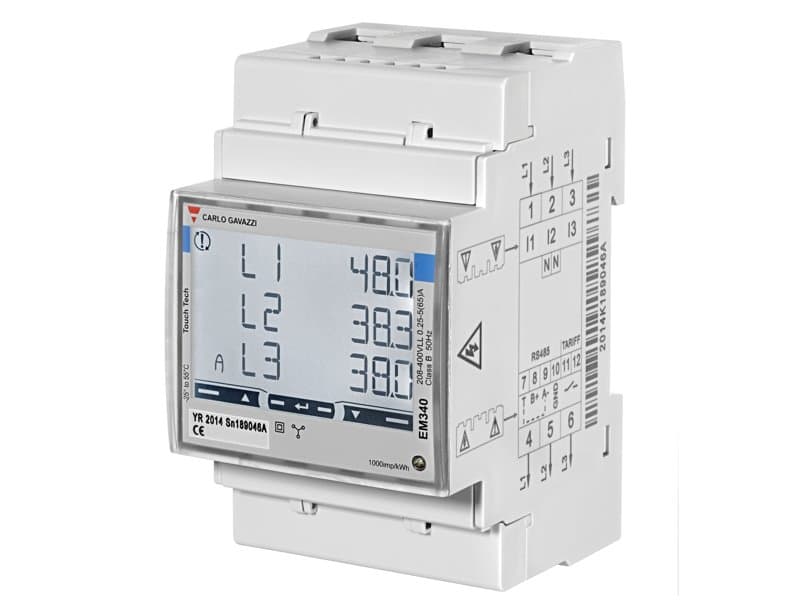
The Carlo Gavazzi EM210 is a three-phase energy meter that measures electricity through current transformers in distribution boards of buildings, workshops and solar installations. This Modbus RTU template reads voltage, current, power, energy and THD, and lets you set the CT ratio and measuring system and reset the meters from ModbusCloud.
- Protocol
- Modbus RTU
- Connection
- RS485, 9600 baud
- Registers
- 112, read and write
- Brand
- Carlo Gavazzi
- Key readings
- Active power · Imported active energy · Exported active energy · Current per phase · Voltage per phase · Power factor · THD
- Available commands
- CT ratio · Measuring system · Meter reset
- Compatible models
- EM210 AV (CT /5 A input)
- Last updated
Registers (112)
112 read, 16 write
| Name | Unit | Access | Address (Hidden until you enter your email) | Function (hidden) | Type (hidden) |
|---|---|---|---|---|---|
| Voltage L1-N | V | Read | 0 | FC03 | int32 |
| Voltage L2-N | V | Read | 2 | FC03 | int32 |
| Voltage L3-N | V | Read | 4 | FC03 | int32 |
| Voltage L1-L2 | V | Read | 6 | FC03 | int32 |
| Voltage L2-L3 | V | Read | 8 | FC03 | int32 |
| Voltage L3-L1 | V | Read | |||
| Current L1 | A | Read | |||
| Current L2 | A | Read | |||
| Current L3 | A | Read | |||
| Active Power L1 | W | Read | |||
| Active Power L2 | W | Read | |||
| Active Power L3 | W | Read | |||
| Apparent Power L1 | VA | Read | |||
| Apparent Power L2 | VA | Read | |||
| Apparent Power L3 | VA | Read | |||
| Reactive Power L1 | var | Read | |||
| Reactive Power L2 | var | Read | |||
| Reactive Power L3 | var | Read | |||
| Voltage L-N System | V | Read | |||
| Voltage L-L System | V | Read | |||
| Active Power Total | W | Read | |||
| Apparent Power Total | VA | Read | |||
| Reactive Power Total | var | Read | |||
| Power Factor L1 | Read | ||||
| Power Factor L2 | Read | ||||
| Power Factor L3 | Read | ||||
| Power Factor Total | Read | ||||
| Phase Sequence | Read | ||||
| Frequency | Hz | Read | |||
| Imported Active Energy | kWh | Read | |||
| Imported Reactive Energy | kvarh | Read | |||
| Exported Active Energy | kWh | Read | |||
| Hour Counter | h | Read | |||
| Hour Counter Negative | h | Read | |||
| THD Current L1 | % | Read | |||
| THD Current L2 | % | Read | |||
| THD Current L3 | % | Read | |||
| THD Voltage L-N System | % | Read | |||
| THD Voltage V1-N | % | Read | |||
| THD Voltage V2-N | % | Read | |||
| THD Voltage V3-N | % | Read | |||
| THD Voltage L-L System | % | Read | |||
| THD Voltage V12 | % | Read | |||
| THD Voltage V23 | % | Read | |||
| THD Voltage V31 | % | Read | |||
| Neutral Current | A | Read | |||
| Hour Counter Negative (Phase Table) | h | Read | |||
| Neutral Current (Phase Table) | A | Read | |||
| Hour Counter (Phase Table) | h | Read | |||
| Voltage L-N System (Phase Table) | V | Read | |||
| Voltage L-L System (Phase Table) | V | Read | |||
| Active Power Total (Phase Table) | W | Read | |||
| Apparent Power Total (Phase Table) | VA | Read | |||
| Reactive Power Total (Phase Table) | var | Read | |||
| Power Factor Total (Phase Table) | Read | ||||
| Phase Sequence (Phase Table) | Read | ||||
| Frequency (Phase Table) | Hz | Read | |||
| Imported Active Energy (Phase Table) | kWh | Read | |||
| Imported Reactive Energy (Phase Table) | kvarh | Read | |||
| Exported Active Energy (Phase Table) | kWh | Read | |||
| Voltage L1-L2 (Phase Table) | V | Read | |||
| Voltage L1-N (Phase Table) | V | Read | |||
| Current L1 (Phase Table) | A | Read | |||
| Active Power L1 (Phase Table) | W | Read | |||
| Apparent Power L1 (Phase Table) | VA | Read | |||
| Reactive Power L1 (Phase Table) | var | Read | |||
| Power Factor L1 (Phase Table) | Read | ||||
| Voltage L2-L3 (Phase Table) | V | Read | |||
| Voltage L2-N (Phase Table) | V | Read | |||
| Current L2 (Phase Table) | A | Read | |||
| Active Power L2 (Phase Table) | W | Read | |||
| Apparent Power L2 (Phase Table) | VA | Read | |||
| Reactive Power L2 (Phase Table) | var | Read | |||
| Power Factor L2 (Phase Table) | Read | ||||
| Voltage L3-L1 (Phase Table) | V | Read | |||
| Voltage L3-N (Phase Table) | V | Read | |||
| Current L3 (Phase Table) | A | Read | |||
| Active Power L3 (Phase Table) | W | Read | |||
| Apparent Power L3 (Phase Table) | VA | Read | |||
| Reactive Power L3 (Phase Table) | var | Read | |||
| Power Factor L3 (Phase Table) | Read | ||||
| THD Current L1 (Phase Table) | % | Read | |||
| THD Voltage V1-N (Phase Table) | % | Read | |||
| THD Voltage V12 (Phase Table) | % | Read | |||
| THD Current L2 (Phase Table) | % | Read | |||
| THD Voltage V2-N (Phase Table) | % | Read | |||
| THD Voltage V23 (Phase Table) | % | Read | |||
| THD Current L3 (Phase Table) | % | Read | |||
| THD Voltage V3-N (Phase Table) | % | Read | |||
| THD Voltage V31 (Phase Table) | % | Read | |||
| Version Code | Read | ||||
| Revision Code | Read | ||||
| Programming Lock | Read | ||||
| Password | Read and write | ||||
| Measuring System | Read and write | ||||
| CT Ratio | Read and write | ||||
| VT Ratio | Read and write | ||||
| Wrong Connection Check | Read and write | ||||
| Wrong Connection Status | Read and write | ||||
| THD Calculation | Read and write | ||||
| Hour Counter Start Current | A | Read and write | |||
| Pulse Duration | Read and write | ||||
| kWh Per Pulse | kWh | Read and write | |||
| Application Type | Read and write | ||||
| RS485 Address | Read and write | ||||
| RS485 Baud Rate | Read and write | ||||
| RS485 Parity | Read and write | ||||
| RS485 Stop Bits | Read and write | ||||
| Reset Meters | Read and write | ||||
| Serial Number | Read | ||||
| Production Year | Read | ||||
| Secondary Address | Read |
Loading registers…
Send your device list
If a device is not in the library yet, we build the template for free as soon as we have the register data.
Use cases
- Show active power and energy of a sub-distribution board or PV system on a dashboard.
- Track imported and exported energy in the history to see self-consumption of solar panels.
- Get an email when the current per phase rises above a threshold you set.
- Watch THD per phase to find loads that pollute the grid.
- Compare consumption between tenants or departments with one meter per group.
Installation
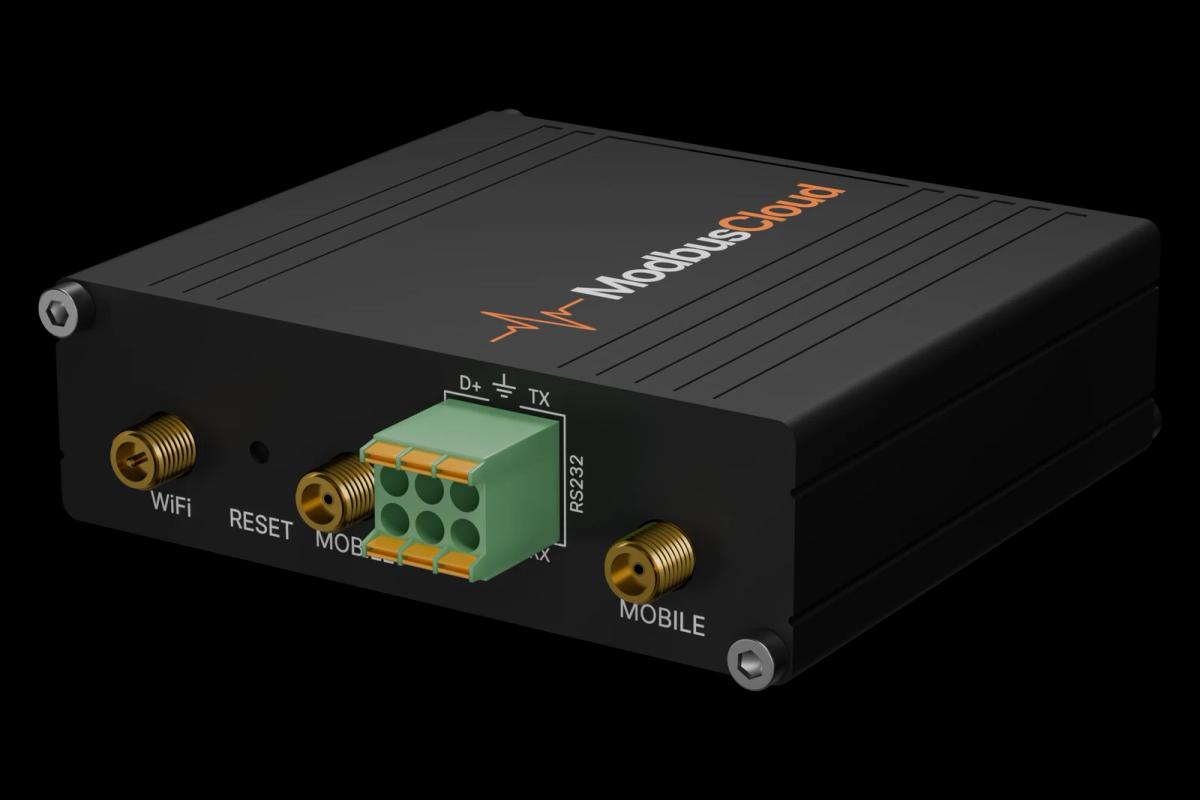
Connect the RS485 terminals of the meter to the RS485 A and B terminals of the ModbusCloud Gateway and terminate the bus at both ends.
On the meter, set the measuring system, the CT ratio and the Modbus address; the factory serial setting is 9600 baud, no parity, 1 stop bit.
In ModbusCloud, add a Modbus device (RTU) with the same address and serial settings, and import this template.
Check that voltage, current and active energy match the display of the meter.
Things to watch for
The meter does not answer. What should I check?
Check address, baud rate and parity on the meter against the device in ModbusCloud; the factory setting is 9600 baud, no parity, 1 stop bit. Swap A and B if nothing comes back and terminate the bus at both ends.
Why are currents and energy too small?
The meter scales values with the CT ratio set on the meter. Check CT Ratio in the template against the current transformers you installed, for example 20 for 100/5 A. The CT ratio times the VT ratio is limited to avoid overflow.
Can several meters share one RS485 line?
Yes. Give each meter its own address from 1 to 247 and use the same baud rate and parity on all of them. Wire the bus as one line from meter to meter and terminate both ends.
What should I keep in mind when I write a setting?
Writes take effect immediately; an invalid value is replaced by the minimum valid value. A new address or baud rate applies right away, so change the device in ModbusCloud too. Reset Meters clears all energy and hour counters.

Want to see how it works?