









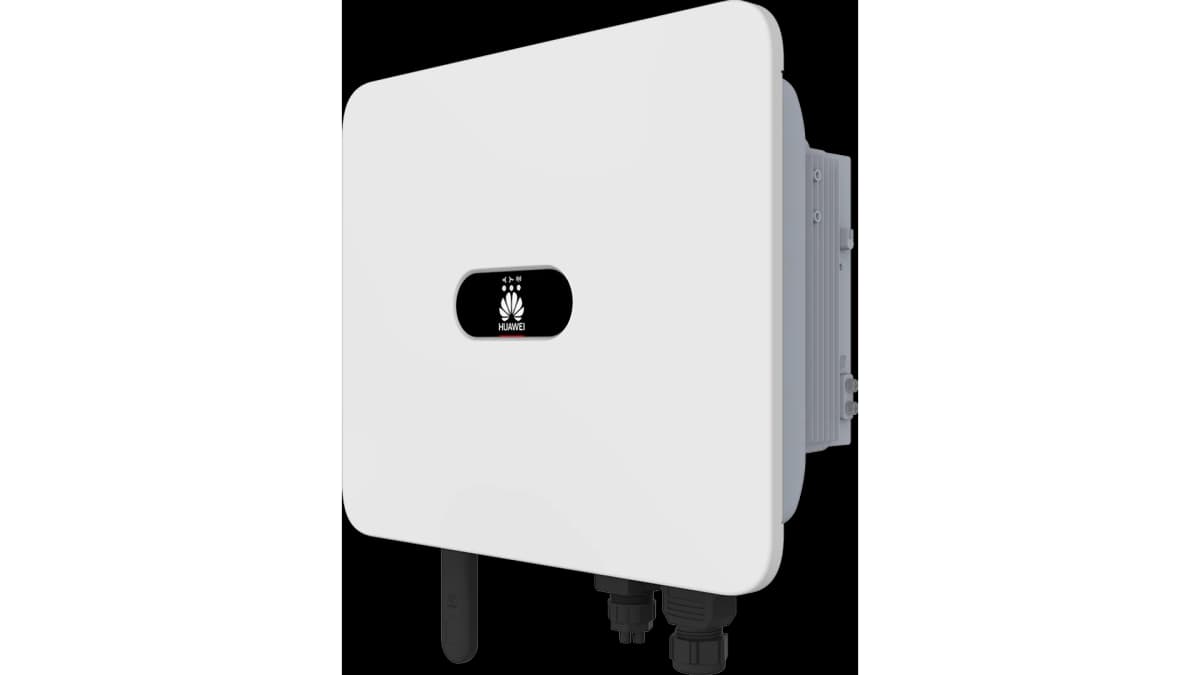
Huawei SUN2000 Hybrid Inverter (grid)
The Huawei SUN2000 is a hybrid solar inverter used in residential and commercial PV installations with battery storage. This template reads grid-side data from the inverter's internal Smart Power Sensor interface over Modbus TCP. It covers active grid power (signed, distinguishing feed-in from import), cumulative energy drawn from the grid, and per-phase currents for phases A, B, and C. Connecting this data to your ModbusCloud portal gives installers and building owners a continuous, timestamped view of grid exchange, enabling accurate energy balance calculations and threshold alerts.
- Protocol
- Modbus TCP
- Connection
- Ethernet, Modbus TCP
- Registers
- 5, read only
- Brand
- Huawei
- Last updated
Registers (5)
5 read, 0 write
| Name | Unit | Access | Address (Hidden until you enter your email) | Function (hidden) | Type (hidden) |
|---|---|---|---|---|---|
| power | W | Read | |||
| energy | Wh | Read | |||
| currents_a | A | Read | |||
| currents_b | A | Read | |||
| currents_c | A | Read |
Loading registers…
Send your device list
If a device is not in the library yet, we build the template for free as soon as we have the register data.
Use cases
- Monitor real-time grid import and export power to verify that the SUN2000 system self-consumption targets are met.
- Track cumulative grid energy drawn to reconcile portal readings against utility invoices each billing period.
- Alert on sustained grid import during expected solar hours to detect inverter faults or unexpected load spikes.
- Compare per-phase currents A, B, and C to identify load imbalances across the three-phase grid connection.
- Report daily grid exchange trends over multiple months to support performance reviews with building owners.
Installation
Enable Modbus TCP on the SUN2000: open the Huawei SUN2000 app or FusionSolar portal, navigate to Settings, Communication Configuration, Dongle Parameter Settings, Modbus-TCP, and set Connection to Enabled (Unrestricted).
Connect the Huawei Smart Dongle to your LAN via Ethernet or confirm it is on the same network as the ModbusCloud Gateway, then assign the dongle a static IP address in your router.
In the ModbusCloud portal, add a new device, select the Huawei SUN2000 Hybrid Inverter (grid) template, enter the dongle IP, set the port to 502 for older firmware or 6607 for firmware SPC124 and above, and set the unit ID to 1.
Verify the connection by spot-checking register 37113 (power): confirm the value is a plausible signed watt reading matching your current grid import or export conditions.
Things to watch for
The gateway connects but all register reads time out. What now?
The SUN2000 Modbus TCP interface is sensitive to response timing. Set your Modbus timeout to at least 10 seconds and add a connection delay of 1 second before the first read. Short timeouts are the most common cause of consistent read failures, especially via the Smart Dongle over Wi-Fi.
Register 37113 returns zero or refuses to respond after a firmware update.
Firmware updates on the Smart Dongle or inverter can disable Modbus TCP and may also change the TCP port from 502 to 6607. Re-enable Modbus TCP under Dongle Parameter Settings in the SUN2000 app, then verify the active port and update your ModbusCloud Gateway configuration accordingly.
Phase current values on registers 37107, 37109, 37111 look 100 times too large. Why?
The Huawei Smart Power Sensor reports phase currents with a scaling gain of 100 (raw value in units of 0.01 A). If your portal or integration does not apply this scaling, readings will appear inflated by a factor of 100. Confirm the template scaling is set to divide by 100 before comparing against a clamp meter reading.
The gateway loses connection intermittently, especially during cloud sync.
The SUN2000 Smart Dongle can only handle one active Modbus TCP connection at a time. When the dongle is simultaneously uploading to FusionSolar, it may refuse or drop additional TCP connections. Use a longer connect delay and keep polling intervals at 30 seconds or more to reduce contention.


Want to see how it works?
