









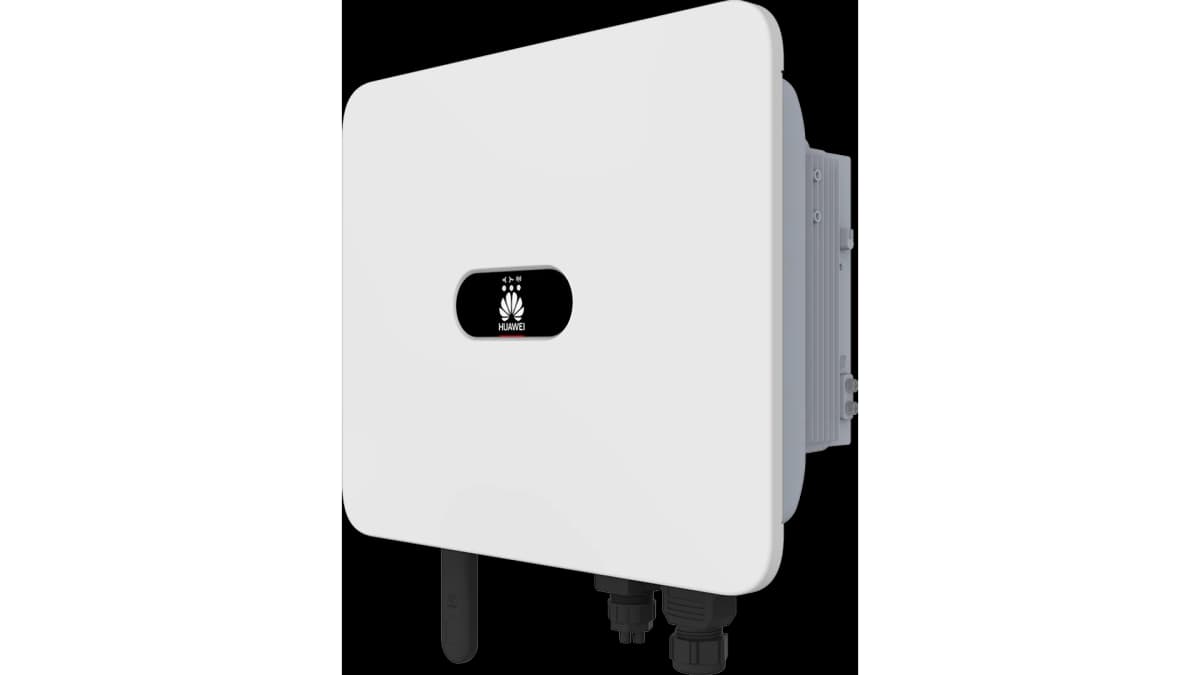
Huawei SUN2000 Hybrid Inverter (pv)
The Huawei SUN2000 Hybrid Inverter is a residential and light-commercial PV inverter that converts solar DC power to AC and, in hybrid configurations, coordinates battery storage. This ModbusCloud template connects to the SUN2000 via Modbus TCP and reads two key registers: DC input power across all PV strings and total cumulative energy yield since commissioning. With these values in your portal you can track generation output continuously, verify inverter uptime, and build long-term yield reports without relying on the FusionSolar cloud.
- Protocol
- Modbus TCP
- Connection
- Ethernet, Modbus TCP
- Registers
- 2, read only
- Brand
- Huawei
- Last updated
Registers (2)
2 read, 0 write
| Name | Unit | Access | Address (Hidden until you enter your email) | Function (hidden) | Type (hidden) |
|---|---|---|---|---|---|
| power | W | Read | |||
| energy | Wh | Read |
Loading registers…
Send your device list
If a device is not in the library yet, we build the template for free as soon as we have the register data.
Use cases
- Monitor real-time DC input power to confirm the Huawei SUN2000 is producing during expected daylight hours.
- Track cumulative energy yield over months to detect long-term performance degradation of the PV array.
- Alert on a sudden drop in the power register to identify shading, string faults, or inverter shutdown.
- Compare daily energy increments across multiple SUN2000 sites in a multi-site ModbusCloud overview.
- Verify commissioning output by confirming live power and energy readings match installer design estimates.
Installation
Enable Modbus TCP on the SUN2000 by logging into the inverter's local menu via the FusionSolar app, navigating to the communication or Modbus section, and activating Modbus TCP access on the Smart Dongle.
Connect the Huawei Smart Dongle (WLAN-FE or LAN variant) to the inverter's USB port and ensure it is reachable on your local network, or connect the ModbusCloud Gateway to the same LAN segment as the dongle.
In the ModbusCloud portal, add a new device, select the Huawei SUN2000 Hybrid Inverter (pv) template, and enter the dongle's IP address with port 502 (or 6607 for newer firmware) and unit ID 1.
Spot-check register 32064 in the live data view during daylight; a non-zero positive value confirms the connection is working and the inverter is producing power.
Things to watch for
Register 32064 always reads zero even during daylight.
The SUN2000 reports zero on register 32064 when the inverter is in standby or offline mode, such as before sunrise or after a fault trip. Confirm the inverter status indicator is green and that DC string voltage is present before concluding there is a communication error.
The gateway connects but no register values appear at all.
Modbus TCP must be explicitly enabled in the inverter's internal settings menu, not just on the Smart Dongle side. Also verify the port: older firmware uses port 502, while newer firmware versions use port 6607. Try both before suspecting a network issue.
Energy values look implausibly large or never increment.
Register 32106 returns a raw uint32 value with a gain of 100, meaning the actual energy in kWh is the raw value divided by 100. If your portal shows raw counts, apply this scaling factor. The register is cumulative and never resets, so small daily increments are normal at low irradiance.
Connection drops intermittently or returns timeout errors.
The SUN2000 Modbus TCP interface can become unresponsive if polled too aggressively. Increase the inter-poll delay to at least 500 milliseconds and set the connection timeout to 1000 milliseconds or more. Also check that the Smart Dongle firmware is up to date, as older versions are known to drop connections under continuous polling.


Want to see how it works?
