









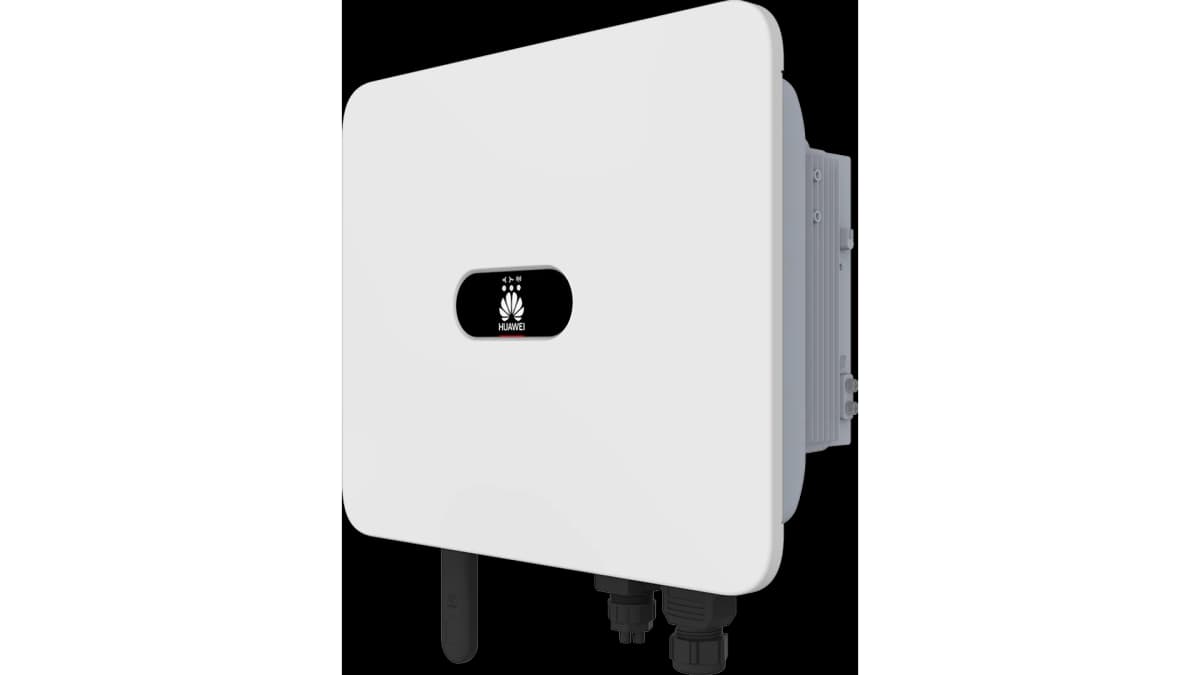
Huawei SUN2000 Inverter (without battery) (pv)
The Huawei SUN2000 is a string PV inverter for residential and light-commercial solar installations. This ModbusCloud template connects over Modbus TCP and reads two key registers: active AC output power (address 32080) and cumulative energy yield (address 32106). Together these give you a live view of generation and a running lifetime production total. Import the template in one click and start tracking your SUN2000 site in the ModbusCloud portal without manual register configuration.
- Protocol
- Modbus TCP
- Connection
- Ethernet, Modbus TCP
- Registers
- 2, read only
- Brand
- Huawei
- Last updated
Registers (2)
2 read, 0 write
| Name | Unit | Access | Address (Hidden until you enter your email) | Function (hidden) | Type (hidden) |
|---|---|---|---|---|---|
| power | W | Read | |||
| energy | Wh | Read |
Loading registers…
Send your device list
If a device is not in the library yet, we build the template for free as soon as we have the register data.
Use cases
- Monitor live AC output power from the SUN2000 to verify generation against forecast during daylight hours.
- Track cumulative energy yield over months to identify long-term degradation or soiling losses.
- Alert on unexpected drops in active power output during peak irradiation periods to catch inverter faults early.
- Compare daily energy totals across multiple SUN2000 sites in the ModbusCloud multi-site dashboard.
- Report monthly generation figures from cumulative energy data for grid operator or tenant billing purposes.
Installation
Enable Modbus TCP on the SUN2000 via the inverter's local web interface or FusionSolar app under the communication or Modbus section, and note the assigned TCP port (502 on older firmware, 6607 on newer firmware).
Connect the Huawei Smart Dongle or use the inverter's built-in WiFi access point, and ensure the ModbusCloud Gateway is on the same local network and can reach the inverter's IP address on the Modbus TCP port.
In the ModbusCloud portal, add a new device, import the Huawei SUN2000 Inverter (without battery) (pv) template, and enter the inverter's IP address, TCP port, and Modbus unit ID (default 1).
Verify the connection by checking the live value for the power register (address 32080) in the portal during daylight; a non-zero reading confirms successful polling.
Things to watch for
The gateway connects but register reads time out. Why?
The SUN2000 Modbus TCP interface requires a longer response time than most devices. Set the Modbus request timeout in the ModbusCloud Gateway configuration to at least 800 ms. Timeouts below 500 ms will produce frequent read errors even when the connection is otherwise healthy.
Which TCP port should I use for the SUN2000?
Older SUN2000 firmware uses port 502. Newer firmware versions use port 6607. Check the inverter's communication settings or Smart Dongle interface to confirm the active port, and update the device configuration in your ModbusCloud portal accordingly.
Power reads zero even though the inverter is producing energy.
Modbus TCP must be explicitly enabled in the inverter's internal menu, not just in the Smart Dongle. If TCP was enabled only at the dongle level, the inverter may reject register requests. Re-enable Modbus TCP from the inverter's own settings menu and retry. Also confirm the unit ID matches (default is 1).
Energy register 32106 shows an unexpectedly small value. Is it scaled?
Yes. Register 32106 returns a raw uint32 value with a gain of 100, meaning the actual energy in kWh is the raw value divided by 100. ModbusCloud applies this scaling automatically via the template, but if you are also reading the register externally, apply the same factor to avoid misreading the total yield.


Want to see how it works?
