








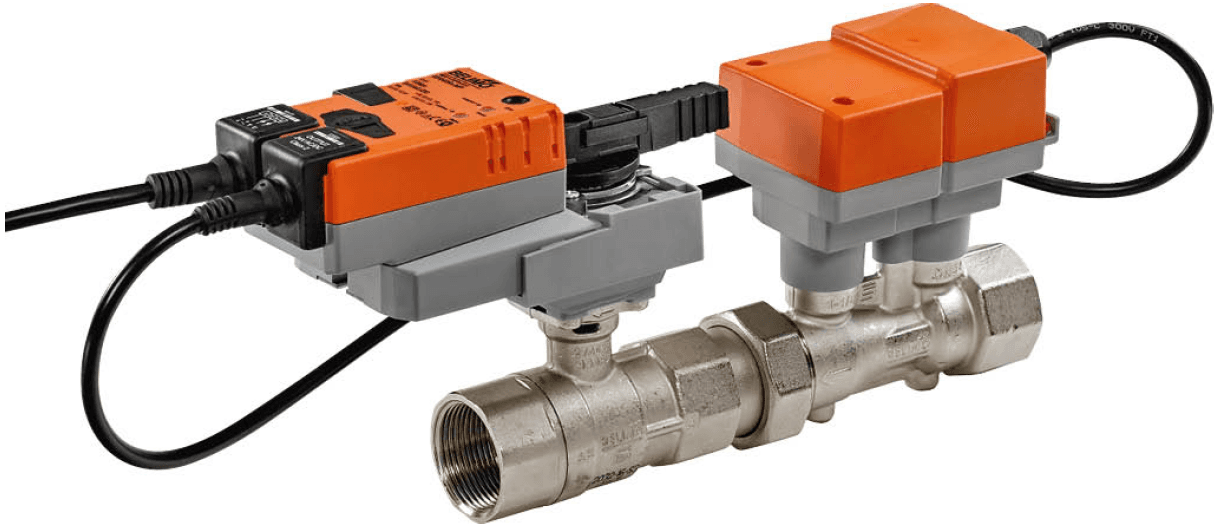
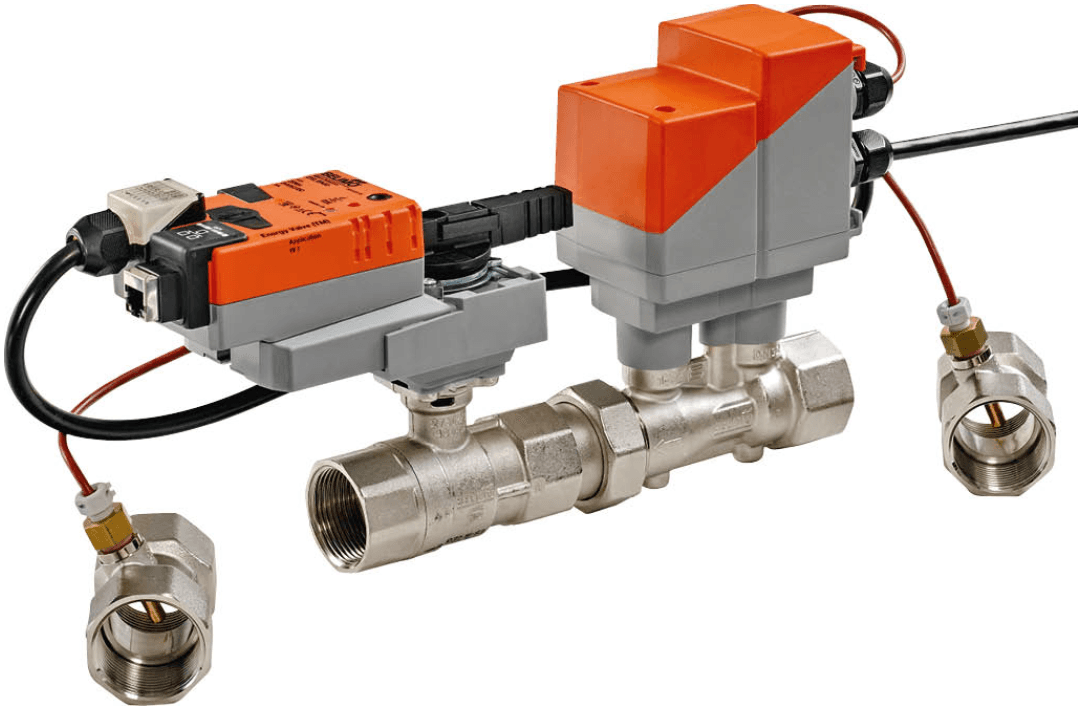
Belimo 2-way EPIV Modbus RTU
Controls pressure-independent characterised valves for HVAC water-side modulating control
Template for the Belimo 2-way EPIV electronically pressure-independent characterised control valve via Modbus RTU. Reads flow measurement, valve position, and fault diagnostics. Allows setpoint control, override commands, and bus fail position configuration for HVAC water-side systems.
- Protocol
- Modbus RTU
- Connection
- RS485, 38400 baud
- Registers
- 26, read and write
- Brand
- Belimo
- Key readings
- Relative and Absolute Position · Relative Volumetric Flow · Absolute Volumetric Flow · Sensor 1 Value · Malfunction and Service Information · Control Mode
- Available commands
- Setpoint · Override Control · Bus Fail Position · Maximum Flow Limit
- Compatible models
- EP..R+MOD · P6..W..E-MOD
- Last updated
Registers (26)
16 read, 10 write
| Name | Unit | Access | Address (Hidden until you enter your email) | Function (hidden) | Type (hidden) |
|---|---|---|---|---|---|
| Actuator Type | Read | ||||
| Relative Position | % | Read | |||
| Absolute Position | °C | Read | |||
| Sensor 1 Value | Read | ||||
| Setpoint Analog | % | Read | |||
| Series Number 1st Part | Read | ||||
| Series Number 2nd Part | Read | ||||
| Series Number 4th Part | Read | ||||
| Firmware Version | Read | ||||
| Malfunction and Service Information | Read | ||||
| Relative volumetric flow | % | Read | |||
| Absolute volumetric flow in liter per min | l/min | Read | |||
| Absolute volumetric flow in selected units | l/min | Read | |||
| Nominal volumetric flow in liter per minute | l/min | Read | |||
| Nominal volumetric flow in selected unit | l/min | Read | |||
| Control mode | Read | ||||
| Setpoint | % | Write | |||
| Override Control | Write | ||||
| Command | Write | ||||
| Bus Termination | Write | ||||
| Maximum | % | Write | |||
| Sensor 1 Type | Write | ||||
| Bus Fail Position | Write | ||||
| Timeout for Bus Watchdog in s | s | Write | |||
| Setpoint Source | Write | ||||
| Unit selection flow | Write |
Loading registers…
Send your device list
If a device is not in the library yet, we build the template for free as soon as we have the register data.
Use cases
- Monitor real-time volumetric flow and valve position on a live dashboard for each HVAC zone.
- Create an alert when a malfunction or service flag is raised on any connected EPIV valve.
- Adjust flow setpoints remotely to balance heating or cooling distribution across multiple zones.
- Configure the bus fail position to ensure safe actuator behavior during communication loss.
- Track flow trends over time to identify valves that do not close tightly or consumers stuck in manual mode.
- Set a maximum flow limit per valve to prevent overconsumption in peak demand periods.
Installation
Wire the Modbus RTU A and B terminals of the Belimo EPIV actuator to the RS-485 port on the ModbusCloud Gateway, observing correct polarity.
Set the baud rate on the EPIV actuator to 38400 and assign a unique Modbus slave address, ensuring no address conflicts on the bus.
Connect a 120 ohm termination resistor at the last device on the RS-485 bus if the cable run exceeds a few meters or multiple devices are daisy-chained.
In the ModbusCloud portal, add a new device connection using Modbus RTU and enter the slave address and baud rate matching the actuator configuration.
Import the Belimo 2-way EPIV Modbus RTU template from the ModbusCloud template library and assign it to the device connection.
Verify that live readings for valve position and volumetric flow appear on the dashboard, then configure the desired flow display unit via register 117 if needed.
Things to watch for
The gateway cannot communicate with the EPIV actuator. What should I check?
Verify that the baud rate is set to 38400 on both the gateway and the actuator. Confirm correct RS-485 wiring polarity (A to A, B to B). Check that the Modbus slave address configured in ModbusCloud matches the address set on the actuator.
Absolute volumetric flow readings look incorrect or show zero. Why?
Absolute volumetric flow at register 10 is a uint32 value spanning two consecutive registers. Ensure the template reads both registers and uses the correct byte order. Also verify the flow unit selection at register 117 matches your expected unit.
What happens to the valve if the Modbus connection drops?
The actuator moves to the position defined in the Bus Fail Position register. Configure this value during commissioning to ensure safe behavior, such as closing the valve or holding the last position, depending on your application requirements.
Can I use this template for a Belimo Energy Valve?
No. The EPIV template does not cover features specific to the Energy Valve, such as integrated temperature sensors, power monitoring registers, or Modbus TCP. Use the dedicated Belimo Energy Valve template if available.
Want to see how it works?
