








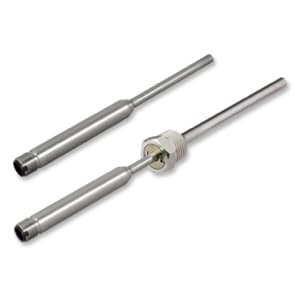
E+E Elektronik EE074 - Temperature Probe with Modbus RTU
Measures temperature of air, gases and liquids via Modbus RTU.
The E+E Elektronik EE074 is a Modbus RTU temperature probe for accurate measurement of air, gases and liquids. This template reads temperature values in Celsius, Fahrenheit and Kelvin from float32 registers. It is suited for process and climate control applications.
- Protocol
- Modbus RTU
- Connection
- RS485, 9600 baud
- Registers
- 3, read only
- Brand
- E+E Elektronik
- Key readings
- Temperature (°C) · Temperature (°F) · Temperature (K)
- Compatible models
- EE074
- Last updated
Registers (3)
3 read, 0 write
| Name | Unit | Access | Address (Hidden until you enter your email) | Function (hidden) | Type (hidden) |
|---|---|---|---|---|---|
| Temperature T | °C | Read | |||
| Temperature T | °F | Read | |||
| Temperature T | K | Read |
Loading registers…
Send your device list
If a device is not in the library yet, we build the template for free as soon as we have the register data.
Use cases
- Monitor real-time temperature of a cold storage room and log historical trends on a cloud dashboard.
- Create an alert when measured temperature exceeds a critical threshold for more than five minutes.
- Track cleanroom air temperature remotely to verify compliance with environmental specifications.
- Compare Celsius and Fahrenheit readings side by side for reporting to international stakeholders.
- Supervise multiple EE074 probes on a single RS-485 bus from one centralized ModbusCloud dashboard.
Installation
Wire the EE074 probe to the RS-485 terminal (A, B, GND) of your ModbusCloud Gateway.
Set the EE074 slave address using the probe's configuration method and ensure it is unique on the RS-485 bus.
Configure the gateway serial port to 9600 baud, odd parity (1 stop bit) to match the EE074 default settings.
Import the E+E Elektronik EE074 template from the ModbusCloud template library and assign it to the correct gateway port.
Verify that temperature values in Celsius, Fahrenheit and Kelvin appear on the ModbusCloud dashboard after the first poll cycle.
Things to watch for
I see zero or incorrect temperature values on the dashboard. What should I check?
Confirm that the gateway serial port is set to 9600 baud with odd parity. Also verify the float32 byte and word order matches the EE074 output. Swapping word order is the most common cause of garbled readings.
Can I connect multiple EE074 probes on one RS-485 bus?
Yes. Assign a unique Modbus slave address to each probe and add a separate template instance per address in ModbusCloud.
Which register addresses does this template use?
The template reads holding registers 1002 (°C), 1004 (°F) and 1008 (K). Each value is a float32 occupying two consecutive registers.
Do I need to enable Modbus on the EE074 before connecting?
The EE074 ships with Modbus RTU enabled by default. If communication fails, verify that the slave address and baud rate have not been changed from factory settings.
More E+E Elektronik templates
 E+E Elektronik EE310 - High-end humidity and temperature sensor up to 180 °C
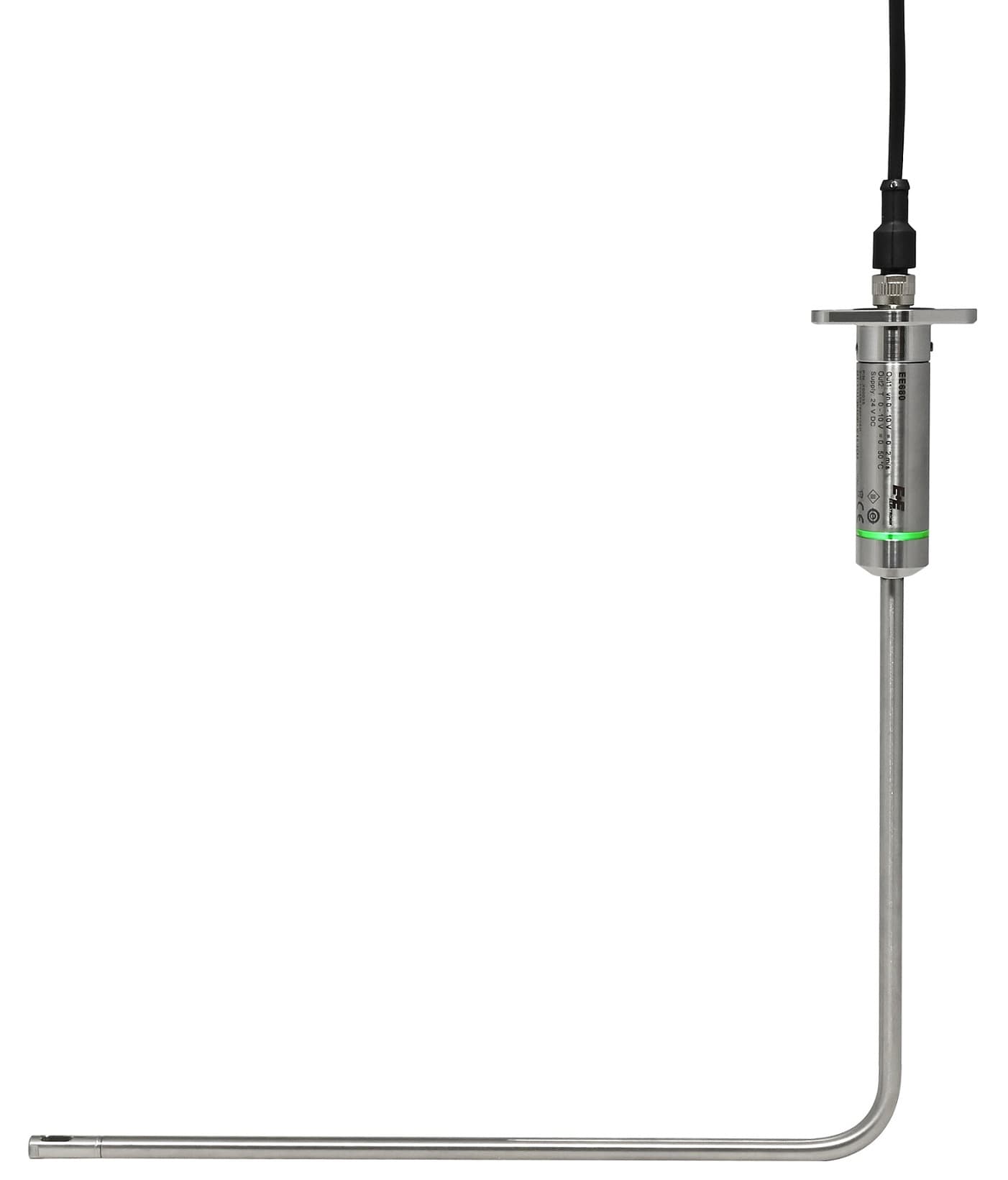 E+E Elektronik EE680 - Air Velocity Sensor for Laminar Flow Monitoring
 E+E Elektronik EE872 - Modular 4 in 1 probe for CO2, humidity, temperature and pressure
 E+E Elektronik EE072 - Humidity and Temperature Probe with Digital Interface
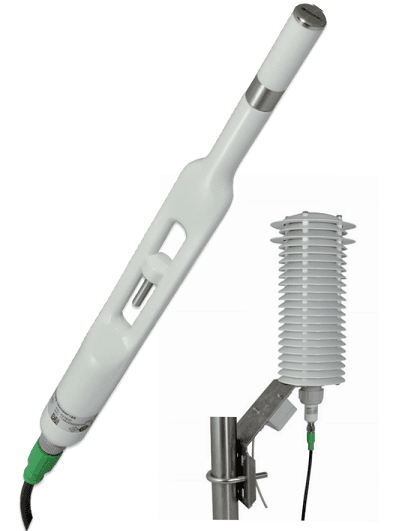 E+E Elektronik EE260 - Heated Humidity and Temperature Probe for Meteorology
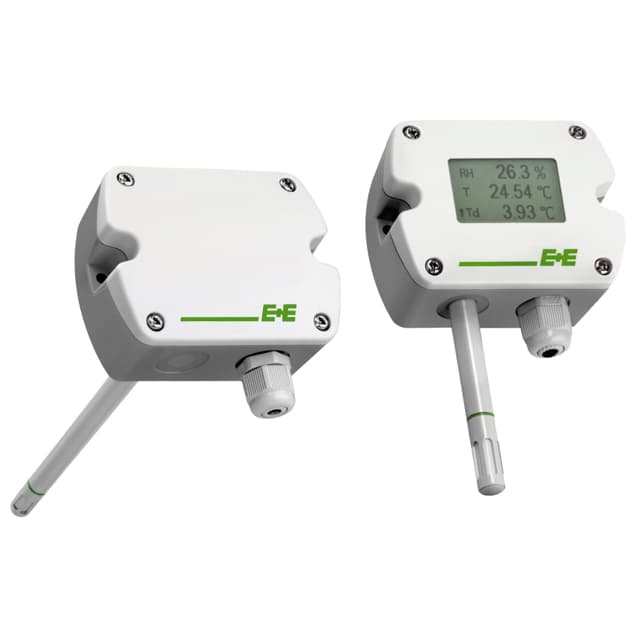 E+E Elektronik EE210 - Humidity and Temperature Sensor for Demanding Climate Control
Want to see how it works?
