

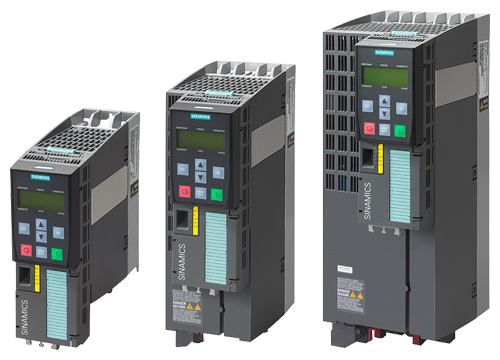
Siemens SINAMICS G120
Siemens
Frequency converter: speed, current, power, energy, fault buffer and PID controller values over Modbus RTU (RS485).
Overview
Key readings
- Actual speed and speed setpoint
- Output frequency, current and voltage
- Active power and energy consumption
- DC link voltage and torque
- Fault buffer (8 fault numbers) and alarm number
- Digital and analog inputs
- Technology controller actual value and output
Available commands
- Ramp-up time (0 to 650 s)
- Ramp-down time (0 to 650 s)
- Technology controller setpoint (-200 to 200 %)
Use cases
- Log Active Power and Energy Consumption per drive to see which pump or fan uses the most energy.
- Get an alert when Fault Number 1 is not equal to 0, so the service team knows a drive tripped before the customer calls.
- Watch DC Link Voltage and Output Current to spot overloads or supply problems that come back at the same time of day.
- Compare Technology Controller Actual Value with the effective setpoint to see whether a pressure or flow loop keeps up.
- Check Control Priority to know when someone runs the drive locally in HAND instead of AUTO.
Installation
- 1Connect the RS485 terminals of the Control Unit to the RS485 port of your ModbusCloud Gateway and terminate the bus at both ends. The polarization resistors are switched with the DIP switch next to the fieldbus interface.
- 2On the converter set p2030 = 2 (Modbus RTU), set the address with the address switch or p2021 (address switch at 0), and keep p2020 = 7 (19200 baud) and p2031 = 2 (even parity, 1 stop bit). Switch the converter off and on so the address takes effect.
- 3In ModbusCloud, add a Modbus device (RTU) with address 1 (or the address you set), 19200 baud, 8 data bits, even parity and 1 stop bit, then import this template.
- 4Check the link: Firmware Version should read a number such as 470 and Rated Power should match the rating plate of the power unit. If nothing answers, check the parity and the address.
Things to watch for
- The converter does not answer. What should I check?
- Check that p2030 is 2, otherwise the RS485 interface speaks USS. The factory parity is even (p2031 = 2), many tools default to none. A changed address only works after the converter has been switched off until all LEDs are dark. The address switch has priority: p2021 only counts when the switch is at 0.
- Why do I get exception code 02 on some registers?
- The converter only answers the registers in its mapping tables and rejects any request that starts or ends outside a defined register block. Read the blocks separately, for example 40340 to 40349 and 40400 to 40409. Registers that are not in the table, such as 40111 to 40199, always give exception 02.
- The drive trips with fault F01910 after I connected the Gateway.
- F01910 is the setpoint timeout. It runs once a master accesses the process data registers 40100 to 40111 and then stops polling them within p2040. This template does not read those registers. If you added them by hand, remove them, or let the PLC that controls the drive keep that role.
- The current or power values look 100 times too high.
- Siemens sends most values as integers times 100: 1234 in Output Current is 12.34 A, 1500 in Output Frequency is 15.00 Hz. The template applies scale 0.01 for these registers. If you build your own registers, take the scaling column of the Siemens table into account.
- Is it safe to write the ramp times from the portal?
- Only within the Siemens range of 0.00 to 650.0 s, and only if you know the application. A ramp-down time that is too short can trip the converter on DC link overvoltage, a long ramp-up time slows the process. Write a value one register at a time and check the result before changing the next drive.
Registers (48)
48 read / 3 write
| Name | Address | Function | Type | Unit | Access |
|---|---|---|---|---|---|
Actual Speed Actual motor speed in rpm, -16250 to 16250, negative = counter-clockwise. Siemens register 40341, parameter r0022. | ••• | ••• | ••• | rpm | R |
Speed Setpoint Speed setpoint the converter is currently following, -16250 to 16250 rpm. Siemens register 40340, parameter r0020. | ••• | ••• | ••• | rpm | R |
Output Frequency Output frequency to the motor, -327.68 to 327.67 Hz (register value / 100). Siemens register 40342, parameter r0024. | ••• | ••• | ••• | Hz | R |
Output Current Actual output current, 0 to 163.83 A (register value / 100). Siemens register 40345, parameter r0027 (smoothed current actual value). | ••• | ••• | ••• | A | R |
Active Power Actual active power, 0 to 327.67 kW (register value / 100). Siemens register 40347, parameter r0032. | ••• | ••• | ••• | kW | R |
Output Voltage Output voltage to the motor in V, 0 to 32767. Siemens register 40343, parameter r0025. | ••• | ••• | ••• | V | R |
DC Link Voltage DC link voltage in V, 0 to 32767. Siemens register 40344, parameter r0026. | ••• | ••• | ••• | V | R |
Actual Torque Actual torque, -325.00 to 325.00 Nm (register value / 100). Siemens register 40346, parameter r0031. | ••• | ••• | ••• | Nm | R |
Energy Consumption Energy consumption counter in kWh, 0 to 32767. Siemens register 40348, parameter r0039. | ••• | ••• | ••• | kWh | R |
Control Priority Who has control priority: HAND (operator panel or commissioning tool) or AUTO. Siemens register 40349, parameter r0807. | ••• | ••• | ••• | R | |
Fault Number 1 Fault buffer entry r0947 index 0, 0 to 32767. The number is the Fxxxxx fault code from the fault list of the Control Unit manual. Siemens register 40400. | ••• | ••• | ••• | R | |
Fault Number 2 Fault buffer entry r0947 index 1, 0 to 32767. The number is the Fxxxxx fault code from the fault list of the Control Unit manual. Siemens register 40401. | ••• | ••• | ••• | R | |
Fault Number 3 Fault buffer entry r0947 index 2, 0 to 32767. The number is the Fxxxxx fault code from the fault list of the Control Unit manual. Siemens register 40402. | ••• | ••• | ••• | R | |
Fault Number 4 Fault buffer entry r0947 index 3, 0 to 32767. The number is the Fxxxxx fault code from the fault list of the Control Unit manual. Siemens register 40403. | ••• | ••• | ••• | R | |
Fault Number 5 Fault buffer entry r0947 index 4, 0 to 32767. The number is the Fxxxxx fault code from the fault list of the Control Unit manual. Siemens register 40404. | ••• | ••• | ••• | R | |
Fault Number 6 Fault buffer entry r0947 index 5, 0 to 32767. The number is the Fxxxxx fault code from the fault list of the Control Unit manual. Siemens register 40405. | ••• | ••• | ••• | R | |
Fault Number 7 Fault buffer entry r0947 index 6, 0 to 32767. The number is the Fxxxxx fault code from the fault list of the Control Unit manual. Siemens register 40406. | ••• | ••• | ••• | R | |
Fault Number 8 Fault buffer entry r0947 index 7, 0 to 32767. The number is the Fxxxxx fault code from the fault list of the Control Unit manual. Siemens register 40407. | ••• | ••• | ••• | R | |
Alarm Number Number of the current alarm (Axxxxx), 0 to 32767. Siemens register 40408, parameter r2110 index 0. | ••• | ••• | ••• | R | |
Actual Alarm Code Actual alarm code, 0 to 32767. Siemens register 40409, parameter r2132. | ••• | ••• | ••• | R | |
Digital Input 0 State of digital input DI 0: 1 = HIGH, 0 = LOW. Siemens register 40240, parameter r0722.0. | ••• | ••• | ••• | R | |
Digital Input 1 State of digital input DI 1: 1 = HIGH, 0 = LOW. Siemens register 40241, parameter r0722.1. | ••• | ••• | ••• | R | |
Digital Input 2 State of digital input DI 2: 1 = HIGH, 0 = LOW. Siemens register 40242, parameter r0722.2. | ••• | ••• | ••• | R | |
Digital Input 3 State of digital input DI 3: 1 = HIGH, 0 = LOW. Siemens register 40243, parameter r0722.3. | ••• | ••• | ••• | R | |
Digital Input 4 State of digital input DI 4: 1 = HIGH, 0 = LOW. Siemens register 40244, parameter r0722.4. | ••• | ••• | ••• | R | |
Digital Input 5 State of digital input DI 5: 1 = HIGH, 0 = LOW. Siemens register 40245, parameter r0722.5. | ••• | ••• | ••• | R | |
Digital Output 0 State of digital output DO 0: 1 = HIGH, 0 = LOW. Writable in the Siemens table, read-only in this template. Siemens register 40200, parameter p0730. | ••• | ••• | ••• | R | |
Digital Output 1 State of digital output DO 1: 1 = HIGH, 0 = LOW. Writable in the Siemens table, read-only in this template. Siemens register 40201, parameter p0731. | ••• | ••• | ••• | R | |
Digital Output 2 State of digital output DO 2: 1 = HIGH, 0 = LOW. Writable in the Siemens table, read-only in this template. Siemens register 40202, parameter p0732. | ••• | ••• | ••• | R | |
Analog Input 0 Analog input AI 0 in percent of its range, -300.0 to 300.0 % (register value / 100). Siemens register 40260, parameter r0755 index 0. | ••• | ••• | ••• | % | R |
Analog Input 1 Analog input AI 1 in percent of its range, -300.0 to 300.0 % (register value / 100). Siemens register 40261, parameter r0755 index 1. | ••• | ••• | ••• | % | R |
Analog Input 2 Analog input AI 2 in percent of its range, -300.0 to 300.0 % (register value / 100). Siemens register 40262, parameter r0755 index 2. | ••• | ••• | ••• | % | R |
Analog Input 3 Analog input AI 3 in percent of its range, -300.0 to 300.0 % (register value / 100). Siemens register 40263, parameter r0755 index 3. | ••• | ••• | ••• | % | R |
Analog Output 0 Analog output AO 0 in percent, -100.0 to 100.0 % (register value / 100). Siemens register 40220, parameter r0774 index 0. | ••• | ••• | ••• | % | R |
Analog Output 1 Analog output AO 1 in percent, -100.0 to 100.0 % (register value / 100). Siemens register 40221, parameter r0774 index 1. | ••• | ••• | ••• | % | R |
Analog Output 2 Analog output AO 2 in percent, -100.0 to 100.0 % (register value / 100). Siemens register 40222, parameter r0774 index 2. | ••• | ••• | ••• | % | R |
Rated Power Rated power of the power unit, 0 to 327.67 kW (register value / 100). Siemens register 40320, parameter r0206. | ••• | ••• | ••• | kW | R |
Current Limit Current limit p0640, 10.0 to 400.0 (register value / 10). The 07/2025 manual gives the unit A, the G120C manual 01/2011 gives %. Writable in the Siemens table, read-only here. Siemens register 40321. | ••• | ••• | ••• | A | R |
Ramp-Up Time Ramp-up time p1120, 0.00 to 650.0 s (register value / 100). Writable: a higher value makes the motor accelerate more slowly. Siemens register 40322. | ••• | ••• | ••• | s | R/W |
Ramp-Down Time Ramp-down time p1121, 0.00 to 650.0 s (register value / 100). Writable: too short a time can trip a DC link overvoltage fault. Siemens register 40323. | ••• | ••• | ••• | s | R/W |
Reference Speed Reference speed p2000, 6 to 32767 rpm: the speed that equals 100 % for fieldbus setpoints. Writable in the Siemens table, read-only here. Siemens register 40324. | ••• | ••• | ••• | rpm | R |
Powerstack Number Code number of the power unit, 0 to 32767. Siemens register 40300, parameter r0200. | ••• | ••• | ••• | R | |
Firmware Version Converter firmware version as a number, for example 470 = V4.7. Siemens register 40301, parameter r0018 / 10000. | ••• | ••• | ••• | R | |
Technology Controller Enable Technology (PID) controller enable, 0 or 1. Writable in the Siemens table, read-only here. Siemens register 40500, parameter p2200. | ••• | ••• | ••• | R | |
Technology Controller Setpoint Motorized potentiometer setpoint of the technology controller, -200.0 to 200.0 % (register value / 100). Writable within that range. Siemens register 40501, parameter p2240. | ••• | ••• | ••• | % | R/W |
Technology Controller Effective Setpoint Effective setpoint after the ramp-function generator of the technology controller, -100.0 to 100.0 %. Siemens register 40520, parameter r2250. | ••• | ••• | ••• | % | R |
Technology Controller Actual Value Actual value of the technology controller after the filter, -100.0 to 100.0 % (for example pressure or flow). Siemens register 40521, parameter r2266. | ••• | ••• | ••• | % | R |
Technology Controller Output Output signal of the technology controller, -100.0 to 100.0 %. Siemens register 40522, parameter r2294. | ••• | ••• | ••• | % | R |
Loading registers…
Read the Siemens SINAMICS G120 remotely
We load the templates onto the gateway and set up your portal, you connect it at your customer's site. Tell us briefly what you need and we'll send a proposal.
From €295 + €149/year.
Prefer to configure it yourself? Order the gateway in the shop·Or see the live demo first
More Siemens templates

Siemens Junelight Smart Battery (battery)
Siemens
Siemens SENTRON PAC4200
Siemens
Power monitoring device: voltage, current, power, power factor, THD and tariff energy over Modbus TCP.
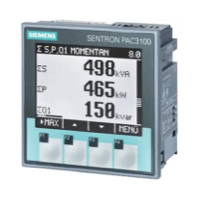
Siemens Sentron PAC3100 Power meter 3 phase
Siemens
Reads 3-phase power metering data from a Siemens Sentron PAC3100.
Siemens 7KT1665 (grid)
Siemens
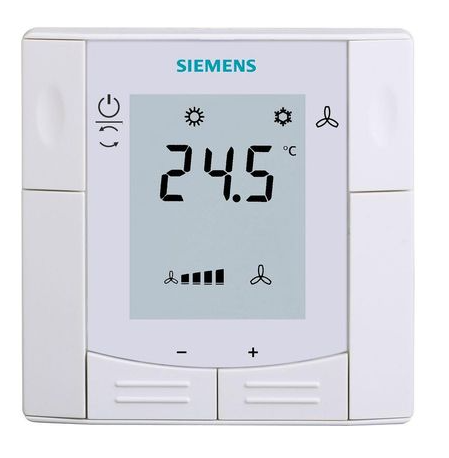
Siemens RDF660MB
Siemens
Controls a Siemens room thermostat via Modbus RTU
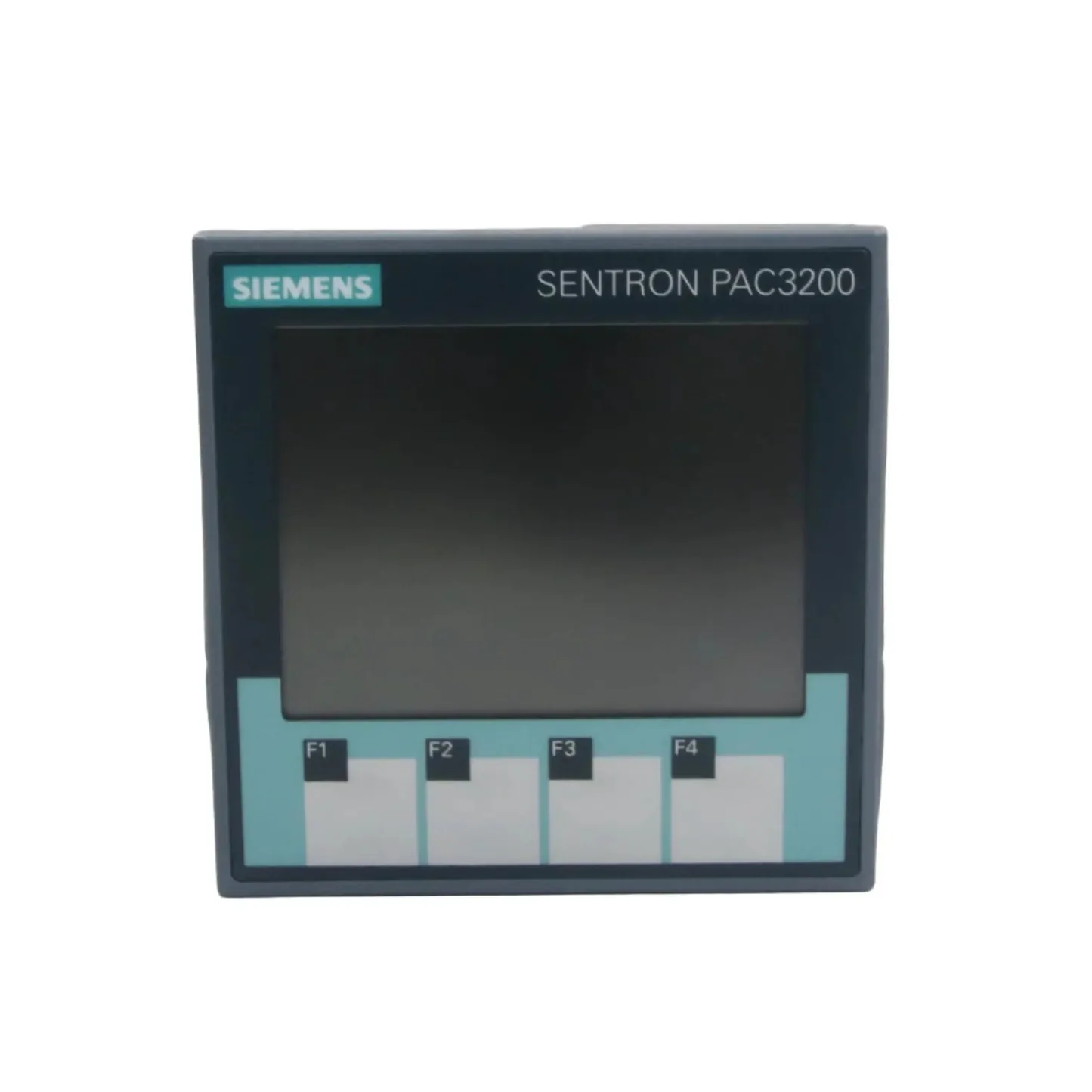
Siemens SENTRON PAC3200
Siemens
Three-phase power monitoring device: voltages, currents, power, power factor, THD, demand and status over Modbus RTU or TCP.
More RTU templates

Alnor HRU
Alnor Systemy Wentylacji Sp. z o. o.
Controls and monitors Alnor heat recovery ventilation units via Modbus RTU.

connecdoor.controller
connecdoor
Controls and monitors smart door access points via RS485
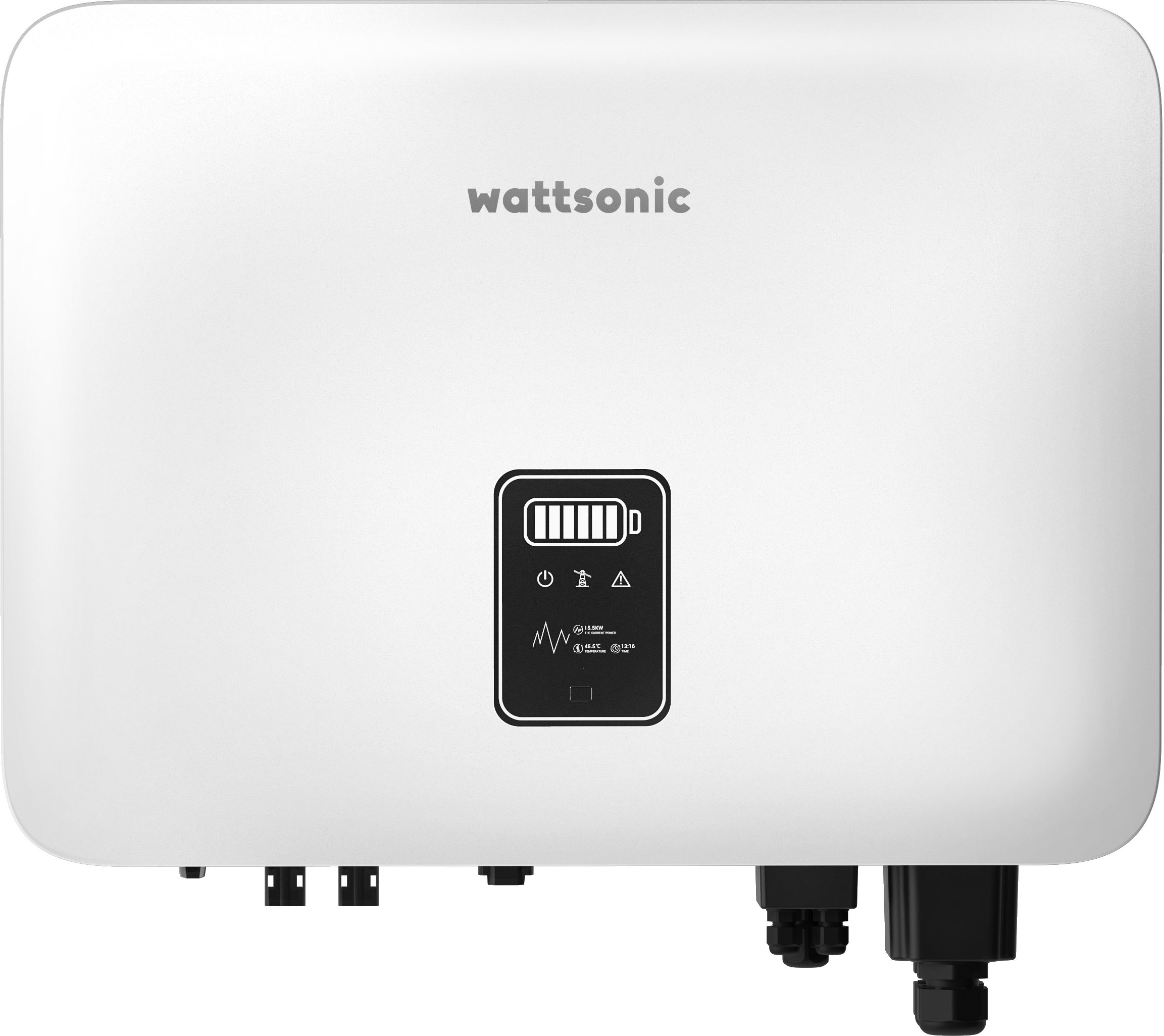
Wattsonic - Schmachtl Sun Energy Box
Wattsonic
Monitors Schmachtl Wattsonic hybrid inverter via Modbus RTU

Alnor HRU-P
Alnor Systemy Wentylacji Sp. z o. o.
Controls Alnor HRU-P heat recovery ventilation units via Modbus RTU.

Heidelberg Wallbox Energy Control
AMPERFIED GmbH
Controls and monitors Heidelberg Wallbox Energy Control EV charger via Modbus RTU.
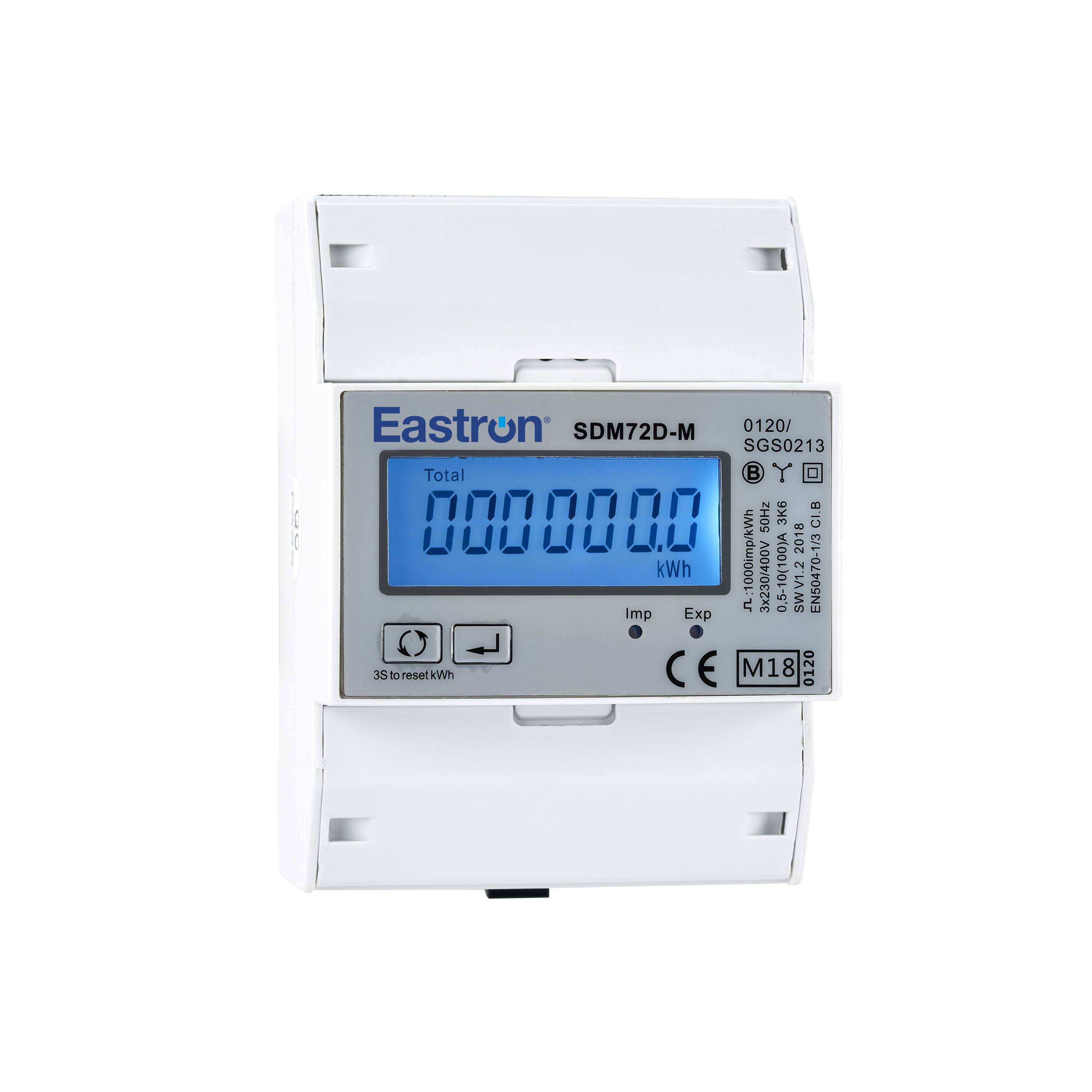
Eastron SDM72D-M
Eastron
Reads energy metering values from an Eastron SDM72D-M three-phase meter.