






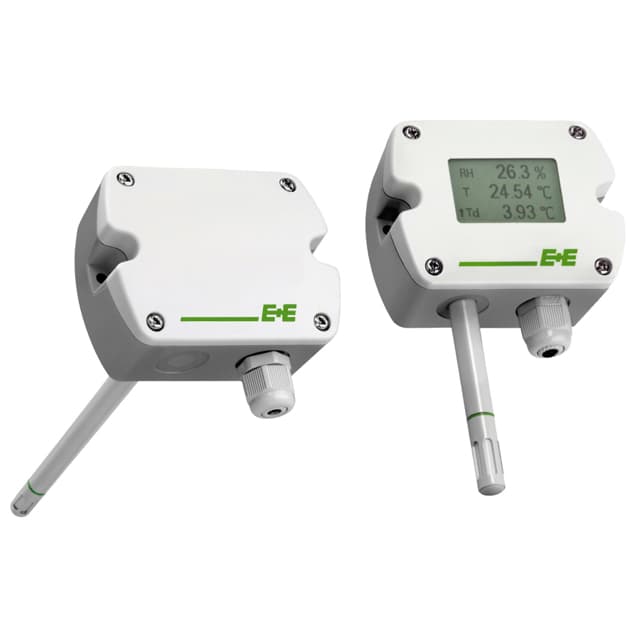
E+E Elektronik EE160
Humidity and temperature sensor for HVAC ducts and rooms with RS485.
The E+E Elektronik EE160 is a humidity and temperature sensor that measures air temperature and relative humidity in ducts and rooms of HVAC systems. This Modbus RTU template reads temperature and relative humidity and lets you change the Modbus address and protocol settings from ModbusCloud.
- Protocol
- Modbus RTU
- Connection
- RS485, 9600 baud
- Registers
- 9, read and write
- Brand
- E+E Elektronik
- Key readings
- Temperature · Relative humidity · Firmware version
- Available commands
- Modbus address · Protocol settings
- Compatible models
- EE160
- Last updated
Registers (9)
7 read, 2 write
| Name | Unit | Access | Address (Hidden until you enter your email) | Function (hidden) | Type (hidden) |
|---|---|---|---|---|---|
| Temperature | °C | Read | 25 | FC03 | float32 |
| Relative Humidity | %RH | Read | 27 | FC03 | float32 |
| Temperature Integer | °C | Read | 300 | FC03 | int16 |
| Relative Humidity Integer | %RH | Read | 301 | FC03 | int16 |
| Modbus Address | Write | 0 | FC06 | uint16 | |
| Modbus Protocol Settings | Write | ||||
| Serial Number | Read | ||||
| Firmware Version | Read | ||||
| Sensor Name | Read |
Loading registers…

Send your device list
If a device is not in the library yet, we build the template for free as soon as we have the register data.
Use cases
- Show supply and return air humidity and temperature of an air handling unit on one dashboard.
- Get an email when relative humidity in a server room or archive rises above a threshold.
- Keep a year of humidity history per room to check comfort and condensation risk.
- Get an alert when the sensor stops sending values so a broken cable is found quickly.
Installation
Connect RS485 A and B and the supply of the EE160 to the ModbusCloud Gateway, and set the termination jumper on the last device of the bus.
Leave the DIP switches at 0 to use address 245, or set a unique address with the switches when several sensors share the bus.
In ModbusCloud, add a Modbus device (RTU) with the address, 9600 baud, 8 data bits, even parity and 1 stop bit, then import this template.
Check that temperature and relative humidity come in and match a reference reading.
Things to watch for
The sensor does not answer. What should I check?
The factory setting is address 245, 9600 baud, 8 data bits, even parity and 1 stop bit. If any DIP switch is on, the switches set the address. Swap A and B if nothing answers and terminate the bus only at both ends.
The temperature values look wrong. Why?
The float values come low word first. If you set up registers yourself, use the same word order as this template. Also check whether you ordered a metric or non-metric version: temperature is then in °C or °F, and that cannot be changed afterwards.
How do I connect several EE160 sensors on one bus?
Give each sensor its own address, with the DIP switches or by writing Modbus Address, and use the same baud rate and parity on all of them. E+E recommends 9600, 8, even, 1 for a network with several devices.
What should I watch out for when I write the address or protocol settings?
After writing a new address or protocol setting the sensor answers on the new values only, so change the device in ModbusCloud right after. The value encoding for the protocol settings is in the E+E application note AN0103. DIP switches other than all 0 overrule a written address, and writing must be enabled for the gateway.
More E+E Elektronik templates
 E+E Elektronik EE310 - High-end humidity and temperature sensor up to 180 °C
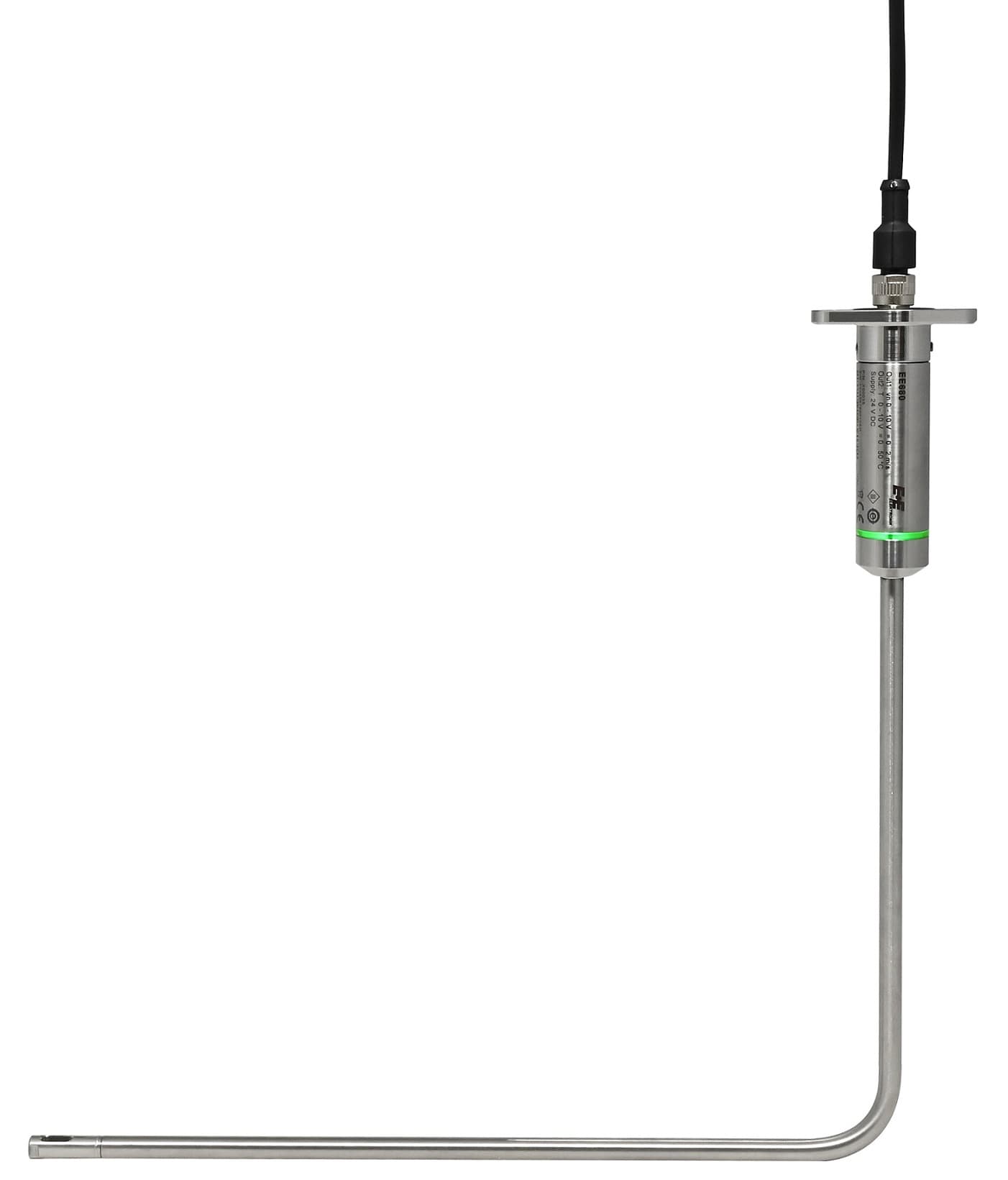 E+E Elektronik EE680 - Air Velocity Sensor for Laminar Flow Monitoring
 E+E Elektronik EE872 - Modular 4 in 1 probe for CO2, humidity, temperature and pressure
 E+E Elektronik EE072 - Humidity and Temperature Probe with Digital Interface
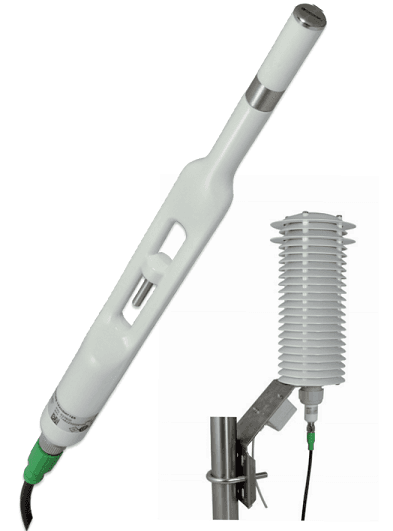 E+E Elektronik EE260 - Heated Humidity and Temperature Probe for Meteorology
 E+E Elektronik EE210 - Humidity and Temperature Sensor for Demanding Climate Control
Want to see how it works?