








All topics
On this page
Cancelling stops the automatic renewal of an annual licence. A one-off licence does not renew, so you do not cancel it. If you also want your account and its data removed, send a deletion request as well. How both licences work is explained in The portal licence.
Cancel an annual licence
A cancelled annual licence runs until the end of the current year and does not renew after that. The portal and your webshop account have no cancel button, so you cancel by email.
Look up the serial numbers
Look up the serial numbers of the gateways whose licence you are cancelling. The serial number is on the gateway page under the name of the gateway.
Email your cancellation
Email your cancellation to
info@modbuscloud.com. Include the name of your organisation and the serial numbers.
Cancel before the current year ends. That year starts with your order or with the last renewal. You do not get a pro rata refund for what you already paid for the current year. Separately, the arrangement in Warranty and money-back guarantee applies in the first 100 days after delivery.
The rules for cancelling are in article 11 of the terms and conditions.
Price changes
ModbusCloud announces a price change 60 days in advance, by email to the email address of your account. If the price rises by more than the annual consumer price index of Statistics Netherlands (CBS), you may cancel as of the date the new price takes effect. The part of the year that you already paid for but no longer use is then settled pro rata.
Take your data in time
After your licence ends, you have 90 days to export your data. After that, ModbusCloud deletes the personal data and the data of your gateways within 30 days. Within 35 days after that, they are also gone from the backups.
Download the readings per gateway, as described in Download readings. What else the portal keeps and how you take it with you is described in Retention periods and exporting your data.
Have your account deleted
With a deletion request, you ask ModbusCloud to delete your account and the data that belongs to it.
Open your profile
Go to Settings > My profile.
Start the request
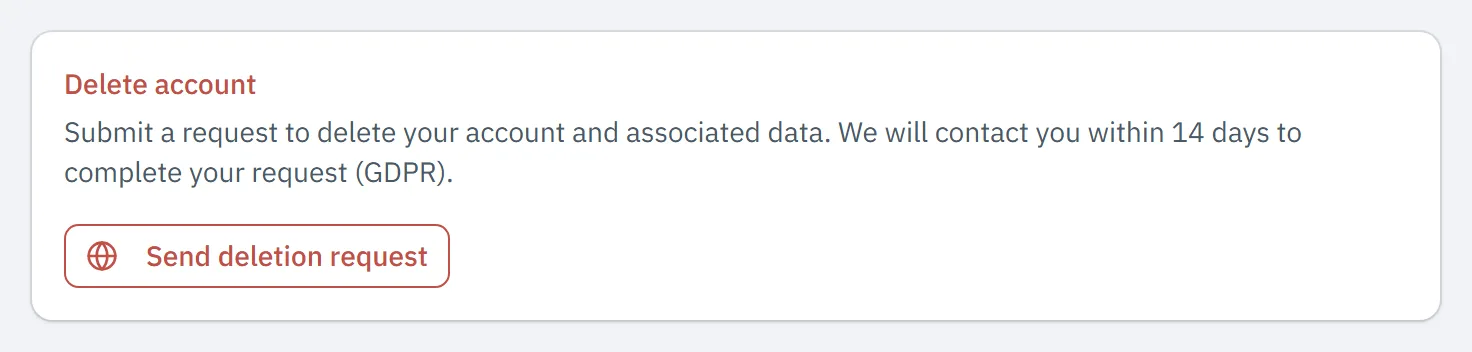
At the bottom, in the Delete account block, click Send deletion request. Your email program opens a new email to
privacy@modbuscloud.comwith your email address in the text.Add a reason
If you want to give a reason, put it in the email.
Send the email
Send the email.
Within 14 days, ModbusCloud contacts you to complete the request. If no email opens, send the request to privacy@modbuscloud.com yourself and include the email address you sign in with. Invoices and accounting data are kept for 7 years, because tax law requires it.
The request concerns your own account. If a colleague only needs to lose access to your organisation, ask an owner or admin to remove them, as described in Team members and roles. Their access to your organisation stops immediately, but their account remains.
The portal has no button to delete your whole organisation. The data of your organisation disappears after your licence ends, within the periods above.
Updated on 7 October 2026
Still stuck?
Email or call us. Include the serial number of the gateway, so we can take a look straight away.
Go to support